


LLM guardrails tools check what goes into and comes out of a language model: prompts, retrieved text, tool calls and responses.
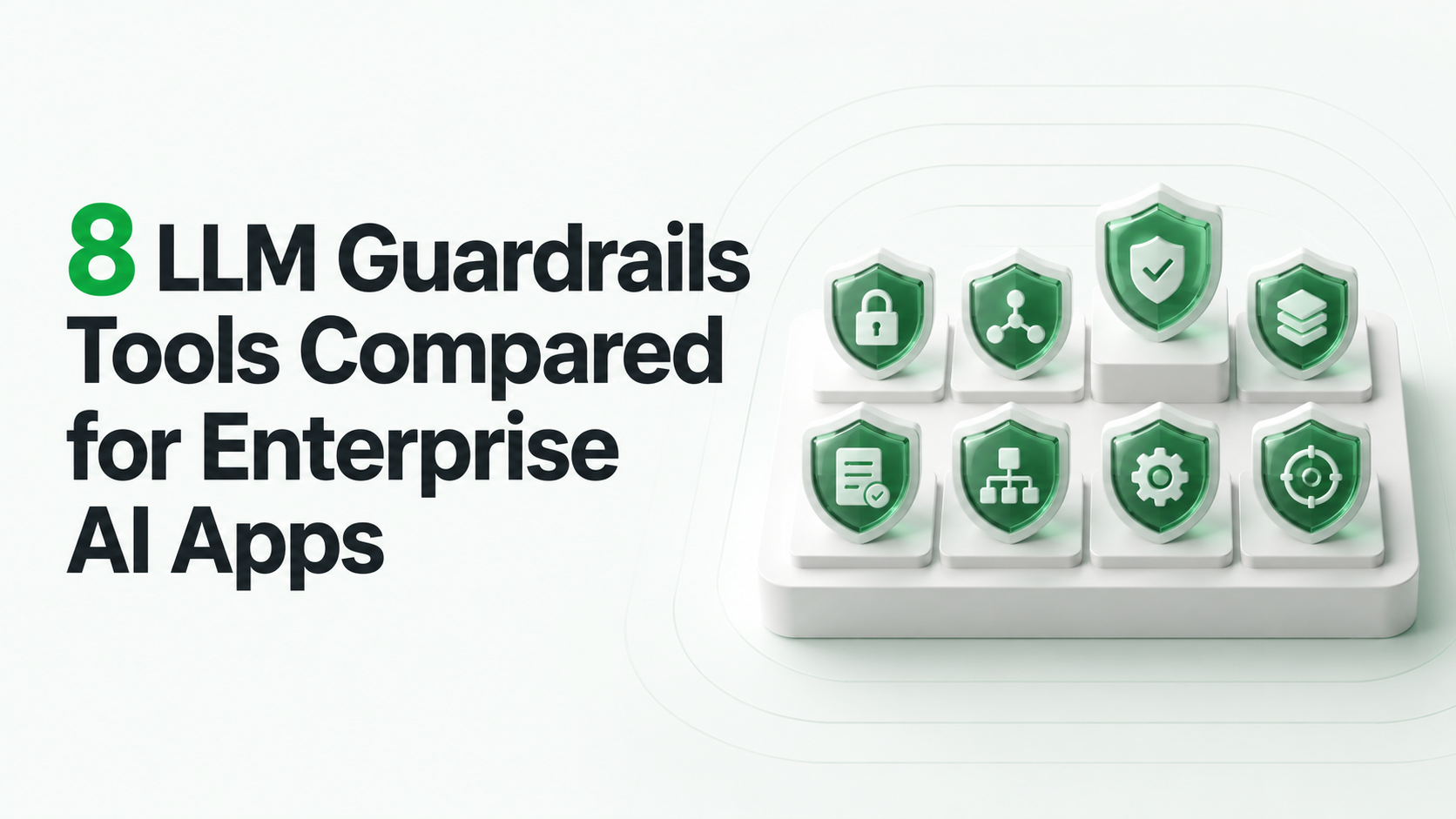
The eight covered here fall into three groups: open-source frameworks you run (NeMo Guardrails, Guardrails AI), managed cloud APIs (Amazon Bedrock Guardrails, Azure AI Content Safety, Google Cloud Model Armor, Check Point AI Guardrails, OpenAI Moderation) and open-weight classifiers (Llama Guard 4).
Each group trades control for convenience: frameworks give the most control, managed APIs the least hosting work.
No single tool covers every risk. Most enterprise teams combine one input check, one output check and permission controls in their own code.
How We Evaluated These Tools
We read each tool's current official documentation on November 2, 2026 and compared the pages ranking for this topic. We did not run benchmarks. Every item was judged on the same six criteria:
• What it checks: input, output, retrieved content, tool calls or structured format
• Where it runs: your servers, one cloud, or a vendor API
• Model coverage: whether it works with models from other providers
• Customization: custom policies, topics, validators or classifiers
• Operating burden: what your team must host, tune and update
• Stated limits: preview features, licenses or gaps the documentation discloses
The order below is grouping, not ranking. Prices change often, so check each vendor's pricing page before you budget.
Quick Comparison
| Tool | Type | Runs | Main strength |
|---|---|---|---|
| NVIDIA NeMo Guardrails | Open-source framework | Your environment | Programmable rails across dialog, retrieval and tool execution |
| Guardrails AI | Open-source validator library | Your environment | Output validation and structured responses |
| Amazon Bedrock Guardrails | Managed API | AWS | Content, topic, PII and grounding policies |
| Azure AI Content Safety | Managed API | Azure | Harm categories, Prompt Shields, groundedness checks |
| Google Cloud Model Armor | Managed API | Google Cloud | Central prompt and response screening |
| Check Point AI Guardrails (Lakera Guard) | Managed API | Vendor cloud or self-hosted | Prompt injection and agent threat detection |
| Meta Llama Guard 4 | Open-weight classifier | Your GPUs | Local safety classification |
| OpenAI Moderation | Managed API | OpenAI | Harm screening for text and images |
1. NVIDIA NeMo Guardrails
NeMo Guardrails is an open-source toolkit for adding programmable rails to LLM applications. Its documentation describes input, retrieval, dialog, execution and output rails, configured in YAML and Colang flows.
• Fits: teams that want topic control, dialog flows and checks around tool calls in their own runtime
• Works with: multiple hosted and self-hosted models
• Limits: you own configuration, hosting and latency; each added rail can add a model call
• Docs: NeMo Guardrails documentation
2. Guardrails AI
Guardrails AI is a Python framework built around validators. You attach validators for format, content or sensitive data, and define structured output with Pydantic models. Failed checks can trigger actions such as re-asking, fixing or raising an error.
• Fits: applications that must return valid JSON or follow domain rules
• Works with: any model your Python code calls; can run as a self-hosted server
• Limits: coverage depends on which validators you choose and how well they are tested
• Docs: Guardrails AI documentation
3. Amazon Bedrock Guardrails
Bedrock Guardrails is a managed AWS service. Its documented policies include content filters, denied topics, word filters, sensitive information filters, contextual grounding checks and Automated Reasoning checks. The ApplyGuardrail API can evaluate text for models hosted outside Bedrock.
• Fits: teams already on AWS that want PII masking and topic policies without hosting a model
• Works with: Bedrock models directly, other models through ApplyGuardrail
• Limits: feature and language support vary by region; check the current docs for your region
• Docs: Amazon Bedrock Guardrails
4. Azure AI Content Safety
Azure AI Content Safety offers APIs for detecting harmful text and images. Its documentation also covers Prompt Shields for direct and indirect prompt attacks, groundedness detection and protected material detection.
• Fits: Azure workloads that need harm screening plus document-borne injection checks
• Works with: any application that can call the API
• Limits: Microsoft lists several preview capabilities, including groundedness detection, as retiring on April 30, 2027; protected material and groundedness models work with English only
• Docs: Azure AI Content Safety overview
5. Google Cloud Model Armor
Model Armor screens prompts and responses using configurable templates. Google's documentation lists prompt injection and jailbreak detection, sensitive data protection, malicious URL detection and responsible AI safety filters, for AI deployed on Google Cloud or other clouds.
• Fits: Google Cloud customers who want one central policy across several applications
• Works with: separate input and output templates with adjustable confidence levels
• Limits: a verdict still needs an enforcement point in your application
• Docs: Model Armor overview
6. Check Point AI Guardrails (Lakera Guard)
Lakera Guard is now part of Check Point AI Security. Its documentation describes runtime guardrails that screen prompts, outputs and agent interactions, plus agent discovery and risk assessment across platforms such as Amazon Bedrock and Microsoft Copilot Studio.
• Fits: security teams that want a managed detector for injection and agent-level threats
• Works with: model-agnostic API calls
• Limits: it flags threats; downstream permissions must still be enforced by your systems
• Docs: Check Point AI Agent Security documentation
7. Meta Llama Guard 4
Llama Guard 4 is an open-weight safety classifier published by Meta. The model card describes classifying prompts and responses against a hazard taxonomy, including image inputs. It is distributed under the Llama 4 Community License.
• Fits: air-gapped or on-premise deployments that cannot send text to a third-party API
• Works with: any pipeline that can call a locally hosted model
• Limits: you pay for GPU capacity and must review the license terms
• Docs: Llama Guard 4 model card
8. OpenAI Moderation
The OpenAI Moderation endpoint classifies text and images for harm categories. OpenAI's guide describes it as free to use.
• Fits: a baseline harm filter on user input or model output
• Works with: any application, regardless of which model generates the answer
• Limits: it does not detect prompt injection, PII or factual errors
• Docs: OpenAI Moderation guide
Our own product: LuMay is an engineering services company, not a guardrails vendor, so it is not ranked here. LuMay's LLM development pages describe building guardrails, validation, approvals and monitoring into custom applications, using tools like those above where they fit.
How to Choose: A Layered Setup
Guardrails work best in layers, each owned by a named team.
Stage 1: Input. Screen user text and retrieved content for injection and harm before the model sees it.
Stage 2: Output. Validate format, block disallowed content and mask sensitive data before a response leaves the system.
Stage 3: Tools. Check tool-call arguments and require approval for actions with side effects. Detectors do not replace authorization; see our guide to prompt injection and tool actions.
Stage 4: Monitoring. Log every verdict so you can measure false positives and missed attacks. Our comparison of LLM observability tools covers this layer.
Worked Example: Support Assistant on AWS
Illustrative example. A support assistant runs on AWS, answers from a knowledge base and can create tickets.
• Input: Bedrock Guardrails prompt attack filter and denied topics for legal or medical advice
• Output: Bedrock sensitive information filter to mask account numbers; Guardrails AI to validate the ticket JSON
• Tools: ticket creation allowed only for the signed-in user's account, enforced in application code
• Test set: 200 allowed and 200 disallowed requests drawn from real tickets, rerun after every policy change
The team tracks two numbers per release: share of allowed requests wrongly blocked, and share of disallowed requests that got through. Targets are set by the business owner, not the vendor.
Selection Checklist
• Data residency: can text leave your cloud or region?
• Latency budget: how many milliseconds can each check add?
• Coverage: which of input, output, retrieval and tools does each tool check?
• Custom policy: can you add your own topics, terms or validators?
• Evidence: can you export verdicts for audit?
• Ownership: who tunes thresholds and reviews blocked traffic?
Common Mistakes to Avoid
• Treating a detector as access control: a clean prompt can still request data the user should not see
• Screening only user input: injected instructions often arrive in retrieved documents or tool results
• Never measuring false positives: over-blocking pushes users to unapproved tools
• Relying on preview features in production: confirm general availability first
• Running checks without logs: you cannot tune what you cannot see
Limitations
This comparison reflects documentation read on November 2, 2026. Features, licensing and pricing change often. Detection quality depends on your data, so results from vendor or third-party benchmarks may not transfer to your traffic. Measure on your own allowed and disallowed examples.
Next Step
If you are adding guardrails to a production LLM application, LuMay's LLM development team can help design the layers, test set and approval rules for your stack.
• Azure AI Content Safety overview
• Google Cloud Model Armor overview
• Check Point AI Agent Security documentation