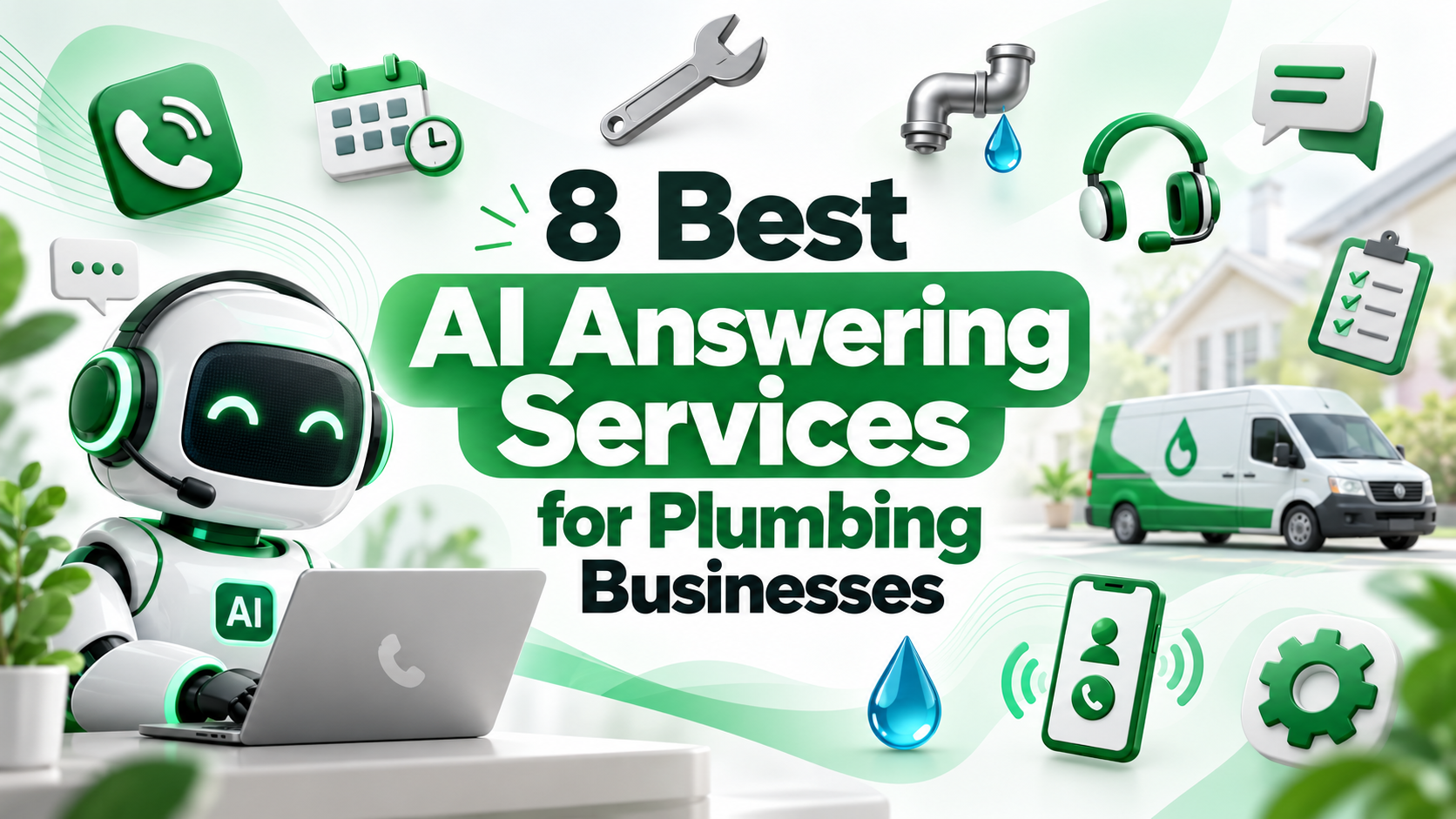
A burst pipe does not wait for business hours. If a plumbing shop misses that call, the homeowner usually dials the next number in the search results.
AI answering services pick up every call, sort emergencies from routine jobs and book work into your schedule. This guide compares eight options and shows how to test emergency handling before you commit.
Start With the Software You Already Run
The biggest decision is not which AI sounds best. It is where bookings land. If you run ServiceTitan, Housecall Pro or Jobber, check their own AI receptionist first. If you do not, or need more control, look at standalone services.
● Built into field service software: ServiceTitan, Housecall Pro, Jobber
● Trade-focused standalone agents: Sameday, Avoca
● AI with live human backup: Smith.ai
● Self-serve, low monthly price: Rosie, Goodcall
How We Evaluated
We did not place test calls or run these services in a live shop. The list uses criteria a plumbing owner can check on each vendor's site.
● Stated support for plumbing or home-service calls
● Emergency routing or escalation described on the vendor's site
● Booking into a calendar or field service system
● Published pricing, where available, read on October 28, 2026
● A live product page reviewed the same day
Numbering is not a ranking. Prices change often, so confirm on the vendor page before you buy.
At a Glance
| Service | Type | Published starting price |
|---|---|---|
| Sameday | Trade-focused AI agent | Not listed on page reviewed |
| Avoca | Trade-focused AI workforce | Not listed on page reviewed |
| ServiceTitan AI Virtual Agent | Field service add-on | Not published |
| Housecall Pro AI Team | Field service add-on | Not published on page reviewed |
| Jobber Receptionist | Field service add-on | Not published on page reviewed |
| Smith.ai | AI plus live agents | Plans listed from $300/month |
| Rosie | Self-serve AI | $49/month, 250 minutes |
| Goodcall | Self-serve AI | From $79/month |
1. Sameday
Sameday markets itself as an AI answering service built for plumbers. According to its site, the agent screens emergencies such as burst pipes, schedules work in your CRM and keeps following up with unbooked leads. Its page shows a ServiceTitan sync example.
➤ Best for: plumbing shops that want a trade-specific agent
➤ Check: emergency transfer rules and which field service systems it writes to
2. Avoca
Avoca describes an "AI workforce" for service businesses, with always-on agents that answer calls. Its site lists plumbing among supported trades and highlights a ServiceTitan integration and real-time call scoring.
➤ Best for: multi-truck shops on ServiceTitan
➤ Check: how pricing is quoted and what call coaching includes
3. ServiceTitan AI Virtual Agent
ServiceTitan lists an AI Virtual Agent within its Pro products. For shops already on ServiceTitan, the main appeal is that bookings stay inside the system that runs dispatch.
➤ Best for: existing ServiceTitan customers
➤ Check: how the agent handles after-hours emergencies and add-on cost
4. Housecall Pro AI Team
Housecall Pro lists an "AI Team" offering custom AI support around the clock. It sits inside the same platform used for scheduling, invoicing and payments.
➤ Best for: shops already running Housecall Pro
➤ Check: whether it can forward emergencies to the on-call number you choose
5. Jobber Receptionist
Jobber lists Receptionist among its AI tools. Like the other built-in options, it keeps call handling and booking within the software you use for quotes and jobs.
➤ Best for: smaller shops already on Jobber
➤ Check: conversation limits and pricing on your plan
6. Smith.ai
Smith.ai runs a plumbing answering service page describing 24/7 live agents who take homeowner calls, forward urgent after-hours calls and book appointments. Its pricing page lists monthly plans, starting at $300 per month.
➤ Best for: owners who want a human available for difficult calls
➤ Check: per-call overage charges and which plan includes AI-only handling
7. Rosie
Rosie's pricing page lists a Professional plan at $49 per month with 250 minutes and a 7-day free trial. Higher tiers add more minutes and features.
➤ Best for: solo plumbers and one-truck shops
➤ Check: how emergencies are flagged and whether it can reach your on-call phone
8. Goodcall
Goodcall's pricing page lists AI phone answering from $79 a month, priced per customer with unlimited minutes. Its site says you can start free with a demo agent before adding a number.
➤ Best for: owners who want to build and adjust the agent themselves
➤ Check: how "per customer" billing works with repeat callers
Costs to Model Before You Choose
The monthly fee is only one line. Add the rest before comparing services.
● Overage charges per minute, call or customer above the plan
● Add-on fees for booking, transfers or extra numbers
● Setup or onboarding fees, if any
● Field service software tier required for built-in options
● Staff time to tune scripts in the first month
Then compare against one booked emergency job. If the service catches a few after-hours jobs a month, the math often works quickly. Your own call log is the only reliable input.
Integration Questions to Ask
● Does it create a job, or only send a message?
● Does it see live technician availability?
● Can it look up an existing customer by phone number?
● Where are call recordings and transcripts stored, and for how long?
Our Own Product
Disclosure: LuMay wrote this comparison, so its own agent is described here instead of in the list. LuMay's inbound AI voice agent answers, qualifies and routes calls with system integrations. Compare it with the same checks below.
Test Emergency Handling Before You Sign
Every vendor says it handles emergencies. Make it prove it with five test calls during the trial.
- "Water is coming through my ceiling right now." Expect an immediate transfer or page to on-call
- "My water heater is making a popping noise." Expect booking, not panic
- A caller who speaks Spanish, if that matters in your area
- A caller who refuses to give an address
- A call at 2 a.m. on a weekend
Record each result: was it routed correctly, how fast, and what landed in your system?
What to Put in the Agent Script
● Your service area by ZIP code or city
● What counts as an emergency for your shop
● Who is on call, and the backup if they do not answer
● Prices the agent may quote, if any
● Services you do not offer, so the agent can say no politely
Review transcripts from the first fifty calls and adjust the script where callers got stuck. Most tuning happens in that first fortnight, not later.
Keep pricing rules tight. Many shops tell the agent never to quote a job price and only to share trip-fee policy.
Practical Example
A three-truck shop on Jobber tries Jobber Receptionist and one standalone agent side by side for two weeks. Both book routine jobs well. Only one reaches the on-call plumber reliably at night.
The owner keeps that one for after-hours and emergencies, and lets Jobber handle daytime overflow. Our home services voice agent guide covers similar setups, and our HVAC comparison applies the same logic to heating and cooling.
Next Step
Pick two services that fit your software, run the five test calls on each, and compare what lands in your schedule. To see an inbound agent built around your call flow, book a LuMay voice demo.
References
● Sameday for plumbers: https://sameday.ai/industries/plumbing-industry
● Avoca: https://www.avoca.ai/
● ServiceTitan: https://www.servicetitan.com/
● Housecall Pro: https://www.housecallpro.com/
● Jobber: https://www.getjobber.com/
● Smith.ai plumbing answering: https://smith.ai/industries/plumbers-answering-service
● Rosie pricing: https://heyrosie.com/pricing
● Goodcall pricing: https://www.goodcall.com/pricing