Not legal advice. This article describes a review workflow. It is not legal advice, and the clause positions shown are illustrative. Your playbook and supervising attorney decide what to accept.
Third-party paper is slow to review because none of it is in your format. Every vendor and customer drafts differently, so the reviewer has to find your issues inside their structure before redlining a single word.
AI can do a fast first pass: find clauses, compare them to your playbook and propose edits. The risk is a redline that looks polished but carries positions no attorney chose.
This guide sets out a seven-step workflow that keeps the attorney's decision visible at each stage.
What This Workflow Covers (and What It Does Not)
It covers inbound commercial agreements on the other party's template: vendor MSAs, SaaS terms, data processing addenda and customer purchase terms. NDAs are short and repetitive enough to deserve their own faster checklist, so they are out of scope here.
It does not compare tools. If you are choosing software, our guide to AI contract review software covers that.
The Seven Steps at a Glance
| Step | Who does it | Output |
|---|---|---|
| Step 1: Intake and triage | Legal ops or AI with human check | Risk tier and deadline |
| Step 2: Confirm tool and data rules | Attorney (once per tool) | Approved tool and settings |
| Step 3: Load the right playbook | Legal ops | Playbook version attached |
| Step 4: AI first pass | AI | Issue list with quotes and proposed edits |
| Step 5: Attorney review in lanes | Attorney | Accept, edit or reject per issue |
| Step 6: Build the outbound redline | Attorney or paralegal | Clean tracked changes plus external comments |
| Step 7: Log and learn | Legal ops | Negotiation log and playbook updates |
Step 1: Intake and Triage
Before any AI touches the document, record what it is and how much it matters. A simple triage sheet answers five questions:
• What is the agreement type and who drafted it?
• What is the contract value and term?
• Does it involve personal data, regulated data or IP ownership?
• Which business owner needs it, and by when?
• Is there an existing agreement with this party that controls?
Assign a risk tier from those answers. Low-tier paper may need only playbook-deviation review. High-tier paper gets a full read by a senior attorney regardless of what the AI finds.
Step 2: Confirm Tool and Data Rules Once
This step happens once per tool, not per contract. ABA Formal Opinion 512 asks lawyers to understand how a generative AI tool handles client information before using it.
• Does the vendor retain uploads, and for how long?
• Are inputs used to train models?
• Who at the vendor can access documents?
• Does the counterparty's own NDA restrict sharing their draft with third-party tools?
Record the approved tool, settings and any matter types that are off limits. Supervising lawyers should make sure the team follows those rules.
Step 3: Load the Right Playbook
The AI's first pass is only as good as the standard it compares against. Attach the playbook version that matches the agreement type, and record that version in the matter file.
A useful playbook entry for redlining has four parts: your preferred position, acceptable fallbacks, walk-away points and approved clause language. If you are building one, our post on contract playbook templates for AI review shows the format.
Step 4: Run the AI First Pass
Ask the tool for an issue list, not a finished redline. Each issue should include:
• The exact clause text quoted from the draft, with its section number
• The playbook rule it is compared against
• A deviation rating: matches, acceptable fallback or outside playbook
• A proposed edit using your approved language
• A one-line rationale suitable for an external comment
Quotes matter because they let the reviewer check the AI's reading in seconds. An issue without a quote is a warning sign.
Also ask for a "not found" list: playbook topics the AI could not locate. A missing limitation of liability or missing data breach notice clause is often more important than a weak one.
Step 5: Attorney Review in Three Lanes
Sort issues into lanes so attorney time goes where judgment is needed.
➤ Lane A, matches playbook: spot-check a sample of quotes, then accept as a batch.
➤ Lane B, acceptable fallback or AI-proposed edit from approved language: read each proposed edit. Accept, adjust or reject.
➤ Lane C, outside playbook or "not found": full attorney analysis. The AI's proposed edit is a starting point at most.
Opinion 512 says lawyers may not leave tasks requiring professional judgment to generative AI alone. Lane C is where that judgment lives, so record who decided each item.
Worked Example: A Vendor Limitation of Liability Clause (Illustrative)
Here is how one issue moves through the workflow. The clause and playbook position are invented for illustration.
Draft clause (vendor's paper, Section 9.2): "In no event shall Vendor's aggregate liability exceed the fees paid by Customer in the three (3) months preceding the claim."
Playbook rule (illustrative): Cap at 12 months of fees. Fallback: 6 months. Carve-outs required for confidentiality breaches and data protection obligations.
AI first-pass output:
| Field | Output |
|---|---|
| Quote | "...shall not exceed the fees paid by Customer in the three (3) months preceding the claim." (s. 9.2) |
| Rating | Outside playbook (3 months is below the 6-month fallback) |
| Not found | No carve-outs for confidentiality or data protection |
| Proposed edit | Replace "three (3) months" with "twelve (12) months"; add carve-outs using approved clause L-4 |
| Draft comment | "Our standard cap is 12 months of fees, with customary carve-outs for confidentiality and data protection." |
Attorney decision (Lane C): Accepts the 12-month edit, but because the deal is small and the vendor holds no personal data, removes the data protection carve-out and keeps the confidentiality one. Records the reason in the log.
Notice what the AI did well, which was finding, quoting and drafting. Notice what it did not do, which was weigh deal size and data exposure. That weighing is the attorney's job.
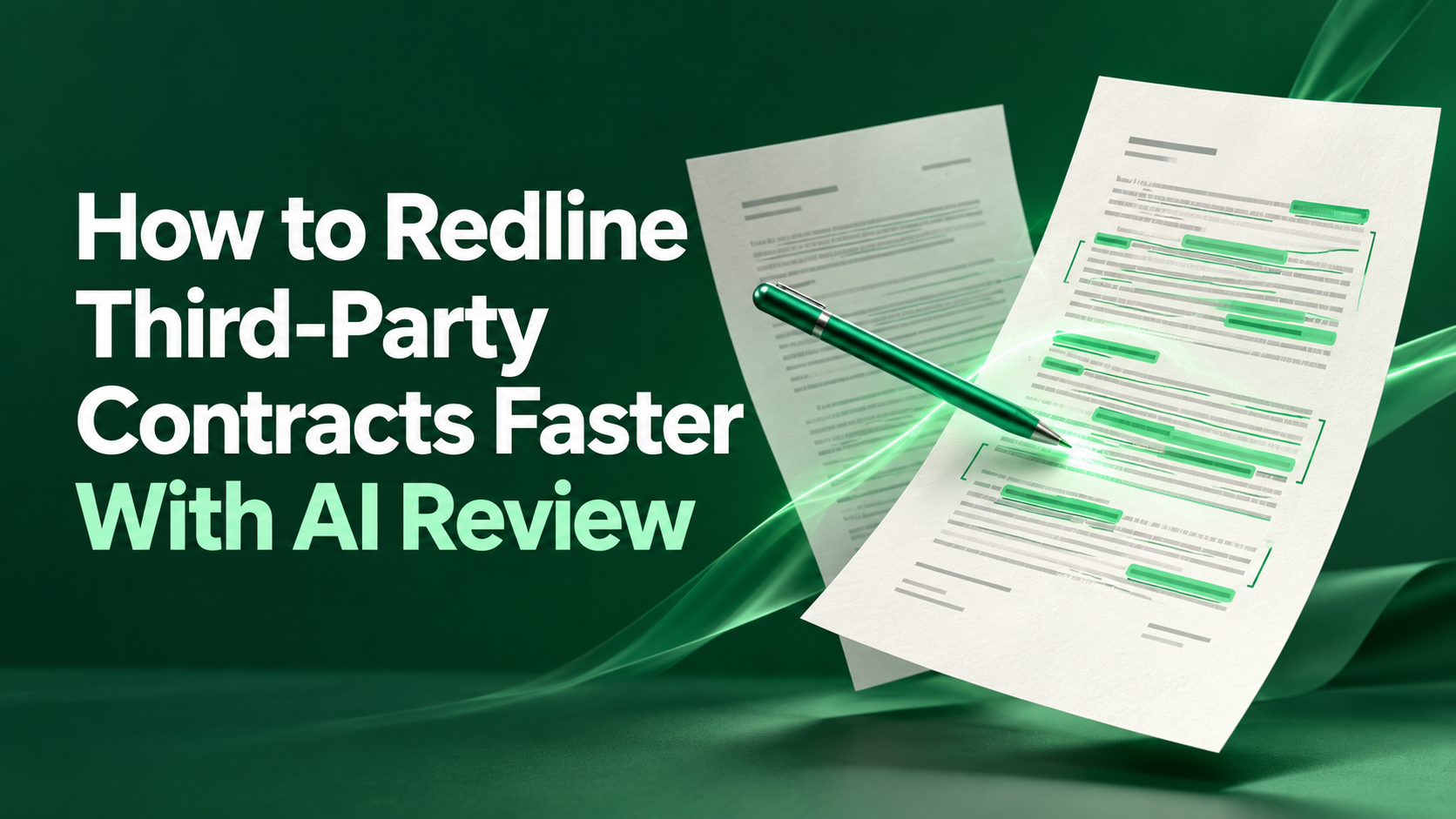
Step 6: Build the Outbound Redline
Turn decisions into a document the other side can work with.
• Apply edits as tracked changes in the counterparty's document, not a retyped version. Microsoft Word's Track Changes keeps a visible record of every insertion and deletion
• Separate external comments (to the counterparty) from internal notes (to your team). Delete internal notes before sending
• Check that every tracked change maps to an approved issue in the log; remove any change nobody approved
• Run a final compare between the vendor's original and your redline to catch accidental edits
• Have the responsible attorney sign off in the matter file before sending
The mapping check is the safety net. It catches AI suggestions that slipped into the document without passing through a lane.
Step 7: Log and Learn
Keep a short negotiation log per contract: issue, AI proposal, attorney decision, reason and the counterparty's response in later rounds.
Over time, the log shows patterns. If attorneys reject the same AI proposal repeatedly, the playbook rule or prompt needs fixing. If a counterparty accepts a fallback every time, consider making it your opening position for that relationship.
Track two numbers per agreement type: share of AI proposals accepted unchanged and share of Lane C issues. Both tell you where review effort is going.
Records to Keep for Each Contract
• Triage sheet with risk tier
• Tool and playbook version used
• AI issue list as generated, unedited
• Attorney decisions per issue, with name and date
• Final redline and compare report
• Sign-off record
Common Mistakes
• Sending the AI's redline straight out. Every change should trace to an attorney decision.
• Reviewing only flagged issues. The "not found" list often holds the biggest risks.
• Letting the model rewrite whole clauses. Narrow, surgical edits are easier for both sides to accept.
• Mixing internal and external comments. One stray internal note can reveal your fallback position.
• Never updating the playbook. The negotiation log is wasted if nobody reads it.
For more on supervision models, see how law firms supervise AI legal review.
Our Own Product Note
Disclosure: this is our own product. LuMay's Virtual Paralegal, part of our Lexintis legal agents, supports contract review tasks within a workflow your attorneys supervise.
Next Step
Pick one agreement type you see often, write or refresh its playbook entry and run the seven steps on your next three contracts. Compare time and decisions against your current process.
References
• ABA Standing Committee on Ethics and Professional Responsibility, Formal Opinion 512, Generative Artificial Intelligence Tools (July 29, 2024): https://www.americanbar.org/content/dam/aba/administrative/professional_responsibility/ethics-opinions/aba-formal-opinion-512.pdf
• Microsoft Support, Track changes in Word: https://support.microsoft.com/en-us/office/track-changes-in-word-197ba630-0f5f-4a8e-9a77-3712475e806a