


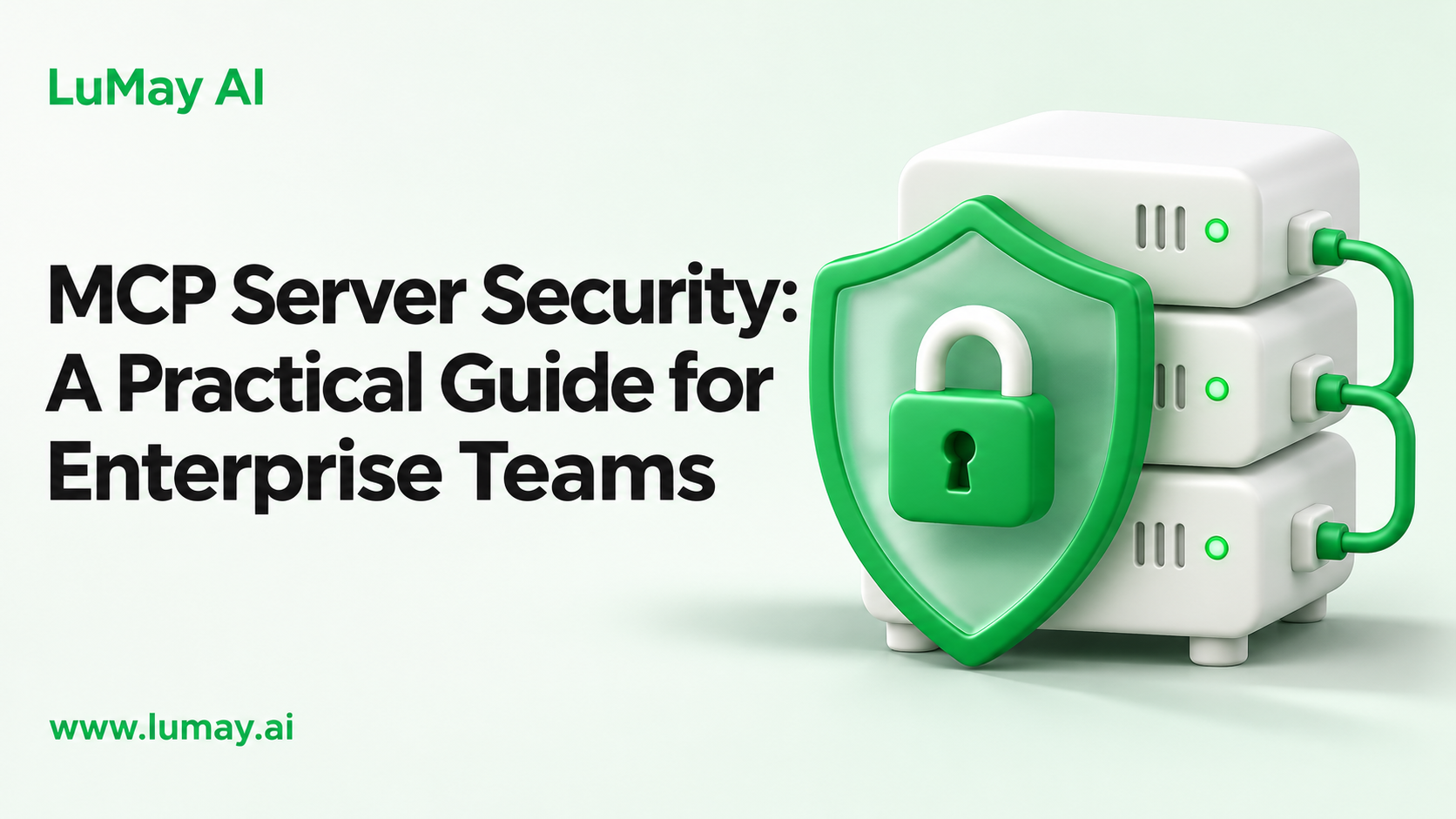
MCP server security means controlling who can call each tool, what each tool can reach, and how you detect misuse. The core controls are token validation, least-privilege scopes, reviewed tool definitions, isolated execution, human approval for risky actions, and complete audit logs.
The Model Context Protocol (MCP) lets AI agents call tools and read data through a standard interface. That convenience also makes every connected server part of your attack surface.
The Main Risks
• Over-broad access: one server token that can read and write everything a user can
• Tool poisoning: hidden instructions in tool descriptions or schemas that steer the model
• Prompt injection through data: tool results that contain instructions the agent follows; see OWASP LLM01
• Token passthrough: a server forwarding the client's token to other APIs
• Confused deputy: a server using its own broad identity on behalf of a weaker caller
• Supply chain: unreviewed community servers installed by individual developers
Seven Controls to Put in Place
Control 1: Authorize every remote call. The MCP authorization specification is based on OAuth 2.1. Validate issuer, audience and expiry on every request, and reject tokens issued for other resources.
Control 2: Never pass tokens through. The MCP security best practices prohibit forwarding client tokens to upstream APIs. Use separate, narrowly scoped credentials for downstream systems.
Control 3: Scope at the tool level. A read tool should not hold write permissions. The OWASP MCP Security Cheat Sheet recommends narrow scopes and short-lived tokens.
Control 4: Review and pin tool definitions. Hash the full definition, including schemas and annotations, and require re-review when it changes. Treat descriptions as untrusted input.
Control 5: Isolate execution. Run servers in containers or sandboxes with limited file, network and secret access. Keep payment, identity and PII tools on separate servers.
Control 6: Require approval for risky actions. Show the user the exact tool and arguments before destructive, financial or data-sharing calls. Our guide to human-in-the-loop approval design covers risk tiers.
Control 7: Log and monitor. Record caller, tool, arguments, result status and timing for every call, and send logs to your SIEM with alerts for unusual volume or new tools.
Where a Gateway Fits
Many enterprises place an MCP gateway between agents and servers. It centralizes authentication, tool allowlists, policy checks, rate limits and logging, so each server team does not rebuild them.
A gateway does not replace server-side checks. Servers should still validate tokens and enforce their own permissions. For a related pattern, see open-source LLM gateways compared.
Worked Example: A CRM MCP Server
Illustrative example. A sales team wants an agent to look up accounts and log call notes in the CRM through MCP.
• Tools exposed: search_accounts (read), get_account (read), add_note (write); no delete or export tools
• Auth: OAuth 2.1 with tokens bound to this server's audience; CRM calls use a service credential limited to notes and account reads
• Row-level access: the server checks the calling user's CRM permissions before returning any account
• Approval: add_note shows the full note text for user confirmation
• Logging: every call logged with user ID, account ID and tool name
The team deliberately left out bulk export. If a prompt injection succeeds, the worst case is one unwanted note that the user must approve.
Launch Checklist
• Inventory of every MCP server, owner, version and tools exposed
• Token validation tests for wrong audience, expired and missing tokens
• Each tool mapped to the minimum downstream permission
• Tool definitions hashed, reviewed and pinned
• Servers sandboxed with outbound network allowlists
• Approval required for write, delete, payment and external-send tools
• Logs flowing to SIEM with alerts configured
• Red-team prompts tested, including injected instructions in tool results
• Process for approving new community servers
Our scoping guide for enterprise MCP servers covers how to define tools before you build.
Common Mistakes to Avoid
• Trusting local means safe: stdio servers still run with the user's file and network access
• One server for everything: a single broad server makes every tool as risky as the most powerful one
• Auto-approving tools: convenience settings remove the last line of defense
• No version control: silent tool updates can change behavior without review
Limitations
MCP and its security guidance are still evolving; check the current specification version before you build. These controls reduce risk but do not remove it. Have your security team review the design.
Next Step
If you plan to connect agents to ERP, CRM or document systems through MCP, LuMay's AI integration services can help design scoped servers, gateways and logging.
• MCP security best practices (2025-11-25)
• OWASP MCP Security Cheat Sheet
• OWASP GenAI: A Practical Guide for Secure MCP Server Development