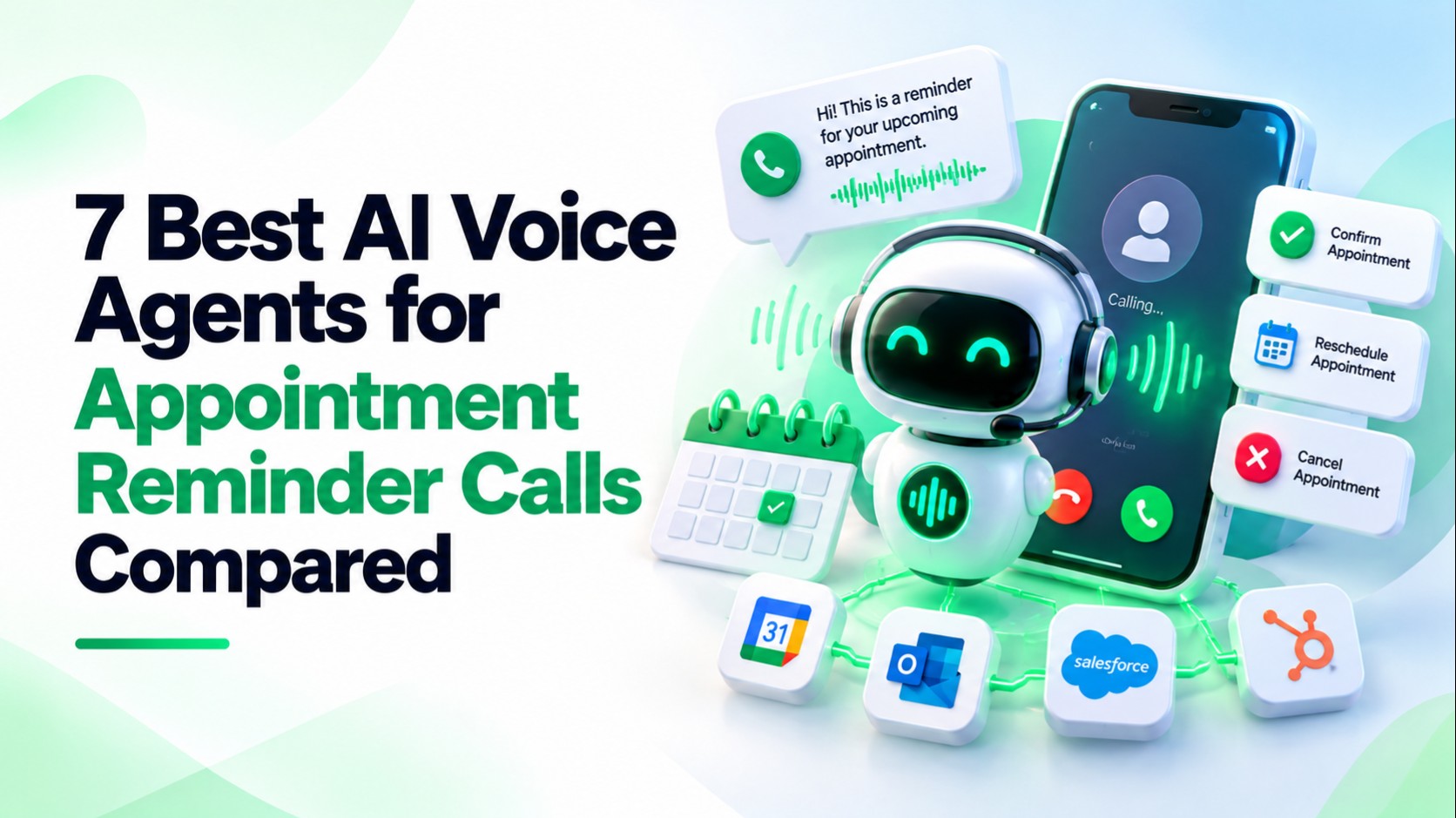
The best AI voice agents for appointment reminder calls do more than play a prerecorded message. They can hold a two-way conversation, capture a confirmation, handle a cancellation or reschedule request, update the scheduling system, and route exceptions to staff.
For operations teams, the buying question is therefore not simply, “Can this platform place outbound calls?” The better question is, “Can it complete our reminder workflow safely, inside the right calling window, with reliable write-back and clear failure handling?”
Publisher disclosure: This guide compares seven current options. LuMay Voice Agents (Voxentis) appears first because LuMay AI publishes this article. That is a publisher-affiliated editorial placement, not an independent claim that LuMay objectively outperforms every competitor.
How We Selected and Compared These Tools
We prioritized platforms with documented outbound conversational calling that can support appointment reminders. Ready-to-use reminder workflows appear before developer platforms that require more prompt, tool, telephony, and integration work.
Each capability is treated as one of four types:
- Native: the vendor documents it as built into the product or workflow.
- Integration: it depends on a named calendar, CRM, scheduling, or automation connection.
- Custom: it requires your own API, webhook, prompt, or workflow logic.
- Unverified: the vendor advertises adjacent capabilities, but public documentation does not confirm the exact reminder behavior.
We reviewed scheduling, confirmations, rescheduling, calendar write-back, time-zone handling, calling windows, retries, voicemail, opt-outs, transfers, concurrency, security, and current public pricing.
Quick Comparison: AI Voice Agents for Appointment Reminder Calls
| Product | Best Fit | Reminder Workflow | Setup | Current Pricing Basis |
|---|---|---|---|---|
| 1 — LuMay Voice Agents (Voxentis) | Teams wanting a managed voice platform plus business integrations | Outbound calling, calendar connectors, time-zone-aware dialing, DNC support; reminder retries and voicemail should be confirmed | Low-Medium | $249 Basic; calendar-linked plans from $499/month |
| 2 — My AI Front Desk | Small offices wanting packaged confirmation workflows | Calendar-triggered outbound confirmation calls, rescheduling, cancellation, SMS fallback | Low | $99/month with 200 voice minutes |
| 3 — Synthflow | Enterprises wanting a visual/no-code reminder workflow | Dedicated appointment-reminder use case, calendar connection, confirmations, retry or voicemail options | Low-Medium | Enterprise contracts from $30,000/year |
| 4 — Thoughtly | Teams wanting voice + SMS + email appointment lifecycle automation | Confirmation calls, reminder sequences, voicemail, rescheduling and re-engagement | Low-Medium | Flex starts at $500/month |
| 5 — Bland AI | Teams needing configurable scheduling and higher-volume calling | Booking, confirmations, reminders, rescheduling and calendar sync | Medium | $0.14/min Start; $299/month + $0.12/min Build |
| 6 — Retell AI | Technical teams building custom reminder agents | Batch outbound calling, booking tools, calling windows, API workflows | Medium-High | $0.07-$0.31/min; 20 concurrent calls included |
| 7 — Vapi | Developers wanting modular voice infrastructure | Appointment-reminder campaigns, scheduled calling windows, voicemail handling, Google Calendar tools | High | $0.05/min hosting + model/voice/provider costs |
Pricing changes frequently and can exclude telephony, implementation, phone numbers, model usage, connector charges, overages, or enterprise support. Validate a full monthly cost model before procurement.
LuMay Voice Agents (Voxentis)
Best for: teams wanting predictable plans, managed deployment, and business-system integrations.
LuMay Voice Agents supports inbound and outbound conversations, configurable call flows, APIs, human handoff, analytics, and integrations including Google Calendar, Outlook, Salesforce, HubSpot, Zoho, Twilio, and other business systems.
For outbound operations, LuMay documents time-zone-aware dialing, DNC-list support, consent tracking, audit logs, and call-velocity controls. These are useful foundations for reminder campaigns because they help operations teams control when calls happen and how outcomes are governed.
Public Voice Agent pricing currently starts at $249/month for Basic with 500 included minutes. Basic has no connectors, so a calendar-linked reminder deployment starts more realistically with Starter at $499/month, which includes one standard connector and Google Calendar. Growth is $999/month and adds three connectors plus Google and Outlook calendar support.
Limitation: Public pages do not clearly document a packaged appointment-reminder template, reminder-specific retry policy, or voicemail behavior. Treat those as requirements to verify in a demo rather than assumed native features.
For regulated workflows, review LuMay Security & Governance, including access controls, audit trails, PII controls, human review, and private deployment options.
My AI Front Desk
Best for: small offices that want a packaged confirmation workflow without building a developer stack.
My AI Front Desk documents a same-day confirmation workflow that pulls unconfirmed appointments from a calendar, places outbound AI calls, marks confirmations, frees cancelled slots, sends SMS to unreachable customers, and flags exceptions for the team.
Its broader scheduling workflows also support rebooking and calendar updates, which makes it one of the more ready-to-use options in this comparison.
Pricing starts at $99/month, or $79/month billed annually, and includes 200 voice minutes along with chat, SMS, CRM, and automation features.
Limitation: Larger operations should verify outbound limits, concurrency, healthcare contract terms, and exactly which integrations write appointment changes back to their system of record.
Synthflow
Best for: enterprises that want a visual workflow platform and sales-assisted deployment.
Synthflow has a dedicated AI appointment reminder system. Its public materials describe connecting a calendar, choosing reminder times, making natural voice calls, logging responses, handling simple confirmation or reschedule intents, and choosing whether unanswered calls should be retried or receive a voicemail.
Synthflow also documents appointment booking workflows that can check live availability and book, move, or cancel appointments in connected calendars and CRMs.
Current enterprise pricing starts at $30,000 annually, with final scope depending on call volume, concurrency, telephony, integrations, security, onboarding, and launch support.
Limitation: This is a much larger commercial commitment than self-serve developer platforms. Buyers should request a live test using their own calendar, reschedule rules, voicemail policy, and failed-write scenario before contracting.
Thoughtly
Best for: teams wanting multichannel confirmation, reminder, and no-show recovery.
Thoughtly's appointment-setting workflow documents multi-touch reminder sequences that can combine confirmation calls, SMS reminders, and day-of voicemail. It also describes reschedule and cancellation handling with automated re-engagement.
Its scheduling integrations include live calendar logic, and Thoughtly documents bidirectional connections for appointment workflows such as Cal.com.
Thoughtly pricing currently starts at $500/month for Flex, including voice, SMS, email, workflows, integrations, two-way CRM sync, and 10 concurrent calls. Higher tiers add more concurrency, support, and regulated-industry controls.
Limitation: Thoughtly is broader than a voice-only reminder product. Teams that only need a simple outbound confirmation call should compare the value of the multichannel bundle against lighter options.
Bland AI
Best for: operations and technical teams that want configurable appointment automation at usage-based pricing.
Bland's appointment scheduling solution explicitly covers booking, outbound confirmation calls, configurable reminder cadences, rescheduling in the same conversation, calendar sync, waitlist handling, and local-time availability.
It supports integrations such as Google Calendar, Calendly, Cal.com, CRM systems, and custom REST APIs. That makes it suitable for teams that want to control the complete round trip from live availability to write-back.
Bland pricing lists Start at $0.14 per connected minute with no platform fee and 10 concurrent calls. Build costs $299/month plus $0.12 per minute and increases concurrency to 50 calls.
Limitation: The more customized the reminder flow becomes, the more implementation responsibility shifts to your team. Validate failure queues, opt-outs, retry limits, and calendar-write conflicts rather than judging the platform only by per-minute price.
Retell AI
Best for: technical teams building customized appointment agents with usage-based economics.
Retell is better treated as a developer-oriented voice platform than a turnkey reminder product. It supports outbound and batch calling, APIs, webhooks, appointment-booking tools, and native connections such as Cal.com, Calendly, and GoHighLevel for scheduling workflows.
Its service-booking use case describes connecting a scheduling system and defining booking rules, while batch calling supports scheduled outbound campaigns. A practical caveat is that calling windows are applied per batch, so organizations operating across multiple time zones should design separate batches or equivalent scheduling logic.
Retell pricing currently ranges from $0.07 to $0.31 per minute depending on the selected stack. Twenty concurrent calls are included, with additional concurrency available at extra monthly cost. Batch calls also carry a per-dial add-on.
Limitation: Confirmation states, retry strategy, consent checks, and system-of-record write-back need deliberate configuration and testing.
Vapi
Best for: developers who want maximum control over models, voices, telephony, tools, and workflow logic.
Vapi now documents outbound campaigns specifically for appointment reminders. Teams can upload contacts, personalize calls with appointment variables, set a time zone and calling window, control concurrency, monitor results, and configure voicemail handling.
Vapi also offers a Google Calendar integration that can check availability and create events during a call. More complex confirmation, cancellation, rescheduling, consent, and suppression logic remains the builder's responsibility.
Current Vapi pricing lists $0.05/minute hosting on usage-only pricing, with speech recognition, model, voice, and carrier costs layered on top. The default usage tier includes four concurrent calls; paid success packages increase support, retention, and concurrency.
Limitation: Vapi gives engineering teams flexibility, but it is not the best choice for an operations team that wants a fully packaged reminder program with minimal technical ownership.
What a Production-Ready Reminder Workflow Should Do
- Trigger from the source of truth. Use the current appointment record rather than a stale exported list.
- Check eligibility before dialing. Confirm the appointment is still active, the number is callable, and the recipient is inside an approved local-time window.
- Verify the recipient appropriately. Do not disclose sensitive details before you know you reached the intended person.
- Offer clear actions. Confirm, cancel, reschedule, ask a limited question, or reach staff.
- Use live availability for rescheduling. Never read cached slots if another caller could take them.
- Write the outcome back immediately. Store confirmation status, new time, cancellation, opt-out, transfer, and failure states.
- Handle failures deliberately. Define no-answer retries, voicemail content, wrong-person handling, integration failures, and staff escalation before launch.
Consent, Calling Windows, Privacy, and Recording
This section is general information, not legal advice.
The FCC has confirmed that AI-generated voices fall within the TCPA's restrictions on artificial or prerecorded voices. The applicable consent standard depends on the call purpose, number type, exemptions, and other facts, so organizations should have counsel review their specific reminder program.
For telemarketing calls, the FTC Telemarketing Sales Rule generally restricts outbound calls to 8:00 a.m. through 9:00 p.m. in the recipient's local time unless prior consent permits otherwise.
Appointment reminders are not automatically telemarketing, but many teams still use conservative local-time windows as an operational guardrail.
For healthcare, HHS states that appointment reminders are considered part of treatment. HHS also advises providers to limit information left on answering machines. If a vendor creates, receives, maintains, or transmits PHI on behalf of a covered entity, review whether a Business Associate Agreement is required.
Recording rules can also vary by jurisdiction. Build recording disclosures, retention limits, and suppression rules into the workflow instead of treating them as an afterthought.
Appointment Reminder Pilot Checklist
Before scaling across every appointment type or location, pilot a narrow workflow and track:
- Confirmation rate: confirmed appointments divided by completed reminder conversations.
- Calendar-update accuracy: correct writes divided by all requested confirmations, cancellations, and reschedules.
- Cost per confirmed appointment: platform, minutes, telephony, models, connectors, and setup divided by confirmed appointments.
- Rescheduling accuracy: correctly rebooked appointments divided by reschedule requests.
- Failure rate: unanswered calls, voicemail, integration errors, and abandoned workflows.
- Human escalation rate: percentage of reminder calls requiring staff intervention.
- Opt-out and complaint rate: a guardrail metric, not just a conversion metric.
- No-show rate: compare the pilot with an appropriate historical period or controlled baseline.
Do not promise a specific no-show reduction until you have measured the workflow in your own environment.
Final Recommendation
Choose based on the workflow you need to complete, not on voice quality alone.
For a smaller office that wants a packaged confirmation flow, My AI Front Desk is straightforward. Synthflow and Thoughtly are stronger candidates when an operations team wants broader managed or multichannel workflows. Bland offers a useful middle ground between packaged scheduling and deeper configuration. Retell and Vapi make the most sense when engineering teams want to own the reminder logic and integrations themselves.
For teams that want a managed voice-agent platform with calendar and CRM connectivity, fixed monthly plans, governance controls, and deployment flexibility, evaluate LuMay Voice Agents (Voxentis) against your actual reminder workflow.
Bring your appointment types, calendar or scheduling system, calling windows, reschedule rules, privacy requirements, and escalation paths. Book a LuMay Voice Agent demo and validate the workflow end to end before rollout.