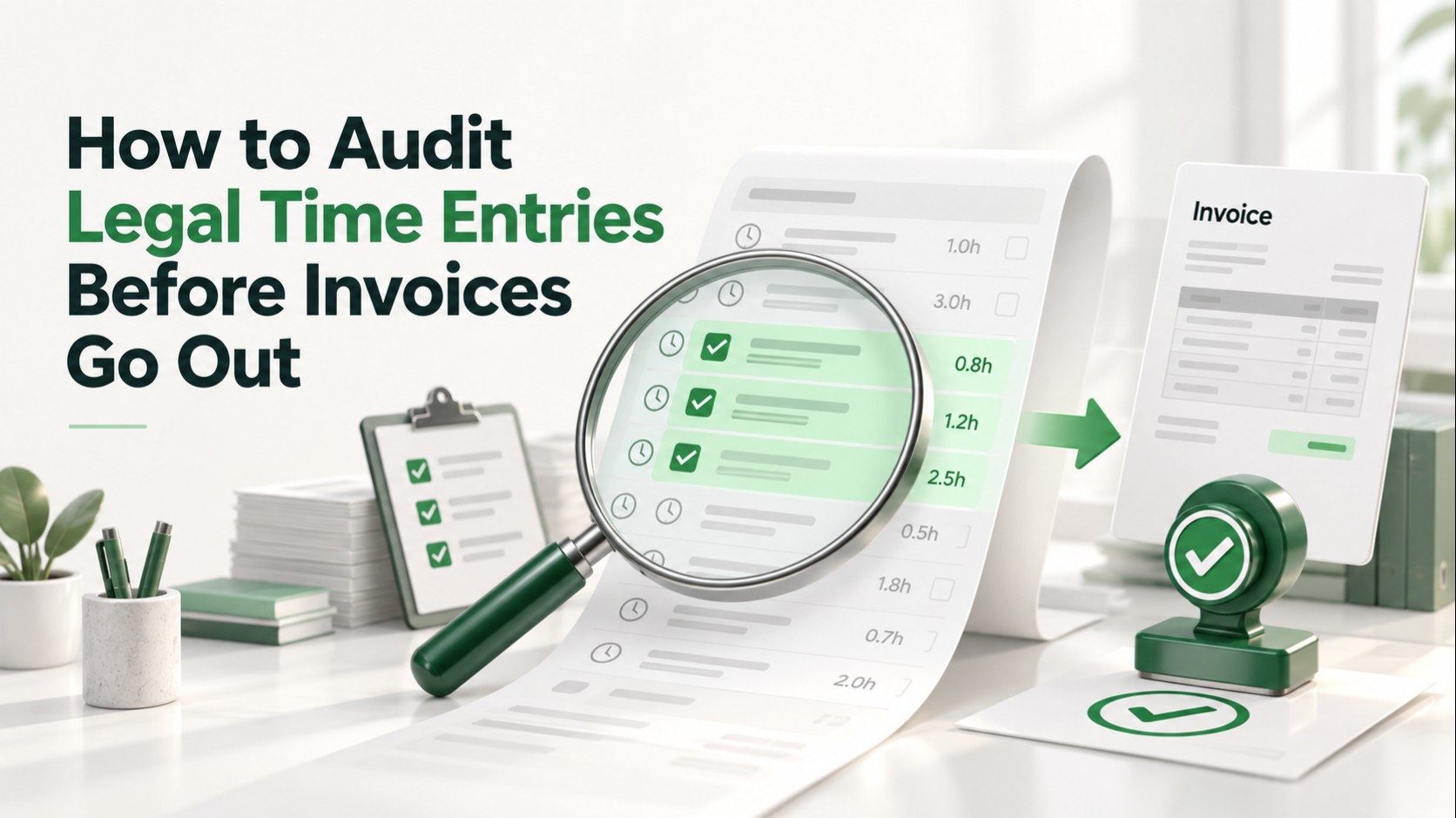
To audit legal time entries before invoices go out, review each entry in a fixed order: completeness, codes, narrative quality, structure, duplicates, reasonableness, rates, client guideline compliance, write-down decisions, then approval and final invoice validation.
Fix problems while the timekeeper still remembers the work. This guide gives a 10-step workflow, a checklist, and the places where AI can support human billing review.
Why audit time entries before invoicing
Elite's May 2026 research, based on billing data from about 400 firms, found that invoice rejection rates rose from 11% to 18% in 2025. It also found that 71% of firms still manage OCG compliance mainly through manual processes.
Elite's 2025 E-Billing Intelligence Report breaks down where fee reductions come from. Rate deviations account for about 24% of reductions, administrative, clerical, or overhead work about 16%, vague descriptions about 8%, and excessive or unsupported time about 7%. Most of these are catchable before the invoice leaves the firm.
Clio's 2025 benchmark puts average realization, the share of billable work that gets invoiced, at 88%. Every gap between work done and work billed is potential billing leakage.
The 10-step legal billing audit workflow
Step 1: Confirm all expected time has been entered
Start before the billing cycle closes. Compare timekeeper activity against calendars, emails, filings, hearings, document activity, and matter milestones.
Look for days with expected activity but no entry, large gaps around known hearings or deadlines, and entries recorded long after the work date. Unrecorded work never reaches the invoice, and late reconstruction produces weaker narratives.
Step 2: Validate client, matter, and codes
Every entry should map to the correct client, matter, phase, timekeeper, and billing arrangement. Check that the matter is open and authorized for billing.
Verify task and activity codes against the client's required taxonomy. Some systems enforce them: Clio's help center states that activity code and task code fields are required when creating or editing billable time entries. Validate codes before invoice generation rather than after a rejection.
Step 3: Rewrite vague narratives
A narrative should state the task, the subject, and the purpose. “Drafted motion” tells a client little. “Drafted motion for summary judgment regarding contractual liability” tells them what they bought.
Flag entries that use generic words such as “research,” “attention to matter,” or “review documents,” that name no document, issue, or person, or that use internal jargon. Keep narratives concise and avoid disclosing confidential or privileged detail.
Step 4: Split block billing
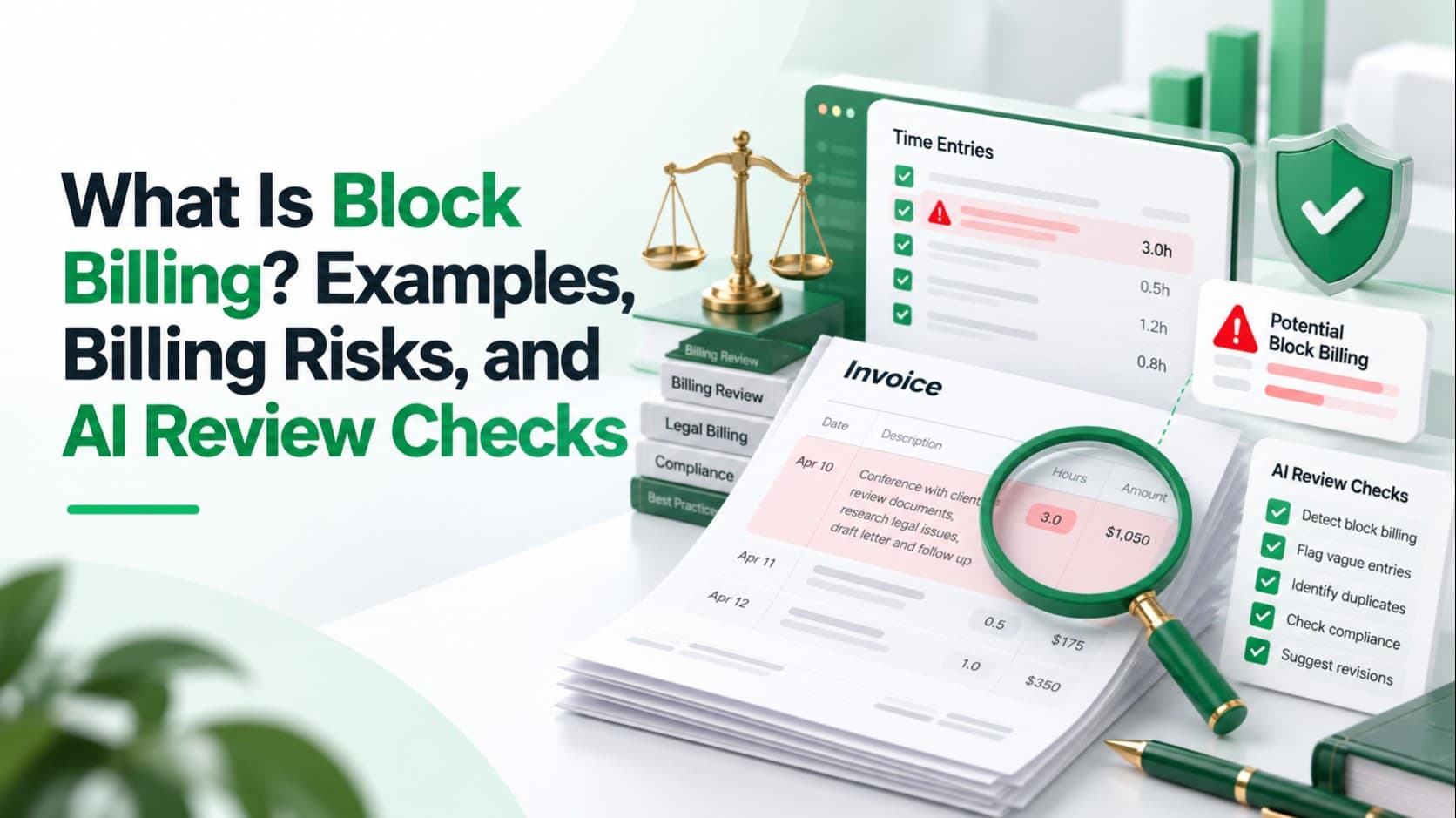
Block billing puts several tasks into one time entry without showing the time spent on each. For example:
“Research motion standard; draft opposition; call client; review discovery responses, 4.2 hours.”
A compliant version separates each task:
- “Research standard for preliminary injunction, 1.1 hours.”
- “Draft opposition to preliminary injunction motion, 2.4 hours.”
- “Telephone conference with client regarding injunction strategy, 0.4 hours.”
- “Review plaintiff's discovery responses, 0.3 hours.”
Whether block billing is allowed depends on the engagement terms and the client's guidelines, so test entries against the client's actual rule rather than one universal assumption. Entries with several verbs, semicolons, or unrelated tasks are the usual signal.
Step 5: Find duplicate and overlapping time
Compare date, timekeeper, matter, duration, narrative, and task code. Also look for overlapping time blocks where one timekeeper appears to bill incompatible work in the same window.
Investigate rather than automatically delete, since similar descriptions can be separate legitimate work. On shared hours, ABA Formal Opinion 93-379 (mirror text) holds that a lawyer may not bill more time than actually spent, so work that benefits several clients cannot be billed in full to each. The opinion predates the 2002 revisions to the Model Rules, so check your jurisdiction's current rules.
Step 6: Test reasonableness and staffing
Model Rule 1.5(a) says a lawyer shall not charge or collect an unreasonable fee, and lists factors such as the time and labor required, the difficulty of the questions, and the lawyer's experience.
Review unusual durations in context, such as document volume, motion complexity, and matter budget, instead of applying arbitrary hour limits. Then check staffing: partner time on clerical tasks, extra meeting attendees, and unapproved timekeeper levels, compared against the client's guidelines.
Step 7: Validate rates and billing arrangements
Check each timekeeper's rate against the engagement letter, the approved rate table, or the client's instructions, not an assumed standard rate. Look for unauthorized increases, wrong-timekeeper rates, discount errors, and exceptions to fixed-fee or capped arrangements.
Also check billing increments and minimum-time rules. Some clients require tenth-of-an-hour billing, so apply the client's rule, not a generic one. Rate deviations are the largest reduction category in Elite's report, so this step often pays for itself.
Step 8: Test entries against outside counsel guidelines
OCGs usually cover far more than rates: staffing, task codes, travel, research, administrative work, expenses, approvals, narratives, and invoice timing. Elite reports that corporate legal departments are increasingly using AI to check invoices against OCGs, though it gives no adoption figure.
Build a client-by-client rule profile covering allowed timekeepers and rates, required codes, narrative and block-billing limits, expense documentation, invoice format and deadline, and budget and approval requirements. That turns scattered email instructions into enforceable pre-bill controls.
Step 9: Decide what to correct, split, write down, or exclude
Not every exception should be written down. Make a documented decision for each flagged entry:
- Correct: fix the narrative, code, rate, or matter assignment.
- Split: break block-billed work into separate entries.
- Write down: reduce time for vague, inefficient, duplicated, or non-compliant work.
- Exclude: remove non-billable or unauthorized work, such as administrative and overhead tasks.
- Escalate: send uncertain items to the billing partner or relationship owner.
Record the reason for every adjustment. Patterns show which timekeepers or clients need coaching, and they separate real leakage from routine cleanup.
Step 10: Approve and validate the final invoice
Send the prebill to the responsible partner with flagged issues and changes visible. Approval should mean a named person reviewed the exceptions, not that an export ran.
Before release, resolve or approve every exception, recheck totals, discounts, and matter-level caps, confirm the invoice format and attachments, and keep an audit trail of what was flagged, changed, approved, and submitted. Afterward, track rejections, write-downs by reason, and realization.
Time-entry audit checklist
- Every day of work has an entry, or a reason it does not.
- Client, matter, timekeeper, and task codes are correct.
- Narratives name the task, subject, and purpose.
- No unexplained block-billed lines or repeated entries remain.
- Hours fit the task, budget, and staffing plan.
- Rates, discounts, and increments match approved terms.
- Non-billable and administrative work is excluded.
- OCG rules and approvals are met.
- Write-downs have a recorded reason and approver.
- The final invoice reconciles to the approved prebill.
Who should own each step
- Timekeepers: steps 1 to 3, while the work is fresh.
- Billing team: steps 2 and 4 to 8, and the final checks in step 10, using each client's guidelines.
- Responsible partners: steps 6, 9, and 10, with final judgment on reasonableness.
Run the audit on every prebill, then review exception trends monthly so repeat issues become training topics.
Common audit mistakes
- Auditing after the invoice is sent, when fixes cost client goodwill.
- Treating every client alike despite different OCGs.
- Writing off time without recording the reason, which hides patterns.
- Deleting suspected duplicates without checking whether they are separate work.
- Accepting AI flags without reviewer sign-off.
Where automation and AI support human review
Automation suits pattern work: weak narratives, block-billing signals, duplicates, code mismatches, and OCG rules. People should keep the judgment calls: reasonableness, client relationships, and write-downs.
ABA Formal Opinion 512 says lawyers using generative AI must charge reasonable fees consistent with the time actually spent, and in most cases cannot bill a client for learning to use a tool. AI output still needs a human who verifies it.
LuMay's BillingGuard checks setup, approvals, rates, and supporting evidence before submission. It shows what is blocked and who must act, then revalidates, and a named reviewer can approve, deny, or request information. Its page does not describe narrative or block-billing detection, so confirm that coverage in a demo.
LuMay's OCG Compliance Agent converts guidelines into rules and flags issues such as rate violations, block billing, vague descriptions, post-closure billing, and duplicates, with rule-cited audit records. Its page frames the checks around invoices before accounts payable processing, so confirm fit for firm-side prebill review. BillingOps covers billing risk, realization, anomalies, and collections analysis. The LuMay Legal Agents page says attorneys and billing partners keep approval authority.
For related reading, see LuMay's guides to block billing and duplicate-entry tools and AI-powered pre-bill review. To route exceptions, see workflow automation agents. For access controls and audit trails, see security and governance, and for connecting existing billing systems, see AI integration services.