LuMayEverything AI. One Platform.
Products
Specialized AI solutions
AI products for business functions, industry workflows, and enterprise operations.
Production ReadyLuMay Legal Agents(Lexintis)Legal ops, compliance, billing, and document intelligence.
Production ReadyLuMay Voice Agents(Voxentis)Conversations, orchestration, actions, and follow-up.
HealthcareIntake, scheduling, care, and clinical operations.
Financial ServicesBanking, insurance, compliance, and finance workflows.
ManufacturingQuality, supply chain, operations, and field service.
Explore All ProductsFlexible deployment across SaaS, Azure, private cloud, hybrid, and on-prem.
Don't see your use case? Choose a suitable product or bring your workflow. We'll build it quickly.Book a Demo
Platform
Built once · governed · deployed anywhere
The runtime, connectors, governance, and analytics behind every LuMay agent.
Core Agent EngineRuntime for every AI agent.
Orchestration EngineCoordinates agents, approvals, and actions.
Connectors & AdaptersConnects systems, data, documents, and voice.
Security & GovernanceAccess, audit, privacy, and human review.
Deployment & AnalyticsDeploy anywhere. Measure ROI from week one.
Explore PlatformOne enterprise AI operating layer. Any deployment.
Need help turning workflows into AI agents?Book a Platform Call
Services
Generative AI · agents · enterprise · advisory
Build, integrate, and run AI with engineering and advisory support.
Generative AI DevelopmentCustom generative apps and copilots.
LLM DevelopmentFine-tuned, domain-specific models.
RAG DevelopmentGrounded retrieval over your own data.
AI Agent DevelopmentTask and workflow agents in production.
AI Automation ServicesAutomate manual, repetitive operations.
AI Integration ServicesConnect agents to systems and data.
Explore All Services
New to AI?Not sure where to start? We'll map your first use cases.Book Discovery
Pricing
SaaS · your cloud · on-prem · air-gapped
Plans, packaging, and deployment options for every team size.
Product PlansPer-agent plans and what's included.
Services PricingAdvisory, implementation, and support.
AI AcademyTraining and enablement programs.
Deployment OptionsSaaS, your cloud, on-prem, air-gapped.
Explore Pricing
Need a custom quote?Talk to a pricing expert for volume or enterprise terms.Contact Sales
Company
Mission · people · community · ecosystem
Who we are, how we work, and the partners we build with.
About LuMayCompany story, mission, and platform vision.
Leadership TeamExecutive and AI delivery leaders.
Advisory TeamStrategic advisors and industry experts.
Culture & ValuesHow LuMay builds, serves, and scales.
Life at LuMayHow teams work, learn, and grow.
CareersBuild the next generation of enterprise AI.
Explore Company
Build · partner · growWant to build, partner, or grow with LuMay?Contact LuMay
Resources
Proof · insights · learning · explore
Proof, frameworks, and learning to evaluate and adopt enterprise AI.
Case StudiesCustomer outcomes and production AI examples.
GalleryDemos, screenshots, and product visuals.
Success StoriesBusiness wins, adoption, and ROI proof.
LinkedIn PostsLatest updates and insights.
NewsletterEvents, milestones, and enterprise AI updates.
Explore Resources
Not sure where to look?Tell us the problem and we'll point you to the right resource.Talk To Us
Book demo
Book demo
LuMay logo

Building the Autonomous Workforce behind every Business Function.

sales@lumay.ai
+1 (320) 228-4730
ISO 27001 CertifiedSOC 2 Type II Certified

Platform

  • Agentic Core
  • Our Agents
  • Pricing & Engagement
  • Architecture
  • Deployment

Solutions

  • LuMay Legal Agents (Lexintis)
  • LuMay Voice Agents (Voxentis)
  • Insight Agents
  • Workflow Automation Agents
  • All Agents

Services

  • Generative AI Development
  • LLM Development
  • RAG Development
  • AI Agent Development
  • AI Automation Services
  • AI Integration Services
  • All Services

Resources

  • Case Studies
  • Blog
  • ROI calculator
  • Enterprise AI Framework
  • Trust & Security
  • AI Governance Framework
  • Learning Hub

Company

  • About
  • Leadership
  • Advisory Team
  • Partnerships
  • Life at LuMay
  • Careers
  • Contact

Request an AI Summary

Learn more about how LuMay is transforming enterprise AI adoption for leading businesses.

ChatGPTClaudePerplexity

Make LuMay a Preferred Source

QR code linking to lumay.ai
©2025 - 2026 LuMay Inc · All rights reserved
PrivacyCookiesTermsTrustLLM PolicyE-Verify
SOC 2 Type II & ISO 27001 Certified
Home>Blogs>Law Firm AI Voice Agent Implementation Checklist: From Pilot to Production

Law Firm AI Voice Agent Implementation Checklist: From Pilot to Production

Editorial Team

Sarath Babu

Content Writer and SEO Specialist at Lumay

Creates insightful content on SEO, AI-powered marketing, digital growth, and emerging technologies. He simplifies complex topics into practical, research-backed guidance.

Editorial Team

Written by

Sarath Babu

Palanisamy

Palanisamy

CEO and Founder at LuMay

27+ years leading enterprise-scale AI, data, and systems architecture initiatives, delivering mission-critical platforms focused on trust, governance, and reliability.

Palanisamy

Reviewed by

Palanisamy

Published date: October 16, 2026

Expert Verified8 min read

Summarize with AI

ChatGPTPerplexityClaudeGeminiGrok
Editorial Team
Editorial Team

Voice Agent Expert

Table of Contents
1. 1. Define the use case and success metrics2. 2. Design call flows, legal intake, and conversation3. 3. Connect telephony, CRM, scheduling, and APIs4. 4. Engineer human handoff, latency, and interruptions5. 5. Lock down security, privacy, and permissions6. 6. Test failure recovery and regressions7. 7. Set launch criteria and a rollback plan8. 8. Monitor, analyze, and optimize after launch9. Conclusion10. Frequently asked questions
Law Firm AI Voice Agent Implementation Checklist: From Pilot to Production

Law Firm AI Voice Agent Implementation Checklist: From Pilot to Production

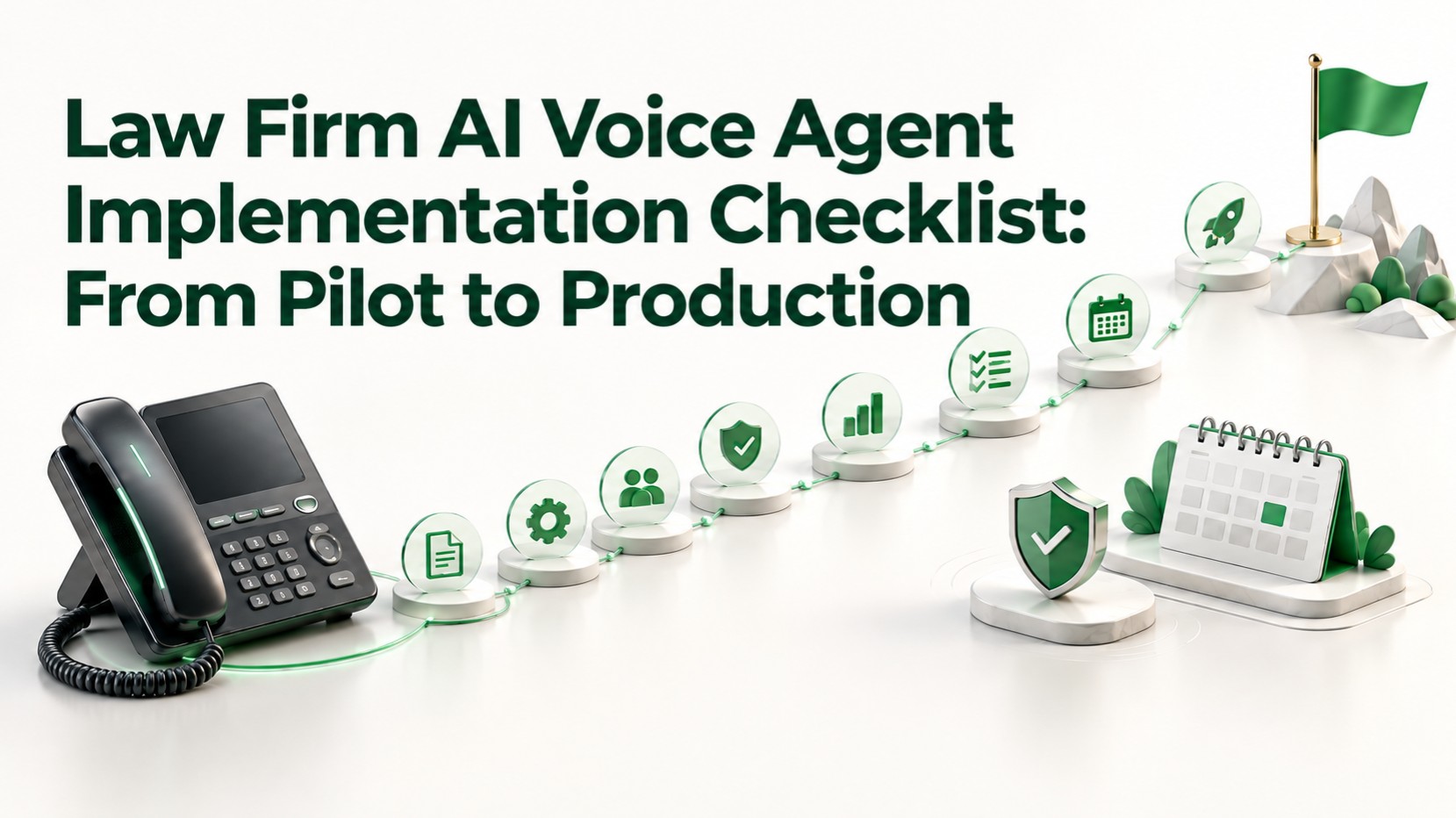
Law firm AI voice agent implementation works best as eight gates: scope one use case, design intake and handoff, connect your systems, secure data, test on real audio, set launch and rollback criteria, monitor, and tune.

Start with a narrow pilot, such as after-hours intake, and promote it only when written pass criteria are met. Use the checklist below as your go-live record for LuMay Voice Agent projects or any other platform.

1. Define the use case and success metrics

A pilot that tries every call type cannot be judged. Narrow it first.

Pilot use caseGood fitKeep out of phase one
After-hours new-matter intakeContact details, practice area, urgency, preferred consultation timeLegal advice
Appointment schedulingChecks availability, books consultations, sends remindersChanging court dates
Existing-client status callsIdentity check, approved status updates, routingDiscussing strategy
Overflow receptionRoutine calls and staff transfersEmergencies without immediate human routing
  • Pick one call type from the table.
  • List calls the agent must never handle: legal advice, case valuation, conflict clearance, and accepting representation. LuMay's intake guide puts it plainly: AI supports the conflict check but does not clear it.
  • Name a business owner, a technical owner, and an attorney approver.
  • Record baselines before launch: answer rate, intake completion, transfer success, and callback time.
  • Set pass thresholds from your own baseline. No universal number exists.

2. Design call flows, legal intake, and conversation

Intake is the first contact a prospective client has with your firm. Design it deliberately.

  • Map the flow from greeting to goodbye, with branches for emergencies, existing clients, and wrong numbers.
  • Open every call by naming the firm, disclosing an automated assistant, and stating it is not an attorney, where required or appropriate.
  • Collect in stages. LuMay's intake guidance advises against asking for detailed medical histories or Social Security numbers on a first call.
  • Record “declined” and “unknown” as separate states instead of guessing.
  • Script the topics the agent must decline, with a redirect for each, and ask one question at a time.

LuMay's legal AI receptionist template lists a non-attorney disclaimer, case screening, an existing-attorney check, and consultation booking. Treat it as a starting point and have an attorney approve your final script.

3. Connect telephony, CRM, scheduling, and APIs

Each integration is a place where a caller's words become an action. Verify every one.

  • Telephony: LuMay's Twilio integration covers phone numbers, programmable calling, and SMS follow-ups. Confirm in writing who pays carrier fees.
  • CRM: The Salesforce integration updates contacts and leads from call outcomes. Clio, PracticePanther, and Filevine appear on the legal receptionist page, so confirm connector scope in writing.
  • Scheduling: Google Calendar can read availability and write bookings. Test double-booking and reschedules.
  • APIs and webhooks: LuMay's integrations docs name a REST API connector and a post-call webhook target but list no endpoints or payloads, so request the specification.
  • Duplicates: Search before creating records, send ambiguous matches to staff, and use idempotency keys so a retry never creates a second record. A phone number suggests a possible match but does not prove identity. See LuMay's legal CRM integration checklist.
  • Rate limits: Check each CRM's limits and throttle writes accordingly.

Bespoke systems may need AI integration services.

4. Engineer human handoff, latency, and interruptions

Voice is unforgiving. A slow reply or a failed transfer reads as a failed firm.

Transfer to a person when the caller:

  • asks for a lawyer or staff member;
  • reports an emergency, arrest, or imminent deadline;
  • is an existing client asking about a confidential matter beyond approved status information;
  • is frustrated, repeats a request, or cannot be understood;
  • raises a billing dispute or complaint, or says something that raises a conflict or ethics concern.

Then work through these checks:

  • Map each trigger to a destination and a no-answer fallback, and define whether handoff means warm transfer, callback task, or after-hours on-call routing.
  • Redirect medical emergencies to 911, as the legal receptionist template does.
  • Count a handoff as a success only when audio is bridged and a person accepts. Voicemail is not a success.
  • Measure latency from the caller's last word to the first audible agent sound. Report p50, p95, and p99 with sample counts.
  • Test interruptions: “stop,” mid-sentence corrections, noise, and silence. Confirm interrupted tool calls finish once.

LuMay's voice agent testing guide details these tests and notes that thresholds are workload-specific, so measure your own.

5. Lock down security, privacy, and permissions

A prospective client's call is confidential from the first word. Review the workflow with ethics counsel.

  • Grant least privilege. OWASP says RAG and fine-tuning do not fully mitigate prompt injection, and advises treating the model as an untrusted user.
  • Enforce permissions server-side, separating read, create, and update actions, and keep test, staging, and production credentials apart. See LuMay's guide to access controls for AI agents.
  • Determine recording consent by jurisdiction. Federal law, 18 U.S.C. 2511, generally permits recording when one party has given prior consent, but state rules can be stricter. If a caller refuses, recording must actually stop.
  • Set retention for recordings, transcripts, and summaries, and check legal holds first.
  • Review subprocessors, model-training use, data residency, deletion terms, and audit logging.
  • Restrict payment-card data, government IDs, and other high-risk identifiers.

ABA Formal Opinion 512 says lawyers using generative AI must consider competence, confidentiality, client communication, and fees. See also LuMay's security and governance page and its recording consent checklist.

6. Test failure recovery and regressions

Transcripts alone do not prove a call worked. Test with real phone audio and synthetic data.

  1. Run scripted scenarios across accents, devices, and background noise.
  2. Inject failures: CRM timeouts, calendar errors, dropped calls, telephony outages, and expired credentials. The agent must never tell a caller an unverified action succeeded.
  3. Attack the agent through caller speech and knowledge base content, using LuMay's AI agent testing checklist.
  4. Rerun the full suite after any change to prompts, models, voices, speech providers, telephony, or tools.

Assign severities. Unauthorized data sharing or an unescalated emergency should block release, and a stranded caller blocks until fixed and retested.

7. Set launch criteria and a rollback plan

Promote the pilot in stages, such as overflow calls first and after-hours second. Each stage needs evidence.

Launch gateEvidence required
SafetyNo open blocker defects from testing
HandoffLive transfers verified end to end
LegalAttorney-approved script, consent, and retention
IntegrationsRecords created once, with failures reconciled
OwnershipNamed on-call owners and escalation contacts

Write the rollback plan before launch, and rehearse it.

  • Keep a one-step route back to your existing answering path, with manual intake that loses no caller information.
  • Define triggers: data disclosure, a missed emergency, duplicate records, or handoff failure above your threshold.
  • Name who can pull the switch, how staff take over, and how callers are told.
  • Preserve call records when the agent is paused.

8. Monitor, analyze, and optimize after launch

Go-live starts the measurement work. Review a sample of real calls daily at first, then on a fixed weekly and monthly schedule.

  • Track successful handoffs, missed urgent calls, intake completion, abandonment, callback completion, and false escalations.
  • Alert on p95 latency, tool errors, retries, and failed CRM writes.
  • Review transcripts and recordings where your plan provides them. LuMay's Voice Agent lists call playback and analytics, with scope depending on plan.
  • Turn every failed call into a permanent regression test.
  • Re-review consent, retention, and vendor terms on a schedule.

Conclusion

A safe production launch is earned gate by gate, with evidence at each one. Keep the checklist as a living record and update it after every incident.

For help scoping a pilot, explore the LuMay Voice Agent and book a demo, or look at AI agent development. Firms weighing budget first can read the AI receptionist cost guide.

Tags:

#AI Receptionists#Legal Intake#Voice Agent#Legal AI#AI Implementation

Frequently Asked Questions

Everything you need to know about Voice Agent

1. What is a law firm AI voice agent implementation checklist?

A gated list covering scope, call design, integrations, security, testing, launch criteria, rollback, and monitoring, used to move a pilot into production.

2. How long should a pilot run?

No universal duration exists. Run it until each pass criterion has enough calls to trust, since LuMay's testing guide notes that 50 calls make p99 unreliable.

3. What should the first pilot cover?

One narrow call type, such as after-hours intake or scheduling, with a named owner and attorney approver.

4. Which integrations does a law firm need?

Typically telephony, a calendar, and a CRM or practice system. Confirm each connector's scope in writing, because public pages do not detail every system.

5. When should the agent hand off to a human?

On caller request, emergencies, low confidence, or repeated failure. Count it a success only when a person accepts the call.

6. Do I need caller consent to record?

It depends on jurisdiction. Federal law generally allows recording with one party's consent, but state rules can be stricter, so ask counsel.

7. How do I measure latency?

Time from the caller's last word to the first audible agent sound. Report p50, p95, and p99 with sample counts.

About the Editorial Team

Sarath Babu

Sarath Babu

Content Writer and SEO Specialist at Lumay

Creates insightful content on SEO, AI-powered marketing, digital growth, and emerging technologies. He simplifies complex topics into practical, research-backed guidance.

Palanisamy

Palanisamy

CEO and Founder at LuMay

27+ years of experience leading enterprise-scale AI, data, and systems architecture initiatives, delivering mission-critical platforms with a strong emphasis on trust, governance, and reliability.

Make LuMay a Preferred Source

SHARE

Table of Contents

1. Define the use case and success metrics2. Design call flows, legal intake, and conversation3. Connect telephony, CRM, scheduling, and APIs4. Engineer human handoff, latency, and interruptions5. Lock down security, privacy, and permissions6. Test failure recovery and regressions7. Set launch criteria and a rollback plan8. Monitor, analyze, and optimize after launchConclusionFrequently asked questions

Ready to Get Started?

Deploy enterprise agentic AI in under four weeks with LuMay.

Get Demo

8. What are good launch criteria?

No open blocker defects, verified live transfers, an approved script, signed-off consent and retention, and named owners.

9. What belongs in a rollback plan?

A one-step route to your prior answering path, defined triggers, a named decision maker, preserved call records, and a rehearsal.

10. Can an AI voice agent clear conflicts?

No. It can capture party names and flag possible matches, but a person must review them and clear the conflict.

Related Articles

How Much Does an AI Receptionist Cost for Law Firms? Pricing Models & ROI

October 2026

How Much Does an AI Receptionist Cost for Law Firms? Pricing Models & ROI

See what an AI receptionist costs a law firm: pricing models, telephony, setup and hidden fees, plus a break-even ROI formula with worked examples.

When Should a Law Firm AI Receptionist Transfer a Call to a Human?

October 2026

When Should a Law Firm AI Receptionist Transfer a Call to a Human?

A law firm AI receptionist should transfer a call when the caller asks for a person, needs legal judgment or urgent help, raises a confidentiality or identity concern, or when the system cannot safely complete the request.

AI Voice Agents for Law Firms: Call Recording, Consent & Confidentiality Checklist

October 2026

AI Voice Agents for Law Firms: Call Recording, Consent & Confidentiality Checklist

A practical checklist for law firms using AI voice agents to record, transcribe, process, store, and share intake calls while addressing consent, confidentiality, vendor access, and human oversight.

Recent Posts

  • How to Audit Legal Time Entries Before Invoices Go Out
  • 6 Pre-Bill Review Software Options for Law Firms in 2026
  • How to Measure AI Voice Agent Success: 10 KPIs for Calls, Transfers and Automation
  • AI Agent Testing Checklist: 10 Tests to Run Before Production Deployment
  • How to Estimate the Cost of Building and Operating an Enterprise AI Application
  • How to Protect Enterprise AI Agents From Prompt Injection and Unsafe Tool Actions
  • What Is Block Billing? Examples, Billing Risks, and AI Review Checks
  • Multilingual AI Receptionists for Law Firms: 7 Questions to Ask Vendors
  • Legal CRM Integration Checklist for AI Voice Agents: Clio, MyCase & Lawmatics
  • 9 Access Controls for AI Agents That Read Data and Take Actions