LuMayEverything AI. One Platform.
Products
Specialized AI solutions
AI products for business functions, industry workflows, and enterprise operations.
Production ReadyLuMay Legal Agents(Lexintis)Legal ops, compliance, billing, and document intelligence.
Production ReadyLuMay Voice Agents(Voxentis)Conversations, orchestration, actions, and follow-up.
HealthcareIntake, scheduling, care, and clinical operations.
Financial ServicesBanking, insurance, compliance, and finance workflows.
ManufacturingQuality, supply chain, operations, and field service.
Explore All ProductsFlexible deployment across SaaS, Azure, private cloud, hybrid, and on-prem.
Don't see your use case? Choose a suitable product or bring your workflow. We'll build it quickly.Book a Demo
Platform
Built once · governed · deployed anywhere
The runtime, connectors, governance, and analytics behind every LuMay agent.
Core Agent EngineRuntime for every AI agent.
Orchestration EngineCoordinates agents, approvals, and actions.
Connectors & AdaptersConnects systems, data, documents, and voice.
Security & GovernanceAccess, audit, privacy, and human review.
Deployment & AnalyticsDeploy anywhere. Measure ROI from week one.
Explore PlatformOne enterprise AI operating layer. Any deployment.
Need help turning workflows into AI agents?Book a Platform Call
Services
Generative AI · agents · enterprise · advisory
Build, integrate, and run AI with engineering and advisory support.
Generative AI DevelopmentCustom generative apps and copilots.
LLM DevelopmentFine-tuned, domain-specific models.
RAG DevelopmentGrounded retrieval over your own data.
AI Agent DevelopmentTask and workflow agents in production.
AI Automation ServicesAutomate manual, repetitive operations.
AI Integration ServicesConnect agents to systems and data.
Explore All Services
New to AI?Not sure where to start? We'll map your first use cases.Book Discovery
Pricing
SaaS · your cloud · on-prem · air-gapped
Plans, packaging, and deployment options for every team size.
Product PlansPer-agent plans and what's included.
Services PricingAdvisory, implementation, and support.
AI AcademyTraining and enablement programs.
Deployment OptionsSaaS, your cloud, on-prem, air-gapped.
Explore Pricing
Need a custom quote?Talk to a pricing expert for volume or enterprise terms.Contact Sales
Company
Mission · people · community · ecosystem
Who we are, how we work, and the partners we build with.
About LuMayCompany story, mission, and platform vision.
Leadership TeamExecutive and AI delivery leaders.
Advisory TeamStrategic advisors and industry experts.
Culture & ValuesHow LuMay builds, serves, and scales.
Life at LuMayHow teams work, learn, and grow.
CareersBuild the next generation of enterprise AI.
Explore Company
Build · partner · growWant to build, partner, or grow with LuMay?Contact LuMay
Resources
Proof · insights · learning · explore
Proof, frameworks, and learning to evaluate and adopt enterprise AI.
Case StudiesCustomer outcomes and production AI examples.
GalleryDemos, screenshots, and product visuals.
Success StoriesBusiness wins, adoption, and ROI proof.
LinkedIn PostsLatest updates and insights.
NewsletterEvents, milestones, and enterprise AI updates.
Explore Resources
Not sure where to look?Tell us the problem and we'll point you to the right resource.Talk To Us
Book demo
Book demo
LuMay logo

Building the Autonomous Workforce behind every Business Function.

sales@lumay.ai
+1 (320) 228-4730
ISO 27001 CertifiedSOC 2 Type II Certified

Platform

  • Agentic Core
  • Our Agents
  • Pricing & Engagement
  • Architecture
  • Deployment

Solutions

  • LuMay Legal Agents (Lexintis)
  • LuMay Voice Agents (Voxentis)
  • Insight Agents
  • Workflow Automation Agents
  • All Agents

Services

  • Generative AI Development
  • LLM Development
  • RAG Development
  • AI Agent Development
  • AI Automation Services
  • AI Integration Services
  • All Services

Resources

  • Case Studies
  • Blog
  • ROI calculator
  • Enterprise AI Framework
  • Trust & Security
  • AI Governance Framework
  • Learning Hub

Company

  • About
  • Leadership
  • Advisory Team
  • Partnerships
  • Life at LuMay
  • Careers
  • Contact

Request an AI Summary

Learn more about how LuMay is transforming enterprise AI adoption for leading businesses.

ChatGPTClaudePerplexity

Make LuMay a Preferred Source

QR code linking to lumay.ai
©2025 - 2026 LuMay Inc · All rights reserved
PrivacyCookiesTermsTrustLLM PolicyE-Verify
SOC 2 Type II & ISO 27001 Certified
Home>Blogs>How to Measure AI Voice Agent Success: 10 KPIs for Calls, Transfers and Automation

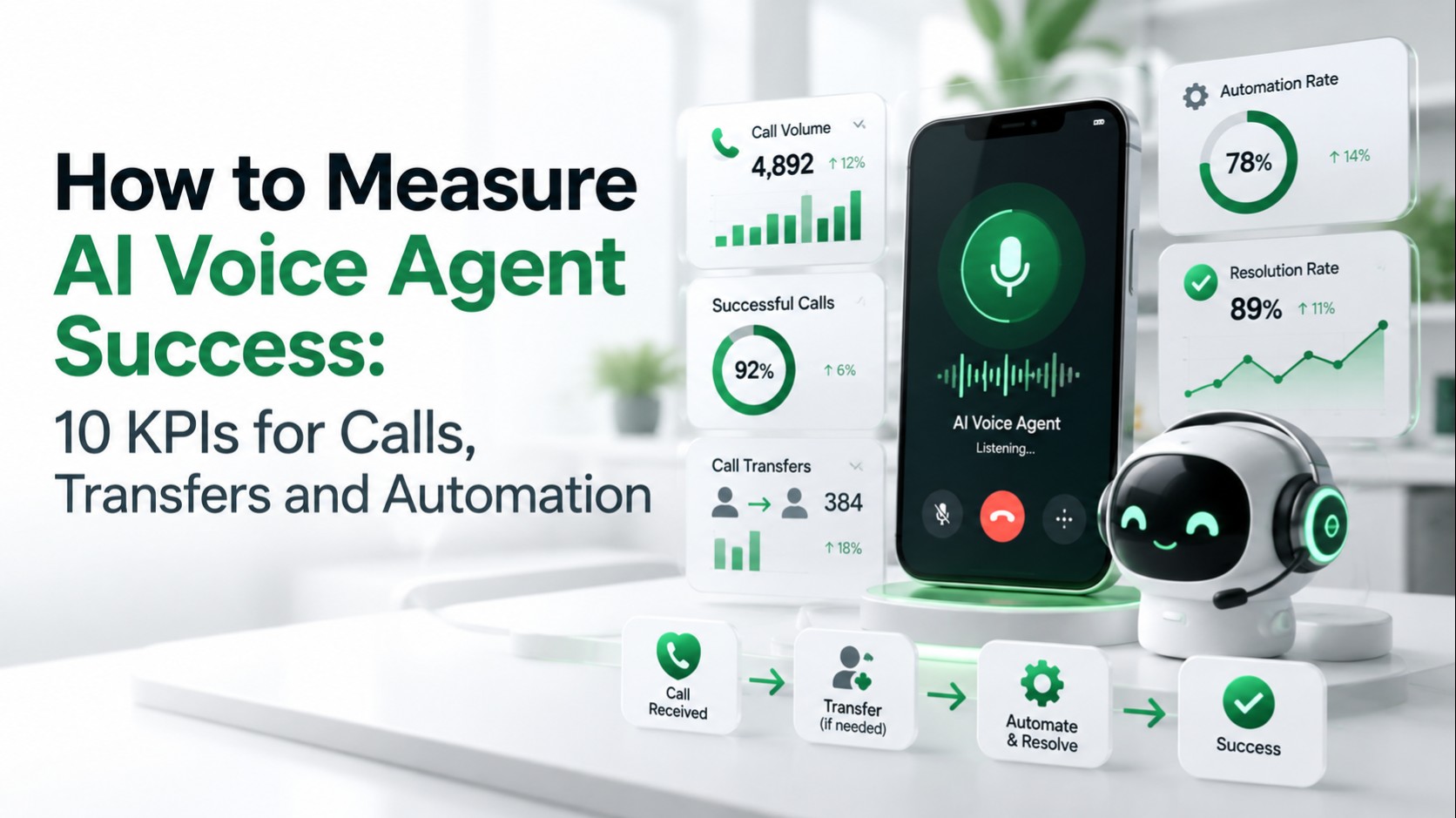
How to Measure AI Voice Agent Success: 10 KPIs for Calls, Transfers and Automation

Editorial Team

Sarath Babu

Content Writer and SEO Specialist at Lumay

Creates insightful content on SEO, AI-powered marketing, digital growth, and emerging technologies. He simplifies complex topics into practical, research-backed guidance.

Editorial Team

Written by

Sarath Babu

Palanisamy

Palanisamy

CEO and Founder at LuMay

27+ years leading enterprise-scale AI, data, and systems architecture initiatives, delivering mission-critical platforms focused on trust, governance, and reliability.

Palanisamy

Reviewed by

Palanisamy

Published date: October 16, 2026

Expert Verified10 min read

Summarize with AI

ChatGPTPerplexityClaudeGeminiGrok
Editorial Team
Editorial Team

Voice Agent Expert

Table of Contents
1. Why one metric is never enough2. The 10 AI voice agent KPIs3. 1. Task completion rate4. 2. Containment (automation) rate5. 3. Transfer rate6. 4. Successful handoff rate7. 5. First-call resolution (FCR)8. 6. Call abandonment and failure rate9. 7. Response latency10. 8. Interruption recovery rate11. 9. Intent and information-capture accuracy12. 10. Cost per resolved call13. A worked example (hypothetical numbers)14. Where to start in the first month15. How to build your measurement stack16. Launch checklist17. Frequently asked questions
How to Measure AI Voice Agent Success: 10 KPIs for Calls, Transfers and Automation

How to Measure AI Voice Agent Success: 10 KPIs for Calls, Transfers and Automation

The most useful AI voice agent KPIs are task completion, containment, transfer rate, handoff quality, first-call resolution, abandonment and failure, response latency, interruption recovery, capture accuracy, and cost per resolved call.

Together they show whether calls are resolved, not just answered. This guide gives a formula and a measurement method for each, so you can judge a production voice agent, compare vendors, or build a call analytics dashboard.

Why one metric is never enough

Containment alone can look healthy while callers give up. Macha puts it this way: containment counts sessions that did not escalate, which is not the same as sessions that succeeded.

Read the ten KPIs in four groups: outcomes (1, 2, 5, 10), escalation (3, 4), call health (6, 7, 8), and accuracy (9).

#KPICore question
1Task completion rateDid the caller accomplish the goal?
2Containment (automation) rateDid automation carry the call without a human?
3Transfer rateHow often was a human needed?
4Successful handoff rateWhen transferred, did the handoff work?
5First-call resolutionWas the issue resolved on first contact?
6Abandonment and failure rateDid callers give up, or did the call break?
7Response latencyDid the agent answer fast enough?
8Interruption recovery rateCould it handle barge-ins and corrections?
9Intent and capture accuracyDid it understand and record the right details?
10Cost per resolved callDid it create measurable value?

The 10 AI voice agent KPIs

1. Task completion rate

Formula: Completed tasks / calls with a task intent × 100

This is the clearest success signal. Count a task only when the system of record confirms it, such as a booking in the calendar or a created ticket.

Segment by intent so a weak workflow, such as rescheduling, is not hidden by strong ones. LuMay's Google Calendar and Salesforce integration pages describe checking availability, writing bookings, and updating records from call outcomes, which gives you system events to count.

2. Containment (automation) rate

Formula: Interactions resolved without a human / interactions entering automation × 100

It shows how much demand automation carries alone. Treat it as an efficiency metric, not a quality metric, and do not count a call as contained if the caller was stuck, misunderstood, or left without finishing the task.

Add a repeat-contact check. Parloa treats a repeat contact within seven days about the same issue as a sign that a contained interaction did not resolve anything.

3. Transfer rate

Formula: Calls transferred to a human / AI-handled calls × 100

Split transfers into planned (payments, policy, VIP, complaints) and unplanned (confusion, failed verification, frustration). Unplanned transfers are your improvement backlog.

Contact-center tools treat this as its own outcome. Google's Dialogflow CX analytics reports live agent handoff as a conversation metric and ranks intents by human escalations. Transfer and containment will not always sum to 100%, because abandoned and failed calls sit outside both.

A rising transfer rate is an early warning. Read the transcripts behind it before you change prompts or routing, and never optimize it in isolation.

4. Successful handoff rate

Formula: Handoffs where a person answered with full context / total handoffs × 100

A transfer is not a successful handoff. It succeeds only if the caller reaches the right person, does not have to repeat the issue, and the summary arrives with the call. Check what the agent passed along:

  • caller identity or verification status;
  • reason for calling and reason for escalation;
  • details already collected and actions already attempted;
  • the CRM or ticket reference.

LuMay's Voice Agent features page describes handoffs with a live conversation summary, so the human arrives informed. Audit recorded samples to confirm it works.

5. First-call resolution (FCR)

Formula: Calls resolved on first contact / total calls × 100

Call Centre Helper gives FCR as total contacts resolved on first contact divided by total contacts. Define “resolved” in writing before launch. HiveDesk offers one typical definition: the customer does not contact the company again about the same issue within seven days, and each team should set its own window.

FCR catches what containment hides: calls that end politely but solve nothing. Join call outcomes with downstream CRM, ticket, and repeat-contact data.

6. Call abandonment and failure rate

Formulas: Abandonment = (calls offered - calls handled) / calls offered × 100. Failure = calls ending in a technical error / total calls × 100.

Keep the two apart so you do not blame conversation design for an infrastructure problem. Technical causes include telephony faults, dropped media, API errors, and failed transfers.

Exclude very short abandons. Call Centre Helper says it is common practice to exclude calls abandoned in the first five seconds, since many are misdials. Amazon Connect defines abandonment as contacts disconnected by the customer while in queue, divided by contacts queued.

For failures, watch call quality. Twilio flags carrier and SIP calls with 5% cumulative packet loss, average jitter above 5 ms, or internal RTP traversal above 150 ms. LuMay's Twilio integration page covers phone and messaging workflows on that infrastructure.

7. Response latency

Formula: Time from the caller's last word to the first agent audio, reported as median, p95, and p99

Averages hide the slow calls callers remember. Track percentiles by intent and time of day, and report sample counts, because a p99 from 50 calls is one or two slow calls. LuMay's testing guide covers how to measure it.

For context, ITU-T G.114 says that keeping one-way delay below 150 ms gives most applications essentially transparent interactivity, and recommends not exceeding 400 ms for general network planning. That covers transmission only, so measure model response time separately.

Break the gap into recognition, model, speech synthesis, and network stages, as LuMay's latency page does. That page publishes no fixed benchmarks, so set targets from your own caller testing.

8. Interruption recovery rate

Formula: Interruptions handled correctly / total caller interruptions × 100

Handled correctly means the agent stops promptly, hears the new input, keeps its place in the workflow, and answers instead of restarting its script. Also count false interruptions caused by noise, echo, or short acknowledgements.

Platforms expose the controls. Twilio ConversationRelay lets you set whether speech can interrupt playback, tune interrupt sensitivity, and ignore short fillers such as “okay.” Review recordings flagged for overlapping speech, since these failures hide inside aggregate completion numbers.

9. Intent and information-capture accuracy

Formulas: Intent accuracy = correctly classified calls / audited calls × 100. Field accuracy = correct captured fields / audited fields × 100.

An agent can sound fluent while recording the wrong detail. Audit a random weekly sample against human-reviewed transcripts or confirmed downstream records. Score names, dates, phone numbers, and account identifiers separately, because small errors break downstream records.

For transcription quality, word error rate is (substitutions + deletions + insertions) / words in the reference transcript. Pay extra attention to high-risk fields such as identity, payment, and compliance answers.

10. Cost per resolved call

Formula: (Platform + telephony + integration + review effort + human time on transfers) / resolved calls

Divide by resolved calls, not handled calls, so failed automation is not counted as savings. Compare the result with your human cost per resolved call over the same period, and avoid claiming savings unless the baseline, volume, and outcome definitions match. Add workflow outcomes, such as bookings or qualified leads, to show revenue impact.

A worked example (hypothetical numbers)

Assume 1,000 calls enter automation in a month. These figures are illustrative, not LuMay results.

KPIInputsResult
Task completion680 confirmed of 800 calls with a task intent85%
Transfer rate150 of 1,00015%
Successful handoff120 of 150 transfers answered with context80%
Abandonment and failure50 of 1,0005%
Containment1,000 - 150 transferred - 50 abandoned or failed = 80080%
First-call resolution720 with no repeat contact in the chosen window72%
Cost per resolved callAssumed $1,500 total cost / 720 resolvedAbout $2.08

The gap between 80% containment and 72% FCR is the point: 80 calls ended without a human but came back or went unresolved. Containment alone would have hidden them.

Where to start in the first month

Do not try to tune all ten KPIs at once. A practical order:

  1. Before launch: baseline your human-only performance and define “resolved” in writing.
  2. Weeks 1 to 2: watch the foundations first, which are intent and capture accuracy, response latency, and technical failures. If these are weak, every other number is unreliable.
  3. Weeks 3 to 4: add task completion, containment, transfer and handoff quality, and the repeat-contact check behind FCR.
  4. Ongoing: report cost per resolved call and workflow outcomes once the definitions are stable, and review them weekly.

This is a suggested sequence, not a standard. Adjust it to your call mix and risk level.

How to build your measurement stack

Most KPIs need joined data from four sources:

  • Telephony: call state, duration, and quality, such as Twilio Voice Insights.
  • Conversation: transcripts, intents, and outcomes.
  • Systems of record: bookings, tickets, and CRM updates.
  • Human QA: a weekly audited sample.

LuMay's features page lists a real-time dashboard covering volume, resolution rates, escalation triggers, common intents, call duration, and sentiment trends, plus automatic transcripts and structured summaries. Handoff quality and capture accuracy depend on QA sampling on any platform.

To feed your own BI tools, LuMay's integrations docs describe a REST API connector and a post-call webhook target, though they list no endpoints or payloads, so request the specification. AI integration services covers connecting agents to existing systems. LuMay's security and governance page describes audit trails and tenant-configurable PII masking.

Launch checklist

  • Define every formula and time window before go-live.
  • Baseline human performance first.
  • Segment by intent, language, and time of day.
  • Review p95 latency weekly.
  • Alert on repeat contacts.

Explore the LuMay Voice Agent and its inbound call handling, or book a demo to map these KPIs to your calls.
Tags:

#AI Evaluation#Call Analytics#Voice Agent#AI Voice Agent#Customer Experience

Frequently Asked Questions

Everything you need to know about Voice Agent

1. What are the most important AI voice agent KPIs?

Start with task completion, containment, transfer rate, and first-call resolution. Add latency and accuracy to explain why those move.

2. What is a good containment rate for an AI voice agent?

It depends on call mix and policy limits, so no single number fits. Baseline your own intents, then read containment beside repeat contacts and satisfaction.

3. Is a high transfer rate always bad?

No. Planned transfers for payments, policy, or sensitive requests are by design. Unplanned transfers caused by confusion or frustration are the ones to reduce.

4. What is a successful AI-to-human handoff?

A person answers, the caller does not repeat the issue, and the conversation summary arrives with the call.

5. How do I measure first-call resolution for an AI voice agent?

Divide calls with no transfer and no repeat contact on the same issue, within a fixed window such as seven days, by total calls.

6. How fast should an AI voice agent respond?

G.114 covers transmission delay, not model processing, so set an internal target from caller testing. Track the 95th percentile, not only the average.

7. How do I measure accuracy?

Audit a random sample of calls against human-reviewed transcripts or confirmed records. Score intent and each captured field separately.

About the Editorial Team

Sarath Babu

Sarath Babu

Content Writer and SEO Specialist at Lumay

Creates insightful content on SEO, AI-powered marketing, digital growth, and emerging technologies. He simplifies complex topics into practical, research-backed guidance.

Palanisamy

Palanisamy

CEO and Founder at LuMay

27+ years of experience leading enterprise-scale AI, data, and systems architecture initiatives, delivering mission-critical platforms with a strong emphasis on trust, governance, and reliability.

Make LuMay a Preferred Source

SHARE

Table of Contents

Why one metric is never enoughThe 10 AI voice agent KPIs1. Task completion rate2. Containment (automation) rate3. Transfer rate4. Successful handoff rate5. First-call resolution (FCR)6. Call abandonment and failure rate7. Response latency8. Interruption recovery rate9. Intent and information-capture accuracy10. Cost per resolved callA worked example (hypothetical numbers)Where to start in the first monthHow to build your measurement stackLaunch checklistFrequently asked questions

Ready to Get Started?

Deploy enterprise agentic AI in under four weeks with LuMay.

Get Demo

8. How often should I audit AI voice calls?

A weekly random sample is a practical start. Add review of every transfer, failure, and low-satisfaction call.

9. Should abandonment and technical failure be one metric?

No. Track them separately so infrastructure faults are not mistaken for conversation design problems.

10. Can LuMay's Voice Agent report these KPIs?

LuMay's features page lists a real-time dashboard and call transcripts. Other KPIs can be built from call data through its API and webhook options. Confirm scope in a demo.

Related Articles

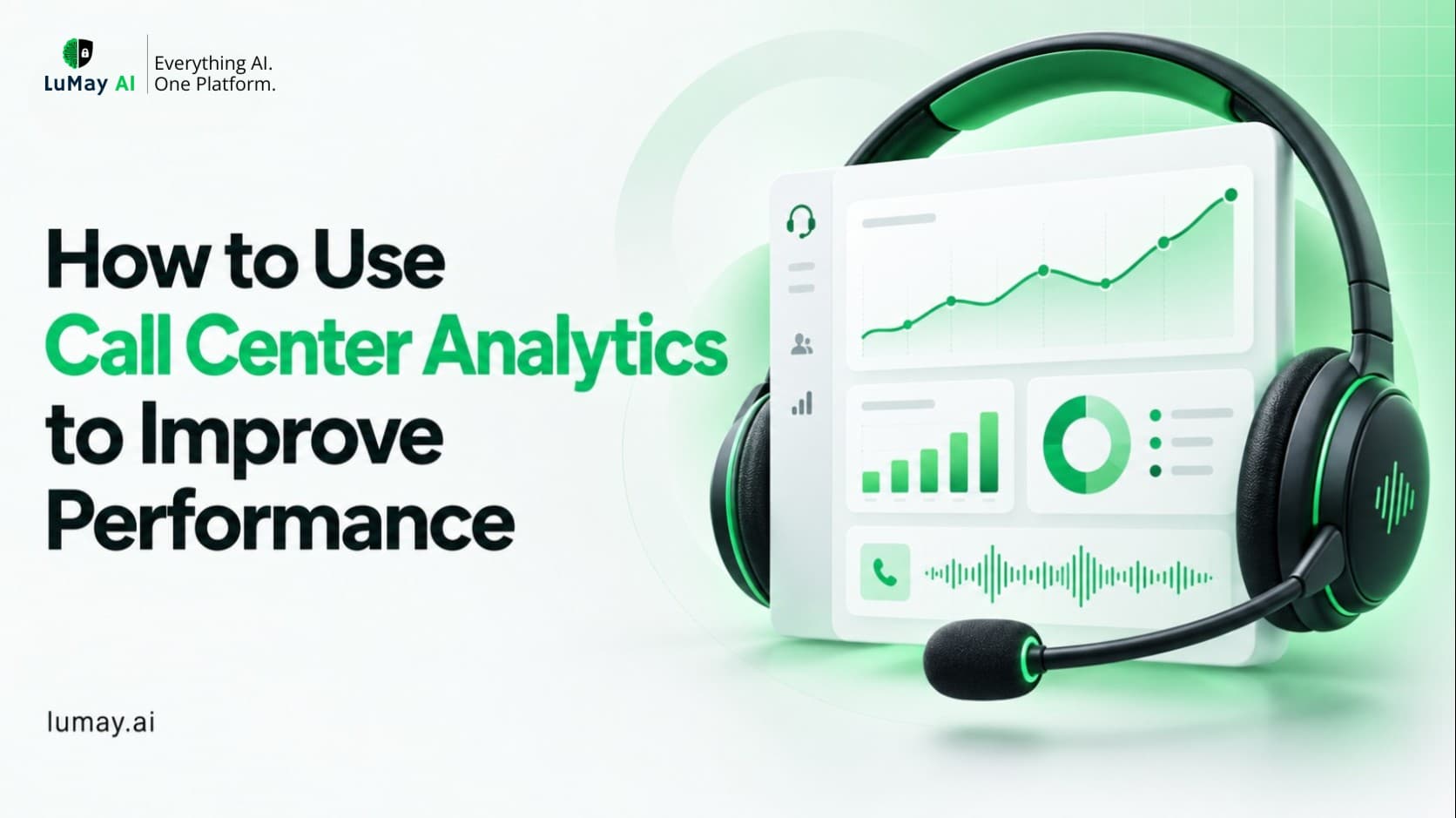
How to Use Call Center Analytics to Improve Performance

September 2026

How to Use Call Center Analytics to Improve Performance

Plenty of teams have call center analytics. Far fewer use it to change anything. The dashboards fill up, the weekly report goes out, and handle time stays where it was. The gap is almost never the software. It's the process around it: which questions you ask, which call center KPIs you trust, how you trace a bad number back to its cause, and whether anyone owns the fix. This guide walks through that process step by step, with practical examples for the metrics most teams care about.

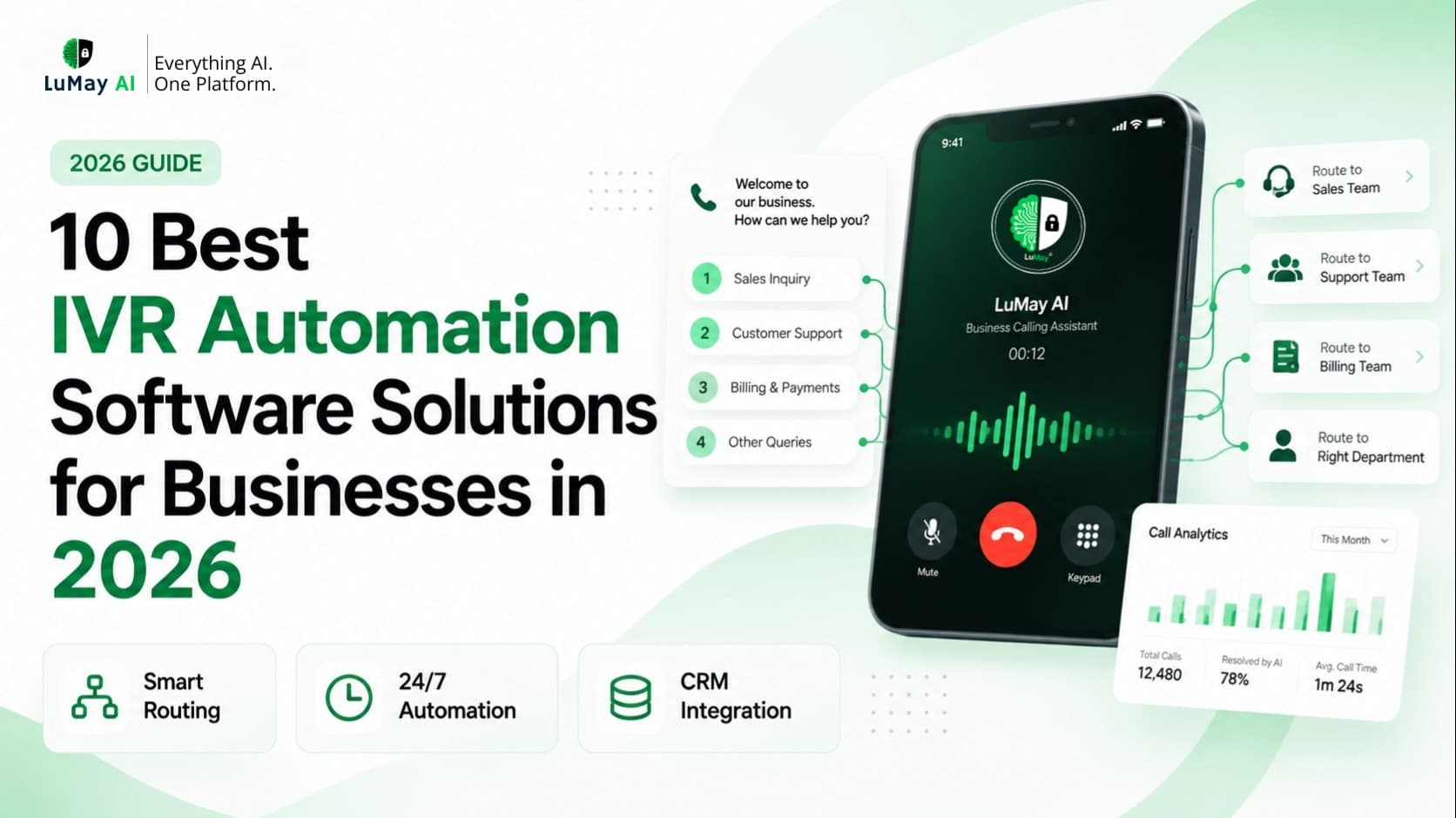
10 Best IVR Automation Software Solutions for Businesses in 2026

September 2026

10 Best IVR Automation Software Solutions for Businesses in 2026

If you're shopping for IVR automation software, you probably already have a phone menu. The trouble is that callers dislike it, agents still field the easy calls, and every change to the call flow becomes an IT ticket. The market now splits into three camps. Contact-center suites (Genesys, NICE, Five9, Talkdesk) bundle IVR with routing, workforce management, and analytics. Developer platforms (Twilio, Vapi, Retell AI) hand you building blocks for a conversational IVR and expect your team to assemble them. A middle group, including LuMay, RingCentral, and Nextiva, packages AI call handling for teams that want results without a big build. This guide compares ten options on buyer fit, published pricing, and honest trade-offs, so you can build a realistic shortlist.

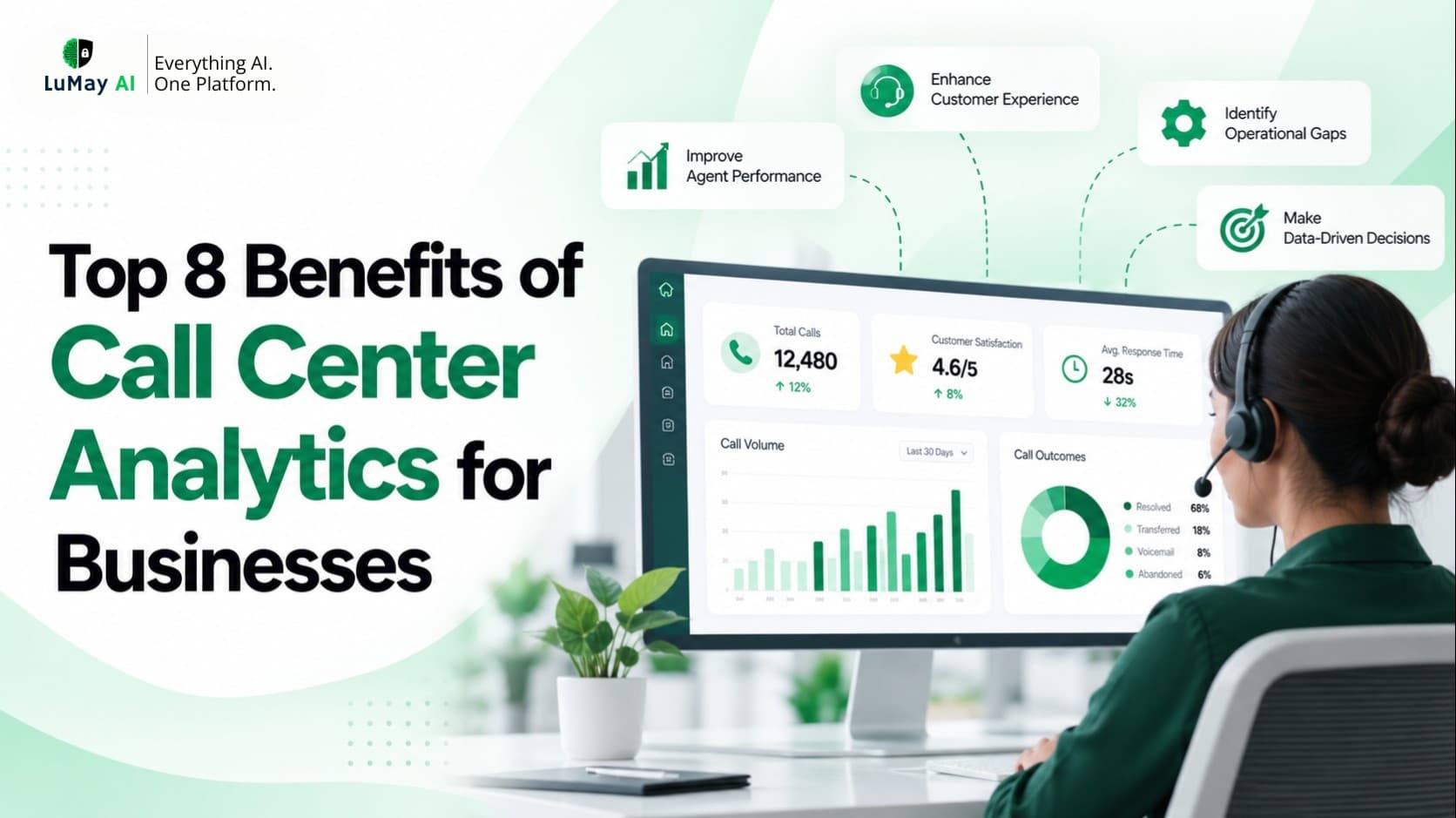
Top 8 Benefits of Call Center Analytics for Businesses

September 2026

Top 8 Benefits of Call Center Analytics for Businesses

Most call centers already collect more data than they use. Every call leaves a trail: queue time, handle time, transfers, a recording, and the reason the customer called in the first place. Call center analytics is how you turn that trail into decisions.

Recent Posts

  • How to Audit Legal Time Entries Before Invoices Go Out
  • 6 Pre-Bill Review Software Options for Law Firms in 2026
  • Law Firm AI Voice Agent Implementation Checklist: From Pilot to Production
  • How Much Does an AI Receptionist Cost for Law Firms? Pricing Models & ROI
  • AI Agent Testing Checklist: 10 Tests to Run Before Production Deployment
  • How to Estimate the Cost of Building and Operating an Enterprise AI Application
  • How to Protect Enterprise AI Agents From Prompt Injection and Unsafe Tool Actions
  • What Is Block Billing? Examples, Billing Risks, and AI Review Checks
  • Multilingual AI Receptionists for Law Firms: 7 Questions to Ask Vendors
  • Legal CRM Integration Checklist for AI Voice Agents: Clio, MyCase & Lawmatics