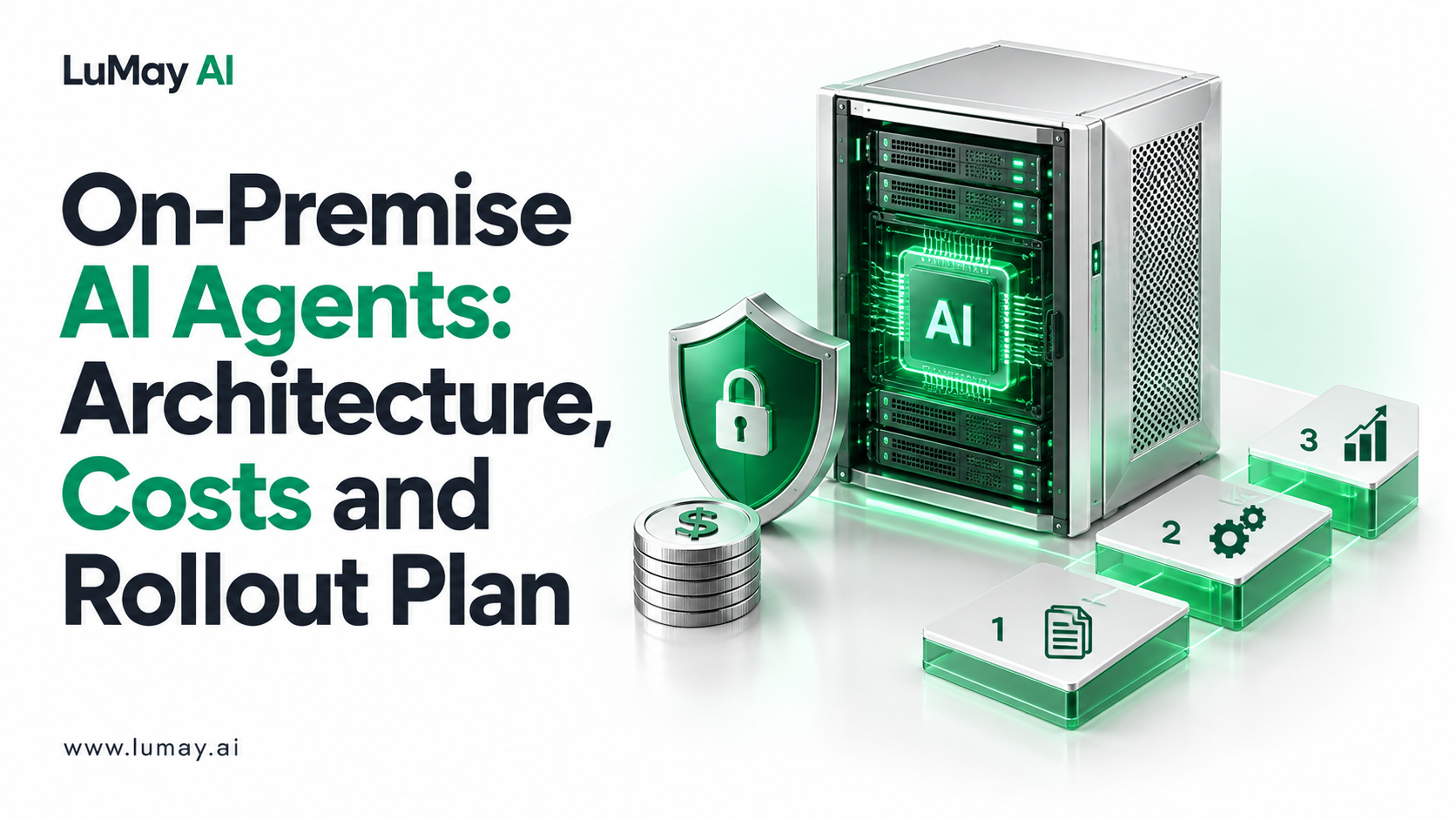
On-premise AI agents run the full agent loop—model inference, retrieval, tool calls, memory, policy checks and audit logs—on infrastructure your organization operates.
They are workable today with open-weight models, but the model is the easy part. The work is in tool access, identity, evaluation and operations.
This guide is for CIOs, platform leads and security architects deciding whether to keep agent workloads inside their own boundary. It covers the architecture, a sizing calculation, cost drivers, limitations and a rollout plan.
When On-Premise Agents Make Sense
On-premise deployment is usually driven by data, not by preference. Consider it when at least one of these applies:
• Data cannot leave your boundary: contracts, residency rules or client commitments prohibit sending prompts or documents to a third-party model API
• Agents act on internal systems: ERP, mainframe or OT systems that are not reachable from the internet
• Network isolation is required: classified, defense or critical-infrastructure environments need air-gapped operation
• You need full audit custody: every prompt, retrieval and tool call must be stored on your own storage under your retention policy
If none of these apply, a private cloud tenancy (VPC) is often faster to stand up. The trade-off is covered in our guide to self-hosted vs managed LLM deployment.
The Six Layers You Must Operate
A production agent is a loop: it retrieves context, reasons, calls a tool, reads the result and decides again. Each step needs a component you now own. The table maps the layers.
| Layer | What it does | Common self-hostable options | What you take on |
|---|---|---|---|
| Model serving | Runs the LLM and handles concurrent requests | vLLM, SGLang, llama.cpp | GPU sizing, driver pinning, upgrades |
| Retrieval | Embeddings, vector search, reranking | Open-weight embedding models, Qdrant, Milvus, pgvector | Index refresh, access filters |
| Tool gateway | Exposes approved functions and APIs to the agent | Self-hosted MCP servers, internal API gateway | Allowlists, input validation |
| Orchestration and state | Runs the agent loop, memory and retries | Open-source agent frameworks on Kubernetes | Version compatibility, step limits |
| Policy and approvals | Blocks or routes risky actions to a person | Policy engine, approval queue | Rules ownership, escalation SLAs |
| Audit and observability | Logs prompts, retrievals, tool calls, outcomes | Your SIEM, tracing and log stack | Retention, redaction, review |
The Model Context Protocol is one open standard for exposing tools to agents. Whatever you use, the tool layer is where most security review effort goes, because it is where an agent can change records.
Security Controls That Do Not Come Free
Self-hosting gives you data custody. It does not give you governance. These controls still have to be designed and owned:
• Identity-bound execution: the agent acts with the permissions of a service identity or the requesting user, never a shared admin key
• Least-privilege tools: each agent sees only the tools its role needs; write actions require approval above a risk threshold
• Prompt-injection defenses: retrieved documents and tool outputs are treated as untrusted input; see the OWASP Top 10 for LLM Applications
• Step and spend limits: cap loops, retries and tokens per task so a faulty plan cannot run indefinitely
• Evidence: logs detailed enough to reconstruct why the agent took an action
The NIST AI Risk Management Framework is a useful structure for documenting these controls for your risk committee.
Worked Example: Sizing Model Throughput
Illustrative example. The numbers below are assumptions for a planning exercise, not measured results.
An operations team plans an invoice-exception agent. Assumptions:
• Peak volume: 600 agent tasks per hour
• Model calls per task: 5 (plan, two tool-result reviews, validation, summary)
• Tokens per call: 2,000 input and 300 output
Calculation:
• Calls per hour: 600 × 5 = 3,000
• Output tokens per second at peak: 3,000 × 300 ÷ 3,600 ≈ 250 tokens/s
• Input tokens per second at peak: 3,000 × 2,000 ÷ 3,600 ≈ 1,667 tokens/s
The team then benchmarks its chosen model on its own GPUs with a serving engine such as vLLM.
It checks two things: sustained output tokens per second at the target latency, and headroom for at least 2× peak. Hardware is sized from that measured figure, not from vendor spec sheets.
Cost Drivers to Budget For
On-premise cost is mostly people and operations, not licenses. Budget lines to include:
• Hardware: GPU servers, storage for indexes and logs, network
• Platform engineering: Kubernetes, model serving, CI/CD and upgrades
• Integration: one connector per system of record, plus authentication and error handling
• Evaluation: a test set from real tasks, rerun on every model or prompt change
• Security review: threat model, penetration test of the tool layer, access reviews
• Run costs: power, support contracts, on-call and model refreshes
For a structured cost model, use our enterprise AI application cost estimation guide.
Our own product (disclosure: LuMay sells this). LuMay's published pricing page lists on-premises deployment from $90K per year plus a $75K one-time setup, and air-gapped deployment from $150K per year with custom architecture and an offline update process.
Custom AI solutions start at a $25,000 pilot. Prices were read from the pricing page on October 30, 2026 and are starting points, not quotes.
A 90-Day Rollout Plan
Days 1–30: Prove the use case. Pick one workflow with clear success criteria. Build an evaluation set from 100–300 real historical cases. Confirm which systems the agent must read and write.
Days 31–60: Build inside the boundary. Stand up model serving, retrieval and the tool gateway. Connect read-only tools first. Run the evaluation set and fix failures before adding write actions.
Days 61–90: Controlled production. Enable write actions behind approval gates. Release to a small user group. Review logs weekly and expand only when task success and escalation rates meet the agreed thresholds.
Before go-live, run the checks in our AI agent testing checklist.
Limitations and Trade-offs
• Model choice is narrower: you are limited to models you can license and run locally; some frontier models are API-only
• You own upgrades: new model versions, framework changes and CUDA updates are your release process
• Capacity is fixed: you cannot burst like a cloud API; plan for peaks
• Air-gapped is slower: offline updates need a controlled transfer process and longer lead times
• Skills are scarce: GPU operations, retrieval tuning and agent evaluation need specialists
Readiness Checklist
• Named business owner and measurable outcome for the first agent
• Data classification confirming what must stay on premises
• Inventory of systems the agent must call, with API access confirmed
• GPU capacity plan based on your own benchmark
• Tool allowlist and approval thresholds signed off by security
• Evaluation set built from real cases
• Logging, retention and redaction rules agreed
• Rollback plan and on-call owner
Next Step
If you are planning an on-premise agent, start with a scoped discovery: one workflow, its systems, a data classification and a sizing estimate. Scope an on-premise agent build with LuMay's engineering team.
Sources
• OWASP Top 10 for LLM Applications
• NIST AI Risk Management Framework
• vLLM online serving documentation