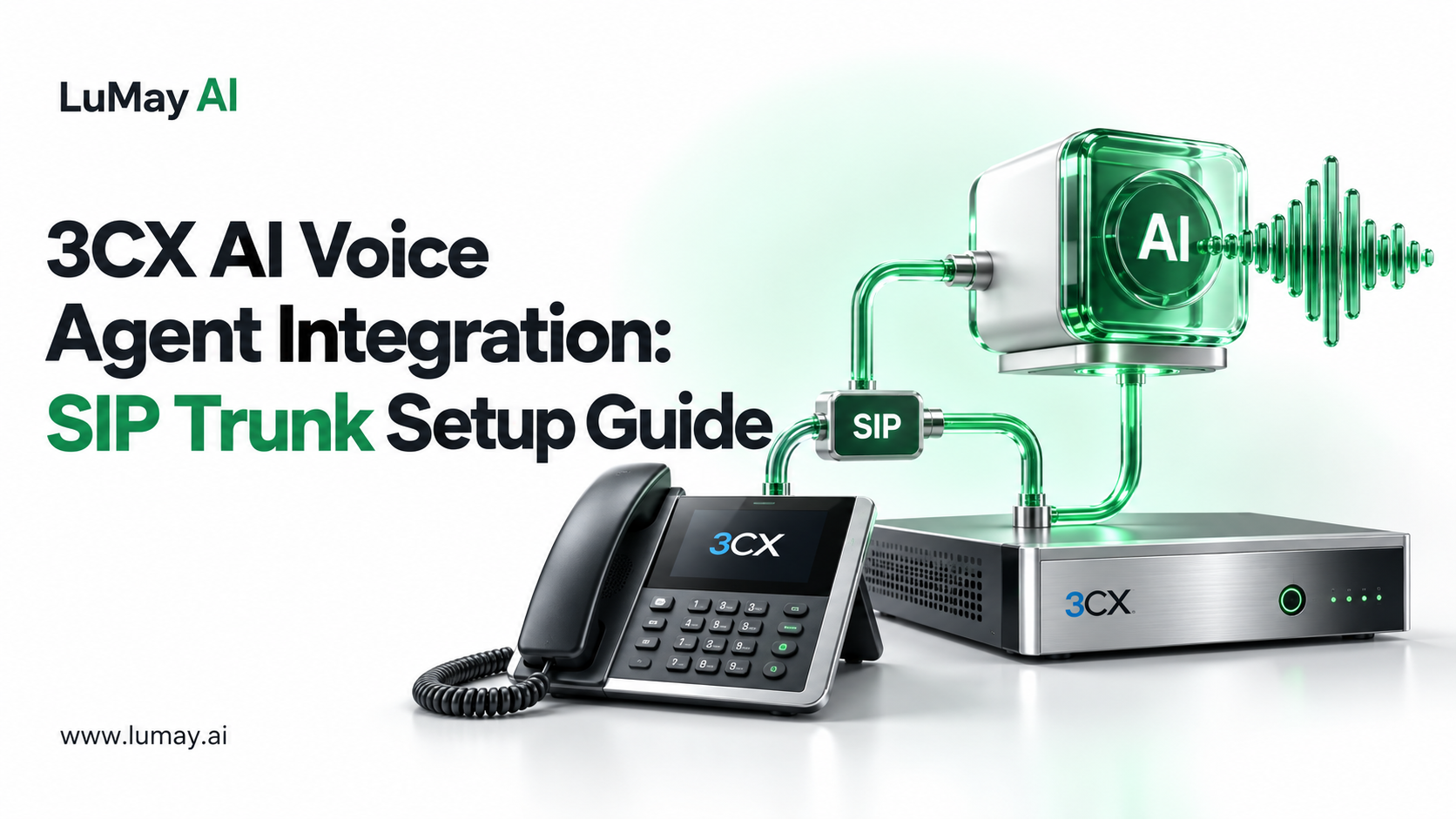
To connect an AI voice agent to 3CX, add the voice platform as a SIP trunk in 3CX, route a DID or internal prefix to that trunk, and allow calls back into 3CX so the agent can transfer callers to staff.
Your numbers, extensions and handsets stay as they are.
This guide is for IT managers and contact-center leads who run 3CX and want an AI agent to answer or pre-qualify calls. It covers the architecture, setup steps, transfers, testing and the failure points to check first.
How the Call Path Works
The voice agent sits beside 3CX, not in front of it. A typical inbound path:
• Caller dials your existing number
• Your SIP provider delivers the call to 3CX
• 3CX routes the number (or an IVR option) to a trunk that points at the voice-agent platform
• The voice agent answers, handles the request, and either ends the call or sends it back to a 3CX extension, queue or ring group
3CX documents its own trunk setup in Configuring a SIP Trunk. Voice-agent vendors publish 3CX-specific steps, for example Placetel AI and Famulor. The steps below generalize those patterns.
Before You Start
• Admin access to the 3CX management console
• 3CX edition and hosting: some vendors require a specific edition or a self-managed instance; confirm with your voice-agent vendor
• The agent's SIP details: host or IP, authentication method (IP-based or registration), supported codecs
• Firewall rules: 3CX advises running its firewall check for on-premise or self-hosted installs before adding trunks
• A test DID you can route without affecting live callers
Step-by-Step Setup
Step 1: Create the trunk. In the 3CX admin console, add a new trunk and choose a generic SIP trunk template. Menu names differ between 3CX versions; current documentation uses Admin > Voice & Chat > Add Trunk.
Step 2: Enter the agent's connection details. Set the registrar or server to the host given by your voice-agent platform. Choose IP-based or registration-based authentication to match the platform. Enter the main trunk number.
Step 3: Allow two-way calling. Enable inbound and outbound calls on the trunk, so the agent can send callers back to 3CX. If you plan to use SIP REFER for transfers, enable it on the trunk.
Step 4: Create an outbound rule. Add an outbound rule with an internal prefix that routes to the agent trunk, stripping the prefix digits. This lets any DID, IVR option or extension forward calls to the agent.
Step 5: Route the number. Point a test DID, an IVR option or an after-hours route at the agent. Keep your main number on its current route until testing passes.
Step 6: Configure the return path. In the voice-agent platform, set transfer targets as 3CX extensions, queues or ring groups that the trunk can reach.
Transfers, DTMF and Audio
| Topic | What to decide | Why it matters |
|---|---|---|
| Blind transfer | SIP REFER (RFC 3515) or a new outbound call | REFER removes the agent from the media path; a second call keeps it there |
| Warm transfer | Whether staff hear a summary before accepting | Reduces repeat questions |
| DTMF | RFC 4733 telephone events (RFC 4733) | In-band tones often break across codecs |
| Codec | G.711 is the common baseline | Mismatches cause one-way or no audio |
| Caller ID | Pass the original caller number to the agent | Needed for CRM lookups |
SIP itself is defined in RFC 3261, which is useful when reading SIP traces with your vendor.
Test Plan Before Go-Live
• Call the test DID from a mobile; confirm the agent answers within your target ring time
• Press keypad options; confirm DTMF is recognized
• Request a transfer to an extension, a queue and an after-hours destination
• Confirm the caller ID reaches the agent and is written to your CRM
• Hang up mid-call from each side; confirm no stuck channels
• Check call recordings and transcripts against your retention policy
• Run 20 concurrent test calls if you expect peaks; confirm the trunk's simultaneous-call limit
For background on PBX coexistence, see how AI voice agents work with an existing PBX. For trunk ownership choices, see BYO SIP trunk vs managed telephony.
Common Failure Points
• 400 Bad Request on trunk: a vendor guide notes that including a "sip:" prefix in the server field can cause this
• One-way audio: usually NAT or firewall; recheck the 3CX firewall check
• Transfers fail: REFER disabled on one side, or the return route not allowed
• DTMF ignored: mismatched DTMF mode between 3CX and the agent
• Calls loop: the agent forwards to a number that routes back to the agent
Limitations
• Vendor support varies: not every voice-agent platform documents 3CX; ask for a written setup guide
• Version differences: 3CX menus and options change between releases
• Latency adds up: each network hop adds delay; test from real caller locations
• Compliance is yours: recording consent and retention rules depend on your jurisdiction and industry
Worked Example: Phased Rollout
Illustrative example. A hypothetical rollout, not a customer project.
A services company with 3CX starts with after-hours calls only. Week one routes the after-hours rule to the agent, which takes messages and books callbacks. Week three adds a daytime overflow option in the IVR. Main-line routing changes only after transfer and DTMF tests pass.
Our own product (disclosure: LuMay sells Voxentis). The Voxentis voice agent page lists enterprise-grade telephony integrations, transfer and escalation rules, and connectors including Twilio, Salesforce, HubSpot and Zendesk. The pricing page lists a dedicated SIP trunk setup add-on.
The page does not name 3CX; confirm your 3CX version and edition with our team.
Next Step
Share your 3CX version, hosting model and call flows, and we will confirm fit before any setup work. Check Voxentis fit for your 3CX setup.
Sources
• 3CX: Configuring a SIP Trunk
• Placetel AI: 3CX SIP connection
• Famulor: PBX and contact center platforms