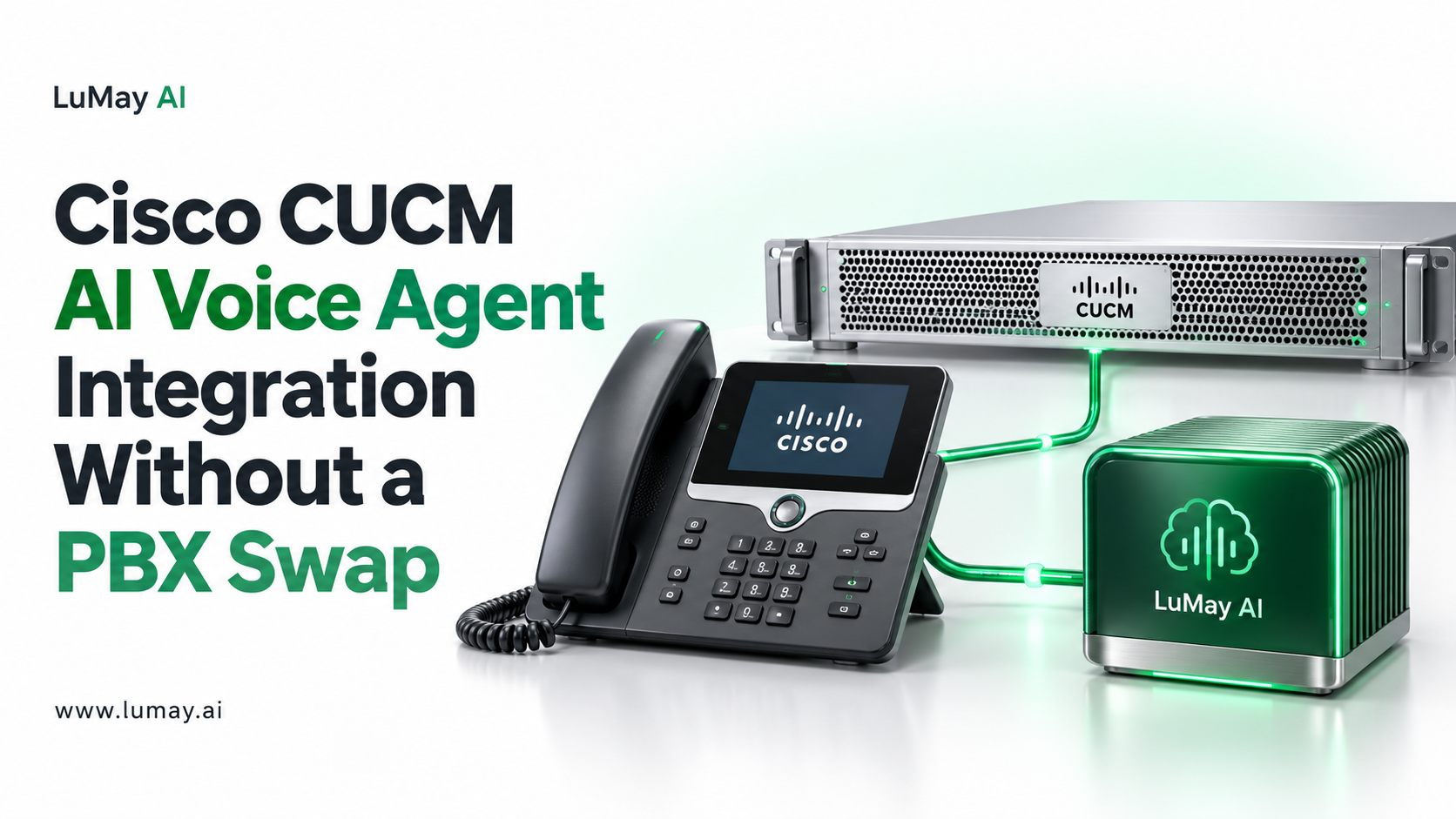
You can add an AI voice agent to Cisco Unified Communications Manager (CUCM) without replacing it. The common route is a SIP trunk from CUCM through Cisco Unified Border Element (CUBE) to the voice-agent platform.
Contact centers on Cisco contact-center products can instead use a virtual-agent integration.
This guide is for unified-communications engineers and IT leaders running Cisco call control. It compares the two architectures, outlines setup, and lists the transfer, DTMF and testing details that usually decide success.
Two Architectures Compared
| SIP trunk via CUBE | Contact-center virtual agent | |
|---|---|---|
| Where the agent sits | External SIP destination reached through CUBE | Inside the contact-center call flow |
| Typical fit | Reception, overflow, after-hours, department lines | Queued customer-service calls with agent handoff |
| Cisco components | CUCM, CUBE | Cisco contact-center products with virtual-agent support |
| Main configuration | SIP trunk, route patterns, dial-peers | Contact-center scripts and virtual-agent connector |
| Reference | Tibinet CUCM guide | Cisco Bring Your Own Virtual Agent |
Most enterprises without a Cisco contact center start with the SIP trunk route. Teams on Cisco contact-center platforms should review Cisco's virtual-agent documentation for their release.
SIP Trunk Setup Through CUBE
Based on published vendor guidance, such as the Tibinet CUCM integration guide:
Step 1: CUBE dial-peers. Create outbound dial-peers to the voice platform's SIP address, with the agreed codec and DTMF relay using RTP named telephone events.
Step 2: Trust and firewall. Add the platform's addresses to the CUBE trusted list and the firewall.
Step 3: CUCM route patterns. Add route patterns that send the agent's numbers to the SIP trunk toward CUBE.
Step 4: Return path. Add an inbound dial-peer and a calling search space that can reach transfer destinations.
Step 5: Encryption (optional). Enable TLS for signaling and SRTP for media if both sides support it.
Transfers and Media Details
• Blind transfer: either SIP REFER (RFC 3515), which both CUBE and the platform must accept, or a second call back into CUCM
• Warm transfer: the platform calls the colleague first and connects the caller after acceptance
• DTMF: aim for RFC 4733 events; the Tibinet guide advises using an MTP only if DTMF requires it
• Codec: in the US, G.711 μ-law is the usual baseline; confirm on both sides
• SIP headers: if context passes in a custom header, check SIP normalization on CUBE
Test Plan
• Route one test number to the trunk; confirm answer and audio both ways
• Test keypad input against the agent's menus
• Transfer to a phone, a hunt group and an external number
• Confirm caller ID survives CUCM and CUBE translations
• Run concurrent calls up to your expected peak
• Review SIP traces with your vendor for any 4xx or 5xx responses (RFC 3261 defines them)
For regulated environments, see on-premise vs cloud voice AI.
Worked Example: Overflow Design
Illustrative example. A hypothetical design, not a customer project.
A facilities team routes only unanswered calls from a hunt group to the AI agent after 30 seconds. The agent takes the request, creates a ticket and offers a transfer to the on-call line. Main numbers stay unchanged during the pilot.
Limitations
• Release-specific behavior: CUCM, CUBE and contact-center features vary by version; confirm with Cisco documentation for your release
• Needs UC expertise: dial-peers, CSS and partitions require an experienced engineer
• No Cisco endorsement implied: third-party voice agents connect through standard SIP; vendor support terms differ
• Recording and consent: rules differ by state and industry
Our own product (disclosure: LuMay sells Voxentis). The Voxentis page lists enterprise-grade telephony integrations and transfer and escalation rules. The pricing page lists a dedicated SIP trunk setup add-on and contact-center handoff.
Neither page names Cisco; confirm your CUCM and CUBE versions with our team before planning.
Next Step
Send us your CUCM and CUBE versions and the calls you want the agent to handle. Review your CUCM call flow with us before any configuration changes.
Sources
• Tibinet: Connect an AI phone agent to Cisco CUCM
• Trillet: Cisco CUCM voice AI integration
• Cisco: Bring Your Own Virtual Agent (UCCE 15.0(1) features guide)