


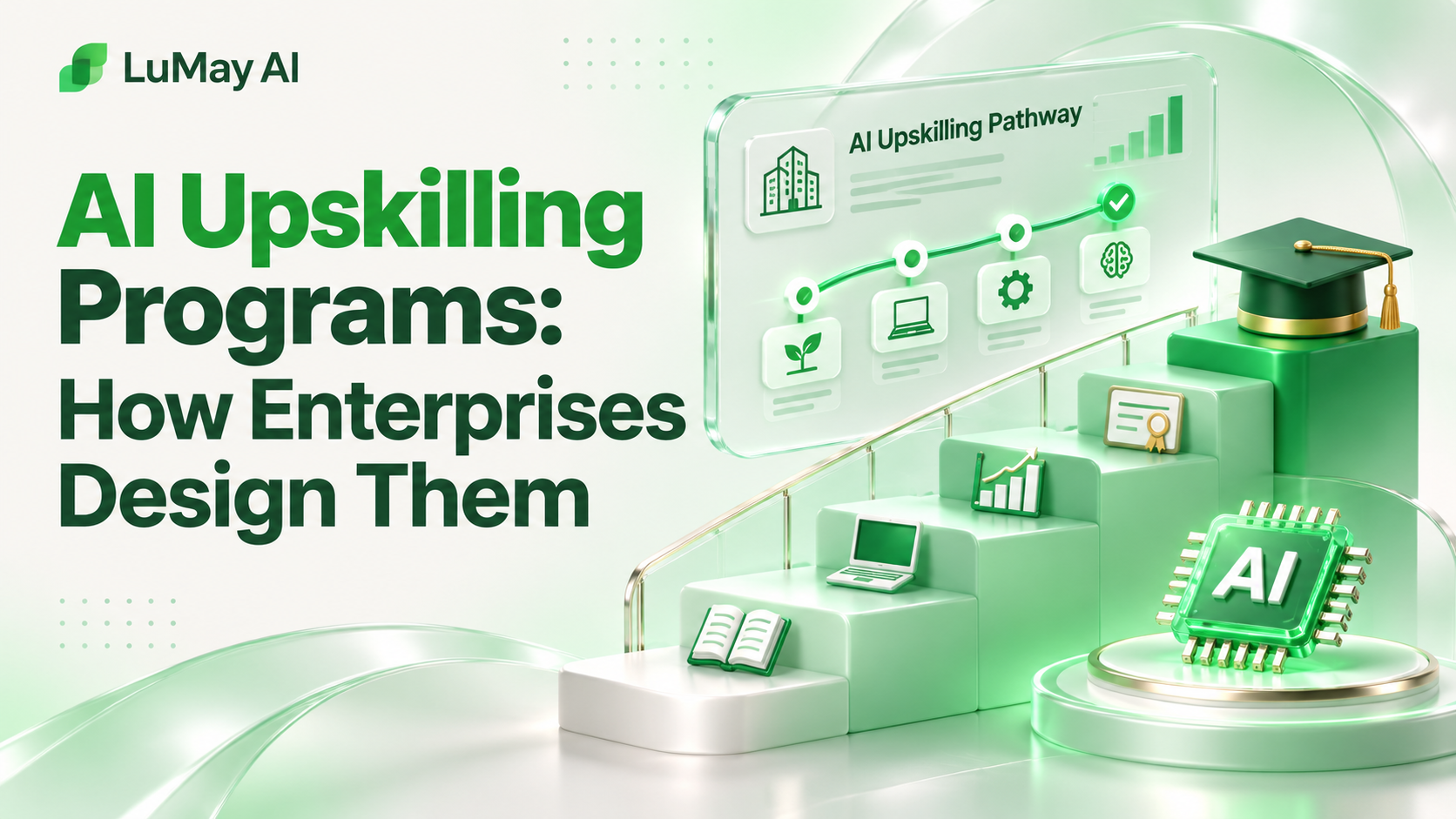
Enterprises design AI upskilling programs in five steps: map AI skills gaps by role, build learning paths tied to real work, require hands-on projects, run a time-boxed first cohort, and measure whether work actually changed.
The best programs train people on their own tasks, not on generic AI theory.
This guide walks through each design step, compares building in-house with partnering, gives a sample 12-week cohort plan and lists the limits to plan around. It is written for L&D, HR and transformation leads.
Why this matters now
The World Economic Forum's Future of Jobs Report 2025 found that 77% of employers plan to upskill workers in response to AI, and that 63% cite skills gaps as the main barrier to transformation (WEF, January 2025).
The same report projects that, of every 100 workers, 59 will need reskilling or upskilling by 2030 (WEF).
What an AI Upskilling Program Covers
An AI upskilling program builds new, job-specific capability with AI tools. It differs from awareness training, which explains what AI is, and from reskilling, which prepares people for a different role.
• Foundations: how AI tools work, their limits and your organization's usage policy. • Applied skills: using AI on real tasks in each function, such as analysis, drafting or customer support. • Builder skills: for technical staff, building and evaluating AI applications and agents. • Leadership skills: choosing use cases, managing risk and redesigning workflows. • Governance: data handling, review responsibilities and escalation.
Scope check: if your goal is baseline awareness for all staff, start with AI literacy training first. Upskilling assumes that baseline and goes deeper by role.
Mapping Skills Gaps by Role
Skills mapping keeps the program from training everyone on everything. Start with work, not with courses.
- List priority roles: pick roles where AI could change daily work, such as analysts, customer support, sales and engineering.
- Break roles into tasks: list the 10–15 recurring tasks per role.
- Rate each task: could AI assist it now, later, or not at all?
- Define target skills: for each AI-assisted task, write the skill an employee needs.
- Assess current levels: use a short practical test or manager rating, not self-reported confidence alone.
Illustrative example: skills map extract
Illustrative example. Ratings and tasks are made up to show the format.
| Role | Task | AI fit | Target skill | Current level |
|---|---|---|---|---|
| Support agent | Draft replies | High | Grounded drafting and checking | Low |
| Financial analyst | Variance commentary | Medium | Prompting with checked figures | Medium |
| Sales rep | Account research | High | Research and source verification | Low |
| Engineer | Code review | Medium | Evaluating AI-generated code | Medium |
Learning Paths and Hands-On Projects
Each role gets a learning path that moves from foundations to applied practice to a real project. Projects are what make upskilling stick, because they produce something the team actually uses.
• Track 1, everyday users: foundations, safe-use rules, prompting and verification, then role labs. • Track 2, builders: retrieval, evaluation, agent workflows and deployment practices. ○ ➤ Builders should ship one internal prototype reviewed by a senior engineer. • Track 3, leaders: use-case selection, risk, ROI framing and change management.
Rules for good projects
• Use a real task the learner does every week • Use sanitized or approved data only • Define "done" before starting, such as a working prompt library or a reviewed prototype • Pair each learner with a manager who signs off on the result • Share outputs so other teams can reuse them
Timelines for a First Cohort
A first cohort should be small enough to learn from and long enough to produce real projects. A 12-week plan is a common format; adjust to your context.
Illustrative example: a 12-week first cohort
Illustrative example. A 3,000-person company selects 40 learners from support, finance and sales.
• Weeks 1–2: baseline assessment, foundations and policy sessions • Weeks 3–6: weekly role labs, two hours each, using real tasks • Weeks 7–10: project sprint with manager check-ins • Weeks 11–12: project demos, post-assessment and a retrospective
The company then adjusts content before opening the second cohort to more teams.
Time budget calculation
Illustrative example. Plan learner time honestly so managers can release people.
• Foundations: 2 sessions × 2 hours = 4 hours • Role labs: 4 weeks × 2 hours = 8 hours • Project sprint: 4 weeks × 3 hours = 12 hours • Demos and assessments: 4 hours • Total: 28 hours per learner over 12 weeks, about 2.3 hours a week
For 40 learners, that is 1,120 learner-hours. Share this figure with managers before launch.
Build In-House vs Partner With a Provider
Most enterprises combine both: internal ownership of goals and policy, external help for content and labs.
| Factor | Build in-house | Partner with a provider |
|---|---|---|
| Speed to first cohort | Slower; content must be created | Faster; existing curriculum |
| Fit to your tools and policy | High | Needs customization |
| Internal expertise needed | High | Lower |
| Cost profile | Staff time | Program fees plus staff time |
| Keeping content current | Your team must update it | Provider updates core content |
Questions to ask any provider
• Can labs use our approved tools and sanitized data? • How do you assess applied skill, not just completion? • Who updates content as tools change? • What does a learner produce by the end?
Our own product (disclosure): LuMay runs LuMay Academy and AI learning labs. Our pricing page lists starting prices of Executive AI Readiness Workshop $2,500 (half-day or 1-day), Corporate AI Labs $10,000 (2–4 week role-based labs), AI Developer Bootcamp $999 (cohort-based, hands-on) and AI Architect Program $1,499 (advanced, small cohort). We do not rank ourselves against other providers.
Proving Impact After the Program
Completion rates show attendance, not capability. Measure at four levels and agree targets with sponsors before launch.
• Skill: pre- and post-assessments on practical tasks. • Behavior: share of learners using approved AI tools on real work 60–90 days later. • Work output: time per task, rework rates or quality scores on the tasks you mapped. • Business: process metrics owned by the function, such as resolution time. ○ Attribute changes cautiously; other factors move business metrics too.
Limitations to plan for
• Gains fade without manager support and regular practice. • AI tools change fast, so content needs scheduled updates. • Some roles see little benefit; skills mapping should say so honestly. • Self-reported confidence often overstates real skill.
Program launch checklist
• Executive sponsor and success measures agreed • Priority roles and tasks mapped • Approved tools and data rules confirmed • Learning paths and projects defined per track • Learner time released by managers • Assessment and 90-day follow-up scheduled
For a broader view of employee programs, see our guide to AI training for employees.
Planning your first cohort? Book a demo to talk through role tracks and lab design. We do not promise specific outcomes; results depend on your teams, tools and follow-through.