


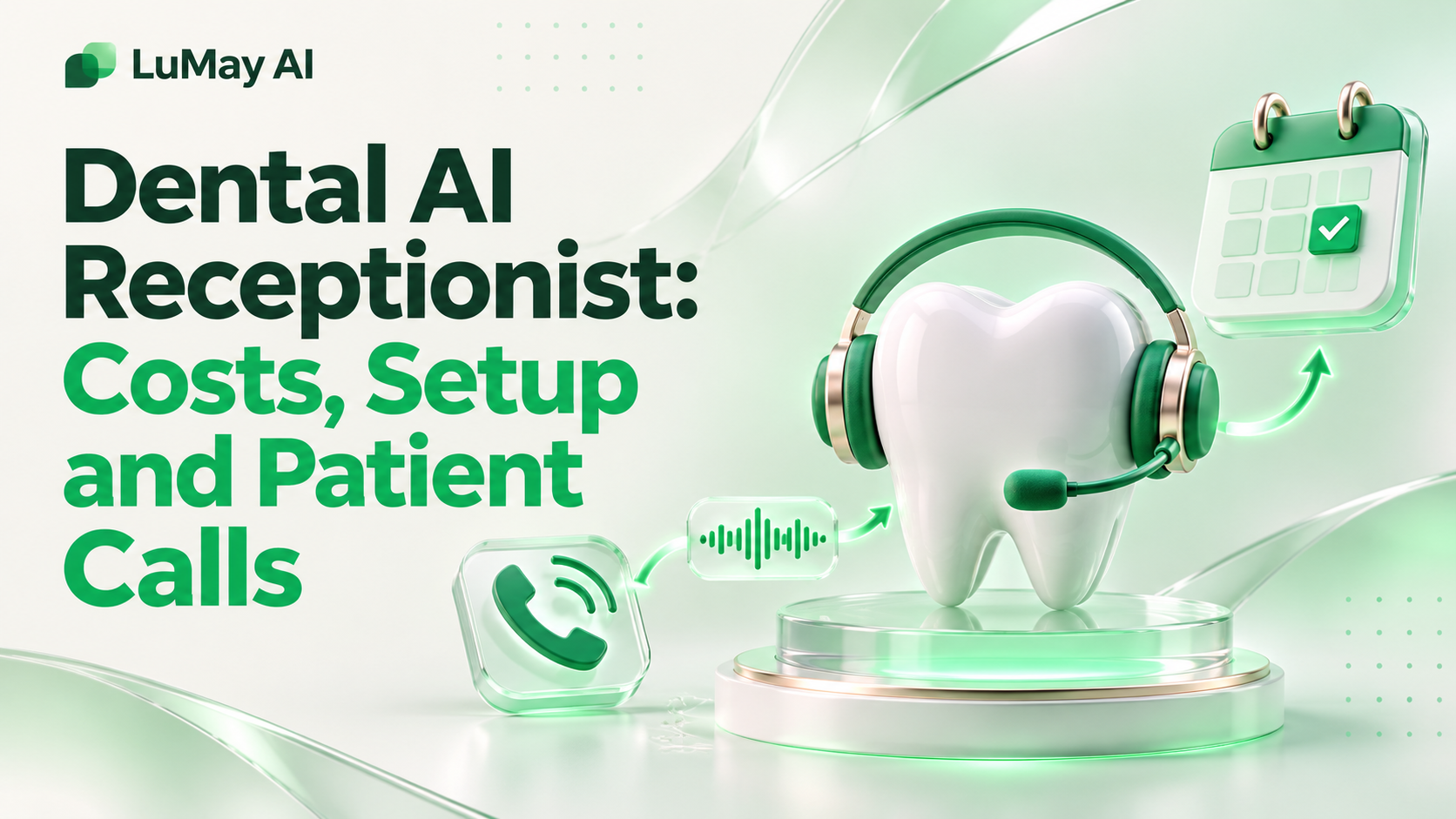
A dental AI receptionist is voice software that answers your practice's phone, books and reschedules appointments, answers routine insurance and new-patient questions, and handles after-hours calls. It connects to your existing phone line and, where supported, your practice management system (PMS).
Cost depends mainly on call minutes, integrations and setup scope. This guide covers what it handles, how setup works, privacy and call-recording points to check, and a worked calculation you can reuse with your own call data.
Quick answer at a glance
• What it does: answers calls, books, confirms and reschedules visits, captures new-patient details, answers routine policy questions and routes urgent calls to staff. • What it needs: call forwarding or a SIP connection, your scheduling rules and, ideally, a PMS or calendar integration. • What it should not do: give clinical advice, diagnose, or confirm exact insurance benefits it cannot see. • How it is priced: usually a monthly plan with included minutes plus overage, or a quote for multi-location groups.
What a Dental AI Receptionist Handles
Most dental phone traffic is repetitive. Patients want to book, move or confirm a visit, ask about hours and location, or check whether you take their plan. An AI receptionist answers those calls the same way every time.
• Inbound scheduling: finds an open slot by appointment type, provider and location. • New-patient intake: collects name, date of birth, contact details, reason for visit and insurance carrier. • Routine questions: hours, parking, accepted plans, payment options and pre-visit instructions you have approved. • Triage and routing: recognizes urgent phrases (swelling, bleeding, severe pain) and transfers or escalates by your rules. ○ ➤ The agent follows your escalation script; it does not make clinical judgments. • After-hours coverage: answers when the front desk is closed, books where rules allow and logs messages for morning follow-up.
Limitations to plan for
• It only knows what you give it: outdated hours or fee policies produce wrong answers. • Complex billing disputes and treatment-plan conversations still belong with trained staff. • Accents, poor lines and background noise can lower recognition; test with real recordings.
Booking, Reminders and Rescheduling
Booking is where a dental AI receptionist saves the most staff time, because each call follows a predictable path. The quality of the outcome depends on how clearly you define appointment rules before launch.
• Define appointment types: cleaning, exam, emergency, consult, hygiene recall, each with a duration and eligible providers. • Set booking guardrails: which slots the agent may fill, which require staff approval, and buffer times. • Rescheduling flow: confirm identity, cancel the old slot, offer the next options and confirm by text if your system supports it. • Reminder calls: outbound confirmation calls for upcoming visits. ○ Outbound calls with AI-generated voices raise consent questions; see the section on call recording and consent below.
Illustrative example: a reschedule call
Illustrative example. A patient calls at 7: 40 p.m. to move Thursday's cleaning. The agent verifies name and date of birth, finds the appointment, offers two open hygiene slots next week, books one, and sends a confirmation message.
The front desk sees the change in the schedule the next morning. Nothing in this example required clinical input, which is why it suits automation.
For more on outbound confirmation workflows, see our guide to AI voice agents for appointment reminder calls.
Insurance and New-Patient Questions
Insurance questions are the area where dental practices most need clear boundaries. An AI receptionist can answer policy-level questions well, but it should not guess at a patient's specific coverage.
• Safe to automate: "Do you accept Delta Dental PPO?", "Do you offer payment plans?", "What should I bring to my first visit?" • Collect, don't answer: subscriber name, member ID and group number for staff to verify. • Hand to staff: exact benefit amounts, remaining annual maximums, pre-authorization status and disputed claims.
New-patient call checklist
• Full name, date of birth and preferred contact method • Reason for visit and any urgent symptoms (routed by your rules) • Insurance carrier and member details, or self-pay • Preferred days and times, and preferred location if you have several • Consent to receive texts or calls, captured in the patient's words
Working With Your Practice Phone System and PMS
Most practices keep their existing numbers. The AI receptionist sits in front of or beside the front desk, depending on routing rules you set.
• Call forwarding: simplest setup; forward all calls, overflow calls or after-hours calls to the agent's number. • SIP or PBX integration: keeps your numbers and lets the agent transfer calls back to extensions. ○ See our 3CX and SIP trunk integration guide for how this typically works. • PMS or calendar integration: lets the agent read open slots and write bookings. ○ ➤ Confirm whether your vendor has a supported connection to your specific PMS, or whether bookings land in a shared calendar for staff to enter. • Transfers: define who gets transferred calls, during which hours, and what happens if nobody answers.
Routing options compared
| Routing model | Best for | Trade-off |
|---|---|---|
| After-hours only | Practices with a fully staffed day desk | No help with daytime overflow |
| Overflow (rings staff first) | Busy desks that miss calls at peak times | Callers may wait a few rings |
| AI answers first | High call volumes, multiple locations | Requires careful transfer rules |
HIPAA and Call-Recording Considerations
Dental practices that bill electronically are generally HIPAA covered entities. A vendor that creates, receives, maintains or transmits patient information for you is usually a business associate. This is general information, not legal advice.
HHS guidance lists a third-party chatbot on a provider's patient portal handling appointment scheduling among its examples of business associates, and explains that a business associate agreement (BAA) is required (HHS business associates guidance).
• Ask every vendor: will you sign a BAA, where is call audio stored, how long is it kept, and who can access it? • Minimum necessary: configure the agent to collect only what scheduling needs. • Call recording: recording consent rules vary by state; play a disclosure and check with counsel. • Outbound AI calls: the FCC confirmed in February 2024 that the TCPA's "artificial or prerecorded voice" restrictions cover AI-generated voices, so such calls require prior express consent (FCC declaratory ruling FCC-24-17).
Have your compliance lead or attorney review the vendor contract, consent language and retention settings before launch.
Cost and Setup Timeline
Dental AI receptionist pricing is usually a monthly platform fee with included minutes, plus a per-minute overage. Setup work, PMS connections, extra numbers and multi-location routing can add cost or move you to a quote.
For a vendor-by-vendor view of published receptionist prices, our separate AI receptionist cost guide (in preparation) will cover pricing models in detail.
Worked calculation: estimate your monthly minutes
Illustrative example. Use your own phone reports; these inputs are made up for the arithmetic.
• Monthly inbound calls: 900 • Share you want the agent to answer (after-hours plus overflow): 40% → 360 calls • Average handled call length: 3 minutes → 360 × 3 = 1,080 minutes • Add outbound reminder calls: 400 calls × 1.5 minutes = 600 minutes • Total: 1,680 minutes a month
Then compare plans: monthly fee + (minutes above the allowance × overage rate). Run the same numbers on every quote so you compare like for like.
Our own product (disclosure): LuMay builds the Voxentis voice agents. Our pricing page lists Voice Agent plans of Basic $249/month (500 included minutes, $0.23/min overage), Starter $499 (1,000 minutes, $0.22/min), Growth $999 (2,000 minutes, $0.21/min) and Enterprise "Let's Talk" (5,000+ minutes, custom). Applied to the illustrative 1,680 minutes, Growth would cost $999 with no overage, and Starter $499 + 680 × $0.22 = $648.60. Final pricing depends on integrations and deployment. See our inbound voice agent page. We do not rank ourselves against other vendors.
Typical setup steps
- Export three months of call data: volumes by hour, missed calls and top call reasons.
- Write your scheduling rules, approved answers and escalation script.
- Choose routing (after-hours, overflow or AI-first) and connect the phone line.
- Connect the PMS or calendar, or agree a manual booking hand-off.
- Sign the BAA and confirm recording, retention and consent settings.
- Test with staff role-playing 30–50 real call scenarios, then launch on after-hours first.
- Review transcripts weekly for the first month and tune answers.
Timelines depend on integration depth; a forwarding-only setup moves faster than a PMS integration. Ask each vendor for a written timeline.
Pre-launch checklist
• Hours, locations, accepted plans and fees are current • Emergency phrases and transfer numbers tested • BAA signed and retention period set • Recording disclosure plays on every call • Outbound reminder consent captured and stored • A named staff owner reviews transcripts weekly
Want to see how a voice agent would handle your practice's calls? Book a demo with your call data, or see our pricing page. Results depend on your call mix and setup; we do not promise specific outcomes.