


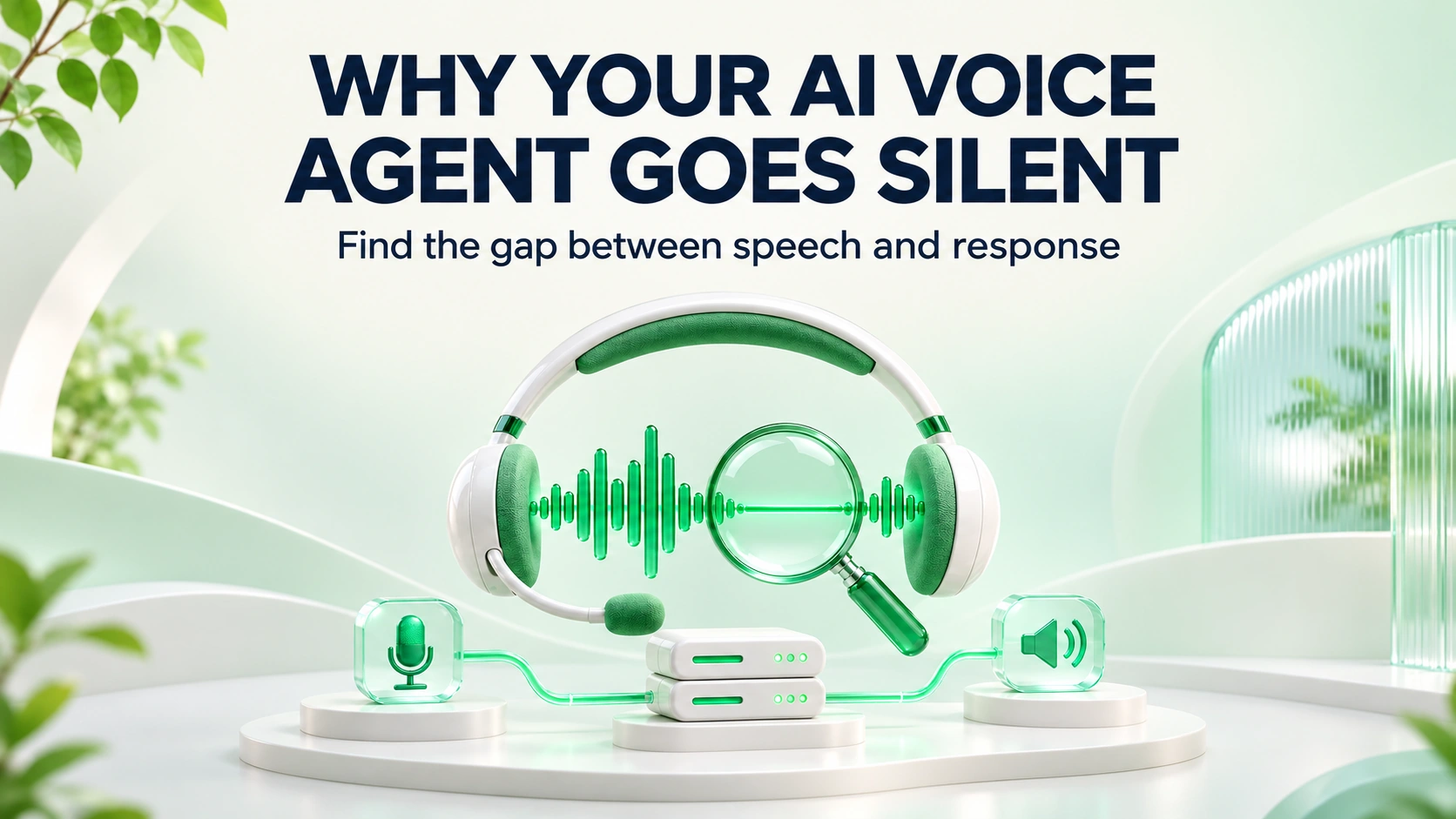
When an AI voice agent goes silent, first determine which stage stopped progressing: inbound audio, speech recognition, turn detection, generation, tool execution or outbound playback. Increasing every timeout can make callers wait longer while leaving the cause unchanged.
Start with a real phone call and its session trace. A working browser demo does not establish that the carrier route, audio stream and transfer configuration work on the public number.
Build a timeline for one failed call
Record when the call connected, when inbound audio arrived, when speech activity was detected, when a transcript became final, when generation began, when a tool started and ended, and when outbound audio was delivered. Use a shared clock or account for clock differences before comparing systems.
Collect the minimum diagnostic content needed under the organization's recording and retention policy. Many timing failures can be investigated with event metadata before reviewing full recordings.
| Observed evidence | Possible cause | Discriminating check |
|---|---|---|
| No inbound audio events | Media routing or session attachment problem | Inspect the actual telephony and media connection |
| Audio and speech activity, no final transcript | Speech service delay, error or endpointing issue | Compare audio activity with transcription events |
| Final transcript, generation never starts | Turn closure or orchestration problem | Inspect turn state and dispatch events |
| Tool remains pending | Slow or unavailable business system | Inspect tool deadline and downstream receipt |
| Speech generated, caller hears nothing | Output routing, playback or media problem | Check outbound delivery through the carrier path |
These are diagnostic hypotheses, not automatic diagnoses. A provider error and a local state-machine error can produce the same audible symptom.
Distinguish silence from missing transcription
LiveKit's session documentation separates user inactivity from a transcription timeout after detected speech. This distinction matters: a quiet caller and a caller whose speech was not transcribed should not receive the same recovery behavior.
For genuine inactivity, use a bounded check-in and an approved ending or callback path. If the caller resumes, cancel the pending check-in so the agent does not speak over them.
For missing transcription, acknowledge the difficulty and request a repeat or use an available alternate input. Do not invent what the caller said. If a sensitive action was awaiting confirmation, keep it unconfirmed.
Separate turn-end delay from downstream waiting
A turn-end detector decides when the caller has finished speaking. A model or tool timeout governs later work. Changing turn detection will not fix a calendar service that takes too long to respond.
LiveKit's tuning guide describes separate controls for endpointing and interruptions. Verify the options for your installed version; defaults and available features can differ across pipeline types.
Test pauses inside names, reference numbers and multi-part questions before shortening turn-end delays. A faster response that cuts off the request is not an improvement.
Provide useful waiting behavior
If a legitimate operation takes time, give a brief truthful progress message and set a bounded deadline. Avoid repeated filler messages that imply the system is making progress when a dependency has failed.
On a write timeout, preserve the distinction between failed and unknown. The downstream system may have completed the operation even though its response was lost. Reconcile using the operation reference before retrying.
Illustrative example: the caller confirms a booking. The calendar request remains pending, and the agent becomes silent. The improved flow acknowledges that it is checking the booking, then reaches its configured deadline. It records an unresolved outcome for reconciliation and offers the approved follow-up route. It does not announce a booking or create another appointment without checking.
Verify the fix with controlled tests
- Run the same request through the browser and the actual public number to separate shared pipeline failures from telephony-specific failures.
- Test true silence, speech without a transcript, a long tool response, a provider error and interrupted playback individually.
- Confirm each case produces the intended message, bounded wait and final state.
- Repeat with a caller who resumes speaking during recovery. Pending prompts and retries should cancel correctly.
- Review the trace to establish which stage improved, using the same timing definitions.
Measure the silence callers experience
Track time from the caller's completed turn to the first useful audible response, and report slow-tail cases as well as typical performance. Separate intentional listening time from unplanned dead air. Tag carrier route, pipeline version and failure stage so averages do not hide one broken deployment.
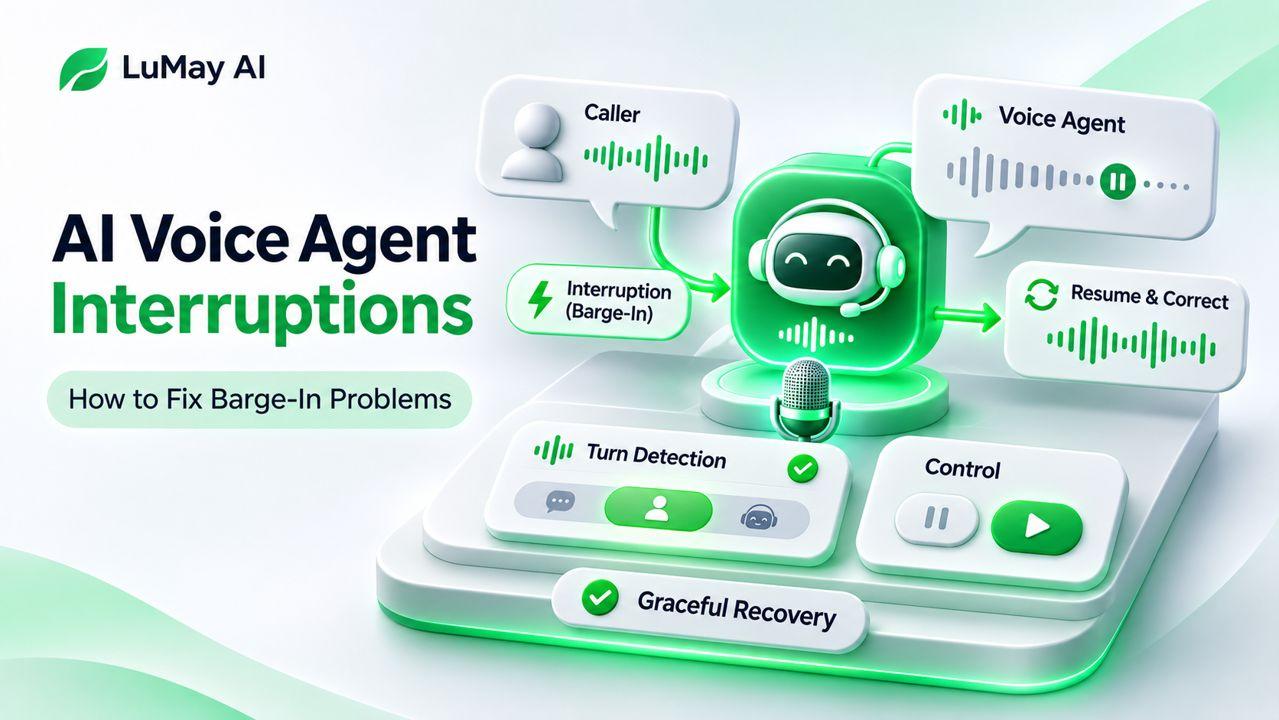
If the problem involves the agent talking over callers, continue with LuMay's barge-in troubleshooting guide. For silence, the next step is to reconstruct one failed call timeline and change only the stage the evidence identifies.