


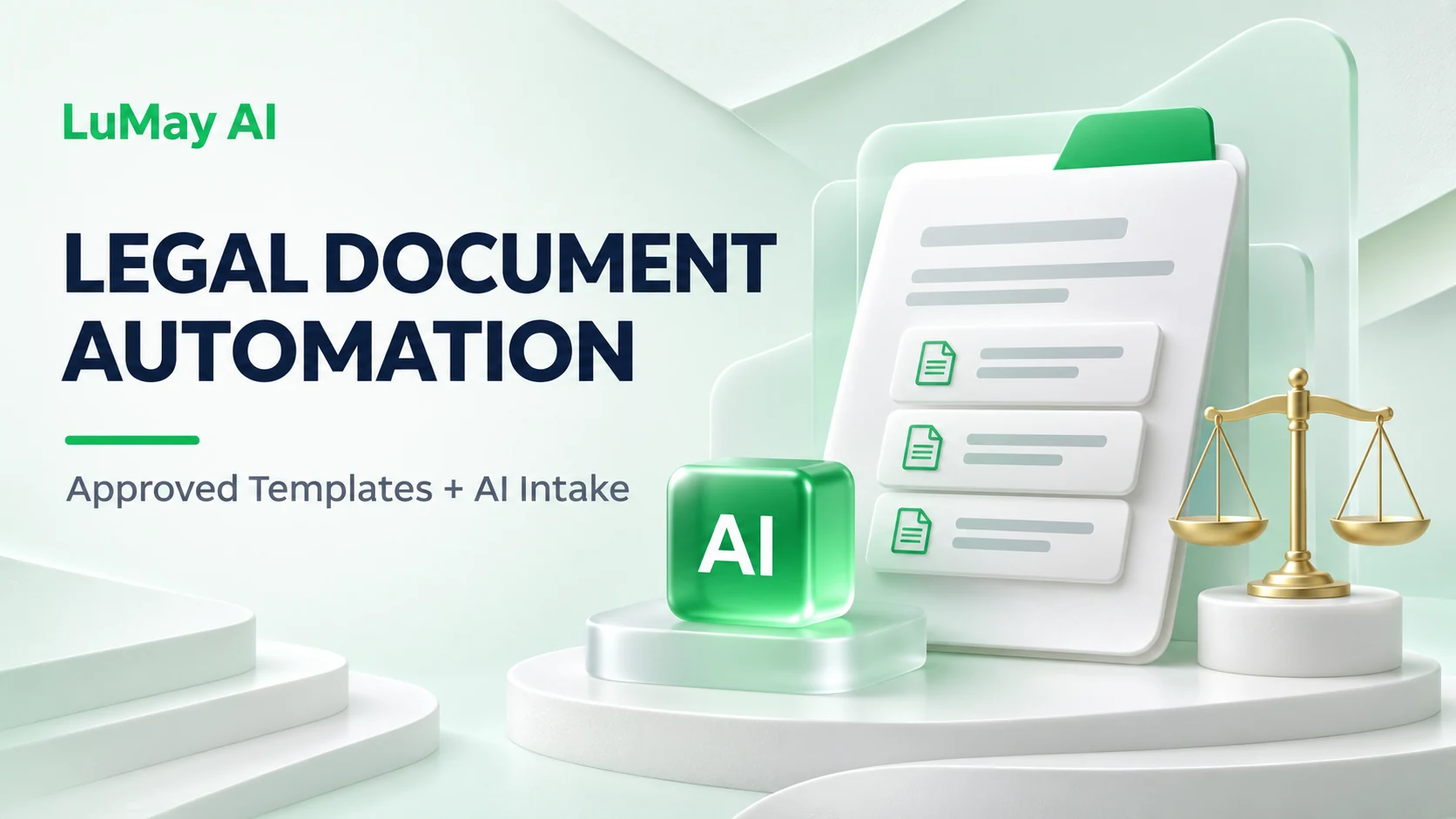
When a legal document has approved wording and predictable variations, generating every sentence again creates an unnecessary review burden. A more controlled workflow uses a maintained template, validated facts and explicit rules for selecting permitted variations.
Legal document automation can combine AI-assisted intake with deterministic assembly. The AI proposes facts or identifies missing information. The application validates the answer set, the template supplies approved language, and the responsible reviewer approves the assembled document.
Distinguish assembly from open-ended drafting
HotDocs describes document assembly as processing template instructions and replacing placeholders with answer data. Its template documentation explains how variables, dialogs and computations support customized documents.
That gives teams an established alternative to asking an LLM to recreate an entire agreement. The hybrid workflow below is an architectural recommendation; it does not assert that every document-automation product implements the same AI capabilities.
| Task | Suggested control |
|---|---|
| Extract proposed party details | AI assistance with source references and validation |
| Insert approved legal wording | Versioned template or clause library |
| Choose an allowed clause variant | Approved rules and review for exceptions |
| Resolve a novel legal issue | Responsible lawyer |
| Release the finished document | Document review and authorized approval |
Select one document family
Begin with a recurring document whose permitted variations the legal team can describe. Identify the approved source, owner, jurisdictions and situations in which it should not be used.
Do not turn the most recent file in a shared folder into a master template without review. A previously negotiated document may contain concessions or matter-specific language that should not become a default.
Give the template a version and a change log. Record which business and legal decisions require a new approved version.
Define variables with owners and evidence
| Variable | Preferred authority | Validation |
|---|---|---|
| Legal entity name | Approved entity record | Exact identity and permitted entity |
| Counterparty details | Reviewed intake or source record | Completeness and consistency |
| Effective date | Authorized instruction | Unambiguous date and permitted timing |
| Commercial amount | Approved commercial record | Currency, value and approval reference |
| Clause option | Approved selection policy | Eligible variant or exception review |
Let AI extract candidates, but preserve their status as candidates until the required checks pass. If an intake email contradicts the approved record, create a discrepancy rather than silently selecting whichever value appears last.
Use interviews to resolve missing information
Ask questions that correspond to required decisions. Conditional questions should appear when their answers affect the document. Explain the purpose of ambiguous fields in business language.
Do not ask employees to make legal classifications they have not been trained or authorized to make. Route uncertain jurisdiction, regulatory or clause questions to the named reviewer.
Keep the interview answer set with its sources and approvals. If the document must be regenerated later, the team should be able to distinguish a changed fact from a changed template.
Assemble and inspect the actual output
Validate required answers before assembly. After assembly, inspect the complete document, including headers, footers, schedules, definitions, cross-references and signature blocks.
Search for unresolved placeholders, inappropriate optional clauses, inconsistent names, missing attachments and tracked changes or comments that should not be released. Check both the editable document and any exported final format.
A successful generation job proves that a file was created. It does not establish that the correct template, facts and legal options reached the final file.
Illustrative example: an approved engagement-letter family
A hypothetical firm maintains a reviewed engagement-letter template. Intake proposes the client name, service scope and fee details from an approved instruction record.
The assembly service inserts only validated fields and selects an approved fee schedule. A request for a non-standard term creates a review task. The system does not rewrite that clause to make the document appear complete.
The reviewer sees the assembled file, the intake answers and the deviations. Approval refers to that exact document version. A later change to the fee amount requires a new review rather than inheriting approval from the earlier file.
Build a regression suite around variations
Test ordinary cases and combinations that can break document logic: multiple parties, long names, missing optional data, different schedules, repeated clauses and contradictory answers.
Maintain expected outputs for important variants. When changing a template or intake prompt, compare the legal wording and variable placement. Check that unchanged approved clauses remain unchanged.
Use review feedback to improve both the interview and the rules. A recurring missing fact may indicate a weak question; repeated inappropriate clause selection may indicate a policy problem rather than a model problem.
Apply professional review to the complete workflow
ABA Formal Opinion 512 addresses competence, confidentiality and supervision in lawyers' use of generative AI. Determine the applicable obligations with responsible counsel before using client information or releasing work.
For the adjacent task of assessing third-party paper, see LuMay's AI contract review software comparison. Template assembly serves a different job: producing a controlled document from approved language and verified facts.
Start by assigning one template owner and writing the rules for its exceptions. Those decisions establish the boundaries that automation needs.