PREBILL REVIEW
BillingGuard for Prebill Review and Exception Handling
This is a pre-submission check, not a post-rejection fix. Before a prebill entry turns into an invoice that goes out to the client, BillingGuard reviews it against the rate tables, timekeeper approvals, and billing guidelines your firm has on file - so billing and finance teams can catch and resolve issues while the entry is still internal, instead of after a client portal has already rejected it.
Why Billing Gets Stuck
The Traditional Cycle Creates Rework and Delays Revenue
Billing issues discovered after submission create additional review, corrections, resubmissions, and unnecessary pressure on billing teams.
BillingGuard Intervention
Identify billing issues earlier, resolve them before submission, and help invoices move forward with greater confidence.
Intercept & Validate
Check rates, approvals,matter setup, billingrequirements, andsupporting informationbefore submission.
Resolve Earlier
Surface the issue,explain what needsattention, and route itto the appropriate owner.
Submit with Confidence
Move billing forwardonce required checksand reviews arecomplete.
Improve Revenue Readiness
Reduce avoidable reworkand give finance teamsbetter visibility intowhat is ready to bill.
Invoice Readiness
Don't Review Every Invoice the Same Way
Separate billing that is ready to move from billing that requires attention.
Illustrative product data for demonstration purposes.
Catch billing issues before they become invoice problems.
BillingGuard checks the conditions that affect billing readiness before submission.
OCG Rules · Matter Rules
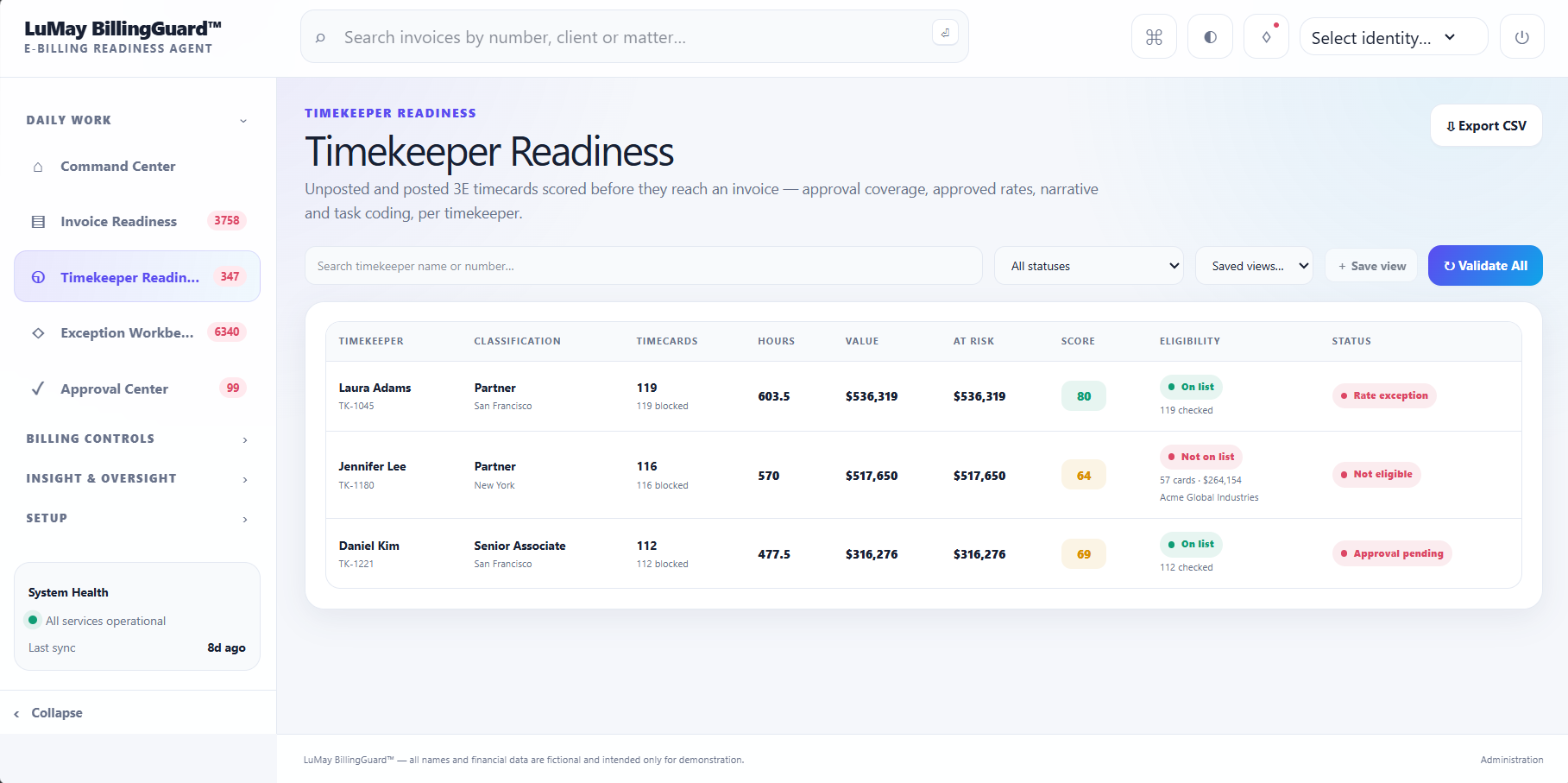
Illustrative product data for demonstration purposes.
Fix the underlying record. Keep the evidence behind the decision.
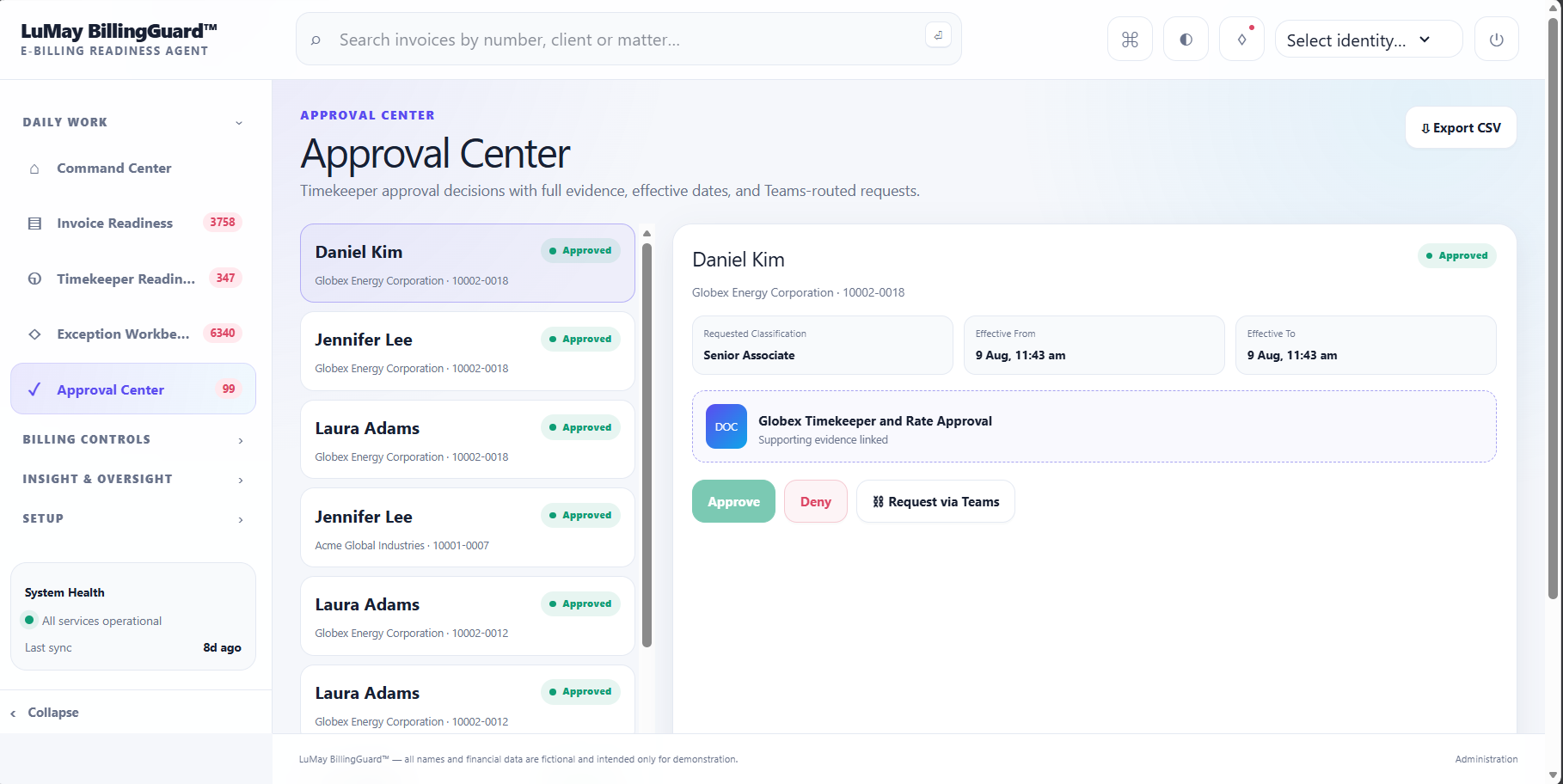
Is this timekeeper approved?
- Approval Requirement: Review Required
- Business Context: Billing eligibility requires confirmation
- Supporting Evidence: Available for Review
- Review Owner: Assigned Reviewer
- Decision: Approve · Deny · Request Information
Illustrative product data for demonstration purposes.
HOW THE REVIEW WORKS
What BillingGuard checks, what it needs, and who decides
BillingGuard's checks run against documents and data your firm supplies - a client's billing guideline document, approved rate tables, and the timekeeper roster. The quality of the check depends on the inputs provided. The decision on a flagged item always sits with a person.
Rate and timekeeper checks
Compares the rates and timekeepers on a prebill entry against the approved rate table and timekeeper roster you supply, so entries billed at the wrong rate or by an unapproved timekeeper are flagged before submission.
Guideline and approval checks
Checks matter setup, approvals, and billing requirements against the client's outside counsel guidelines (OCG) and matter rules you provide, surfacing where supporting approval evidence is missing or incomplete.
Evidence-backed explanations
Each flagged issue is explained with reference to the specific rule or document it is checked against - for example, an approval requirement, a rate agreement, or an OCG term - rather than a bare pass/fail result.
Human review and decision
BillingGuard surfaces and routes issues to a named reviewer; it does not auto-correct or auto-resolve them. A person reviews the evidence and chooses to approve, deny, or request more information.
Move the control before submission.
The same work, a different outcome — because the control moved earlier.
A prebill entry gets flagged against a client guideline
- A time entry moves into the prebill stage and BillingGuard checks it against the rate table, timekeeper roster, and the client's outside counsel guideline supplied for that matter.
- The entry's rate doesn't match the approved rate agreement for that timekeeper. BillingGuard flags the entry and explains the mismatch with reference to the specific rate agreement it checked against.
- A named reviewer on the billing team sees the flag, the entry, and the supporting rate evidence side by side, and decides whether to correct the rate, accept it as an exception, or request more information before the invoice is prepared.
This example illustrates the review workflow, not a guaranteed outcome for any specific deployment or invoice.
FREQUENTLY ASKED
Prebill review, answered
What kinds of issues does BillingGuard flag?
It flags conditions that commonly hold up billing - an unapproved or off-roster timekeeper, a rate that doesn't match the agreed rate table, missing matter setup, or missing approval or supporting evidence against the client's OCG and matter rules.
What does BillingGuard need from us to run these checks?
It checks prebill entries against documents and data you provide, such as the client's outside counsel guidelines, approved rate tables, the timekeeper roster, and supporting approval records. The checks are only as complete as the inputs supplied.
What happens when something is flagged?
The issue is surfaced with an explanation tied to the specific rule or evidence it was checked against, and routed to a named reviewer. The reviewer sees the context and evidence behind the flag before making a decision.
Does BillingGuard fix the issue automatically?
No. BillingGuard identifies and explains the issue and routes it to the right owner - it does not auto-correct the underlying record. A person decides whether to approve, deny, or request more information, and that decision is what updates the record.
Does using BillingGuard guarantee an invoice won't be rejected by the client?
No. Catching issues before submission reduces the chance of a preventable rejection, but it is not a guarantee against client-side rejection or a promise of payment. Acceptance still depends on the client's own review process.
Related Articles
November 2026
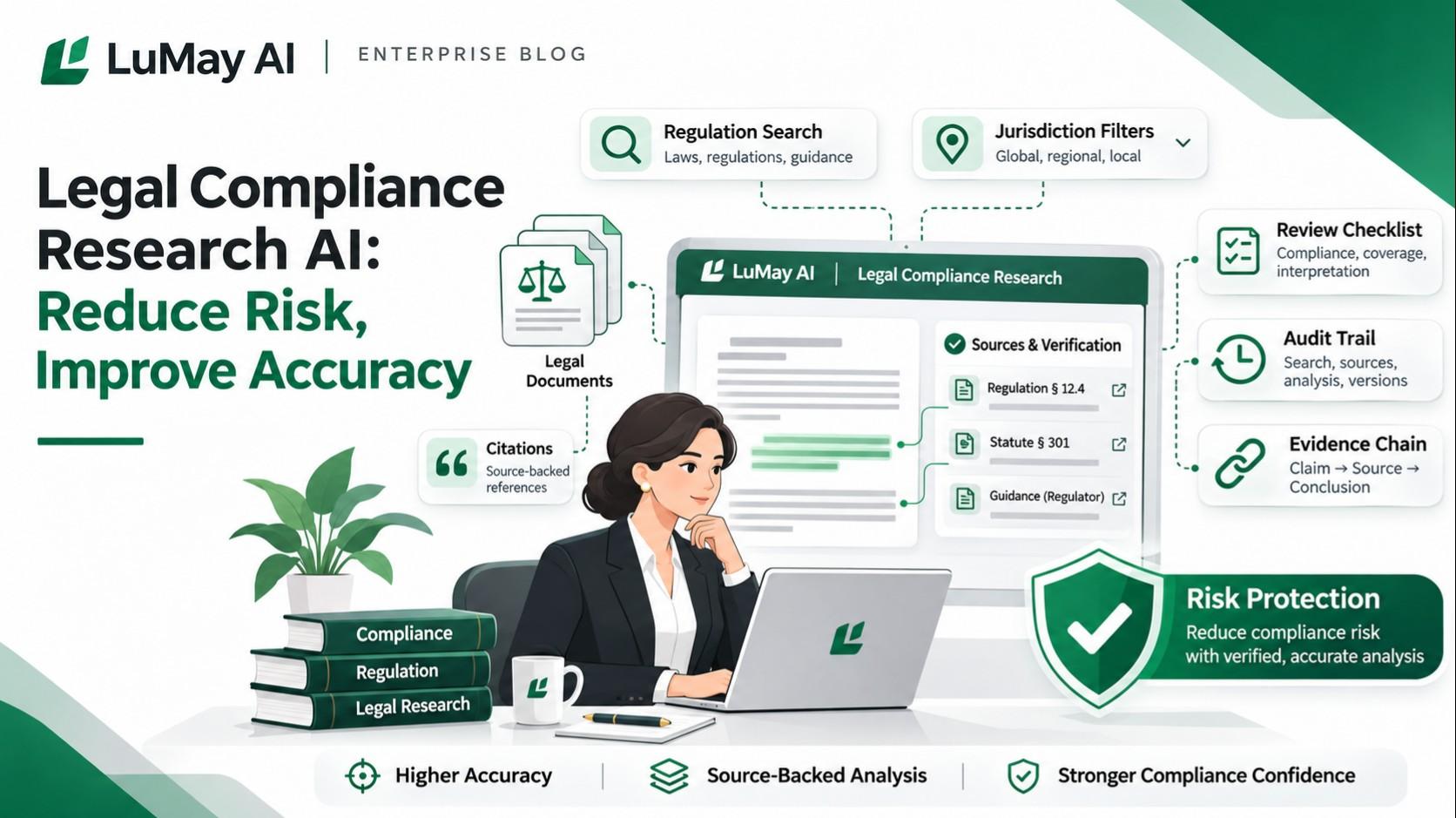
Legal Compliance Research AI: Reduce Risk, Improve Accuracy
November 2026
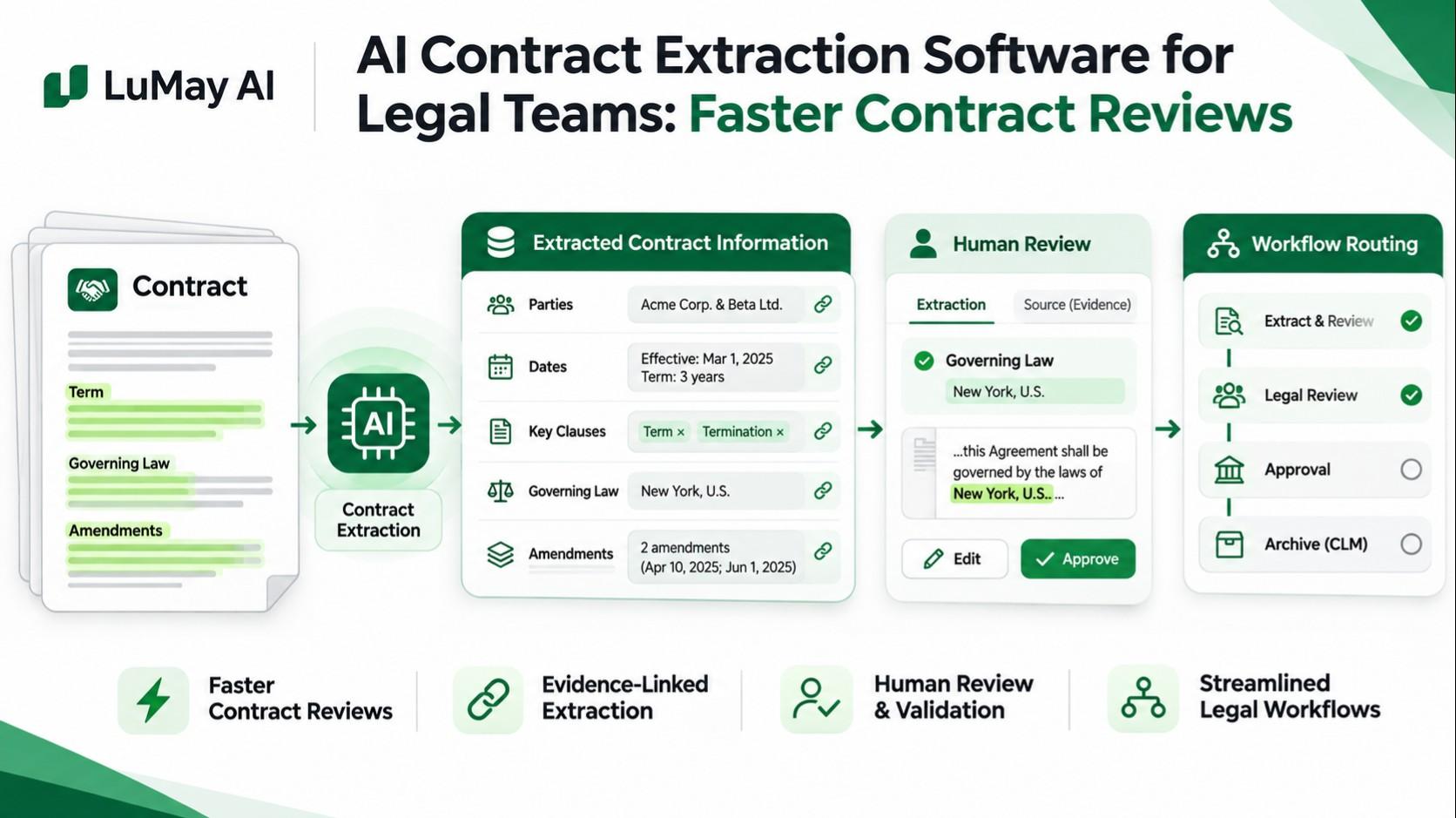
AI Contract Extraction Software for Legal Teams: Faster Contract Reviews
November 2026
LEDES Validation: A Pre-Submission Checklist for Law Firms
Recent Posts
- Legal Drafting Software for Law Firms: What to Evaluate Before Choosing an AI Drafting Tool
- AI Voice Agent Agency: What Enterprise Buyers Should Evaluate Before Hiring One
- Enterprise AI Adoption Framework: How to Move From Pilots to Governed Scale
- Voice AI for Medical Device Support Hotlines: Triage, Escalation and Complaint Intake
- AI Voice Agents for D2C Brands: Sales, Support and Retention Workflows
- Legal Workflow Automation Software: What Law Firms Should Automate First
- Voice AI for Subscription Renewals: Automate Reminder Calls, Verification and Escalation
- Voice AI for Warehouse Communication: Automate Updates, Exceptions and Escalations
- Asynchronous Authorization Platforms for AI Agents: What Enterprise Buyers Should Evaluate
- Legal AI for Employment Law: Review Policies, Cases and Documents Safely
Catch it before submission. Protect what's earned.
Move billing exceptions earlier in the process while keeping approval and judgment where they belong — with your billing and finance teams.
See how BillingGuard fits into your e-billing workflow.