


An employee understands the AI review task but cannot finish the lab because the only instructions are in a fast screen recording. Another loses their work when a timed exercise ends.
The completion report labels both employees as needing more AI training.
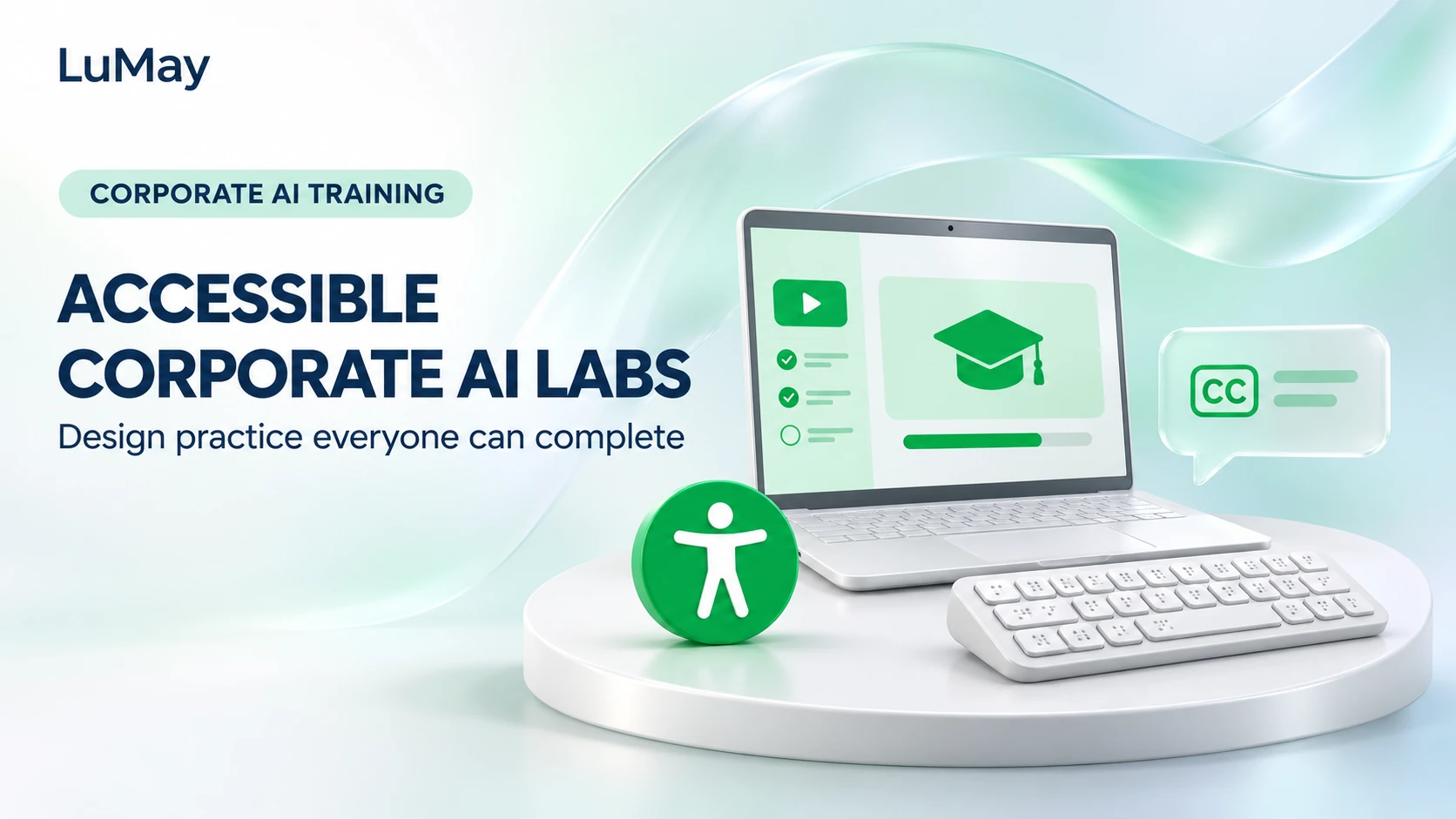
Accessible corporate AI training separates the skill being taught from avoidable barriers in the learning environment. Design instructions, interaction, support, and assessment so learners can demonstrate the same intended competence through an appropriate usable route. A redesigned lab still needs evaluation with its actual participants.
Define the competence before choosing the interface
State what successful work proves: identifying unsupported claims, selecting approved inputs, or documenting an escalation. Typing quickly, following a mouse gesture, or hearing a video is not automatically part of that competence.
Provide instructions in a structured text format as well as any demonstration. Describe expected outputs and permitted tools. Use synthetic or approved examples so accessibility support does not require disclosing personal or customer information.
Ask about learning and access needs through an appropriate private process. Do not require employees to explain personal medical information to a public workshop group.
Review the whole task path
The W3C WAI Forms Tutorial explains how labels, instructions, structure, and feedback support accessible interaction. Apply relevant principles to the actual learning tools rather than assuming that an attractive slide deck makes the entire lab accessible.
The checklist is a practical starting point, not a claim of formal accessibility conformance. Where a standard or legal requirement applies, arrange the appropriate specialist evaluation.
| Potential barrier | Proposed design response |
|---|---|
| Instructions only in video | Equivalent text and appropriate captions |
| Controls require a mouse | Test keyboard operation and focus behavior |
| Errors conveyed only by color | Provide an understandable text explanation |
| Unclear form fields | Use meaningful labels and instructions |
| Unnecessary time pressure | Allow a suitable pace or agreed alternative |
Provide equivalent practice without changing the learning objective
A learner who cannot use a drag-and-drop claim sorter might complete the same evidence-matching task in a structured table. The assessment can still check whether each material claim is linked to an appropriate source.
Keep the rubric aligned across routes. If the goal is review judgment, evaluate evidence selection and escalation rather than counting interface actions or penalizing an approved accommodation.
Give facilitators instructions for saving progress, requesting assistance, and recovering from a tool failure. Support should not accidentally reveal the answer to one learner while others receive only navigation help.
Illustrative example: reviewing an AI customer update
A hypothetical operations cohort receives a draft customer email and a short source pack. The original lab asks learners to drag colored markers onto unsupported promises.
The revised lab offers a keyboard-operable review table with source locators and text decision labels. The facilitator supplies the same task evidence and scoring rubric in both routes. Learners still have to identify the promise, justify a correction, and name the decision owner.
The change removes an interface dependency without lowering the review standard. Test that assumption with representative users rather than treating it as a guaranteed outcome.
Pilot with observable completion evidence
Record where learners became blocked, what support was needed, and whether the intended competence could be assessed. Keep individual access needs appropriately restricted; use aggregated findings to improve the course.
- Check instructions and source documents with the intended presentation formats.
- Walk through the lab with keyboard input and relevant assistive technology.
- Ask representative participants to complete the actual task and explain barriers.
- Separate tool-navigation problems from misunderstandings of the AI concept.
- Correct the lab and retest the affected path before scaling the cohort.
Frequently asked questions
Are captions alone enough?
No. Instructions, controls, evidence documents, error feedback, and assessment can introduce separate barriers. Review the full task path.
Must every learner complete the identical interface steps?
Not when those steps are incidental to the competence. Use an equivalent route and an aligned rubric where appropriate.
Can a longer time limit fix an inaccessible tool?
It may address pace, but it does not make unlabeled controls or a mouse-only interaction usable. Resolve the actual barrier or provide a suitable alternative.
Does finishing the checklist prove legal compliance?
No. It is a practical design aid. Applicable requirements and formal conformance need the relevant evaluation and responsible owners.
Carry access requirements into the training brief
Specify the intended skill, supported practice routes, assistance process, and assessment evidence before commissioning a course. Pair this work with LuMay’s manager review workshop design. Discuss the real learning environment when scoping AI Learning Labs, and test it with the employees who will use it.