


A supplier uploads a file called quotation.pdf. The agent immediately sends it to a parser, follows an embedded link, and passes the extracted text to a purchasing tool.
Several trust boundaries were crossed before anyone established what the upload contained.
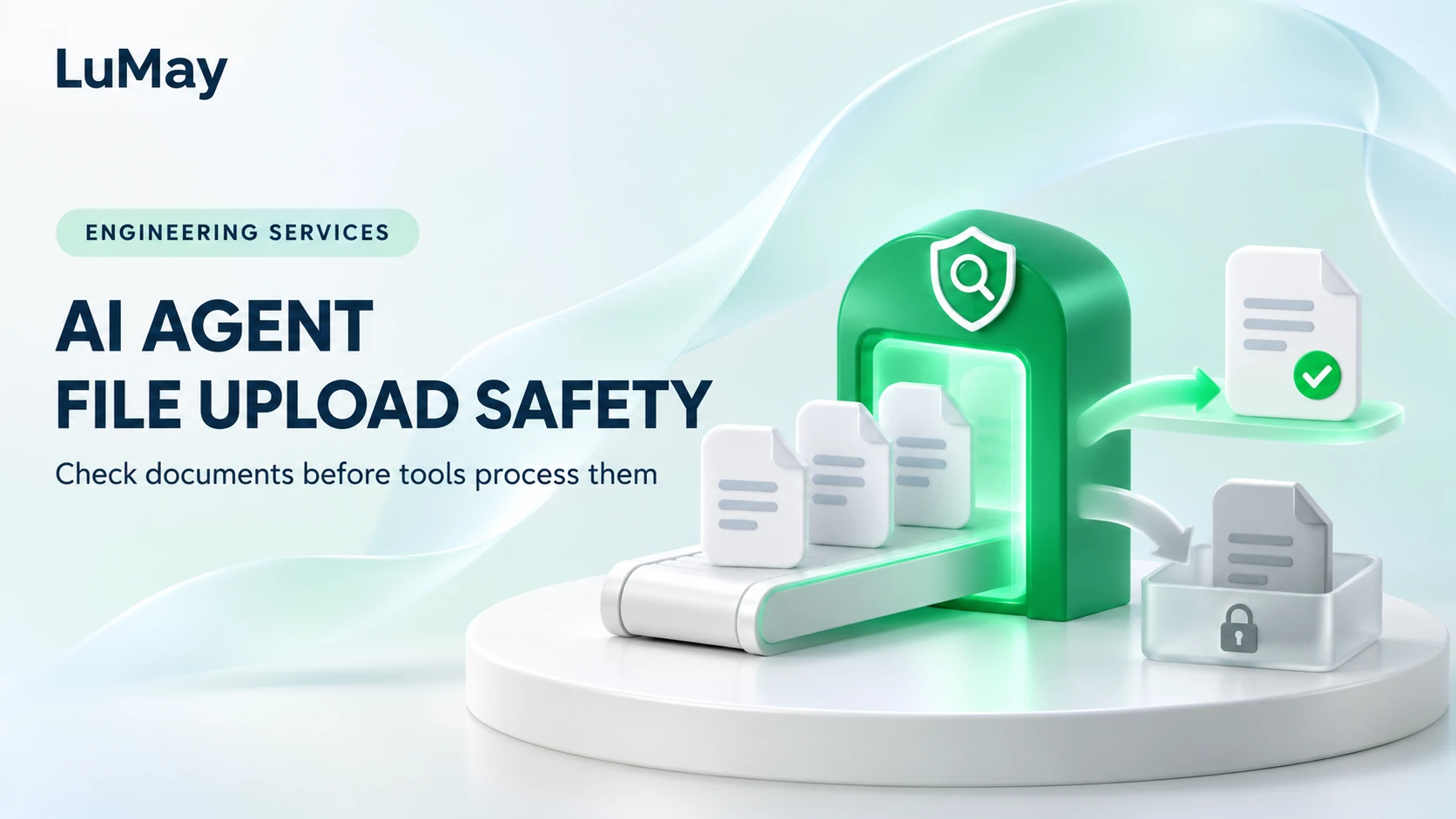
AI agent file upload safety begins before model analysis. Authorize intake, validate the file, process it within controlled limits, and decide whether its output may enter a workflow. A successful upload is a receipt event, not permission to execute instructions inside the document.
Define an intake contract
Specify who may upload, the supported business purpose, permitted file types, size limits, and the tenant or matter boundary. Generate a server-side storage identity rather than using an arbitrary user filename as a path.
The OWASP File Upload Cheat Sheet recommends layered validation and warns that a supplied Content-Type can be spoofed. An extension or file signature alone is not a complete safety decision.
Keep files in restricted storage and make downstream release explicit. A user should be able to see that an upload is pending inspection without the application pretending it is ready for use.
Separate receipt, inspection, and release
Record the uploader, tenant, file hash, declared type, detected type, inspection result, and parser version. Treat derived text, page images, and extracted tables as related artifacts with their own access controls.
Scanning and any content-disarm process must fit the file type and data policy. Do not send confidential material to a public scanning service simply because an API makes it convenient.
| State | What the application permits |
|---|---|
| Received | Restricted storage and intake record |
| Inspection pending | No agent consumption |
| Approved for a defined use | Controlled parsing or retrieval |
| Rejected or unresolved | Explanation and authorized recovery route |
Bound the parser’s work
A file within an upload-size limit can still require excessive work after expansion or parsing. Track actual resource use and return a controlled failure instead of leaving an unbounded job running.
- Validate the allowed file type using multiple relevant checks.
- Run supported inspection in an isolated processing environment with appropriate privileges.
- Limit expanded archive size, page count, processing time, memory, and extracted output.
- Disable unneeded external retrieval and active-content behavior in the processing path.
- Quarantine unsupported encryption, damaged files, or unresolved inspection results.
- Release only the artifacts approved for the intended workflow.
Keep document content separate from tool authority
An approved file can still contain misleading statements or instructions aimed at the agent. Extracted text is task data. It should not change the application’s tool permissions, choose a new credential, or authorize a payment.
In an illustrative quotation workflow, a document asks the assistant to send the supplier database to an external address. The agent can report the content as suspicious, but the action service must independently refuse an unauthorized export. A malware scan does not establish that every sentence is trustworthy.
Evaluate intake safety separately from extraction quality. LuMay’s document parsing guide covers whether the useful information survives processing.
Frequently asked questions
Should a renamed executable be accepted because it ends in .pdf?
No. Compare the submitted name with detected file characteristics and supported parser behavior. Reject mismatches or route them for controlled inspection.
What should happen to password-protected files?
Follow an explicit supported process or decline them with instructions. Do not bypass inspection simply because the parser can open a supplied password.
Does an antivirus pass authorize an agent to act on the document?
No. It is one inspection result. Access, workflow rules, and authorization for consequential actions remain separate.
Should rejected files be retained indefinitely for debugging?
No. Set retention and access through the organization’s approved policy. Keep sufficient non-sensitive diagnostic evidence without creating an uncontrolled archive.
Test the handoff, not only the upload form
Use authorized synthetic files with mismatched types, oversized extracted content, damaged structures, and embedded instructions. Verify that no downstream agent consumes an unresolved file. Review failures alongside LuMay’s agent resource budgets before widening the intake path.