


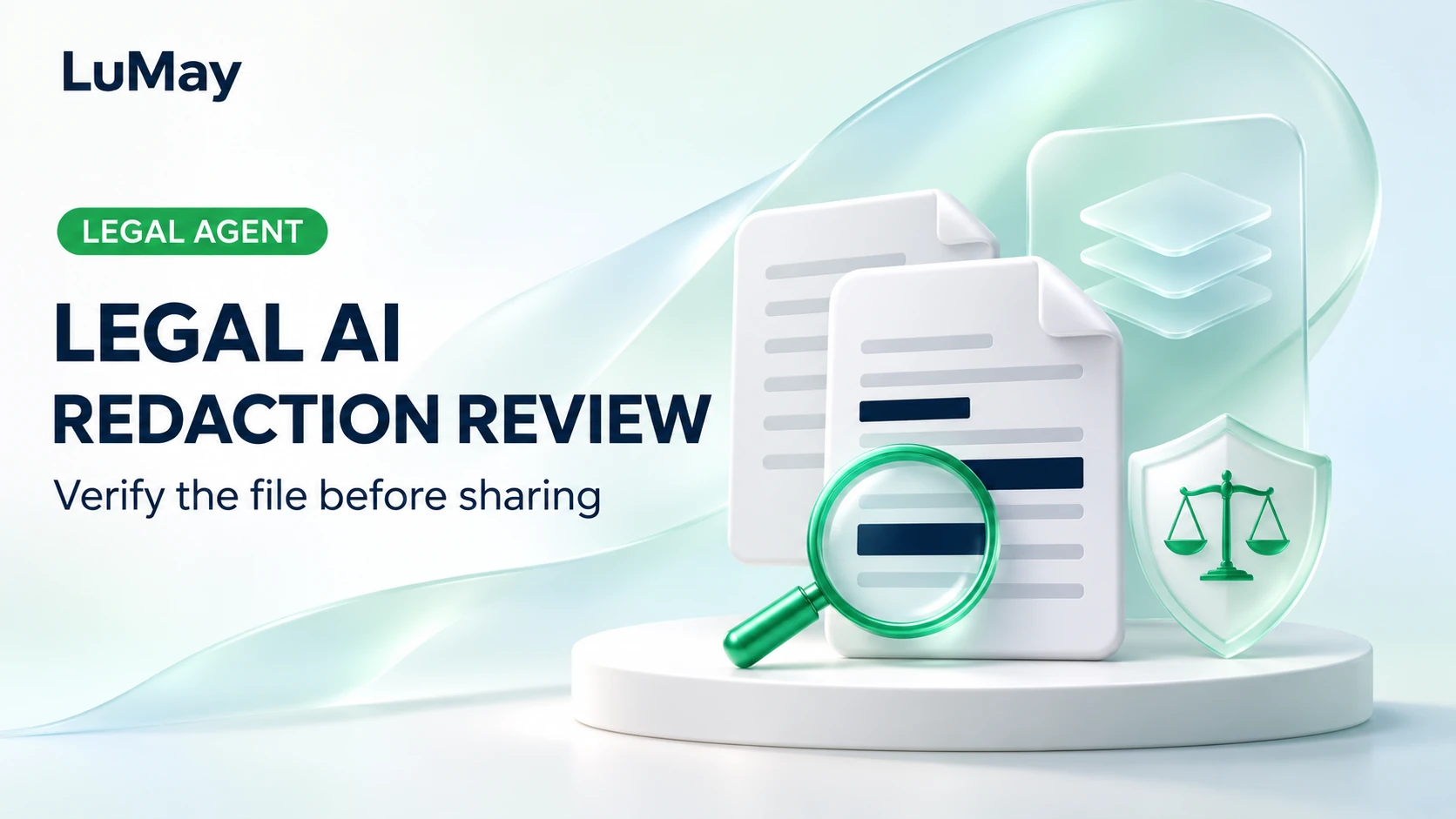
The preview shows black bars over the client’s name. A reviewer copies text from the saved PDF and the name is still there.
A visual mark is not sufficient evidence that the release file removed the underlying information.
Legal AI redaction review needs two decisions: what information should be withheld, and whether the actual shared file implements that decision. Use AI to assist detection and review organization, while keeping legal judgments and release authority with the responsible reviewers. This is an operational workflow, not jurisdiction-specific legal advice.
Define the release set and the review rule
Identify the intended recipients, purpose, document versions, and approved categories for review. A confidentiality label, a personal-data detector, and a privilege decision are different things. Do not ask a model to invent the applicable withholding rule.
Work from an authorized original and create a separate release copy. Record file identities so the reviewed preview cannot be confused with a later export or an earlier unredacted attachment.
ABA Formal Opinion 512 discusses competence, confidentiality, and supervision when lawyers use generative AI. It does not certify a redaction product or prescribe this release checklist.
Separate suggestions from approved removals
Have the assistant propose candidate passages with document and page references. Record why each item was flagged and allow the reviewer to accept, correct, or reject the suggestion.
Include repeated names, alternate spellings, scanned pages, tables, and information embedded in images. Check surrounding context: a model may miss an indirect identifier or suggest removing material that must remain available to the recipient.
Retain unresolved issues outside the release artifact. A confidence score should not automatically convert a suggestion into a final legal decision.
Apply redactions and inspect hidden information
Use an approved tool that applies the required removal to the saved file. A drawing annotation placed over content is not equivalent to that operation.
Adobe’s sanitization documentation identifies hidden information such as metadata, comments, and layers as a separate sharing concern. Check the exported file for relevant hidden content instead of reviewing only what the page visibly displays.
Keep the unredacted original under its existing access and retention controls. Do not destroy it as a side effect of preparing a distribution copy.
| Release check | Evidence to capture |
|---|---|
| Approved removals applied | Reviewer decision matched to final pages |
| Search and extraction checks | Targeted attempts against the saved copy |
| Hidden-information review | Documented sanitization decisions |
| Correct attachment selected | Final file identity and destination |
| Release authorized | Named owner and approval record |
Illustrative example: a corrected export
In a hypothetical dispute-review exercise, the AI finds a customer name in the main text but misses it in a scanned appendix. The reviewer adds the appendix location, applies the approved removals, and inspects the resulting copy.
A subsequent export recreates an annotation layer from an earlier source. The release check detects that it is a different file from the approved output, so sharing pauses. The team reviews the new artifact rather than assuming approval follows the document’s filename.
Test with synthetic documents containing known occurrences in text, images, comments, and metadata. A failed search alone does not prove every sensitive item is absent; combine automated checks with targeted visual and structural review.
Frequently asked questions
Can an AI detector decide whether a passage is privileged?
It may flag candidates for review, but the responsible legal reviewer must determine the applicable treatment. Do not present a detection result as a legal conclusion.
Is converting a PDF to an image a universal solution?
No. It changes the document’s structure and can affect accessibility and usability. The resulting file still needs an appropriate release review.
Should every recipient receive the same redacted file?
Only if the approved scope is the same. Track recipient-specific release versions where the applicable decisions differ.
Can the release record contain unredacted excerpts?
If necessary, keep them in an appropriately restricted review record. Do not place the sensitive material in a broadly shared checklist or ordinary application log.
Make the saved artifact the review target
Start with a synthetic release set and verify the complete path from suggested redaction to selected attachment. LuMay’s legal-review validation guide provides related evaluation practices. Confirm the required review and release controls when scoping LuMay Legal Agents.