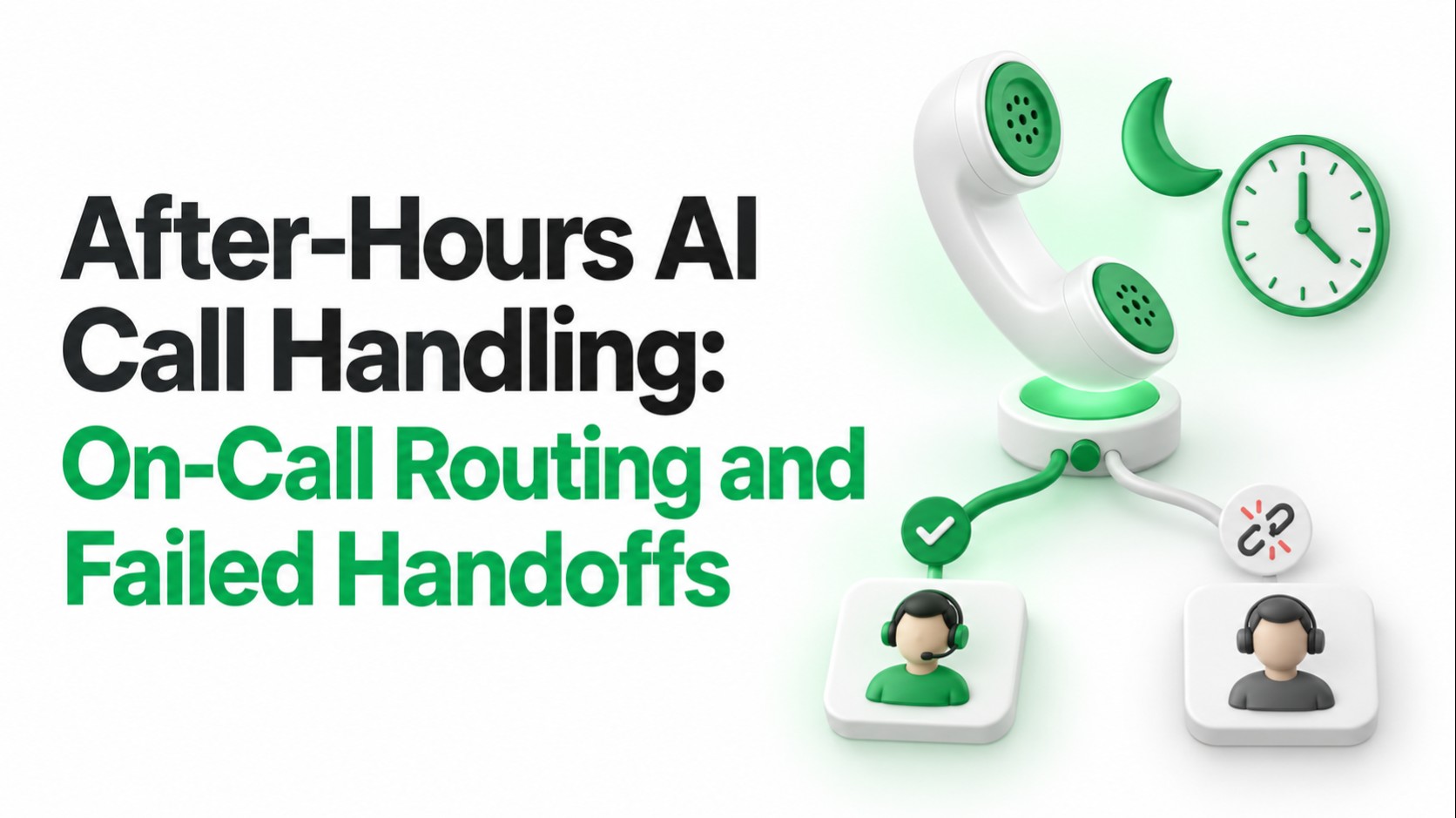
A customer calls after closing time because a business-critical service has stopped working. The AI answers, gathers the details, and transfers the call. Then the on-call employee's voicemail picks up.
Was that a successful handoff? The phone system may record an answered call. The customer still needs help.
After-hours AI call handling needs a plan for both outcomes: reaching the right person and handling the moment when nobody accepts. That plan determines whether overnight coverage is useful to the caller.
What Is After-Hours AI Call Handling?
After-hours AI call handling uses a voice agent to answer outside normal business hours, understand the request, provide approved information, and route work according to the company's escalation rules.
Some calls can end with an answer. Others need a callback request or a live employee. The agent should explain which outcome it can actually deliver.
Quick answer: Look up the current on-call contact, attempt the approved route, confirm acceptance where supported, and follow a defined fallback when the handoff fails. Record the actual outcome at every stage.
Decide Which Calls Deserve an On-Call Transfer
Before choosing a voice platform, agree on the situations that justify contacting staff after hours. A caller's frustration deserves attention, but it does not automatically determine operational priority.
Use a few factual questions tied to the business: which service is affected, what stopped working, when it started, and whether the issue matches an approved escalation condition.
| Caller situation | Recommended handling | Required safeguard |
|---|---|---|
| Routine question with an approved answer | Answer from current business information | Avoid inventing availability or account details |
| New inquiry or nonurgent request | Create a callback request or service task | Confirm the contact details and owning team |
| Issue meeting the urgent escalation policy | Attempt the current on-call route | Use approved priority criteria and contacts |
| Unclear issue or conflicting information | Ask a short clarifying question | Use the documented uncertainty fallback |
| Request outside the agent's authority | Follow the relevant approved procedure | Avoid promising actions the service cannot perform |
Write these rules with the team that receives the calls. A route that sounds sensible to a project team may send the wrong employee a call at midnight.
Build Routing Around the Live On-Call Schedule
A fixed phone number in a prompt becomes unreliable when shifts change. The routing system should resolve the responsible person from an authoritative schedule when an eligible call arrives.
Schedule tools such as PagerDuty support time zones, rotation layers, handoff times, and overrides. Your integration must apply the relevant schedule and override before selecting a destination.
For each route, document:
- The business location, service, or customer group it covers.
- The time zone and rules for weekends and holidays.
- The primary contact and approved backup sequence.
- The conditions that permit an after-hours escalation.
- The maximum attempts and total caller waiting time.
- The fallback owner when no employee accepts.
Keep phone numbers in a controlled directory. The language model can help interpret the request; the routing service should return the approved destination.
An on-call assignment also does not prove that someone is immediately available. The transfer flow still needs to handle busy lines, missed calls, and declined requests.
Separate a Connected Call From an Accepted Handoff
Twilio's Call resource documentation explains that a completed call can connect to a person, voicemail, or an automated system. That status alone cannot establish that an employee accepted responsibility.
Track the stages separately:
- Attempted: The system started dialing the approved destination.
- Answered: Something answered the destination call.
- Accepted: An authorized recipient explicitly agreed to take it.
- Bridged: The caller and recipient were connected.
- Outcome recorded: The system saved the handoff result or fallback action.
Acceptance and bridging answer different questions. A recipient can agree to help before a technical connection fails. A connection can also reach voicemail without anyone accepting.
Define success using the evidence your platform can collect. If acceptance is unverified, report it as unverified rather than upgrading an answered call to a successful handoff.
Choose the Transfer Method Deliberately
| Transfer approach | What it does | What to verify |
|---|---|---|
| Blind or cold transfer | Sends the caller to another destination | Whether the original controller keeps any recovery capability |
| Warm transfer | Introduces the issue before connecting parties | Whether the recipient can decline and what follows |
| Transfer with explicit acceptance | Requires a supported acceptance action before bridging | How voicemail, silence, refusal, and timeout are handled |
Vendor terminology varies. Ask for a demonstration of the exact transfer mode, provider, and destination setup you will use.
For example, Vapi's assistant-based warm transfer supports success and cancellation paths. Configure the recipient's acceptance criteria and fallback behavior explicitly; the feature name alone does not define your policy.
Design the Call Flow Before Writing the Script
The script should follow the operating process. A polite sentence cannot repair a missing backup route or an unowned task queue.
1. Collect the Minimum Useful Details
Ask for the caller's name, affected service or location, a brief description, and a callback number they confirm. Apply your verification rules before discussing protected account information.
Gather enough context to select the route and brief the recipient. Avoid making the caller repeat a long intake form while an urgent issue is still unfolding.
2. Resolve the Correct Route
Use the issue category, location, and current schedule to select an approved contact. Store which route and schedule entry produced the decision so the team can investigate mistakes later.
When the lookup fails or returns no eligible contact, move to the documented fallback. Repeatedly asking the language model for a different destination will not repair missing schedule data.
3. Explain the Attempt to the Caller
Tell the caller that you will try the current on-call team. Explain the available alternative if they cannot wait, such as leaving a callback request.
Set expectations using the service's actual policy. Do not promise an immediate response or a specific callback time unless an operating commitment supports it.
4. Brief the Recipient and Confirm Acceptance
Where supported, give the employee a short summary and require a clear acceptance action. That may be a keypad response or a supported verbal confirmation.
Do not interpret a greeting, background speech, or silence as acceptance. The recipient should know what they are being asked to take over.
5. Bridge the Call or Complete the Fallback
After acceptance, connect the parties and record the bridge result. If the attempt fails, continue through the approved backup sequence or create the fallback task.
Tell the caller what actually happened. A saved callback request, an accepted transfer, and an unsuccessful contact attempt need different closing messages.
Can the AI Resume After a Failed Transfer?
Recovery depends on the call architecture. The system must retain control of the caller's connection and support an action after the destination attempt ends.
For instance, Twilio's Dial action can report the dial result and request further call instructions. The application must implement the next step.
Some transfer modes release control to the telephony provider. Vapi's transfer troubleshooting guidance describes cases where the assistant ends after forwarding even when the destination does not answer.
If your design requires the AI to return and offer a backup, prove that behavior on the actual phone route. Include busy, rejected, unanswered, and voicemail cases in the demonstration.
Handle Failed Handoffs by Cause
One generic failure message hides useful differences. A busy employee, a missing schedule, and a broken transfer need different operational responses.
| Failure | Caller-facing response | Operational action |
|---|---|---|
| Destination is busy | Explain that the contact is unavailable | Try the approved backup within the attempt limit |
| Nobody answers | Offer the next available policy option | Stop ringing at the configured timeout |
| Voicemail or an automated menu answers | Avoid claiming a person accepted | Continue the supported fallback path |
| Employee declines or is the wrong owner | Explain that another route is needed | Use the approved alternative and flag the route issue |
| Transfer encounters a technical error | Give an accurate update if the caller remains connected | Record the error and use a tested fallback |
| Bridge fails after acceptance | Explain the connection problem if possible | Start the approved recovery process and notify the owner |
| Schedule or directory lookup fails | Explain the available service option | Use the approved default route or owned task queue |
| Caller hangs up during the attempt | No further in-call message is possible | Stop unnecessary attempts; follow the authorized follow-up policy |
Set both an attempt limit and a total wait limit. Otherwise, each contact can behave as configured while the caller waits through an unreasonable sequence.
Treat Voicemail Detection as a Signal
Answering machine detection can return an unknown result. Shorter detection windows can increase uncertainty, so it should not be your only evidence that a person is ready.
Use explicit acceptance where the workflow supports it. If voicemail is an approved fallback, record it as a voicemail outcome and explain its response policy accurately.
Make the Callback Fallback an Owned Piece of Work
“Someone will call you back” is a promise. A reliable workflow needs a successfully saved request, an owning team, and a follow-up rule behind that statement.
A useful callback record includes:
- Caller-confirmed contact details and any contact restrictions.
- The affected service, location, and concise issue summary.
- The priority assigned under the business policy.
- Transfer attempts and their individual results.
- The responsible queue or employee and applicable due time.
- A reference number, if the destination system returns one.
Confirm that the destination system accepted the request before telling the caller it was saved. If that write fails, use the tested alternative and describe the limitation plainly.
A notification being sent does not mean an employee acknowledged it. Decide who monitors unacknowledged work and when it moves to the next owner.
Use “callback requested” until a callback is actually scheduled. Include a promised response time only when your team has committed to it and can monitor delivery.
Use Short, Honest Messages During the Wait
These illustrative lines show how the wording can follow the real call state:
- Starting an attempt: “I'll try the current on-call team. Please stay on the line.”
- No acceptance yet: “I haven't connected with them yet. I can try the approved backup or take a callback request.”
- Request successfully saved: “Your callback request has been recorded. Your reference number is [confirmed reference].”
- No confirmed timing: “I can request a callback. Our team will confirm the timing.”
Only offer options that are available in that call. Only read a reference number returned by the system. Avoid making a technical failure sound like a completed service action.
Pass Useful Context Without Oversharing
The receiving employee needs the reason for the call, the affected service, relevant verified details, and the actions already attempted. A concise summary usually serves that purpose better than an entire transcript.
Keep uncertainty visible. If the caller described an outage but the system has not verified it, label it as a reported outage.
Apply the organization's access, recording, and retention requirements. For connected workflows, validate provider webhooks, associate events with the correct call, and prevent repeated events from creating duplicate tasks.
Example: An Overnight Support Escalation
Consider an illustrative support desk handling a reported service outage. The caller's answers meet the company's after-hours escalation criteria, so the system retrieves the current primary and backup contacts.
The primary contact reaches voicemail. The system records an unaccepted attempt and proceeds to the approved backup while retaining the caller's connection.
The backup hears a brief summary and accepts. The system bridges the call and records the result. If both contacts had failed, it would follow the documented escalation and callback process.
This example depends on a transfer setup that supports those steps. The rollout test must demonstrate the same behavior through the production provider and destination numbers.
Measure the Outcome the Caller Experienced
Answered-call volume tells you how often the AI picked up. It does not tell you whether after-hours callers reached help.
| Measure | Definition to use |
|---|---|
| Accepted handoff rate | Eligible call sessions with a confirmed, bridged handoff divided by sessions where live escalation was attempted |
| Failure by cause | Separate busy, no-answer, voicemail, decline, routing, and technical outcomes |
| Time to accepted handoff | Time from the caller's escalation request to a confirmed, bridged handoff |
| Fallback task creation rate | Successfully saved tasks divided by sessions requiring a fallback task |
| Caller abandonment | Sessions ending while the caller waits, with the stage recorded |
| Callback commitment performance | Due callbacks completed within the response period actually promised |
Report unresolved and unverified outcomes separately. Also distinguish a successful handoff from a resolved customer issue; reaching an employee is only one step toward resolution.
Test the Failures Before Going Live
Use test numbers and agreed scenarios before exposing the workflow to customers. Then validate the real carrier path, staff devices, and business systems.
- Check shift changes, holidays, time zones, and schedule overrides.
- Test busy, unanswered, rejected, voicemail, and automated-menu destinations.
- Confirm that silence or uncertain detection never implies acceptance.
- Verify what happens when every approved contact fails.
- Test the maximum wait, caller hang-up, and a dropped bridge.
- Make the schedule service and callback system temporarily unavailable.
- Confirm that duplicate events do not create duplicate work.
- Test the phone entry point when the AI service itself is unavailable.
That final case needs a fallback outside the failed AI component. Twilio's failover guidance covers application availability and fallback URLs; the appropriate setup depends on your telephony architecture.
For each test, check the caller experience, employee experience, saved record, and notification. Assign someone to correct routing and ownership problems before launch.
Plan Your After-Hours Voice Workflow With LuMay
LuMay's Voice Agent supports voice workflows for customer and internal operations. Start the design discussion with your service hours, escalation policy, on-call roster, and failure scenarios.
Explore LuMay engineering services and AI integration services for the systems behind the call flow. Confirm transfer acceptance, recovery, and callback behavior for your chosen setup.
Contact LuMay to discuss a workflow that gives each caller a clear next step, including the calls that nobody can accept immediately.