


A tool call starts failing after a credential is rotated. One worker recovers, another keeps using the old key, and an engineer pastes the new value into an agent prompt to get the demo working.
That shortcut creates another exposure path without fixing the integration.
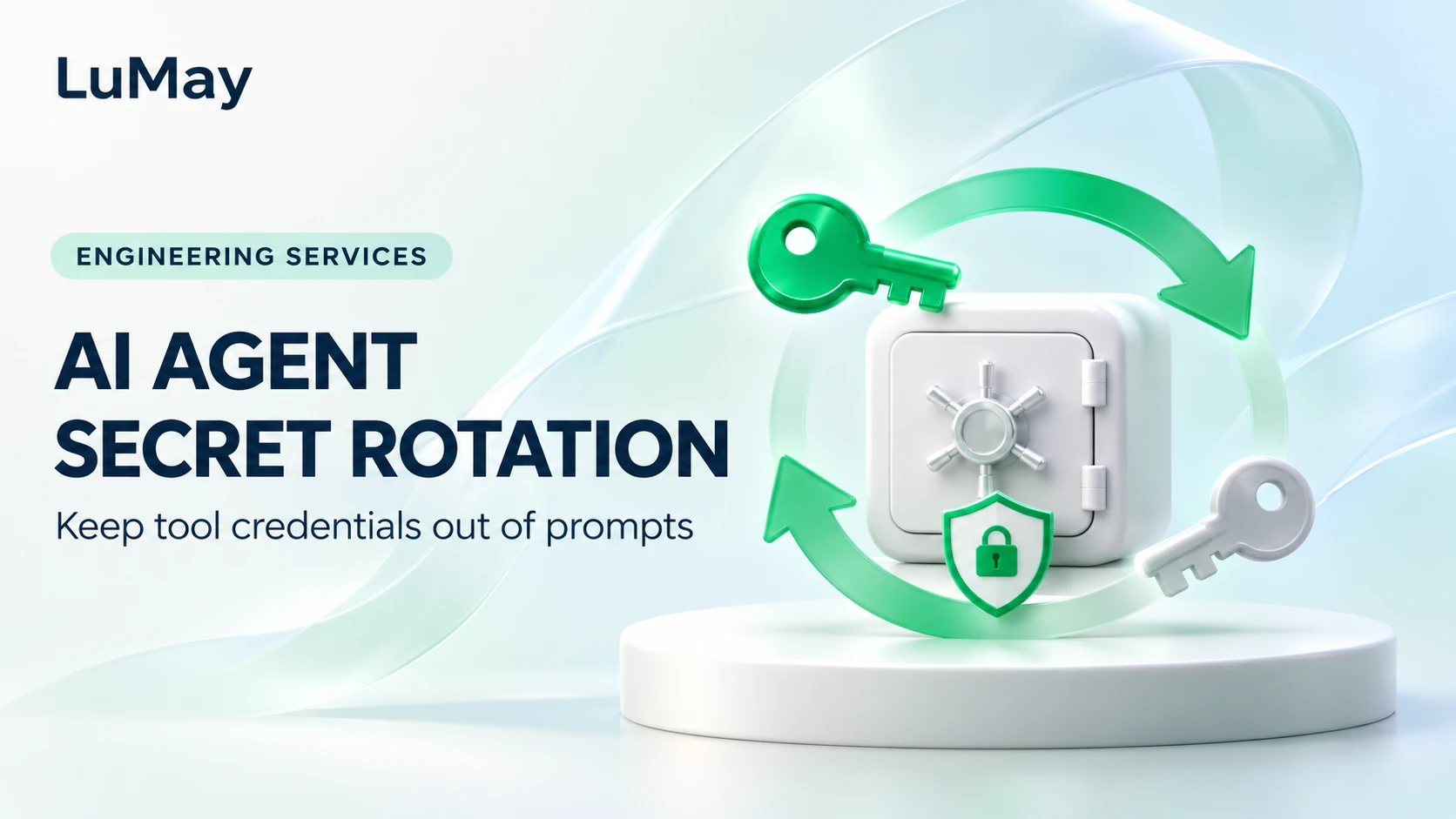
AI agent secret rotation should happen in the application layer that authenticates tool requests. The model needs the task and permitted arguments; it does not need the raw API key. This guide proposes a rotation workflow for shared service credentials, with provider-specific behavior to verify before deployment.
Map the credential to its consumers
Inventory the secret owner, downstream service, permissions, storage location, version reference, expiration, and every worker that can cache it. Include background jobs and recovery workers, not only the active web application.
Separate configuration from credentials. A service URL or feature flag should not be bundled with a password merely because both are needed by the adapter. Identify whether the integration can use an appropriate workload identity instead of a shared secret.
Microsoft’s Key Vault guidance addresses secret rotation and refreshing application caches. Storing a replacement in a vault alone does not establish that every consumer has adopted it.
Make rotation an observable sequence
Where a provider supports overlapping credentials, a staged transition may reduce disruption. Where only one credential can be active, design an explicit maintenance or recovery path. Do not promise uninterrupted rotation without testing that integration.
- Create the replacement through the provider’s supported process. Preserve the intended permissions rather than granting broader access to simplify testing.
- Store the new version in the approved secret manager. Restrict who can read or change it.
- Refresh or invalidate worker caches deliberately. Record version identifiers, never secret values, in operational evidence.
- Test an authorized low-impact operation from representative worker instances.
- Retire the old credential under the provider’s overlap rules, then confirm stale workers fail safely.
- Close the rotation record only after adoption and retirement checks pass.
Treat authentication failure separately from action failure
An authentication error may justify refreshing a cached credential. It does not justify changing tenant identity, expanding permissions, or retrying an uncertain external write without reconciliation.
Keep business operation IDs stable across credential refreshes when the underlying authorized action is unchanged. If a request timed out after submission, establish its outcome before submitting it again. LuMay’s agent idempotency guide covers that separate boundary.
Illustrative example: a restarted worker
A hypothetical purchasing service rotates its supplier API credential. Active workers adopt the new version, but a recovery worker starts from a stale configuration snapshot.
The adoption check detects the old version identifier. The worker refreshes through its authorized secret-manager access and tests authentication before accepting new work. It does not print the credential or ask the user to supply it in chat.
| Failure to test | Expected evidence |
|---|---|
| Worker with an old cache | Refresh or controlled authentication failure |
| New worker from an old deployment | Current credential resolution |
| Replacement with excessive scope | Permission review blocks activation |
| Logs and model context | No raw secret values |
Frequently asked questions
Should the model choose which tenant’s credential to use?
No. Resolve tenant identity from authenticated application context and trusted configuration. Model-generated arguments should not select another customer’s secret.
Does rotation erase a credential already exposed in a prompt?
No. Retire the exposed credential and investigate affected transcripts, logs, and access under your incident process. A replacement does not remove historical copies.
How often should credentials rotate?
Use the organization’s policy, the credential’s sensitivity, and provider capabilities. This design does not prescribe a universal interval.
Can a rotated key be restored during rollback?
Only if it remains valid and the security owner permits it. A compromised or deliberately revoked credential should not become a convenient rollback mechanism.
Start with one complete rotation rehearsal
Choose one tool integration and rehearse replacement, adoption, retirement, and recovery in an authorized test environment. Use LuMay’s MCP security guide for the wider authorization controls. The useful result is evidence that the application can change credentials without handing them to the model.