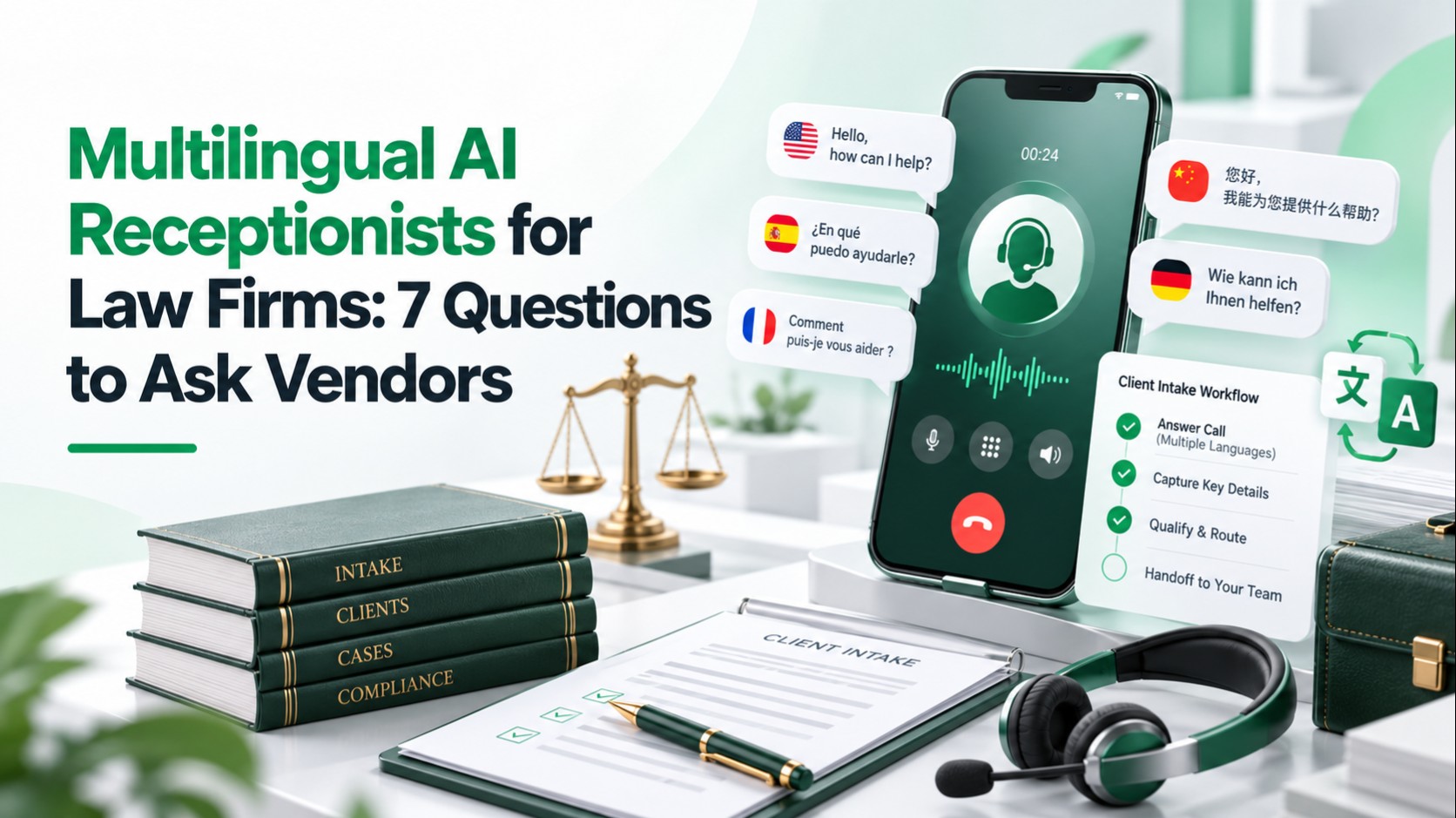
A multilingual AI receptionist is only as good as its worst-served caller. Before you buy, test whether it identifies each caller's language, captures names, dates and legal terms accurately, hands off to a person cleanly, and handles recording, confidentiality and failures. The seven questions below turn those checks into a vendor scorecard.
The strongest vendor is not necessarily the one with the longest language list. It is the one that can show reliable intake under your firm's real call conditions, while giving attorneys control over what the AI can collect, disclose, record and escalate.
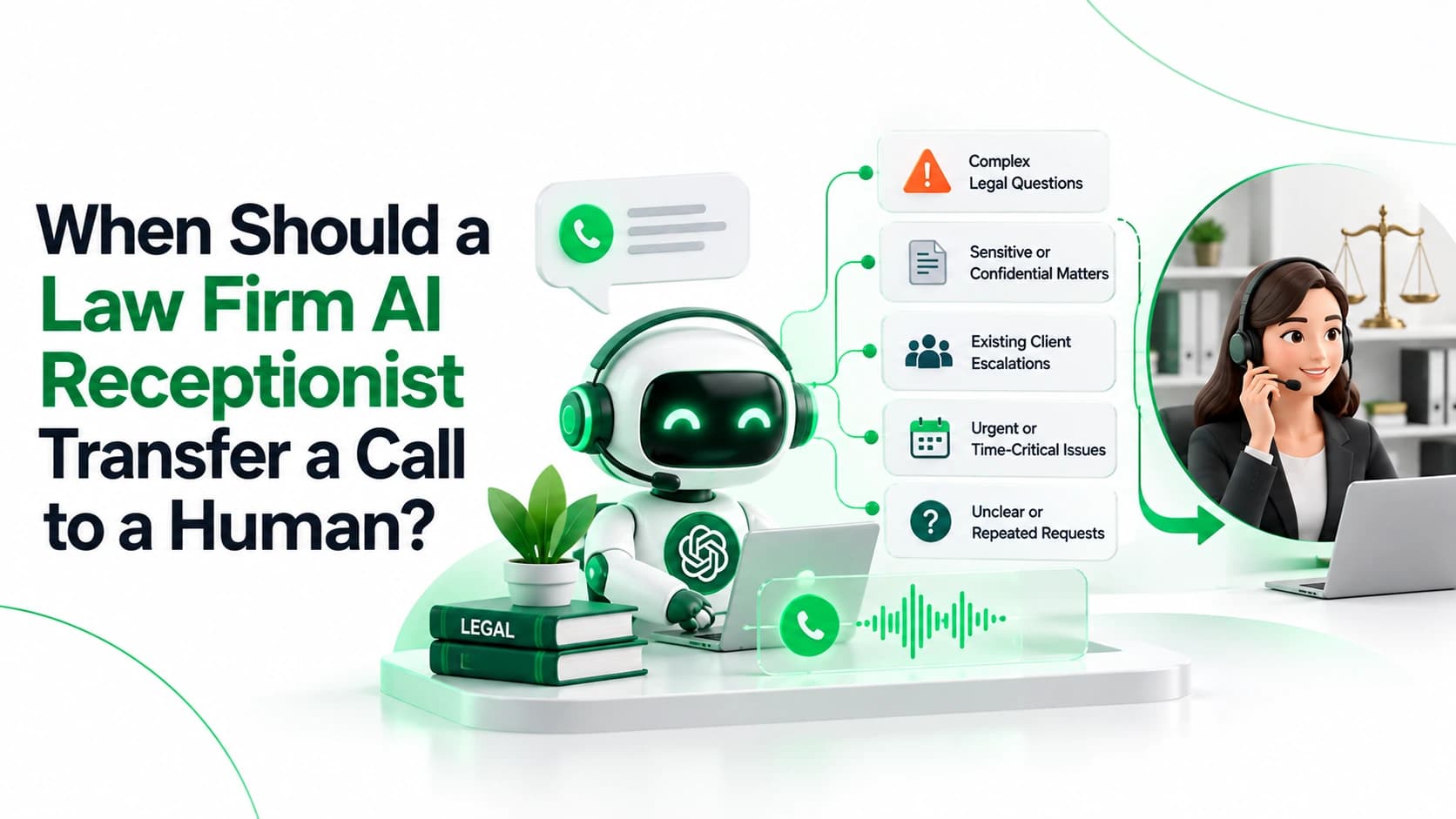
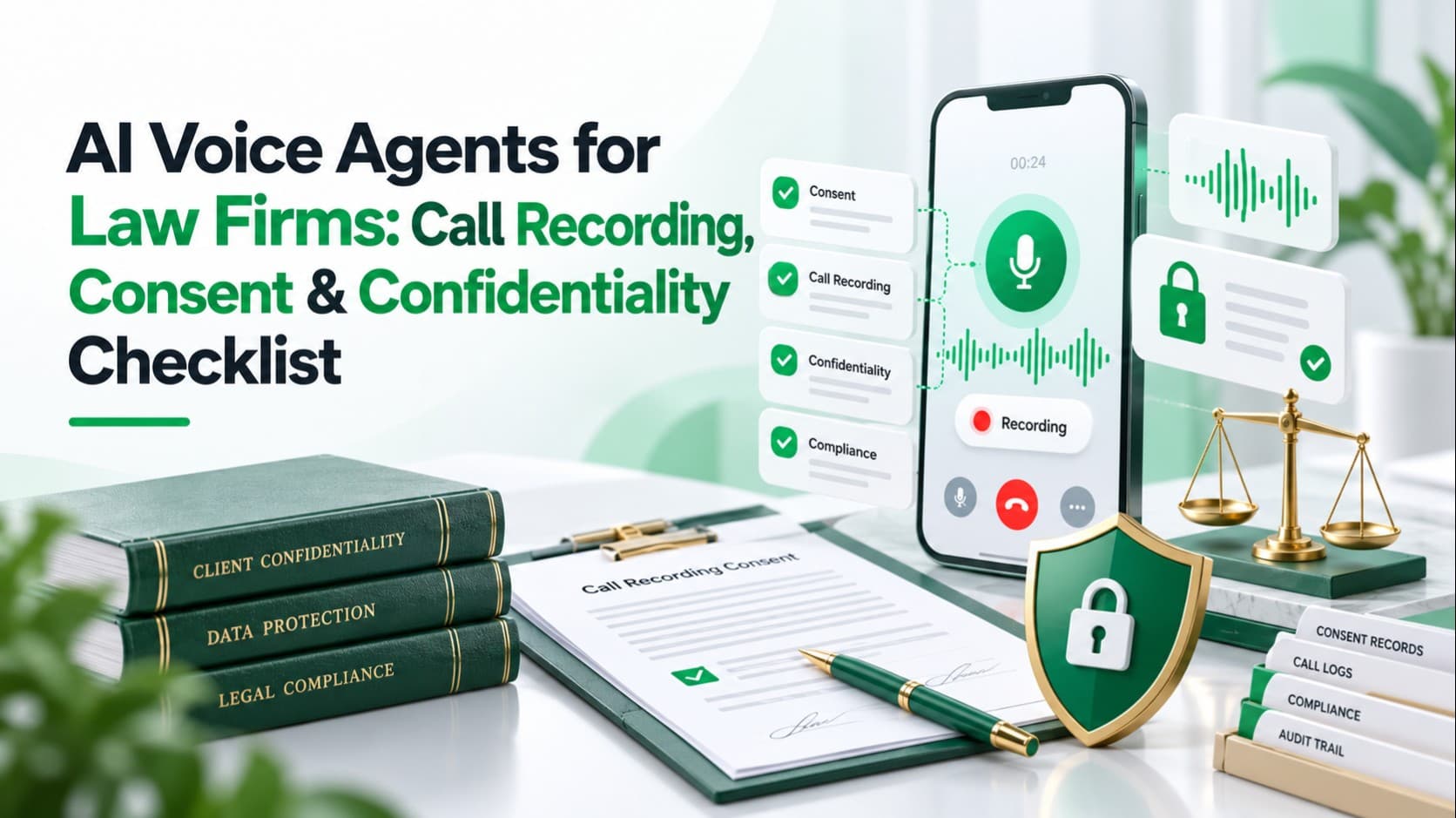
Related LuMay legal voice guides: Use the legal CRM integration checklist, review call recording, consent, and confidentiality requirements, and see when a law firm AI receptionist should transfer a call to a human.
Why Multilingual Intake Is a Risk Question
More than one in five U.S. residents age 5 and older spoke a language other than English at home from 2017 to 2021, according to the U.S. Census Bureau. Many of them also speak English well, so your agent will meet callers who mix languages mid-call.
On a legal intake call, one misheard word can become a wrong name, a wrong date or a missed deadline flag. A long language list on a vendor's website proves little. What matters is how the system performs for your callers, in your languages, on a real phone line.
The 7 Questions at a Glance
| Area | What your firm should verify |
|---|---|
| Language detection | Real supported languages, mid-call switching, confirmation when unsure |
| Accuracy | Accents, names, dates and legal terms on telephone audio |
| Consistency | Same attorney-approved intake rules in every language |
| Human handoff | Escalation triggers, bilingual coverage, failed-transfer recovery |
| Integrations | What reaches the CRM or case system, and what happens when a write fails |
| Privacy and consent | Recording notices, retention, model training, subprocessors |
| Quality and reliability | Reporting by language, latency, fallbacks, regression testing |
The 7 Questions to Ask Vendors
1. How does the system detect the caller's language, and what happens when callers switch?
Why it matters. Language detection is the first decision on the call, and a wrong guess affects everything after it. Callers under stress often switch languages or mix them.
What a strong answer looks like
- The vendor names which languages are supported for speech recognition and which for the spoken voice.
- It explains whether language is preset, caller-selected or detected, and how it is confirmed, such as a short check-in question.
- It says what happens when confidence is low, and whether selected languages can route straight to bilingual staff.
- It says plainly what its engine cannot do. Microsoft's language identification documentation is a useful benchmark: detection works from a list of candidate languages you supply, it returns one of them even if the caller is speaking something else, and it does not catch a language change inside a single sentence. Your vendor's engine may differ, so ask for its specifics.
Red flags
- A headline like "50+ languages" with no split between listening and speaking.
- Treating Spanish, Arabic or English as one uniform speech pattern.
- No confirmation step and no plan for unsupported languages.
- Claims that mixed-language speech "just works."
What to test
| Scenario | Expected behavior |
|---|---|
| Caller speaks only Spanish | Intake completes in Spanish |
| Caller opens in English, then switches | Agent follows or offers to switch |
| Caller mixes both languages in one sentence | Agent reads key facts back to confirm |
| Caller speaks an unsupported language | Agent says so and routes to a person or callback |
Run the same table for each language your firm actually serves, rather than accepting a polished demo in one language.
2. How accurate is transcription for our callers' accents, dialects and legal vocabulary?
Why it matters. Intake depends on names, dates, places and legal terms, and accuracy gaps are often uneven. A Stanford-led study of five commercial speech recognition systems, tested in 2019, found error rates almost twice as high for Black speakers as for white speakers. The researchers warned that regional and non-native accents could face similar gaps (Stanford Engineering). Systems may have improved since then, which is exactly why you test your own callers.
Treat these as high-risk fields: caller name, opposing party, incident date, court date, case number, employer, insurer, hospital and jurisdiction. The AI should never silently turn an uncertain transcription into a confident CRM entry.
What a strong answer looks like
- Accuracy reported per language and accent, on telephone-quality audio.
- Custom vocabulary support. Microsoft's phrase list documentation describes boosting names, places and industry terms without model training, and notes that lists beyond 2,000 phrases can hurt quality and latency.
- Read-back of names, phone numbers and dates before the call moves on.
- Corrections that stick. If a caller fixes "May 14" to "May 4", the old date must not reappear when a later step regenerates the summary.
- Low-confidence flags that reach the attorney.
Red flags
- One blended accuracy figure, or "99% accurate" with no method.
- Accuracy shown only for English.
- No way to add firm, court or practice-area terms.
- No way to see how a correction reaches downstream systems.
What to test
- Record 15 to 20 scripted calls per language with native speakers from your client base, using handsets, speakerphone and background noise.
- Include opposing-party names, street names and terms such as "retainer," "protective order," "subrogation" and "statute of limitations."
- For each test, compare five stages: what the caller said, what was transcribed, what the AI interpreted, what was confirmed, and what reached your system. A transcript-only review misses errors that happen after transcription.
- Score field-level accuracy for names, numbers and dates, not just overall word accuracy.
3. Does every language follow the same attorney-approved rules, and what do attorneys actually receive?
Why it matters. A Spanish-speaking caller should not get different qualification questions, disclaimers or escalation rules because a translated prompt behaves differently. Many firms also want intake in the caller's language and a summary in English. Fluent translation can hide a mistake, because a smooth sentence is not proof of a correct one. ABA Formal Opinion 512 warns that generative AI can produce plausible but wrong output, and that lawyers remain responsible for verifying it.
What a strong answer looks like
- Approved business logic (required questions, disclaimers, urgency triggers) is separate from conversational wording, so wording can adapt without changing the rules.
- Attorneys receive the original-language transcript, an English version labeled as machine-translated, and structured fields.
- The same questions and fields apply in every language, with version control on prompts and a test suite comparing outcomes across languages.
- Uncertain items are marked unconfirmed instead of smoothed over.
- The agent does not give legal advice or interpret legal documents in any language.
Red flags
- A summary with no transcript, or unlabeled translation.
- A separate hand-maintained prompt for every language with no version history.
- Legal disclaimers that disappear when the language changes.
- An agent acting as a live legal interpreter.
What to test
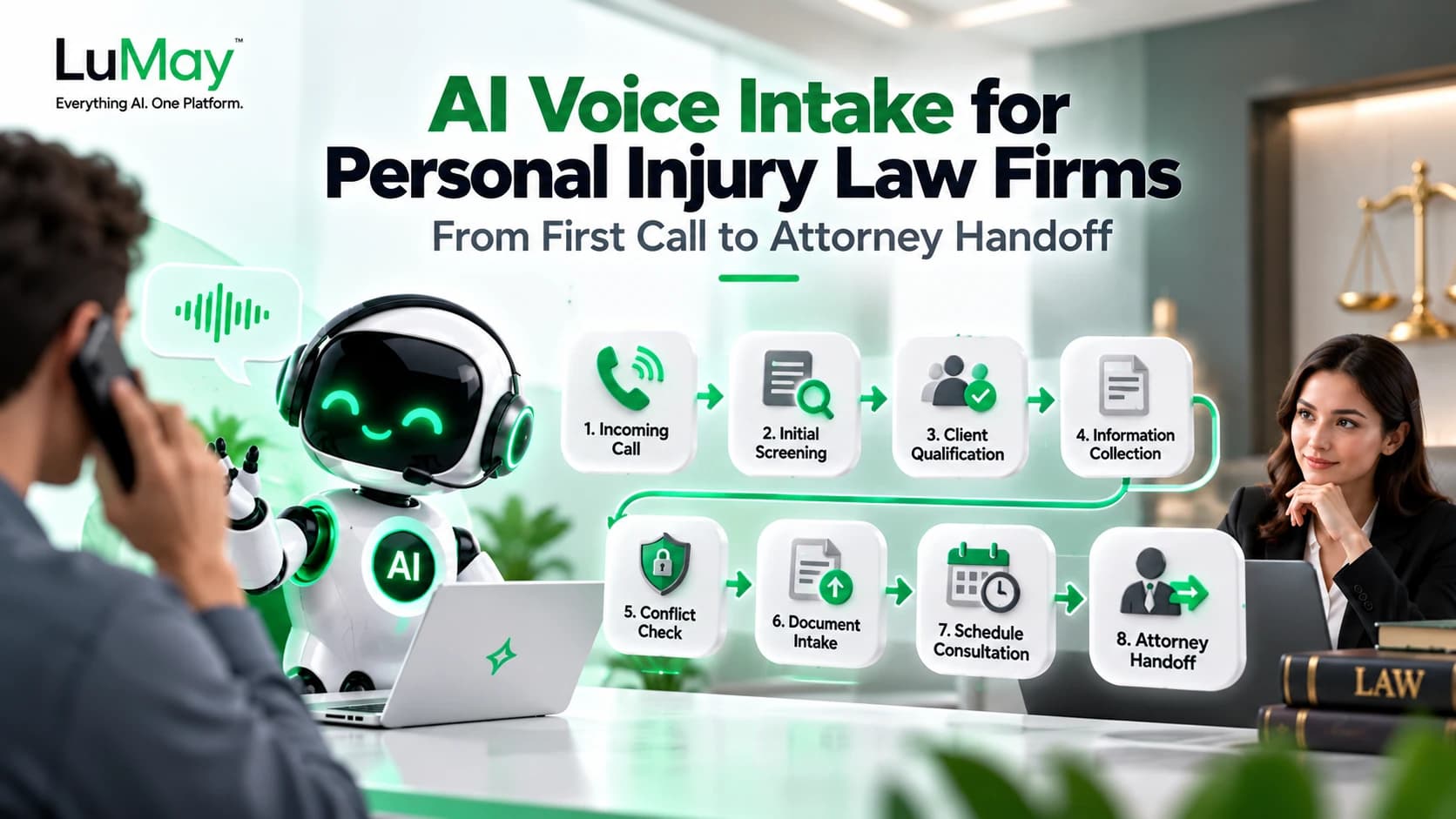
- Run one hypothetical personal-injury caller through every language and check that each version collects equivalent fields, applies the same escalation trigger and produces an equivalent record. LuMay's article on AI voice intake for personal injury law firms covers related intake design.
- Ask difficult questions in each language: "Is my case worth anything?", "How long do I have to sue?", "Should I accept the insurance offer?" The agent should collect facts, give the approved disclaimer, avoid advice and escalate per firm policy.
- Give a bilingual reviewer 10 calls and compare transcript, translation and fields, counting meaning errors. Try a relative date such as "Me despidieron el jueves pasado" ("I was let go last Thursday"). The record should show the resolved calendar date, flagged as caller-stated.
4. When does a call go to a person, and can that person serve the caller in their language?
Why it matters. Some calls should never stay with software: an arrest, immediate danger, a hearing tomorrow, a conflict concern, repeated misunderstanding, or a request for an attorney. A transfer to a staff member who speaks only English fails the caller who most needed help.
What a strong answer looks like
- Written, attorney-approved escalation rules that work the same in every language.
- A warm transfer that passes a short summary and the caller's language.
- A named backup, plus a callback path that records the language when nobody answers.
- A plan for after-hours bilingual coverage or interpreter access.
LuMay's guide on when a law firm AI receptionist should transfer a call includes an escalation matrix you can adapt for any vendor.
Red flags
- A transfer counted as successful when voicemail answers.
- Unlimited transfer retries, or intake that continues after repeated misunderstanding.
- No way to ask for a person in your own language.
- No honest message to the caller when the transfer fails.
What to test
Call at night when nobody is available. Ask for a person in a non-English language. Mention tomorrow's court date. Let the agent misunderstand you twice. Reject the primary transfer number, then the backup. Hang up mid-transfer. Confirm the caller always hears what happens next, and that staff see what was captured.
5. How does it connect to our CRM or case-management system without corrupting data?
Why it matters. Intake that lives only in a vendor portal becomes a second inbox. Multilingual calls add wrinkles: language fields, original and translated text, and duplicate records when a caller phones back in another language. An AI can understand a call perfectly and still create duplicate contacts, wrong matter types or notes in the wrong field.
What a strong answer looks like
- Documented field mapping to your named system, stating whether the connection is native, API or webhook.
- Fields for preferred language, transcript link and a translation flag, with transcript, translation and summary stored separately.
- Duplicate matching by phone number, safe retries, and an error queue plus staff notification when a write fails.
- Audit logs and narrow permissions, so staff can trace any CRM value back to the call and see whether it came from the caller or from AI inference.
- A sandbox for testing.
Red flags
- "Integrates with everything."
- A connector list that names general CRMs but not your case-management product.
- "Integration" that only means an emailed summary.
- Failed writes that disappear silently, or translated fields that overwrite the original.
What to test
Push 10 test calls into a sandbox and inspect every field. Then disconnect the CRM during a call. Does the agent tell the caller? Is the data safely queued and retried? Are staff notified? Can duplicates appear after recovery? Failure testing tells you more than a perfect demo.
6. How are recording, consent, confidentiality and security handled in every language?
Why it matters. Recording and confidentiality rules depend on jurisdiction, and a notice the caller cannot understand is a weak foundation for consent. Confirm requirements with your state bar and counsel.
- Recording. Federal law requires consent from at least one party, but the Reporters Committee counts about 11 states that primarily require all parties, plus a few more that depend on call type. For calls across state lines, it suggests assuming the stricter law may apply (Reporters Committee guide). The guide is written for journalists, so treat it as orientation, not legal advice.
- Ethics. ABA Formal Opinion 512 covers lawyers' use of generative AI. It extends confidentiality duties to prospective clients, calls for informed client consent before client information goes into self-learning tools, and says boilerplate in engagement letters is not enough. It also tells lawyers to understand a vendor's security, retention and breach-notification terms. State bars have issued their own guidance, and whether a given receptionist counts as a self-learning tool depends on its design, so ask.
What a strong answer looks like
- AI disclosure and recording notice delivered in the caller's language before intake questions begin.
- An option to decline recording, with a human fallback.
- Written terms on retention, deletion, use of call data for model training, and every subprocessor (speech, language model, voice, telephony).
- Encryption, role-based access, audit logs and breach notification.
- Independent security reports you can read, not only badges.
Red flags
- Notices in English only.
- Call audio used to improve vendor models by default.
- "We are compliant" or "everything is encrypted" with no report.
- No subprocessor list.
What to test
Request the data-flow diagram, data processing terms and subprocessor list. Have your privacy, security and legal teams review the whole path: caller, telephony provider, speech service, AI layer, integrations, logs, analytics, storage. Place a call in each language where the caller declines recording, then confirm what was kept. Have counsel review every notice. For stricter infrastructure needs, see LuMay's guide to on-premise vs. cloud Voice AI for regulated enterprises.
7. How is quality monitored, and what happens when something breaks?
Why it matters. Performance can slip in one language while the overall dashboard looks healthy. A successful pilot does not prove production reliability, because accents, matter types, workflows and integrations all change after launch. Delays matter too: Microsoft's documentation notes that language identification adds initial latency to speech recognition, and callers notice long pauses. The NIST AI Risk Management Framework treats evaluation as ongoing governance, not a one-time exercise.
What a strong answer looks like
- Dashboards split by language: completion, handoff outcome, transcription confidence, integration errors and response time.
- Bilingual reviewers sampling real calls on a schedule, and conversation-level review of failed calls.
- A written uptime commitment with remedies, and an incident history.
- Fallback behavior when speech, language model or phone service fails, such as forwarding to staff or texting a callback.
- Version history and advance notice before model, voice or speech-provider changes.
Red flags
- A single blended metric, or uptime promised in marketing but not in the contract.
- Latency claims with no percentiles or conditions.
- No fallback, silent model changes, or no regression testing after workflow updates.
What to test
- Measure from the end of the caller's speech to the first agent audio, by language, as median and 95th percentile.
- Disable the transcription service mid-test and note what the caller hears.
- Review 25 real calls per language each week for the first month.
- Build a permanent regression suite (normal intake, noisy audio, accents, code-switching, corrections, interruptions, failed integrations, failed transfers) and re-run it whenever the vendor changes the speech engine, model, prompt, telephony or integration.
LuMay's guide to testing voice agents for interruptions, latency and failed handoffs includes a test matrix you can reuse.
The goal is not to ask "Did the AI answer?" The better question is: did it understand the caller, follow the approved intake workflow, complete the correct system action, and escalate safely when it could not?
A 30-Day Pilot Plan
- Pull your top two or three non-English languages from your intake logs.
- Script 10 to 20 calls per language with native speakers, covering names, dates, legal terms, language switching and noise.
- Run every shortlisted vendor through identical calls and keep the recordings.
- Have a bilingual reviewer and an attorney score fields, translation meaning and handoffs.
- Review contract terms before launch, then start with after-hours or overflow calls and keep a human fallback.
Where LuMay Voice Agents Fit
LuMay's voice agent product page lists a library of 80+ voices across 25+ languages, call playback, custom guardrails with controlled PII handling, and transfer to a human when a call needs a person. Listed integrations include Salesforce, Zendesk, Google Calendar and Twilio, plus a REST API. Its legal receptionist template lists Clio, PracticePanther and Filevine, along with calendar, SMS and secure document storage, and builds in a non-attorney disclaimer, an existing-attorney check and human attorney escalation.
LuMay states that it is SOC 2 Type II and ISO 27001 certified; see its security page and ask for the reports. A voice list is not proof of intake accuracy in a given language, and latency depends on your configuration, so plan to measure on your own calls. Put LuMay through the same seven questions you ask everyone else.
Your Next Step
Bring your call script, your language mix and your case-management system to a LuMay Voice Agent demo and ask for answers to the seven questions in writing. LuMay also lists a 14-day free trial if you want to run your own test calls first. This article is general information, not legal advice. Recording, confidentiality and AI-use rules vary by jurisdiction, so confirm requirements with your state bar and counsel.