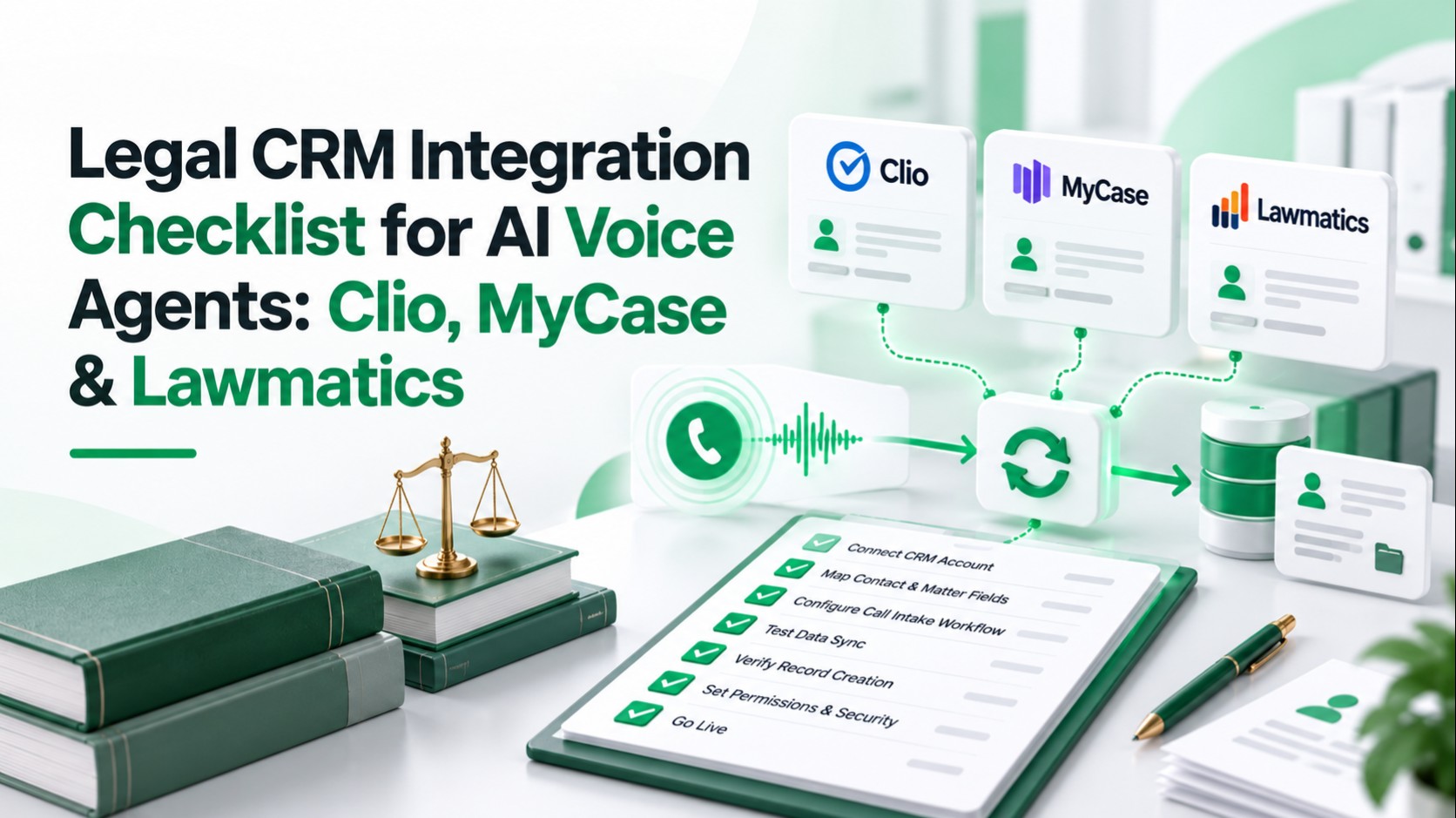
Legal CRM integration for AI voice agents connects telephone intake with approved record searches, intake summaries, and follow-up actions. Permissions determine what the integration can access; field mapping preserves caller meaning; duplicate controls prevent repeated records; human review keeps legal decisions with qualified staff.
The checklist below explains what to verify, how to test it, and what a satisfactory result looks like across Clio, MyCase, and Lawmatics. A working connection must preserve those controls when calls, credentials, or CRM writes fail.
1. Define the permitted intake workflow
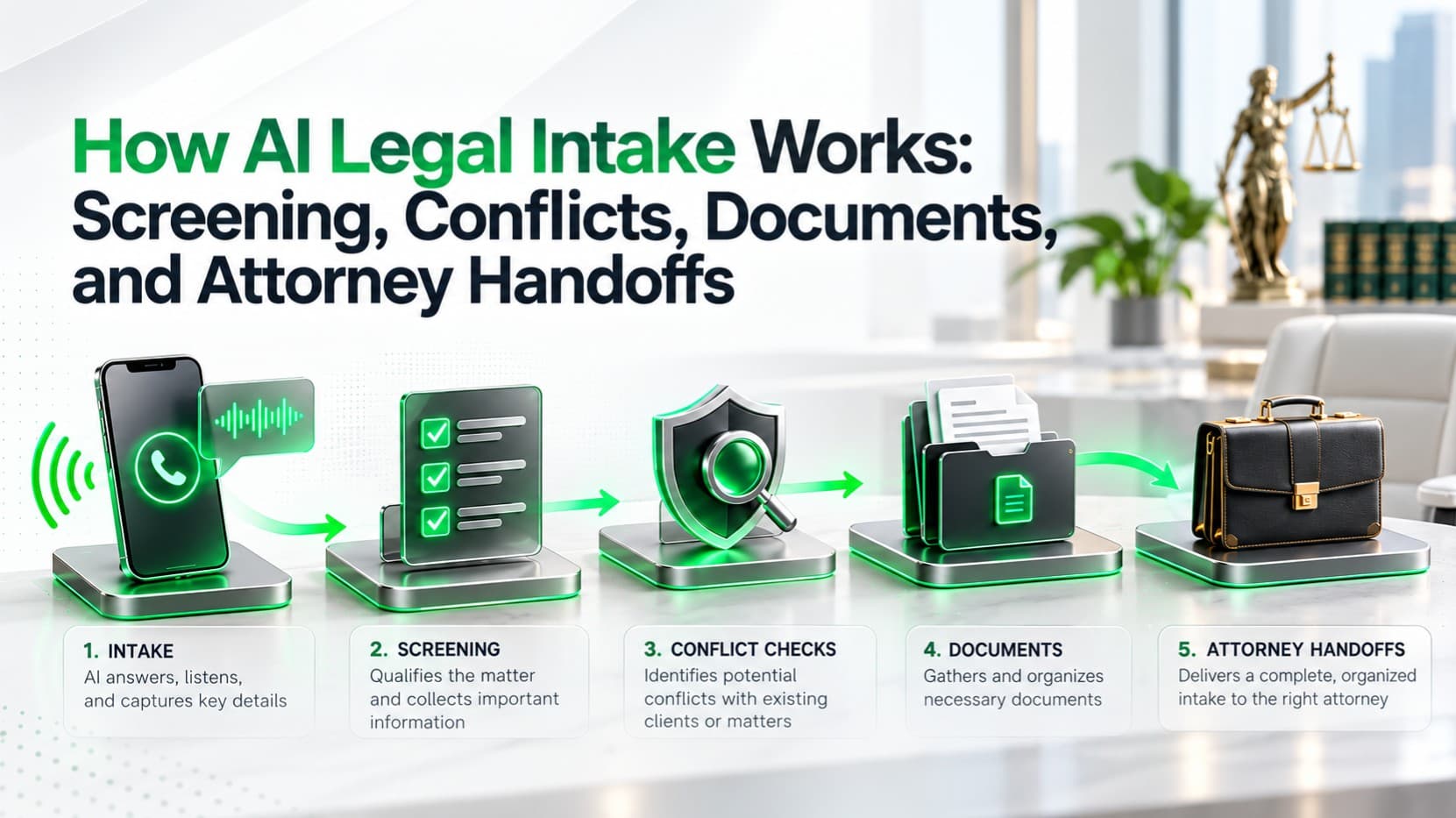
Start with a written action list for new inquiries, existing-client calls, appointment requests, and staff transfers. Use the firm's legal intake workflow to identify where information collection ends and professional judgment begins.
Separate three integration routes:
- Vendor-native functionality: Features maintained within the CRM or an explicitly documented vendor integration.
- Custom API integration: Middleware uses authorized endpoints to perform defined actions.
- Third-party automation: A separate service provides particular triggers and actions, with its own permissions and failure handling.
Verify: Name every permitted search, creation, update, notification, and approval gate. Check both API support and firm authorization.
Pass: Each action has an owner and tested endpoint. Automatic conflict clearance, legal advice, and representation decisions remain outside the agent's authority.
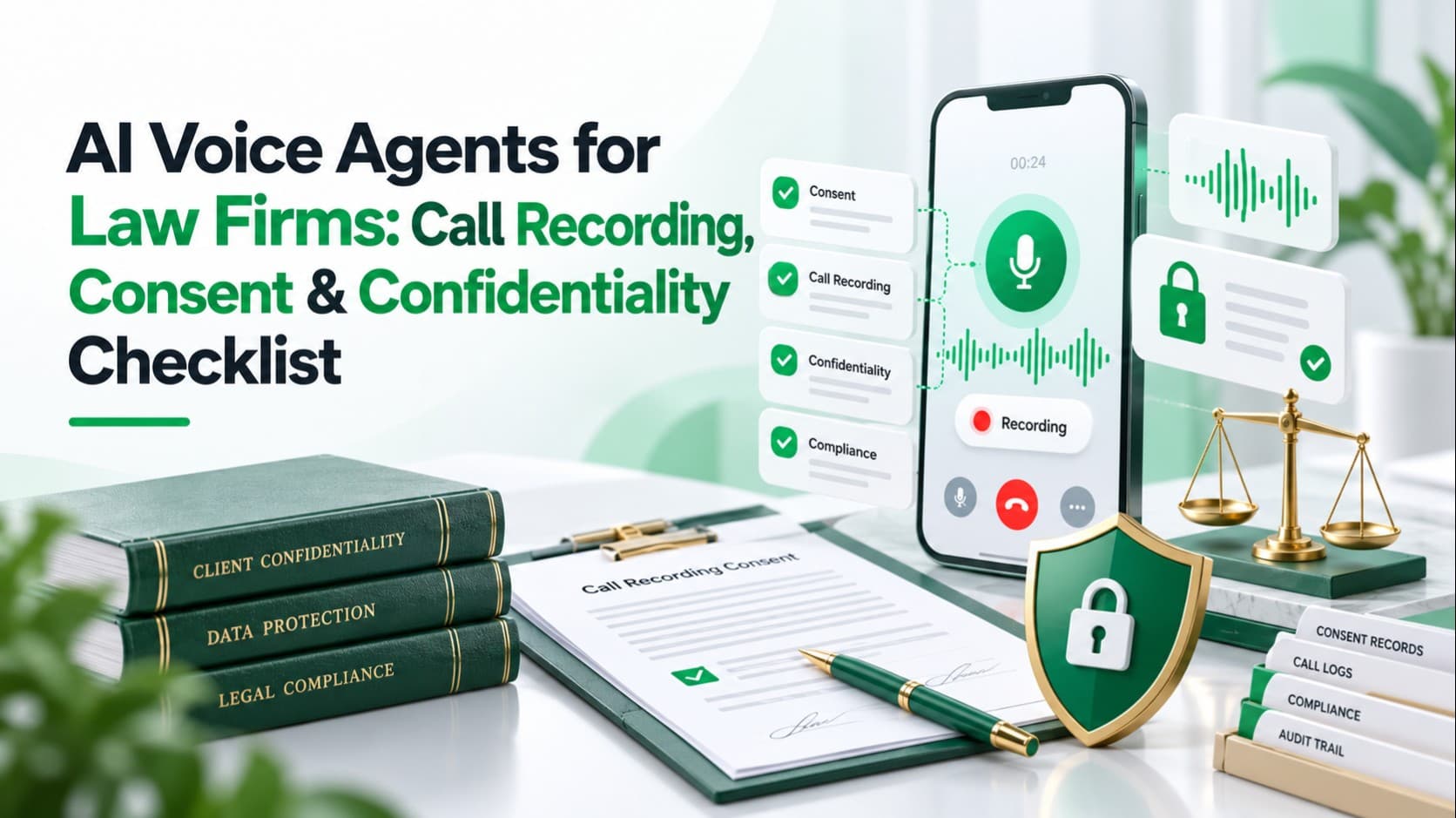
Related LuMay legal voice guides: Review the call recording, consent, and confidentiality checklist, compare multilingual AI receptionists for law firms, and see when an AI receptionist should transfer a call to a human.
2. Confirm access for the exact platform and product
“Connects to Clio” is insufficient. Clio Manage and Clio Grow have different API surfaces, and a CRM feature visible to staff may not have an equivalent API operation.
| Platform | Documented starting point | Key prerequisite |
|---|---|---|
| Clio Manage | Contacts, matters, notes, tasks, calendar entries | OAuth permissions and user access |
| Clio Grow | Contact/matter reads, note creation, inbox leads | Separate Clio Platform app and scopes |
| MyCase | Open API with separately documented operations | Advanced tier; support-issued credentials |
| Lawmatics | Contacts, matters, notes, tasks, events, custom fields | Enabled Developer Settings; OAuth app |
Clio: distinguish Manage from Grow
Clio Manage uses OAuth 2.0. Resource permissions and the authorizing user's permissions both matter; read/write grants can include deletion, so middleware must further restrict available operations.
The Clio private-app requirements exclude Manage integrations on EasyStart. Manage private apps require paid-account access and are not reviewed by Clio; Clio Platform private apps are restricted to one firm. App Directory publication involves separate security review and approval.
The Clio Grow API reference documents contact searches, contact-note creation, matter reads, matter-note creation, and inbox-lead submission. Do not infer unrestricted contact or matter creation from those capabilities.
Match the app, token, and API host to the firm's US, Canadian, EU, or Australian region. Test the required scopes separately, including custom-field access where an endpoint requires it.
MyCase: verify entitlement before implementation
The MyCase Open API access instructions specify Advanced-tier eligibility. The firm must provide support with an OAuth redirect URL, the requested read or write access to all resources, and the administrator's email.
MyCase's public help center confirms the Open API and links to separate API documentation, but the endpoint reference is JavaScript-rendered and was not fully inspectable in this review. Verify each required object, operation, payload, and authorized-user visibility in the current MyCase API documentation before committing scope.
Lawmatics: examine broad access and conflicting documentation
The Lawmatics REST API reference documents contacts, matters, notes, tasks, appointment events, and custom fields. Developer Settings must be enabled before creating the OAuth app.
The Lawmatics authentication guide states that scopes are unsupported, access tokens do not expire, and an authorized app receives broad CRUD access. Lawmatics' REST reference describes authorization and revocation somewhat differently, so confirm the effective user-role restrictions and the exact revocation procedure in your tenant before production.
Not confirmed in public documentation reviewed: MyCase's numerical rate limit, webhook contract, and narrower resource scopes; Lawmatics' plan eligibility; either platform's regional API variants or mandatory partner-approval requirements. Treat these as verification tasks, not evidence that a capability is unavailable.
Pass: An authorized test account completes each required operation and rejects prohibited ones. No verified LuMay-native connector to these three CRMs is established by the documentation reviewed.
3. Map fields without changing caller meaning
Maintain a versioned mapping between your intake data and each CRM's field identifiers. Field labels alone are unreliable when administrators rename fields or create similar ones.
| Intake data | Mapping rule |
|---|---|
| Name and callback number | Confirm spelling; normalize numbers with country context |
| Practice area and office | Map to approved option IDs |
| Caller narrative | Save a concise, attributed intake summary |
| Requested appointment | Preserve date, time zone, and pending status |
| Missing or declined information | Store a separate capture status where supported |
Use distinct states such as not_asked, unknown, declined, and provided in your integration data. These are recommended application states, not standard fields guaranteed across all three CRMs.
“Email not collected” differs from “caller declined email.” Neither should overwrite a verified address. If the CRM cannot store the distinction structurally, use an approved note format or restricted integration record.
Clio Manage distinguishes custom-field definitions from values attached to contacts or matters. Grow's documented custom-field reading does not establish equivalent write support.
Verify: Test required fields, data types, picklists, length limits, and read-back values. If a mandatory value is unavailable, route to staff instead of inventing it.
Pass: Staff can distinguish confirmed facts, uncertainty, corrections, and declined answers.
4. Restrict credentials and sensitive information
Request the smallest available permissions. Where a vendor cannot issue narrow scopes, enforce an operation allowlist in middleware and assess whether the remaining exposure is acceptable.
Apply these implementation controls:
- Keep secrets and tokens in a server-side secret store, outside prompts and transcripts.
- Separate firm credentials, regional settings, and production/test environments.
- Validate OAuth state; use supported security protections and exact redirect URLs.
- Test expiration, refresh where supported, revocation, and staff-access changes.
- Return only the fields needed for the current authorized action.
- Keep confidential records out of unrestricted notifications and diagnostic logs.
Define retention separately for recordings, transcripts, summaries, and audit events. Review subprocessors, data locations, model-training terms, and deletion procedures across the complete processing chain.
Pass: An unauthorized user or another firm's session cannot retrieve intake details or execute CRM actions.
5. Prevent duplicate contacts and repeated writes
Search before creating a record, using confirmed identifiers and the platform's supported filters. A telephone number identifies a possible match; it does not authenticate a caller or prove that two people are the same.
Shared numbers, changed numbers, spelling differences, and multiple matters require explicit handling. Send ambiguous matches to staff; do not merge records automatically.
Use a durable integration-side action key combining firm, call, action, and action version. Record whether the action is pending, completed, failed, or awaiting reconciliation.
This is idempotency: replaying the same action should not create another contact, note, or appointment. Do not assume the vendor accepts an idempotency header unless that endpoint documents it.
Verify: Replay a call-completion event and simulate a timeout after a successful write. Reconcile the existing outcome before retrying creation.
Pass: Repeated delivery produces one intended action, while a genuinely new inquiry can still create its own intake record.
6. Verify webhooks, rate limits, and recovery
Clio Manage documents webhook activation through a secret handshake, signed deliveries, and expiry renewal. Lawmatics documents HMAC verification and event identifiers in its outbound webhook guide.
Lawmatics' official sources disagree on the current API rate limit: its developer-tools article states 150 requests per minute per firm, while the REST reference changelog states 500 requests per minute per firm from May 26, 2026. Treat the lower figure as the safer design ceiling until your account or vendor confirms current enforcement. The current webhook guide documents multiple event types, signed HMAC deliveries, unique event IDs, retries, and a Premium-plan requirement.
Clio Manage's rate-limit documentation specifies a default of 50 requests per minute per token during peak hours; response headers determine current limits. Clio Platform/Grow documents three requests per second per application. Configure throttling separately for each product.
For supported webhooks, verify signatures before processing, deduplicate events, persist accepted work before acknowledging it, and process asynchronously. Follow the provider's replay protections and subscription-renewal rules.
For CRM writes:
- Retry temporary failures with bounded backoff and respect documented retry signals.
- Stop retrying invalid payloads or missing permissions until corrected.
- Reconcile uncertain write outcomes before replaying them.
- Send exhausted failures to a restricted recovery queue with an assigned owner.
Pass: A failed write remains visible and recoverable. The agent never tells a caller that an unverified action succeeded.
7. Set legal and human-review boundaries
Under ABA Model Rule 1.18, qualifying prospective-client information receives protection even when representation does not follow. ABA Model Rules and opinions are guidance; applicable jurisdictional rules govern the firm.
Collect only the initial facts needed for routing and preliminary conflict information. A name search is not final conflict clearance; an authorized lawyer must assess conflicts and any necessary next steps.
ABA Formal Opinion 512 addresses competence, confidentiality, communication, and supervision when lawyers use generative AI. Assess the specific tool's information handling and whether informed consent is required; a generic AI notice does not resolve every obligation.
Recording and transcription need their own jurisdictional assessment. For example, Florida Statutes §934.03(2)(d) provides an all-party prior-consent route for lawful interception. Counsel should approve disclosures and consent handling for the actual call locations and processing arrangement.
Verify: Separate AI identification, recording/transcription consent, and any required consent to disclose information to a tool. Test refusal, urgent calls, conflict uncertainty, and requests for a human.
Pass: Staff receive the necessary context through an approved channel. The agent gives no legal advice and does not promise acceptance or determine the legal effect of a consultation.
Hypothetical example: an existing contact calls about a new inquiry
This example illustrates an approved workflow; it is not a customer deployment or evidence of a native connector.
- Collect: After approved disclosures and consent handling, the caller confirms their name and callback number but declines email.
- Match: Middleware finds a possible Clio Grow contact. A permitted verification step confirms the match without disclosing existing matter information.
- Summarize: The record states the caller's reported issue, relevant dates, callback preference, and “email declined.” Uncertain facts remain labeled.
- Act: Firm policy permits a contact note; the integration uses Grow's documented note-creation endpoint and records the returned identifier.
- Handoff: Staff receive the note reference and a pending consultation request. A lawyer retains conflict decisions; an appointment is confirmed only after the authorized scheduling workflow succeeds.
Adapt questions by practice area using the personal injury voice-intake workflow.
8. Run practical acceptance tests
Use synthetic data in an authorized test environment. Test through the real telephone route as well as the API; call forwarding, SIP configuration, transfer behavior, and caller-number presentation need separate verification.
| Test | Satisfactory result |
|---|---|
| Ambiguous contact match | Staff review; no automatic merge or disclosure |
| Missing or declined answer | Correct capture state; existing value preserved |
| Repeated event or write timeout | One action or reconciliation; no blind duplicate |
| Revoked token or forbidden action | Action blocked; owner alerted |
| Throttling or CRM outage | Queued recovery; honest caller response |
| Forged or replayed webhook | Rejected or safely deduplicated |
| Scheduling race or time-zone error | No premature appointment confirmation |
| Transfer to busy line or voicemail | Failure detected; approved fallback activated |
Also interrupt names and numbers mid-utterance, correct previously supplied details, and test callers requesting a person. LuMay's voice-agent testing guide provides additional call-level scenarios.
Pass: Every critical scenario has recorded evidence and a named approver. One successful demonstration is insufficient for release.
9. Monitor the connection after launch
Monitor failed writes, unmatched callers, duplicate attempts, queue age, token failures, webhook expiry, and unsuccessful transfers. Alert on missing expected events as well as explicit errors.
Keep audit records of the firm, call reference, permitted action, target record, outcome, and any approval. Restrict access and avoid unnecessary narrative duplication.
Verify: Assign recovery ownership, rehearse credential revocation, and rerun affected tests after field, permission, endpoint, or phone-system changes.
Pass: Staff can explain what happened and recover a failed intake without guessing or recreating completed actions.
Put the checklist into practice
Select one permitted intake action, confirm its account access, map its fields, and test failure recovery before expanding. Assign both an integration owner and a legal decision-maker.
To discuss your call flow and required CRM actions, explore LuMay Voice Agent. Confirm connector availability and implementation scope for your specific platform and account.