TL;DR: An AI voice agent joins your existing PBX as another SIP destination. Calls reach it over a SIP trunk or SIP URI, and it hands calls back with a transfer. The hard parts are routing rules, transfer design, firewalls and fallback.
AI voice agent PBX integration means connecting a conversational AI agent to the phone system you already run, so it can answer or place calls without replacing your numbers, handsets or human queues.
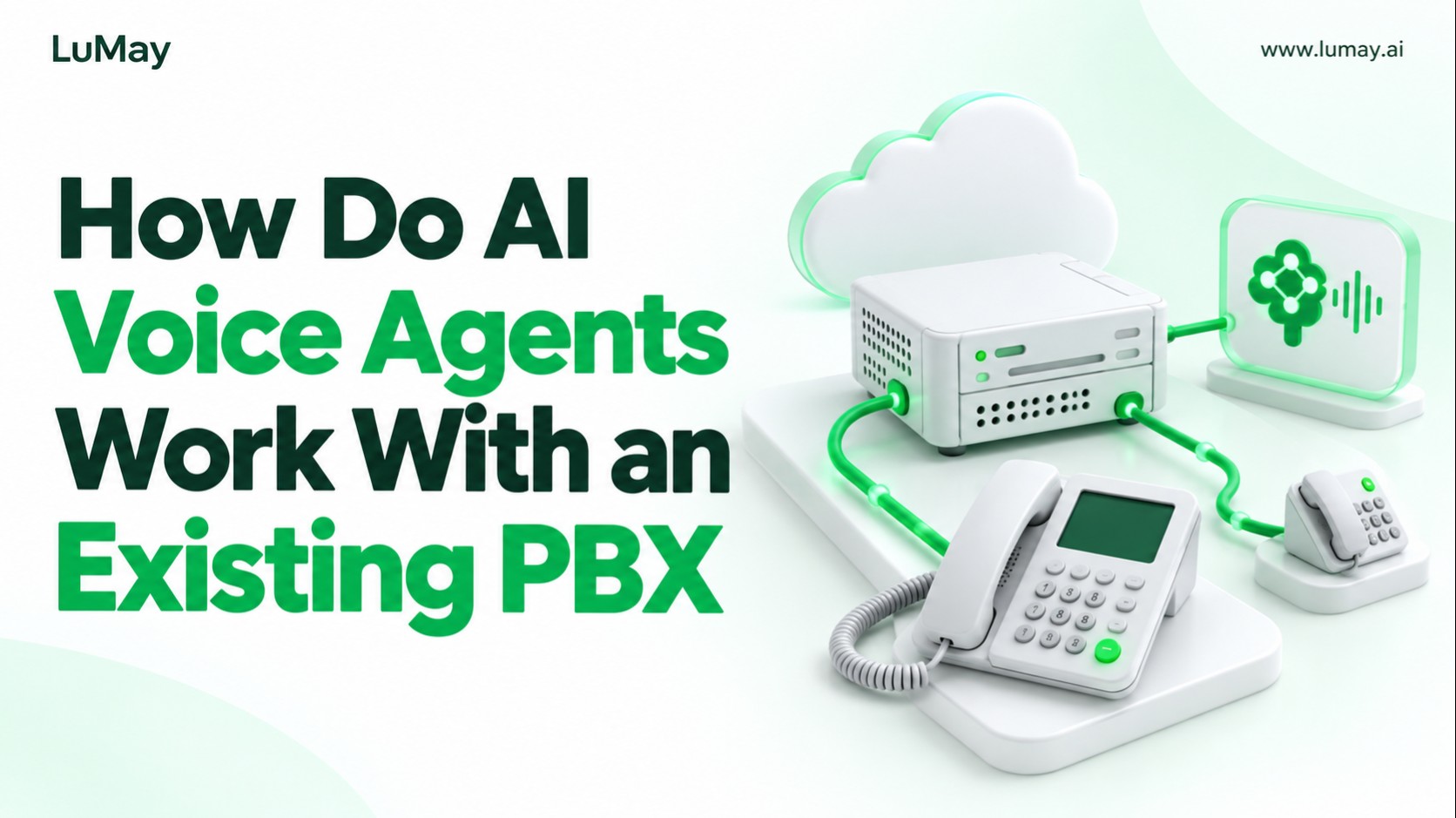
Quick Answer: Your PBX or session border controller sends selected calls to the AI platform over SIP. The agent handles the conversation, then transfers to a human extension or queue when needed. You keep the PBX as the system of record.
What Is SIP, and Why Does It Matter Here?
The SIP standard (RFC 3261) defines SIP as an application-layer signalling protocol for creating, modifying and terminating sessions such as internet telephone calls. Almost every modern PBX and AI voice platform speaks it.
Because both sides share SIP, the AI agent does not need to live inside your PBX. It only needs a reachable SIP address and permission to receive, and optionally send, calls.
The Three Ways to Connect an AI Agent to a PBX
| Approach | How it works | Good for | Main trade-off |
|---|---|---|---|
| SIP trunk | PBX or SBC routes calls to the AI platform over a trunk, often via an elastic SIP provider | Production inbound and outbound at scale | Needs trunk, firewall and transfer configuration |
| SIP URI | PBX dials the agent's SIP address directly, like sending to an email address | Pilots and single-queue inbound flows | Outbound may need a separate trunk |
| Call forwarding to a number | PBX forwards a DID or queue to a phone number owned by the AI platform | Fastest test with no SIP changes | Extra PSTN hop and weaker transfer control |
Retell's custom telephony guide recommends elastic SIP trunking and also offers dial-to-SIP-URI. Vapi's SIP trunking docs support Plivo, Telnyx, Zadarma and custom BYO trunks.
How Inbound and Outbound Routing Works
Inbound: from caller to AI agent
- Carrier to PBX
- The call arrives on your existing number and hits your PBX dial plan
- PBX decision
- Rules choose which calls go to AI: after-hours, overflow, a menu option or a dedicated line
- Start narrow, such as one queue or after-hours only
- Rules choose which calls go to AI: after-hours, overflow, a menu option or a dedicated line
- PBX to AI platform
- The call is sent over the trunk or to the agent's SIP URI
Outbound: from AI agent to caller
Retell explains that a SIP trunk has two directions configured in different places: origination for inbound calls to the platform, and termination for outbound calls from it. Outbound needs termination credentials and approved caller IDs.
How Transfers Back to Humans Work
Transfer design decides whether callers trust the system. A good agent knows when to stop, passes context, and lands the caller in the right queue without a second greeting loop.
- Cold transfer (SIP REFER)
- The agent tells the network to move the call to another destination, then drops off
- Retell and Vapi both note your SIP provider may need REFER enabled
- Warm transfer
- Context is shared with a human before the caller is connected
- LiveKit lists warm transfer as supported in its telephony docs
- Context is shared with a human before the caller is connected
- Failed transfer
- Decide in advance: retry, take a message, or route to voicemail
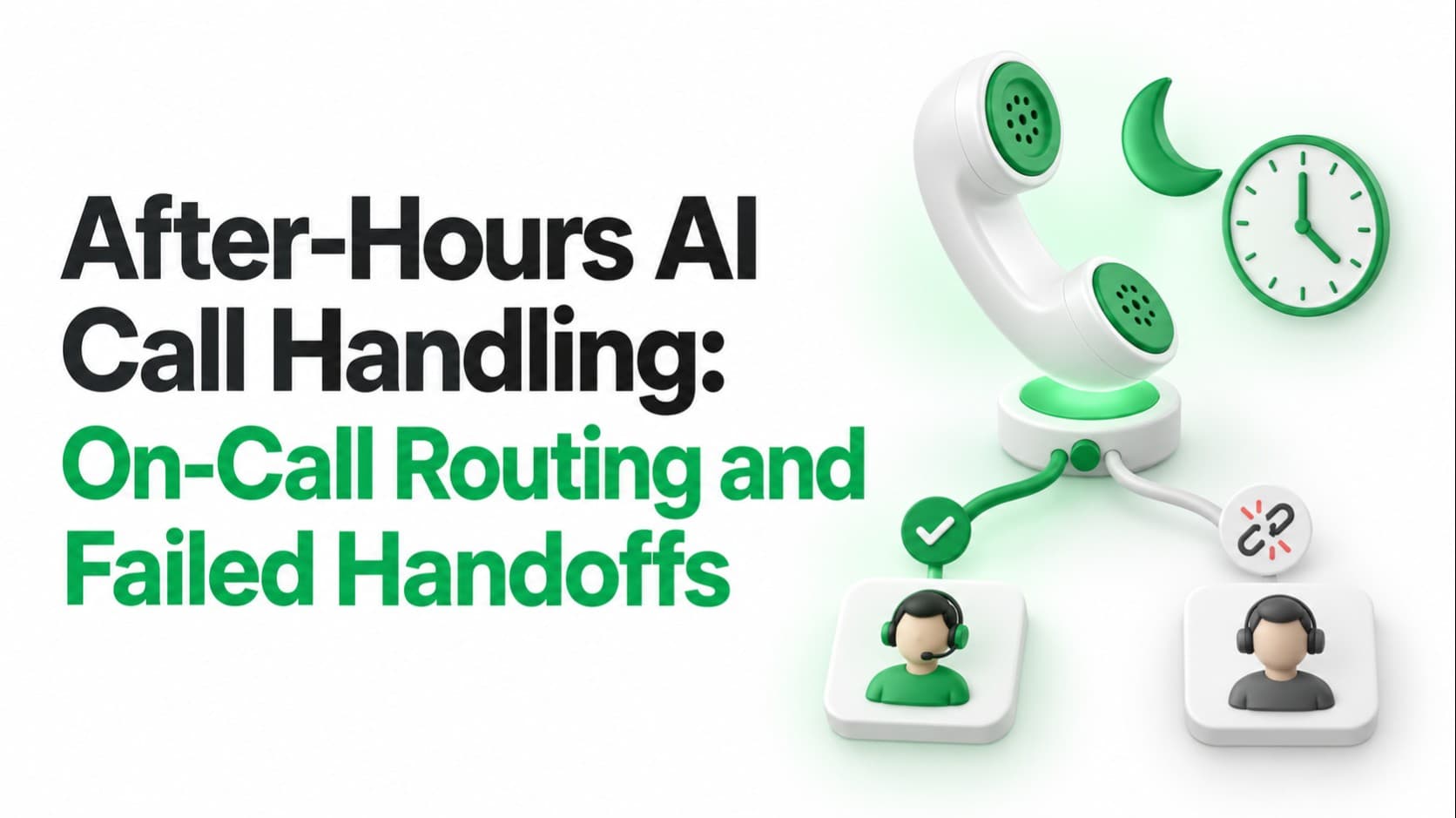
- See after-hours routing and failed handoffs
Network and Security Basics
- Allowlisting
- Vapi publishes static signalling IPs and a UDP media port range to allow
- Encryption
- Retell lists TLS and mTLS transports; Twilio documents TLS secure trunking
- Bandwidth
- Twilio gives a sizing rule: max simultaneous calls times 100 kbps for G.711
- Resilience
- Twilio documents a disaster recovery URL if your origination URI fails
Regulated teams should also decide where audio and transcripts are processed. Our guide to on-premise vs cloud voice AI covers that choice.
A Real Pattern: AI Behind the PBX, Humans Alongside
In a LuMay Voxentis case study, the voice agent was deployed behind a customer's existing PBX and connected to SIP trunks alongside existing human-agent routing. Escalation paths were defined per call type.
That pattern is common: the PBX stays in charge, and the AI agent becomes one more destination. Read more on the LuMay Voice Agent page.
Go-Live Test Plan
- Routing
- Every rule sends the right calls to AI and leaves the rest untouched
- Transfers
- Each queue and extension, cold and warm, in business and after hours
- Edge cases
- DTMF input, silence, barge-in and caller hang-up mid-transfer
- Use our guide to testing interruptions, latency and handoffs
- DTMF input, silence, barge-in and caller hang-up mid-transfer
- Outage
- What callers hear if the AI platform is unreachable
After launch, track containment, transfer rate and handle time using voice agent KPIs. For vendor options, see voice AI platforms compared.
Key Takeaways
- You can add AI without replacing your PBX; SIP makes the agent another destination
- SIP trunks suit production; SIP URIs and forwarding suit pilots
- Transfers, firewalls and fallback cause most go-live problems, so test them first
- Start with one queue or after-hours, then widen routing rules
Next Step
Planning an AI voice agent behind your current PBX? Book a Voxentis demo and we will map your routing and transfer design.