


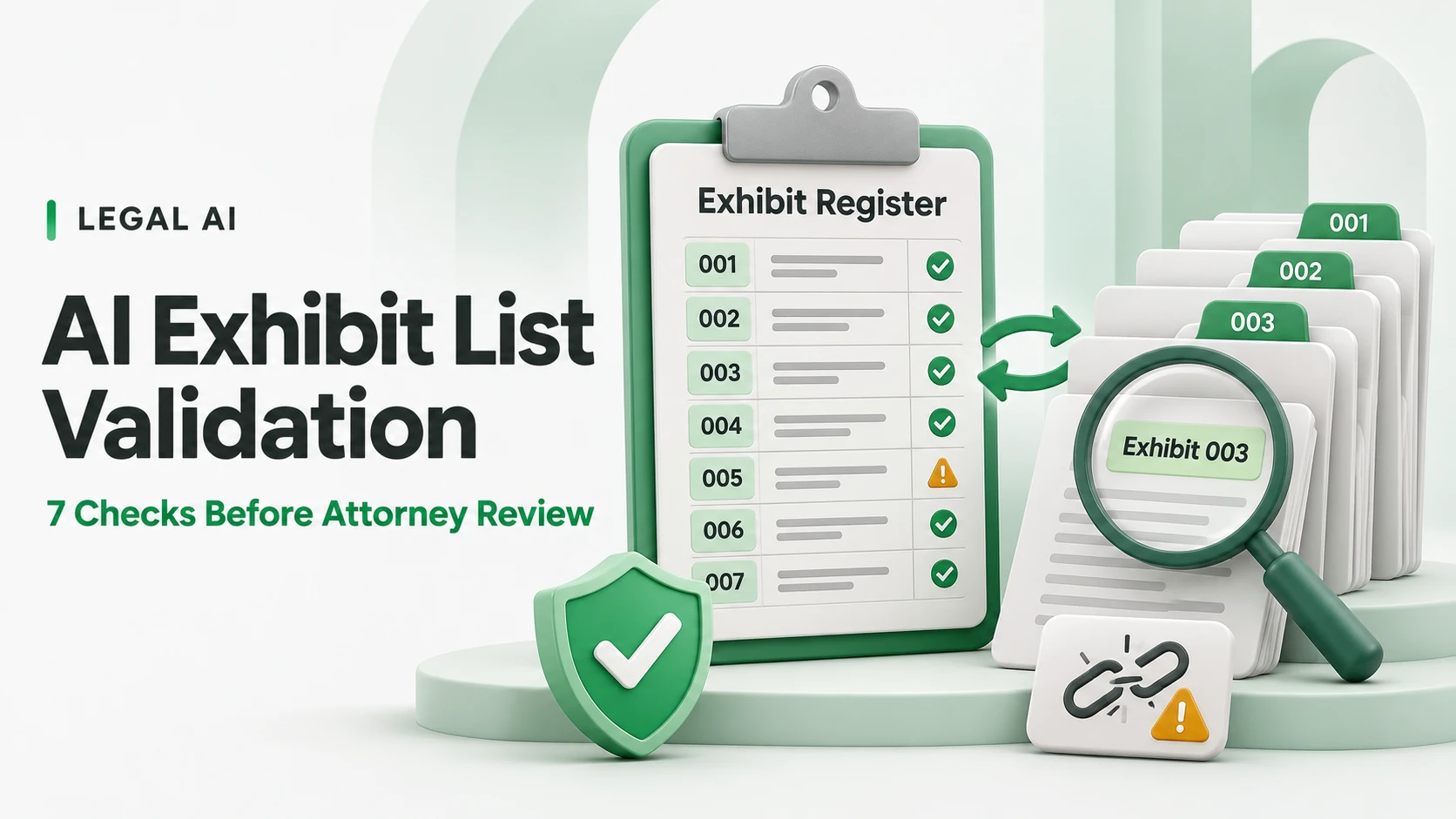
TL;DR: AI exhibit list validation checks whether an exhibit register matches the files and references a litigation team intends to review. Use seven checks: missing or unlisted files; duplicate labels; description mismatches; incorrect page references; broken links and bookmarks; unapproved versions; and unresolved release exceptions. Use deterministic checks for identifiers, file access and page counts, and AI to propose content matches. Require evidence and human review before making changes or releasing a package.
An exhibit index can look complete while pointing to the wrong attachment. The document may open, its filename may resemble the description, and its page count may look plausible. None of that proves it is the version counsel approved.
The useful job for an AI-assisted workflow is to expose those inconsistencies with enough evidence for someone to resolve them. This guide focuses on validating an existing exhibit list and its associated package. It does not rank legal software, assemble a trial strategy or determine whether evidence is admissible.
Scope: The workflow below is an operational quality-control proposal, not a court-prescribed procedure. Official court sources were reviewed on 10 November 2026. Check the applicable rules, orders and judge-specific instructions for the matter; the responsible legal team determines the required format and filing decisions. Examples are hypothetical, not LuMay client results.
Start with the package and the applicable instructions
Freeze a working copy of the exhibit register and the exact files under review. Record the matter, party or exhibit namespace, package version, owner and review date. Keep the approved source documents separate from working conversions and exports.
Collect the instructions that govern this package, including its recipient. An internal attorney-review bundle, a chambers copy and materials intended for another audience may require different handling.
For example, Judge Chappell's published procedures describe individually identified exhibits and a combined electronic PDF binder with exhibit bookmarks. These are a specific court example, not a universal template. Record which instructions actually apply before configuring validation.
Use a common manifest to connect list rows, documents and review decisions:
| Field | Purpose | Example |
|---|---|---|
| Package ID and version | Identify the exact bundle being checked | MAT-042 / review-v3 |
| Exhibit namespace and label | Avoid conflating different parties' identifiers | Claimant / C-014 |
| Source document ID and version | Link to the approved source | DOC-884 / version 2 |
| Expected description | State what the index says the exhibit contains | Executed service agreement |
| Expected and actual file location | Connect the row to a packaged file | exhibits/C-014.pdf |
| Page count and reference scheme | Separate PDF position, printed labels and Bates identifiers | PDF 8; printed 6; ABC000126 |
| Review status and owner | Record who resolves an exception | Open / litigation support |
| Resolution evidence | Explain an accepted match or correction | Attorney approval record |
Identifiers in this table are illustrative. Preserve your existing numbering convention; do not introduce a new one merely to accommodate an AI tool.
1. Reconcile missing files and files without list entries
Run the comparison in both directions. Every row should resolve to the file or documented non-file item it represents. Every file intended for the package should have the required register relationship. A one-way check can miss an extra document that was copied into the bundle accidentally.
Use file-system and document-management checks to confirm existence, readability and location. Do not ask a model to infer that a file exists from a plausible filename. If an item is physical evidence or another permitted exception, record the intended representation and owner rather than treating it as a missing PDF.
AI can suggest a candidate when an expected filename differs from the actual export. Keep that as a proposed match until a reviewer verifies the source, version and content.
Pass condition: every expected item is accounted for, and every extra item is resolved or explicitly excluded with a recorded decision.
2. Detect duplicate labels without merging different evidence
Check uniqueness within the applicable namespace. 'Exhibit 12' in one party's register may be distinct from 'Exhibit 12' in another. Subparts and joint exhibits also need an explicit representation rather than accidental normalization.
Flag differences in spacing, punctuation or leading zeros as possible collisions. Preserve the original labels for review. Do not silently treat C-01, C-1 and C-1A as the same identifier.
A cryptographic hash can identify byte-identical files. It does not establish authenticity, admissibility or whether two copies have different intended uses. Conversely, different hashes can result from a new cover page, changed metadata or recompression without a meaningful content change.
Pass condition: duplicate labels and duplicate-file candidates have documented resolutions. The system does not automatically renumber exhibits or delete similar files.
3. Match descriptions to the actual document
This is where AI can add useful assistance. A filename cannot reliably tell you whether a document is a signed agreement, an unsigned draft or only one schedule. Compare the register description with the contents and approved source record.
Ask the system to extract supporting evidence: document title, visible date, parties, relevant heading, signature-page presence and page location. Separate an observed fact from an inference. A visible signature block is not proof that a signature is valid or authorized.
For scanned files, show the relevant image alongside OCR text. OCR can confuse names, dates and punctuation. Confidence scores should help prioritize review, not replace source inspection.
A useful exception says, 'The list describes an executed agreement; the matched PDF is titled Draft and no completed signature page was found in the inspected pages.' An unhelpful exception says only, 'Possible mismatch.'
Pass condition: proposed matches include source locations, and material discrepancies are resolved by the designated reviewer.
4. Validate page references using the correct numbering scheme
PDF position, printed page number and Bates identifier are different fields. Cover sheets, inserted separators and combined binders can move PDF positions without changing the printed reference on a source page.
Keep those schemes separate in the manifest. Use deterministic checks to identify out-of-range PDF positions. Verify that a reference reaches the intended document and passage, not merely an existing page.
Where Bates identifiers are used, preserve their prefix and formatting. AI or OCR can propose a mapping, but ambiguous characters and missing text require review. A stated range should not be assumed to prove that every identifier in that range is present.
If the package is rebuilt, regenerate the affected mapping and rerun checks. Do not carry forward a clean result from a differently paginated export.
Pass condition: references resolve to the intended material under the declared numbering scheme, with uncertain mappings left open.
5. Test hyperlinks and bookmarks in the delivery copy
A link can work on the preparer's computer and fail after delivery. An absolute local path may point to a drive the recipient cannot access. A renamed PDF can break a relative path. A bookmark can remain clickable while landing on the wrong exhibit.
Test the exported package in the intended environment or a representative approved test environment. Check target existence, recipient access, navigation and destination identity. A successful HTTP response or a valid PDF destination alone is not enough.
Avoid using live external destinations for evidence access without the legal team's approval. An external page can change, disappear or create an unintended access path. Record any approved exception.
Pass condition: tested links and bookmarks open the correct packaged destination for the intended reviewer. Failures identify both the originating row and target.
6. Confirm versions and distribution permissions
A correctly labeled file can still be the wrong version. Compare the bundle with the source version approved for this use, and distinguish original, redacted, annotated and converted copies.
Never let an AI-generated description establish that redaction is complete. Where release includes redacted documents, use the separate review and file-inspection process described in our legal AI redaction review guide.
Check the distribution boundary as well as the file. A document approved for internal review may not be approved for sharing with another party or uploading to a third-party AI service. Configure permitted processing and access before running semantic analysis.
Pass condition: the exact distributed version is approved for its intended audience, and any version or access discrepancy remains a blocking exception until resolved.
7. Close exceptions and bind approval to the final package
Produce an exception register with stable issue IDs, affected rows, evidence, proposed corrections, owners and dispositions. Useful statuses include open, awaiting source, corrected, accepted exception and ready for attorney review.
An AI suggestion should not become an approved correction simply because the suggestion was generated confidently. Record who accepted it and why. Keep the original value and the replacement so changes can be reconstructed.
Generate a final package manifest or digest after corrections. Bind the review record to that version. A later file substitution, renumbering or PDF rebuild should trigger relevant rechecks and a renewed release decision.
For the wider oversight process, see our guide to supervising AI legal review. Technical validation supports attorney review; it does not confer a legal status on the evidence.
Pass condition: no blocking issue is unresolved, accepted exceptions have authorized owners, and the recorded approval identifies the exact package reviewed.
Worked example: an index that opens the wrong document
Hypothetical example: a register lists C-014 as the executed service agreement and C-015 as its pricing schedule. The bundle contains two different files both labeled C-014, while the C-015 bookmark opens an earlier draft.
| Finding | Evidence | Required response |
|---|---|---|
| Duplicate C-014 label | Two manifest rows use the same namespace and label | Reviewer determines the correct identifiers; no automatic renumbering |
| Description mismatch | One C-014 file is an unsigned draft | Compare with the approved source record |
| Wrong bookmark target | C-015 opens the draft agreement | Correct the destination and retest the export |
| Uncertain approval | Previous sign-off refers to review-v2 | Reconcile changes and review the corrected package |
The system can expose the collisions, candidate content matches and navigation failure. Counsel or the assigned reviewer decides which document belongs in the package. After correction, the team rebuilds review-v3, reruns the affected checks and records the new approval.
Separate deterministic checks from AI-assisted review
| Check | Primary method | Human decision still needed |
|---|---|---|
| File exists and opens | File and parser checks | Whether a missing item has an authorized exception |
| Label uniqueness | Structured comparison | Whether similar labels intentionally represent different items |
| Description matches content | Evidence extraction and AI candidate comparison | Which source and version is intended |
| Page and navigation targets | Page-range and destination checks | Whether the destination supports the intended reference |
| Release suitability | Version/access checks and review records | Whether this package may be distributed |
Measure the system against seeded defects and reviewer-confirmed outcomes. Track missed defects, false alarms, unresolved items and issues reopened after export. A high detection count is not inherently a good result if most flags waste review time.
Use the validation approach in our legal document-review accuracy guide when designing a representative test set. Evaluate defect categories separately instead of claiming one universal accuracy score.
A practical pre-release checklist
- The register, source set and export version are identified.
- Every list entry and every packaged file has been reconciled.
- Duplicate labels and ambiguous document matches are resolved.
- PDF positions, printed labels and Bates references remain distinguishable.
- Links and bookmarks were tested on the final exported package.
- Approved versions, redactions and recipient permissions were checked.
- Accepted exceptions, reviewer decisions and final-package identity are recorded.
Questions legal operations teams should resolve
Does this prove admissibility? No. It checks package consistency and documents review evidence. Admissibility, authenticity and filing decisions remain legal questions for counsel.
Can the workflow automatically repair a broken reference? It can propose a correction. Whether an approved deterministic repair can be applied automatically depends on the firm's policy; preserve the change record and revalidate the output.
What if the source cannot be found? Keep the item unresolved and route it to its owner. Do not fabricate a replacement description, page reference or document.
Should the model review every confidential file? Only within the firm's approved processing boundary and matter permissions. Start with permitted metadata and deterministic checks where those are sufficient.
Put source evidence beside every exception
Start with one existing bundle, a fixed register and a deliberately seeded set of errors. Require each flag to show the affected item, the conflicting evidence and the decision needed. That creates a reviewable quality-control process rather than another unverified document summary.
If you are evaluating LuMay Legal Agent (Lexintis), use this checklist to define the workflow you need demonstrated. Confirm supported inputs, permissions, evidence records and human approvals through a scoped AI engineering assessment; this article does not assert that every check is a currently packaged product feature.