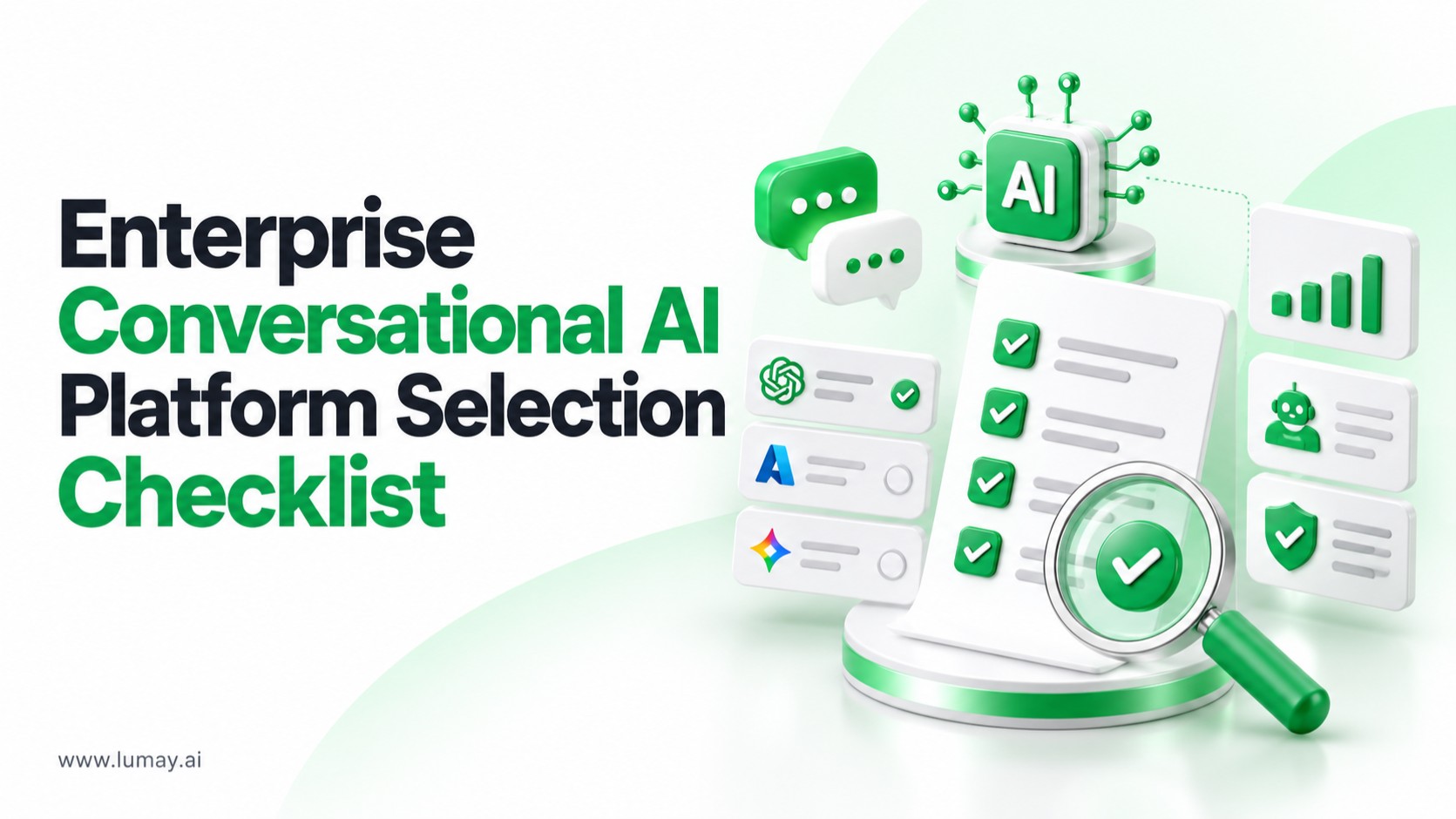
An enterprise conversational AI platform is the shared software layer an organization uses to build, connect, govern and monitor chat and voice assistants and AI agents, instead of running each bot as a separate project. If you are working out how to choose a conversational AI platform for enterprise development, the deciding factors are rarely the demo. They are integration depth, governance, model flexibility, observability and who will operate the system after launch.
Quick Answer
To choose a conversational AI platform for enterprise development, first decide whether you are buying a finished assistant, a platform your team builds on, or a custom build. Then score every option against the same checklist: system integrations, permission-aware data access, human approvals and audit trails, multi-model support, evaluation and monitoring, deployment options, and the operating model after go-live.
Key Takeaways
- Start from workflows, not features. List the conversations and actions the assistant must handle, and which systems it must read from or write to.
- Treat governance as a requirement. Permissions, approvals, audit logs and cost limits should apply across the whole stack, not only the chat interface.
- Avoid single-model lock-in. Routing tasks across models by privacy, latency, cost and performance keeps options open as models change.
- Plan for day two. Monitoring, evaluation, prompt versioning and rollback matter more over the life of the system than launch speed.
What an Enterprise Conversational AI Platform Is and Who It Is For
A chatbot is one interface. A platform is the foundation underneath many interfaces: web chat, internal copilots, voice assistants, and agents that query systems and update records. On its enterprise AI platform page, LuMay describes this as a shared environment for building, integrating, deploying, governing and monitoring AI applications and agents across an organization.
This kind of platform is most relevant when several of the following are true:
- More than one team wants to ship assistants or agents, and you want them to share access rules, retrieval and reporting.
- Assistants need to act, not only answer: create tickets, update CRM or ERP records, or trigger workflows.
- Security, legal or compliance teams need evidence of who did what, with which data, and with what approval.
- You expect to change or mix language models over time.
If you need one narrow FAQ bot on a public website, a full platform may be more than you need. The checklist below helps you tell the difference before you commit budget.
Buy, Build on a Platform, or Build Custom: Options Compared
Most enterprise teams end up choosing between three approaches. None is universally right; the trade-off is control versus speed and ongoing effort.
| Approach | Best fit | What you control | Main risk |
|---|---|---|---|
| Packaged conversational AI product | A single, well-defined use case such as website support | Configuration, content and branding | Limited integrations and governance; hard to reuse for other teams |
| Enterprise AI platform you build on | Multiple assistants and agents sharing data, rules and monitoring | Workflows, connectors, model choice, policies | Needs internal ownership and a clear operating model |
| Fully custom build | Unusual requirements or deep in-house AI engineering capacity | Everything, including infrastructure | Slower delivery and the full maintenance burden stays with you |
Many organizations combine the second and third options: a platform for the shared foundation, plus custom engineering for connectors or workflows the platform does not cover out of the box.
How to Choose a Conversational AI Platform for Enterprise Development: The Checklist
Use the same questions for every vendor and for your internal build option. Ask for a live walkthrough of each item on your own sample data where possible, rather than accepting a slide.
1. Use Case and Workflow Fit
- Can the platform support the channels you need, such as chat, voice, dashboards and API access?
- Can an assistant complete a multi-step task, for example identify the user, retrieve approved data, call a model, invoke an API, request approval, update a system and log the result?
- Can multiple agents and humans be coordinated in one workflow, including hand-offs?
2. Integration With Enterprise Systems
- Which connectors exist today for your ERP, CRM, data warehouse, document repositories and email?
- How are legacy systems without modern APIs handled? Expect some environments to need custom connectors; ask who builds and maintains them.
- How are credentials stored, rotated and scoped per connector?
For a deeper look at this area, see our guide to requirements for integrating AI with legacy enterprise systems.
3. Knowledge, Retrieval and Data Access
- Does retrieval respect existing document permissions, so users only see answers drawn from content they are allowed to access?
- Can answers show their sources so reviewers can check them?
- Who controls chunking, indexing and refresh schedules for your knowledge sources?
If retrieval is central to your assistant, compare custom RAG and managed RAG delivery models before choosing.
4. Governance, Security and Human Oversight
- Can you restrict which tools each agent may call and set action limits?
- Are human approvals built into workflows for high-impact actions?
- Are audit logs complete enough to reconstruct a conversation, the data used and every action taken?
- Is single sign-on supported, and how are data scrubbing and network isolation handled?
- How does the platform defend against prompt injection and unsafe tool calls?
Ask every vendor for current security attestations and their scope. For reference, LuMay is SOC 2 Type II and ISO 27001 certified.
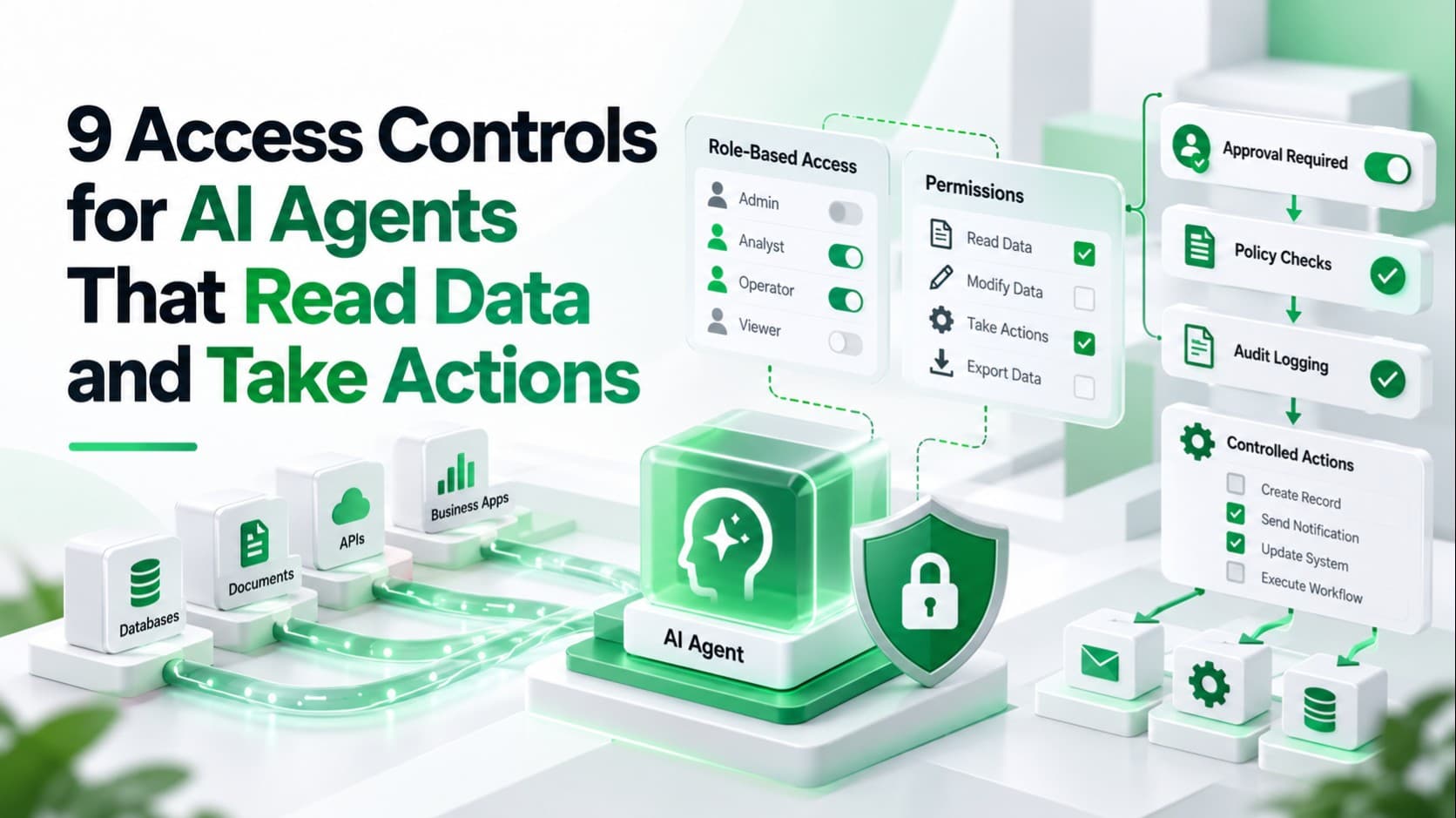
Two related checklists go deeper: access controls for AI agents and what to log in AI agent audit trails. For a vendor-neutral structure for AI risk work, many teams map their controls to the NIST AI Risk Management Framework, a voluntary framework organized around the Govern, Map, Measure and Manage functions.
5. Model Flexibility
- Can different tasks be routed to different models based on privacy, latency, cost and quality?
- Can you switch or add a model without rebuilding your workflows?
- Are speech, embedding and specialized models supported alongside large language models?
6. Evaluation and Observability
- Is there built-in accuracy scoring or a way to run your own evaluation sets before each release?
- Can you trace token usage, prompt versions and latency per conversation?
- Are cost limits and rate limits configurable per team or per agent?
Before launch, run the tests in our AI agent testing checklist against each shortlisted platform.
7. Deployment and Data Residency
- Which deployment models are available: SaaS, your own cloud, private cloud, hybrid or on-premises?
- Can the platform run inside your VPC if your data policies require it?
- What happens to your data, prompts and logs if you leave the vendor?
8. Operating Model and Commercial Terms
- Who owns the system after go-live: your team, the vendor or a shared model?
- What support, monitoring and optimization are included, and what is billed separately?
- How is pricing structured: per agent, per conversation, per seat or by usage? Ask for a worked estimate for your expected volume rather than a list price.
Costs, Timelines and What Drives Them
We do not quote generic price ranges, because the cost of an enterprise conversational AI programme depends on your systems and scope rather than on the platform licence alone. The main drivers are:
- Number and complexity of integrations, especially legacy systems that need custom connectors.
- Data readiness: the quality, ownership and permission structure of the knowledge the assistant will use.
- Governance depth: how many actions need approvals, logging and review.
- Deployment model: running in your own cloud or on-premises usually adds infrastructure and operations work compared with SaaS.
- Ongoing operation: monitoring, evaluation and model updates continue after launch.
For timelines, a useful planning pattern is to launch one well-scoped assistant first, prove it in production, and then reuse the same foundation for the next use cases. To compare the business case across options, see which AI platform offers the best ROI.
Questions to Ask a Conversational AI Provider
Bring these to every vendor conversation and record answers in the same scoring sheet:
- Show us an agent completing one of our real workflows end to end, including an approval step.
- Which of our systems can you connect to today, and which would need custom connectors?
- How do you enforce document-level permissions in retrieval?
- What do your audit logs capture, and how long are they kept?
- Which models can we use, and how do we switch between them?
- How do we evaluate quality before each release and monitor it afterwards?
- Which deployment models do you support, and where is our data processed?
- What does the first production release look like, and what do you need from our team?
If you are still building a long list, our overview of the best AI agent platforms for enterprise automation is a starting point; then apply this checklist to narrow it down.
How LuMay Approaches Enterprise Conversational AI Platforms
LuMay is one option to evaluate against this checklist, not the answer to every case. Its Enterprise AI Platform brings agents, models, enterprise data, workflow orchestration, integrations, monitoring and controls onto one shared foundation, described as a 10-layer architecture:
| Checklist area | Relevant LuMay platform layer (as described on the service page) |
|---|---|
| Channels and use cases | Experience layer (chat, dashboards, voice interfaces, API gateways) and Agents & Applications layer |
| Multi-step workflows | Workflow & Orchestration: model routing, multi-agent coordination and human approvals |
| Model flexibility | Models & Intelligence: language, speech, vision and embedding models |
| Knowledge and retrieval | Retrieval & Knowledge: RAG architectures and permission-aware search |
| Integrations | Data Integration: enterprise database connectors and sync schedules |
| Security and governance | Security & Identity (SSO, key management, network isolation) and Governance & Policy (audit logs, cost limits, rate limiting) |
| Evaluation and observability | Evaluation & Observability: accuracy scoring, token tracing, prompt versioning, latency dashboards |
| Deployment | Infrastructure & Deployment, including VPC networks |
LuMay's described rollout follows six steps: define objectives, assess readiness, design the architecture, plan integrations, validate and build the first agent or application, then deploy with monitoring and rollback and reuse the foundation for more use cases. Where a connector or workflow is not covered, LuMay's AI integration services team can build it.
Final Recommendation
Choose the platform that fits your workflows, systems and governance needs, not the one with the most impressive demo. Shortlist two or three options, score them against the same checklist using your own data, and run one production pilot with real approvals and monitoring before scaling. The best choice is usually the one your team can operate confidently a year after launch.
Want to test your requirements against a real platform? Explore the LuMay Enterprise AI Platform or book a demo to walk through your use case with our team.
Frequently Asked Questions
Q1: What is the difference between a chatbot and an enterprise conversational AI platform?
A: A chatbot is a single conversational interface. An enterprise conversational AI platform is the foundation beneath many interfaces and agents, providing shared integrations, permission-aware retrieval, orchestration, governance and monitoring. It lets several teams build assistants that act on enterprise systems under consistent rules, rather than maintaining separate, disconnected bots.
Q2: Should we build or buy a conversational AI platform?
A: Buy a packaged product for one narrow use case, build on a platform when several teams need shared data, rules and monitoring, and build fully custom only with unusual requirements and strong in-house engineering. Many enterprises combine a platform foundation with custom connectors for systems that are not covered out of the box.
Q3: Which integrations matter most when choosing a platform?
A: Prioritize the systems your assistants must read from or write to, usually CRM, ERP, ticketing, document repositories, data warehouses and email. Ask which connectors exist today, which need custom work, how credentials are scoped, and how legacy systems without modern APIs will be handled and maintained over time.
Q4: How should conversational AI agents be governed in an enterprise?
A: Govern agents through scoped permissions, an approved list of tools, action limits, human approval for high-impact steps, complete audit trails and continuous monitoring. Apply these controls across the whole stack, including retrieval and integrations, not just the chat interface, so reviewers can reconstruct what each agent did and why.
Q5: How do we measure ROI from a conversational AI platform?
A: Link technical performance to business outcomes. Track measures such as processing time, task completion, error reduction, cost and revenue impact for each workflow, and compare them with the baseline before launch. Measure per use case, because a shared platform should show value as more assistants reuse the same foundation.