


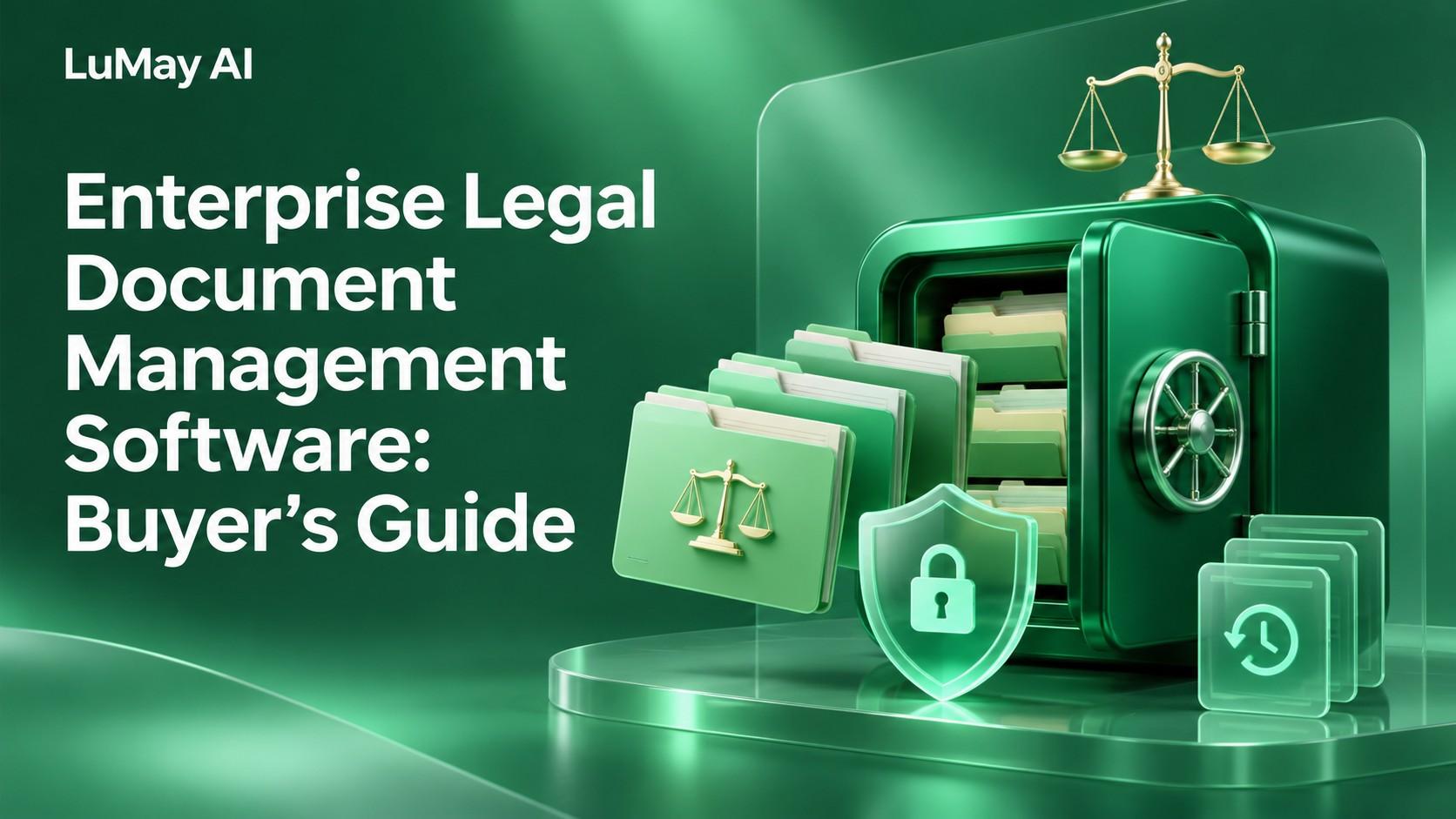
LuMay legal document management cover with organized folders, an emerald vault, a security shield and legal scales.
Enterprise legal document management software should help a firm find the right document, preserve its history, and enforce the right access throughout the matter lifecycle. For enterprise buyers, the decisive tests are matter permissions, daily document and email workflows, migration integrity, and controlled access by AI tools.
Choose according to the workflow you need to operate. A document repository, a drafting assistant, and a document-extraction service solve different problems. This guide evaluates the repository and governance layer, with AI treated as an additional access path that must be tested.
What belongs in a legal document management system?
A proposed enterprise requirements baseline includes:
- Matter-centered organization and reliable client and matter identifiers.
- Document and email filing from the tools staff use.
- Revision history, document identity, and controlled collaboration.
- Search that respects the requesting user's access.
- Confidentiality restrictions and ethical-wall requirements.
- Retention, holds, disposition, and audit records.
- Controlled external sharing.
- Migration and export capabilities.
- Supported integration with approved legal and business applications.
Confirm each capability in the proposed configuration. A feature listed somewhere in a vendor's portfolio may require a separate module or implementation.
Compare your architectural routes
The options below are architectural categories, not a ranked vendor list.
| Route | Potential fit | Procurement question |
|---|---|---|
| Dedicated legal DMS | Matter and email workflows require legal-specific governance | Does the proposed edition cover the firm's actual security and collaboration requirements? |
| Configured enterprise content platform | The firm has a mature content-governance program and implementation capacity | Who builds and maintains matter provisioning, restrictions, and integrations? |
| Existing DMS with an AI workflow layer | Repository controls work, but search or review tasks need improvement | Does the added layer preserve permissions, document identity, and change propagation? |
Replacement is not automatically necessary to add AI. First identify whether the problem is repository governance, poor filing discipline, retrieval, or a particular downstream workflow.
What the vendor documentation establishes
NetDocuments' DMS overview describes document revision history, collaboration, and Microsoft Office and Outlook integration. iManage's platform comparison page describes its own matter-centric document and email workflows, governance, and AI access controls.
These are vendor descriptions, not independent tests. Use each vendor's claims about its own platform as requirements to demonstrate; do not treat a supplier's assessment of a competitor as an objective benchmark.
Request current documentation for the exact edition, hosting arrangement, add-ons, and integration versions in the proposal.
Test permissions beyond opening a document
A restricted user should not gain information through a search result, preview, generated answer, export, or background connector.
Use a proposed demonstration matrix:
| Test identity | Test action | Evidence required |
|---|---|---|
| Matter team member | Search and open an authorized document | Correct version and access result |
| Unrelated employee | Search for a restricted matter | No unauthorized content or restricted metadata exposed |
| Departed team member | Repeat access after revocation | Revocation reaches relevant paths within the agreed interval |
| External collaborator | Follow a shared link | Intended recipient, scope, expiry, and revocation behavior |
| AI connector | Retrieve and summarize matter content | User-level authorization and traceable sources |
| Administrator | Perform an approved privileged operation | Role boundaries and an auditable record |
Define what metadata is restricted. A matter name can itself be sensitive.
Test inherited permissions, exceptions, caches, exports, and offline access where applicable. An encryption claim does not answer whether an overprivileged user or connector can retrieve a file.
Evaluate the daily workflow in Word and email
A good demonstration should follow a real task from start to finish:
- Create or identify the correct matter workspace.
- File an email and its attachments.
- Open a document in the normal editing environment.
- Make a revision and preserve identity and history.
- Collaborate through an approved route.
- Find the approved version through search.
- Share it with an authorized external recipient.
- Revoke access and inspect the audit record.
Include lawyers, assistants, knowledge staff, and records teams. Their failure points differ. Record steps, delays, filing mistakes, and requests for help rather than relying only on a satisfaction score.
Require a migration reconciliation plan
Migration should preserve meaning and access, not just copy bytes.
Ask the implementation team to reconcile:
- Document counts and versions, with documented exclusions.
- Client, matter, author, and document-type metadata.
- Permission mappings and exceptions.
- Email attachments and relationships.
- Links used in active work.
- Records status, holds, and retention metadata.
- Failed, duplicate, and quarantined items.
Illustrative scenario: A document arrives in the new system with its latest version intact, but its prior versions and restricted-matter status are missing. A file-count check may pass while the migration is unacceptable.
Use both automated reconciliation and targeted review of difficult matters. Agree on cutover, rollback, read-only periods, and reconciliation ownership before scheduling migration.
Add AI without creating an uncontrolled second repository
For AI search or summarization, ask:
- Does retrieval use the current user's access or a broad service identity?
- What is copied into indexes, caches, logs, or model requests?
- How do permissions, deletion, and new versions propagate?
- Can an answer identify its source document and version?
- Can the user inspect the supporting passage?
- Are providers allowed to retain or use the content for training?
- What happens if access changes during a conversation?
- Can the firm suspend the connector without disrupting the DMS?
For the operational problem of retiring indexed content, see LuMay's RAG document-deletion guide. Document storage and the downstream retrieval copy need coordinated lifecycle controls.
Compare total cost over the operating lifecycle
Request a scenario-based quote covering:
- Users and access types.
- Storage and expected growth.
- Governance, sharing, and AI modules.
- Migration, implementation, and integration work.
- Training and adoption support.
- Administration and ongoing change management.
- Data export, exit assistance, and contract termination conditions.
A lower license price may require more implementation and operational work. Record assumptions explicitly so proposals remain comparable.
Run a matter-based pilot
Select representative matter types and access restrictions. Include both routine tasks and cases likely to expose weaknesses.
Suggested acceptance evidence includes:
- Successful retrieval of the right approved version.
- Correct denial of restricted access across tested channels.
- Preserved versions and metadata in the migration sample.
- Completed Word, email, and collaboration workflows.
- Auditable sharing and revocation.
- Successful export of the agreed records and metadata.
- Named owners for provisioning, records, integrations, and support.
Resolve material access defects before expanding the pilot.
Questions for the final shortlist
Q1: Is legal document management the same as legal document automation?
A: No. Management governs files and their lifecycle; automation creates or processes documents in a workflow.
Q2: Can we keep our current DMS?
A: Yes, if it meets the governance and operating requirements. Evaluate targeted improvements before deciding on replacement.
Q3: Should AI tools receive administrator access?
A: Scope access to the workflow and requesting user. Broad administrative access needs a specific, justified design.
Q4: Does a cloud deployment guarantee residency?
A: No. Verify processing, backup, support, logging, and subprocessor arrangements contractually.
Q5: What is the hardest migration issue?
A: It varies, but permission mapping, versions, metadata, and active-work links deserve explicit reconciliation.
Q6: Can a secure document still leak through search?
A: A poorly controlled index or preview path can expose information. Test each relevant path.
Q7: What should external sharing demonstrate?
A: Recipient controls, permitted actions, expiration, revocation, and evidence of access.
Q8: Who should join evaluation?
A: Legal operations, practicing lawyers, assistants, IT, security, records, and procurement.
Q9: Is document extraction a DMS replacement?
A: No. Extraction produces information from files; repository governance remains a separate requirement.
Q10: What should the exit plan preserve?
A: Usable documents, required versions, metadata, relationships, and records information in agreed formats.
When assessing a related AI workflow, review LuMay's legal-agent offering alongside your repository requirements. Ask for a deployment-specific demonstration of access, sources, and human review rather than assuming a legal AI tool replaces the DMS.
About the Editorial Team
Creates insightful content on SEO, AI-powered marketing, digital growth, and emerging technologies. He simplifies complex topics into practical, research-backed guidance.