


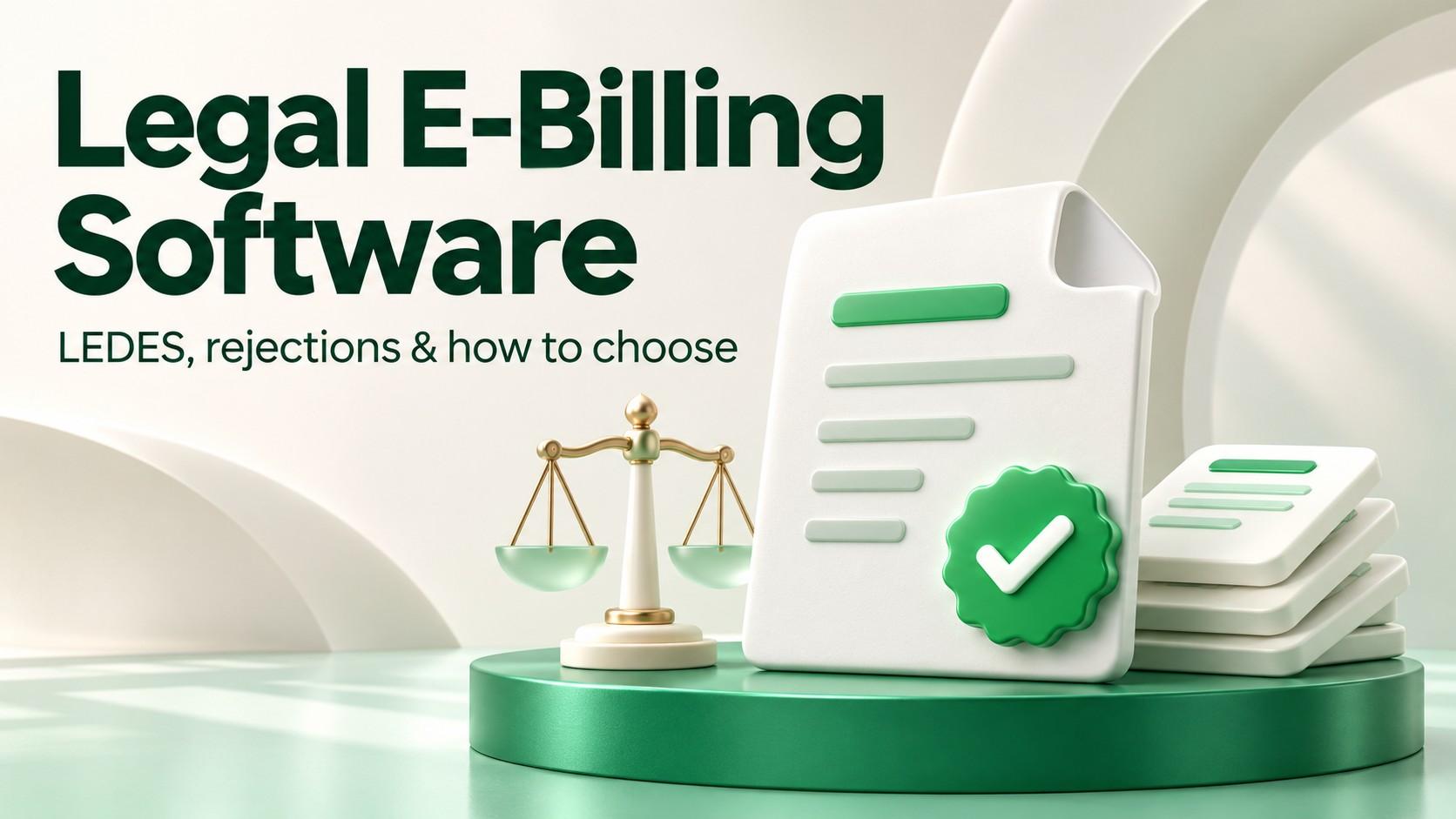
Legal E-Billing Software: LEDES, Rejections & How to Choose
A law firm can do excellent work and still wait months to be paid because one invoice line used the wrong task code. Legal e-billing turns billing into a data exchange, and data exchanges reject mistakes automatically.
This guide explains how legal e-billing software works on both sides of the relationship, why invoices get rejected, how appeals work, and what to check before choosing a platform.
➤ Quick answer: law firms need billing software that exports the exact LEDES format and UTBMS codes each client requires, checks invoices against client rules before submission, and tracks rejections and appeals in the client’s portal.
What legal e-billing software is
Legal e-billing replaces paper or PDF invoices with structured files that a client’s system reads and checks automatically. Corporate legal departments and insurers use these systems to enforce outside counsel guidelines and track legal spend.
There are two sides, and buyers often confuse them:
Side | Who uses it | What it does | Examples |
|---|---|---|---|
Firm-side billing software | Law firms | Records time, applies codes, creates LEDES files | Practice and time-billing systems |
Client-side e-billing platform | Corporate legal and insurers | Receives invoices, applies rules, routes approvals | |
Standalone LEDES tools | Firms or consultants | Create, validate and edit LEDES files |
LEDES and UTBMS in plain English
LEDES (Legal Electronic Data Exchange Standard) is the file format. LEDES.org lists formats including LEDES 98B, 98BI, LEDES 2000 and LEDES XML e-billing versions 2.0, 2.1 and 2.2.
UTBMS codes describe the work itself: which phase, task, activity or expense each line covers. Code sets from the ABA and other bodies are published on UTBMS.com, hosted by the LEDES Oversight Committee.
Think of LEDES as the envelope and UTBMS as the label on every item inside it. A perfect envelope with the wrong label still gets rejected.
Format | What it is used for | Note |
|---|---|---|
LEDES 98B | Pipe-delimited text invoice; CaseAgent calls it the usual US default | Ask each client which version they accept |
LEDES 98BI | Adds fields for tax and multiple currencies | Common with international clients |
LEDES XML 2.x | Structured XML with many more data elements | Confirm the exact version (2.0, 2.1 or 2.2) |
LEDES 2000 | Older format | GLEbill states it was discontinued by the LEDES Board in 2022 |
Why e-billed invoices get rejected
Rejections fall into two groups: the file is technically invalid, or the content breaks the client’s billing guidelines. CaseAgent’s summary of e-billing portal error lists groups the common causes like this:
- Timekeeper and rate: a timekeeper the client has not approved, or a rate above the approved one for that date.
- Math: line totals or invoice totals that do not add up, often after a spreadsheet edit.
- Codes: a valid UTBMS code that this client has not enabled.
- Dates and matters: line dates outside the billing period, closed matters or duplicate invoice numbers.
- File structure: wrong header, missing required fields or wrong date format.
- Content: block billing, vague narratives or time over a guideline cap, cut line by line by a reviewer.
Source: CaseAgent – LEDES billing software. The cheapest place to fix any of these is before the file leaves the firm.
➤ Illustrative example: a firm bills a new associate’s time in January before the client approves her rate. The portal rejects every line she billed, and the whole invoice waits for a rate request, approval and resubmission.
How appeals work
When a reviewer reduces or rejects a line, most client portals let the firm respond with a reason and supporting detail. Appeal rules, deadlines and formats are set by each client’s guidelines, so read them before you submit.
- Track every reduction by reason code, matter and timekeeper.
- Appeal with specifics: what was done, why it was needed and which guideline allows it.
- Fix the root cause in time entry or rates so the same rejection does not repeat.
Attorney review point: confirm appeal language and any client-specific guideline references before publication.
What law firms should check before choosing e-billing software
Format and code coverage
- Exports every LEDES format your clients require, including the exact XML version.
- Loads each client’s own UTBMS code list, not just a generic list.
- Stores approved timekeepers and rates per client and per date.
Pre-bill validation
- Checks invoices against client rules before export: rates, caps, codes, dates and narratives.
- Flags block billing and vague descriptions for a person to fix.
- Validates totals and file structure automatically.
Portal workflow
- Tracks submission status, rejections and reductions per client portal.
- Supports rebilling with credit notes and new invoice numbers where required.
- Reports reductions by reason so billing partners can see patterns.
Practical test before you buy
- Ask a client for its billing guidelines, format and portal name.
- Load its codes and approved rates into the trial.
- Export one real month of a matter and test it on the portal.
Client-side platforms: what corporate legal teams look for
If you sit on the corporate or insurer side, the questions change. Swiftwater’s evaluation guide advises confirming that outside firms can submit in the required format and that the platform enforces task code completeness at validation.
Thomson Reuters describes AI-powered invoice review in Legal Tracker that detects billing anomalies and supports multiple formats including LEDES. Mitratech describes Collaborati as letting firms submit any LEDES invoice format and attach supporting documents.
Where AI fits in legal e-billing
AI is most useful before submission, when a firm can still fix problems. Typical uses include checking narratives against guideline rules, spotting unapproved rates and flagging likely rejections line by line.
LuMay’s legal agents include BillingGuard, which checks invoices, rates, approvals and billing requirements before submission. Our OCG compliance agent validates invoice lines against outside counsel guidelines. Attorneys and billing partners keep approval authority.
LuMay’s legal agents are designed to work alongside your existing billing system; our legal agent page lists a native Thomson Reuters 3E integration. Published starting prices for LuMay legal and OCG agents are on our pricing page.
Related reading
➤ Losing time to rejected e-bills? Book a session with LuMay to review a sample of rejections and see where pre-bill checks would help.
A pre-bill review workflow that cuts rejections
- Step 1 – load client rules: codes, approved rates, timekeepers, caps and narrative rules for each client.
- Step 2 – check time entries daily: flag vague narratives and block billing while memories are fresh.
- Step 3 – run a pre-bill check: validate rates, codes, dates and totals before the billing partner review.
- Step 4 – partner review: the billing partner approves edits and write-downs.
- Step 5 – export and validate the file: confirm format, header and required fields.
- Step 6 – submit and track: log portal status, reductions and reasons.
- Step 7 – appeal and learn: appeal where justified and fix the root cause.
Metrics to track
Metric | What it tells you |
|---|---|
First-pass acceptance rate | Share of invoices accepted without rejection |
Reductions by reason | Which guideline rules cost the firm most |
Days from invoice to approval | How e-billing friction affects cash flow |
Appeal success rate | Whether appeals are worth the effort |
Write-downs by timekeeper | Where training or rate discussions are needed |
➤ Illustrative example: a 60-lawyer firm finds that most reductions on one insurance client come from vague narratives and an unapproved paralegal rate. It adds narrative checks and a rate-approval reminder before each January.
Implementation plan for new e-billing software
- Weeks 1–2: list every e-billing client, its portal, format, codes and guidelines.
- Weeks 3–4: configure codes, rates and timekeepers; test-export one real invoice per client.
- Weeks 5–6: train timekeepers on narratives and codes; run parallel billing for one cycle.
- After go-live: review reductions monthly with billing partners.
Short glossary
- LEDES: Legal Electronic Data Exchange Standard, the invoice file format.
- UTBMS: task, activity and expense codes that describe each billed line.
- OCG: outside counsel guidelines, the client’s billing and staffing rules.
- Block billing: several tasks grouped under one time entry, often rejected.
- Reduction: an amount cut from an invoice by the client’s reviewer.
Sources
- Vendor pages for Legal Tracker and Collaborati linked above (checked 23 Nov 2026)
Frequently Asked Questions
Everything you need to know about Legal AI
1. What is legal e-billing software?
Software that creates, submits or reviews legal invoices as structured data files, usually in LEDES format with UTBMS codes, so clients can check them against billing guidelines automatically.
2. What is the difference between legal billing software and legal e-billing software?
Legal billing software records time and creates invoices inside the firm. E-billing software or portals receive those invoices as LEDES files and apply the client’s rules and approvals.
3. What is LEDES?
The Legal Electronic Data Exchange Standard, a set of file formats for legal invoices. LEDES.org lists formats including 98B, 98BI and LEDES XML versions 2.0, 2.1 and 2.2.
4. Which LEDES format should my firm use?
The one each client specifies. CaseAgent reports most US clients ask for LEDES 1998B, while international and tax-heavy clients often require 98BI or an XML version. Always confirm the exact version.
5. What are UTBMS codes?
Uniform Task-Based Management System codes that label each invoice line by phase, task, activity or expense. Code sets are published on UTBMS.com.
6. Why do e-billed invoices get rejected?
Common causes include unapproved timekeepers or rates, math errors, codes the client has not enabled, dates outside the billing period, invalid file structure and content issues such as block billing.
7. Can a law firm appeal an e-billing reduction?
Most client portals allow firms to respond to reductions with reasons and supporting detail. Deadlines and rules depend on each client’s guidelines, so check them before submitting.
8. Do law firms pay to use client e-billing portals?
It depends on the platform and client agreement. Some portals charge law firms fees and others do not. Read the portal’s terms at registration and raise fees in rate discussions.
9. How can a firm reduce e-billing rejections?
Load each client’s codes, rates and timekeepers, validate invoices before export, fix vague narratives and block billing, and track reductions by reason to fix root causes.
10. Can AI help with legal e-billing?
Yes, mainly before submission. AI can check narratives and lines against guideline rules and flag likely rejections for a person to review. Attorneys should keep final approval.
11. What should I test during an e-billing software trial?
Load one real client’s codes and rates, export a real month of a matter in that client’s LEDES format, and test submission and rebilling on the client’s portal.
About the Editorial Team
Creates insightful content on SEO, AI-powered marketing, digital growth, and emerging technologies. He simplifies complex topics into practical, research-backed guidance.