


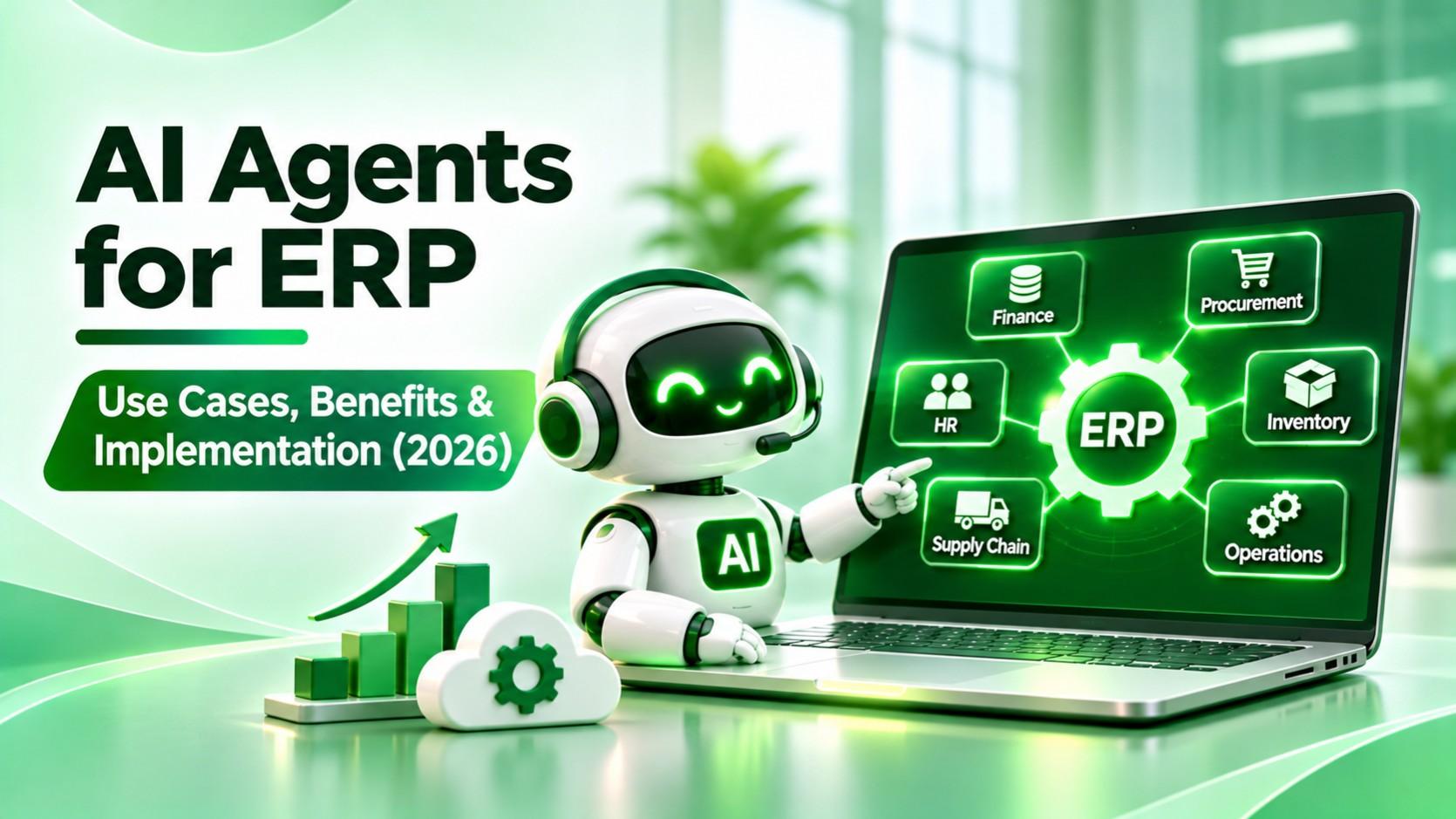
AI Agents for ERP: 6 Jobs and the Controls to Set (2026)
An ERP holds the records that run the business: invoices, orders, stock and master data. An agent that can read those records is useful. An agent that can change them needs rules first.
This guide explains 6 jobs where AI agents for ERP earn their place and the controls to set before an agent can post, pay or change master data.
➤ Quick answer: start agents on read, draft and propose tasks. Give each agent its own identity with least-privilege access, require human approval for anything that posts, pays or changes master data, and log every read and write. Expand only after test results justify it.
What AI agents for ERP can do (and what they should not post alone)
An ERP agent reads data from the system of record, reasons about a task and takes a step: drafting a document, matching records, proposing a fix or calling another system.
Most vendor documentation shows the same pattern. The agent prepares the work and a person approves the step that changes the books.
• Safe to automate with review: reading, matching, summarizing, drafting, routing.
• Needs approval: posting entries, releasing payments, creating vendors, changing master data.
• Needs strong controls: anything that moves money or changes a financial record.
Deloitte’s notes on its finance agents make the point plainly: controls should be designed around each organization’s processes, risks and reporting requirements. The agent does not bring them for you.
Six jobs to start with: payables, close, procurement, inventory, orders, master data
Each job below shows what the agent does, a real vendor example where one exists in documentation, and the control to set first.
1. Payables
The agent reads invoices, extracts data, matches to purchase orders and receipts, and drafts the entry.
• Example: Microsoft’s Payables Agent in Business Central creates draft purchase documents from emailed invoices. It does not post them, and a new vendor stays blocked until someone reviews it.
• Example: Oracle’s Payables Agent ingests invoices from several channels and applies tax, policy and fraud checks before routing for approval and payment.
• Control: approval before posting; a person owns vendor creation and bank details.
For the exception side of this job, see our guide to invoice exception management.
2. Financial close
The agent compares ledgers with sub-ledgers, flags differences and drafts adjustments.
• Example: Microsoft’s Account Reconciliation agent in Dynamics 365 Finance runs under a dedicated agent identity with named security roles. It is labeled production-ready preview.
• Example: Oracle describes a Ledger Agent that can create adjustment journals.
• Control: journals are drafted, never posted, until a preparer and a reviewer are different people.
3. Procurement
The agent follows up with suppliers, updates purchase orders and flags the effect of late deliveries.
• Example: Microsoft’s Supplier Communications Agent, in production-ready preview, drafts follow-ups and analyzes purchase order changes. Users review and edit drafted emails.
• Control: limit the agent to approved supplier contacts and a spending ceiling.
Our guide to AI agents for procurement covers this job in depth.
4. Inventory and materials
The agent watches stock and demand, prioritizes shortages and proposes fixes.
• Example: SAP’s Material Requirements Planning Agent prioritizes material shortages and proposes solutions, and its Production Order Missing Component Resolution Agent recommends fixes before delays occur.
• Control: agents propose; planners approve any order, transfer or reservation.
5. Orders
The agent checks order status, availability and delivery dates, and answers exceptions such as a held or changed order.
• Examples of tasks: confirm a delivery date, flag a credit hold, draft a customer update.
• Control: read-only by default. Any change to price, terms or ship date needs approval, and credit decisions stay with finance.
6. Master data
The agent proposes new records or corrections for items, vendors and customers.
• Example: SAP’s Production Master Data Agent generates production routings from a bill of materials. SAP’s news release lists general availability as planned for Q2 2026, so check status.
• Control: a data owner approves every create or change. Duplicate checks run before and after.
Master data changes spread to every downstream process. That is why this job gets the tightest control.
How we chose these 6 jobs and examples
We picked jobs that ERP owners ask about most and that vendor documentation covers. Each job gets the same four checks: what the agent does, a documented vendor example, the main risk and the first control.
Examples come from vendor documentation, not from hands-on use. Where a feature is labeled preview or planned, we say so.
How we tested
How we tested: no vendor agent was installed or tested for this draft. Facts come from vendor documentation read on 27 Nov 2026.
Built-in ERP agents vs a custom agent on top of your ERP
You have two main routes. Many teams use both.
| Route | Strengths | Trade-offs |
|---|---|---|
| Built-in vendor agent | Native permissions and data model; fewer connectors; vendor support | Covers the vendor’s chosen tasks; usually one system only; feature status varies |
| Custom agent on your ERP | Fits your exact process; can span ERP, email, documents and other systems | More engineering; you own testing, permissions and upkeep |
Choose built-in first when the task is standard and the vendor offers it. Choose custom when the work crosses systems or your process does not match the vendor’s template.
Permissions, approvals and separation of duties
Treat every agent like a new employee with a narrow role. OWASP’s guidance on excessive agency names the same ideas: minimize functions and permissions, run actions in the user’s context, require approval for high-impact actions and enforce authorization in downstream systems.
Set these controls before go-live:
• Own identity: one agent identity per workflow, never a shared admin login.
• Least privilege: only the tables, fields and actions the job needs.
• Approval thresholds: amounts, vendors and record types that always need a person.
• Separation of duties: the agent that drafts is never the identity that approves or pays.
• Spending and volume limits: caps per run, per day and per vendor.
• Kill switch: a documented way to pause the agent at once.
Microsoft’s documentation shows the pattern in practice. The Account Reconciliation agent needs a dedicated agent user with specific roles, and the Payables Agent drafts documents for review.
Our guide on least-privilege tool permissions for AI agents goes deeper on server-side checks.
The audit trail to require before an agent can write back
If an agent can change a record, you need to prove what it did and why. Ask for these items.
• Input log: what the agent read, with record IDs and time.
• Decision log: the rule or reasoning behind each proposed action.
• Action log: every write, with before and after values and the identity used.
• Approval record: who approved, when, and what they saw.
• Replay or review: a way to inspect any run after the fact.
• Retention: how long logs are kept and who can read them.
➤ Illustrative example: an agent drafts a vendor invoice entry for $4,200. The log shows the invoice image, the matched purchase order, the receipt, the coding suggestion and the reviewer who approved. A later query can retrieve every step. Details are placeholders.
The NIST AI Risk Management Framework offers neutral language for governing, measuring and managing these risks.
How this differs from choosing an integration platform
This guide covers what agents should do and which controls to set. It does not compare platforms that connect AI to ERP.
If you are choosing connectors, middleware or MCP support, read our comparison of enterprise integration platforms for AI, ERP and CRM. For SAP-specific patterns, see how to integrate AI agents with SAP S/4HANA.
Limitations to plan for
• Vendor agents change quickly; many are labeled preview or planned.
• Controls in a vendor agent do not replace your own approval policy.
• Bad master data limits any agent’s accuracy.
• Regulatory and audit requirements differ by company; involve your auditors early.
Our own product: LuMay agents on top of your ERP
Disclosure: LuMay publishes this article and sells the services described in this box. It is shown separately and is not a ranked recommendation.
LuMay’s AI integration services page describes agents that carry out controlled multi-step tasks with defined permissions, audit trails and human approval, connected to ERP, support and BI tools.
See also its AI agent development and AI engineering services pages. Scope and costs are set per project; see pricing.
➤ Want a second opinion on which ERP jobs to automate first? Book a demo.
Sources
• Vendor documentation linked in the six jobs above, read 27 Nov 2026.
• Microsoft Learn: Payables Agent overview and responsible-AI notes (Business Central)
• Microsoft Learn: Account reconciliation agent (Dynamics 365 Finance)
• Microsoft Learn: Supplier communications agent responsible-AI notes
• Oracle: AI apps for ERP and EPM
• SAP News: Hannover Messe 2026 supply chain AI agents
• SAP: Manufacturing Assistant and its agents
Tags:
Frequently Asked Questions
Everything you need to know about Engineering Services
1. What are AI agents for ERP?
They are software agents that read ERP data, reason about a task and take steps such as matching invoices, drafting entries or proposing fixes, usually with human approval for steps that change financial records.
2. Which ERP jobs suit AI agents first?
Start with high-volume, rules-heavy work such as payables matching, reconciliation, supplier follow-up, shortage alerts, order status and master data checks. Begin with read and draft actions.
3. Can an AI agent post journal entries or pay invoices?
Technically some can, but vendor documentation shows a draft-first pattern. Microsoft’s Payables Agent does not post, and many designs keep posting and payment with a human approver.
4. What permissions should an ERP agent have?
Give it its own identity and only the tables, fields and actions its job needs. Keep approval and payment rights separate from drafting rights.
5. How do I keep separation of duties with agents?
Make sure the identity that drafts a record is never the one that approves or pays it. Assign reviewers who are different people from preparers.
6. What should the audit trail include?
Inputs read, reasoning or rule applied, every write with before and after values, the identity used, and the approver. Keep logs searchable for as long as your policy requires.
7. Should we use the ERP vendor’s built-in agents or build our own?
Use built-in agents for standard tasks the vendor covers. Build custom agents when work spans systems or your process differs from the vendor template.
8. Do ERP agents work with SAP, Oracle and Microsoft systems?
Each vendor offers agents inside its own suite, such as SAP’s planning agents, Oracle’s Payables Agent and Microsoft’s Business Central and Dynamics 365 agents. Cross-vendor work usually needs integration or a custom agent.
9. How do we test an ERP agent before go-live?
Run it in a sandbox on real, anonymized records. Score match accuracy, wrong-action rate, escalation behavior and how it handles missing data, then repeat after every change.
10. What can go wrong with ERP agents?
Wrong matches, duplicate records, unauthorized changes, bad master data and silent failures. Approval gates, limits, logging and a kill switch reduce each of these.
11. How is this different from RPA?
RPA follows fixed scripts. Agents interpret varied inputs and choose steps, so they handle exceptions better but need stronger testing and approval controls.
12. How much do AI agents for ERP cost?
Costs depend on the vendor, modules, volume and integration work. Several vendors bill by usage or credits. Ask for a written estimate against your own invoice or order volume.
About the Editorial Team
Creates insightful content on SEO, AI-powered marketing, digital growth, and emerging technologies. He simplifies complex topics into practical, research-backed guidance.