


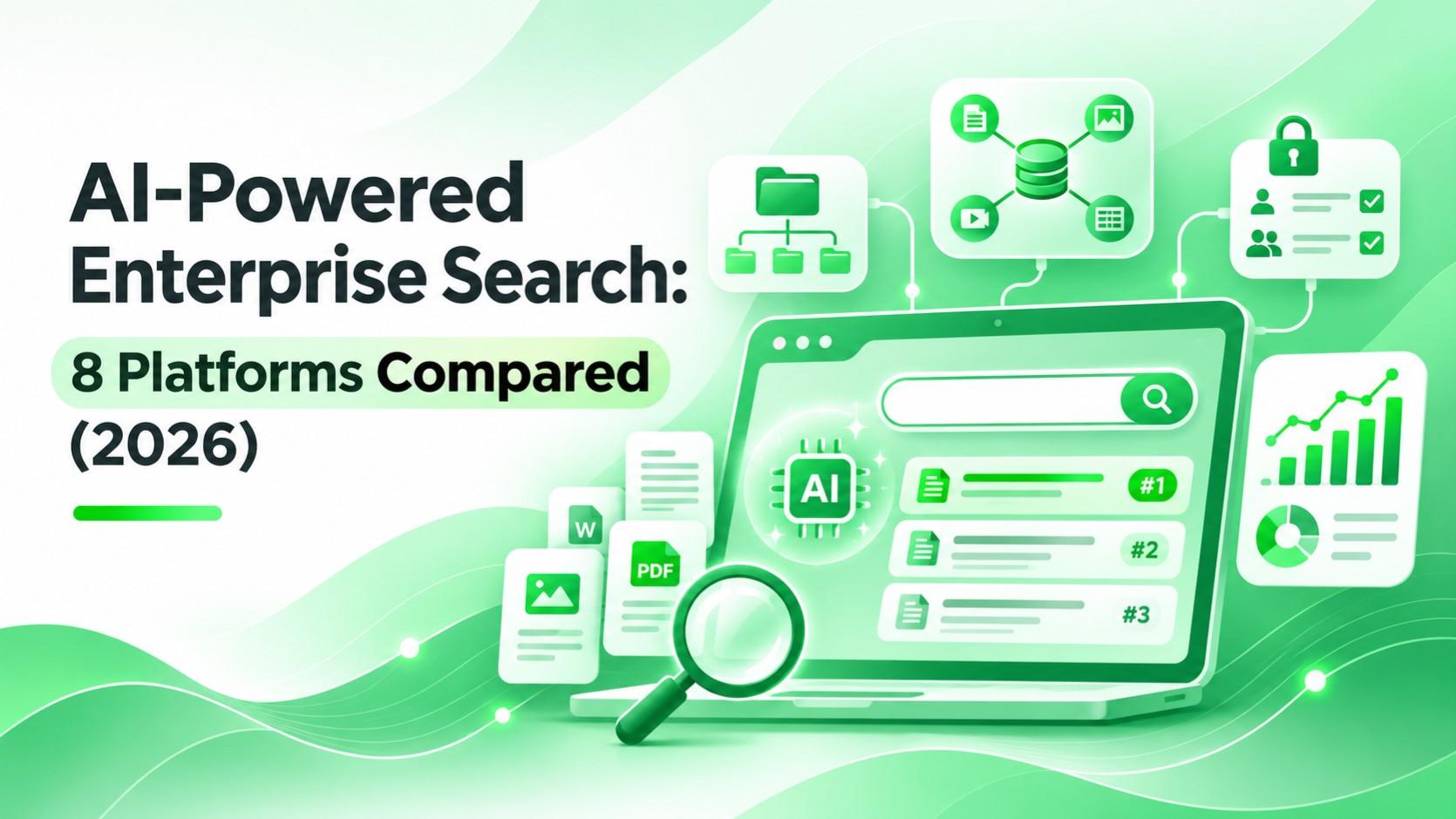
AI-Powered Enterprise Search: 8 Platforms Compared (2026)
Your staff already know the answer exists somewhere. The problem is finding it across SharePoint, Salesforce, tickets and drives, without exposing a file they should never see.
AI-powered enterprise search fixes that by indexing your systems, understanding questions in plain language and answering with sources, while respecting each user’s permissions. This guide compares 8 platforms and shows when a custom RAG build fits better.
➤ Quick answer: pick a platform with connectors for your top systems, permission-aware results, cited answers and a deployment model your security team accepts. If your data, rules or hosting needs are unusual, a custom RAG system may be the better fit.
What AI-powered enterprise search does
• Connects to your content sources: files, wikis, CRM, ticketing and databases.
• Indexes text and metadata, and keeps the index in sync as content changes.
• Retrieves using keyword plus semantic (vector) search, often called hybrid search.
• Enforces permissions so each person sees only what they can already open.
• Answers with a generated summary and citations to the source documents.
• Acts, in newer tools, through AI agents that use the indexed knowledge.
Why it matters in 2026
Gartner now has a dedicated category for this market. Elastic reports being named a Leader in the 2026 Gartner Magic Quadrant for Enterprise AI Search.
The shift is from “ten blue links” to direct answers. That raises the bar on accuracy and access control. A wrong answer, or a leaked HR file, costs more than a slow search.
8 AI-powered enterprise search platforms compared
Disclosure: LuMay builds custom RAG systems and is not included in this list. Platforms are listed alphabetically, not ranked. Facts come from each vendor’s own pages, read on 24 Nov 2026.
| Platform | Connectors and reach | Permissions | Deployment | Published pricing |
|---|---|---|---|---|
| Coveo | Connectors across enterprise systems; commerce and service use cases | Indexes content across systems “securely” (vendor claim) | Single SaaS platform | Quote-based |
| Elastic | Search platform with hybrid and vector search | Document-level security available | Self-managed, hosted cloud or serverless | Cloud pricing page; 99.95% SLA on Platinum and Enterprise |
| Glean | 275+ app connectors; knowledge graph of people and content | Permissions-enforced results | SaaS | Quote-based |
| Google Gemini Enterprise | Indexes selected sources; data stays where it lives | Runs under users’ existing permissions, with audit trail | Google Cloud | Edition-based; see vendor page |
| Microsoft 365 Copilot connectors | Salesforce, ServiceNow, Dynamics 365, SAP, SQL/Oracle and more | Users see only results they already have access to | Microsoft 365 cloud | Part of Microsoft 365 licensing |
| Mindbreeze | Insight Workplace and an MCP Server for AI agents | “Security at scale” (vendor claim); test in pilot | Confirm with vendor | Quote-based |
| OpenSearch | Open-source search and vector database | Document- and field-level permissions at retrieval | Self-managed or managed service | Open source (free licence); hosting costs apply |
| SearchBlox | 329+ connectors | Confirm with vendor | On-premises or cloud | $25,000/year single server; $75,000/year 3-server HA cluster |
Platform notes
Coveo
• Calls itself “The AI Relevance™ Platform”.
• Says it “plugs into your existing stack, no migrations”, indexing content across systems.
• Strong where search also serves customers, such as commerce and support.
Elastic
• Offers self-managed, hosted and serverless options.
• Combines keyword and vector search in one engine.
• Publishes a 99.95% monthly uptime SLA for Platinum and Enterprise tiers.
Glean
• Lists 275+ app connectors with permissions-enforced results.
• Builds a knowledge graph of people, content and interactions to personalise results.
• Offers real-time indexing.
Google Gemini Enterprise
• Works under each user’s existing permissions, with an audit trail.
• Indexes the sources you select and keeps data where it already lives.
• A natural fit if you run on Google Workspace or Google Cloud.
Microsoft 365 Copilot connectors
• Bring external content into the Microsoft 365 index alongside your own files.
• Microsoft states users “only see results that they already have access to”.
• Custom connectors need a developer, a schema and Microsoft Entra ID registration.
Mindbreeze
• Positions Mindbreeze InSpire for knowledge management and AI enterprise search.
• Offers an MCP Server so AI agents can query enterprise data.
OpenSearch
• Open-source project under the Linux Foundation.
• Hybrid queries combine BM25 keyword matching with vector search.
• Best for teams with search engineers who want full control.
SearchBlox
• The only vendor here with list prices on its site.
• Single server $25,000 a year; three-server HA cluster $75,000 a year.
• Runs on-premises or in the cloud, with 329+ connectors.
How to choose: 7 tests to run in a pilot
1. Connector coverage
List your top 10 sources by usage. Check each one has a native connector, and how often it syncs.
2. Permission accuracy
Test with users from different teams. Search for a restricted file. The platform must not show it, or summarise it, to the wrong person. Our guide to SharePoint permission-aware retrieval explains the failure modes.
3. Answer quality with citations
• Build 50–100 real questions with known answers.
• Score correctness, citation accuracy and “I don’t know” behaviour.
• See how to evaluate a RAG system for metrics.
4. Exact-match search
Part numbers, policy IDs and names often fail in pure vector search. Test them. Hybrid search handles both.
5. Freshness and deletion
Edit a document and delete another. Time how long the index takes to reflect each. Deleted content that still appears in answers is a compliance risk.
6. Security and deployment
Confirm where data is indexed and processed, who can see logs, and how prompt injection in documents is handled. The OWASP Top 10 for LLM applications is a useful checklist.
7. Total cost
Ask for pricing at your user count and data volume, including connectors, storage and AI query costs, for three years.
Platform or custom RAG build?
| Factor | Platform fits | Custom RAG fits |
|---|---|---|
| Sources | Common SaaS apps with standard connectors | In-house systems, legacy databases or unusual formats |
| Permissions | Mirrors source-system access | Complex business rules beyond source ACLs |
| Hosting | Vendor cloud is acceptable | On-premises, your cloud or air-gapped required |
| Answers | General Q&A over documents | Domain workflows, structured outputs or actions |
| Cost pattern | Per user or per tier | Build cost plus your own infrastructure |
➤ Illustrative example: a manufacturer with SharePoint, SAP and a 20-year-old quality database might use a platform for office content and a custom RAG service for quality records. Figures and systems here are placeholders.
For build costs, see RAG development cost for enterprises and custom vs managed RAG.
Common mistakes
• Buying on demo data. Test on your own messy content.
• Skipping permission tests. One leak can end the project.
• Ignoring stale content. Old policies give confident wrong answers.
• No owner. Someone must curate sources and review failed answers.
How LuMay approaches enterprise search
LuMay builds custom RAG and knowledge systems when a platform does not fit. We apply permissions and business rules at retrieval, rerank by relevance and evaluate groundedness, citation accuracy, latency and cost.
We also connect platforms to in-house systems through AI integration services. Deployment can be in our cloud, yours or on-premises.
➤ Deciding between a platform and a build? Book a working session with LuMay. Engagement prices are on our pricing page.
Sources
• Elastic, Gartner Magic Quadrant for Enterprise AI Search 2026
• Microsoft 365 Copilot connectors overview
• OWASP Top 10 for LLM Applications
• Vendor pages linked in the comparison table, read 24 Nov 2026.
Tags:
Frequently Asked Questions
Everything you need to know about Engineering Services
1. What is AI-powered enterprise search?
It is search across your company’s systems that understands plain-language questions, retrieves with keyword and semantic methods, and answers with cited sources, while showing each person only content they are allowed to see.
2. How is it different from traditional enterprise search?
Traditional search returns a list of documents for keywords. AI-powered search interprets the question, ranks by meaning, and often generates a direct answer with citations from the retrieved content.
3. Which AI enterprise search platforms are leaders in 2026?
Gartner published a 2026 Magic Quadrant for Enterprise AI Search. Elastic reports being named a Leader. Read the full report for other vendors and placements before shortlisting.
4. How much does AI-powered enterprise search cost?
Most vendors quote privately. SearchBlox publishes $25,000 a year for a single server and $75,000 for a three-server cluster. OpenSearch is open source, but hosting and engineering cost money.
5. Does AI enterprise search respect document permissions?
Good platforms do. Microsoft states users only see results they already have access to, and Glean lists permissions-enforced results. Always test this with real users before rollout.
6. What is a connector in enterprise search?
A connector pulls content and permissions from a source system, such as Salesforce or ServiceNow, into the search index and keeps it in sync. Connector coverage is often the deciding factor.
7. Can enterprise AI search run on-premises?
Some options can. Elastic and OpenSearch can be self-managed, and SearchBlox offers on-premises deployment. Cloud-only tools suit teams whose policies allow vendor hosting.
8. When should we build a custom RAG system instead?
Consider a build when key data sits in in-house systems, permission rules go beyond source ACLs, hosting must be on-premises or air-gapped, or answers must drive a specific workflow.
9. How do we measure enterprise search quality?
Use a set of real questions with known answers. Score correct answers, citation accuracy, refusals when no answer exists, latency and permission leaks. Re-run the set after every change.
10. How long does an enterprise search rollout take?
A focused pilot on a few sources can run in weeks. Full rollout depends on connector count, permission complexity and content clean-up. Plan the pilot with clear pass or fail criteria.
11. What is hybrid search?
Hybrid search combines keyword matching, such as BM25, with vector-based semantic search in one query. It finds exact IDs and names as well as related meaning, which pure vector search can miss.
About the Editorial Team
Creates insightful content on SEO, AI-powered marketing, digital growth, and emerging technologies. He simplifies complex topics into practical, research-backed guidance.