


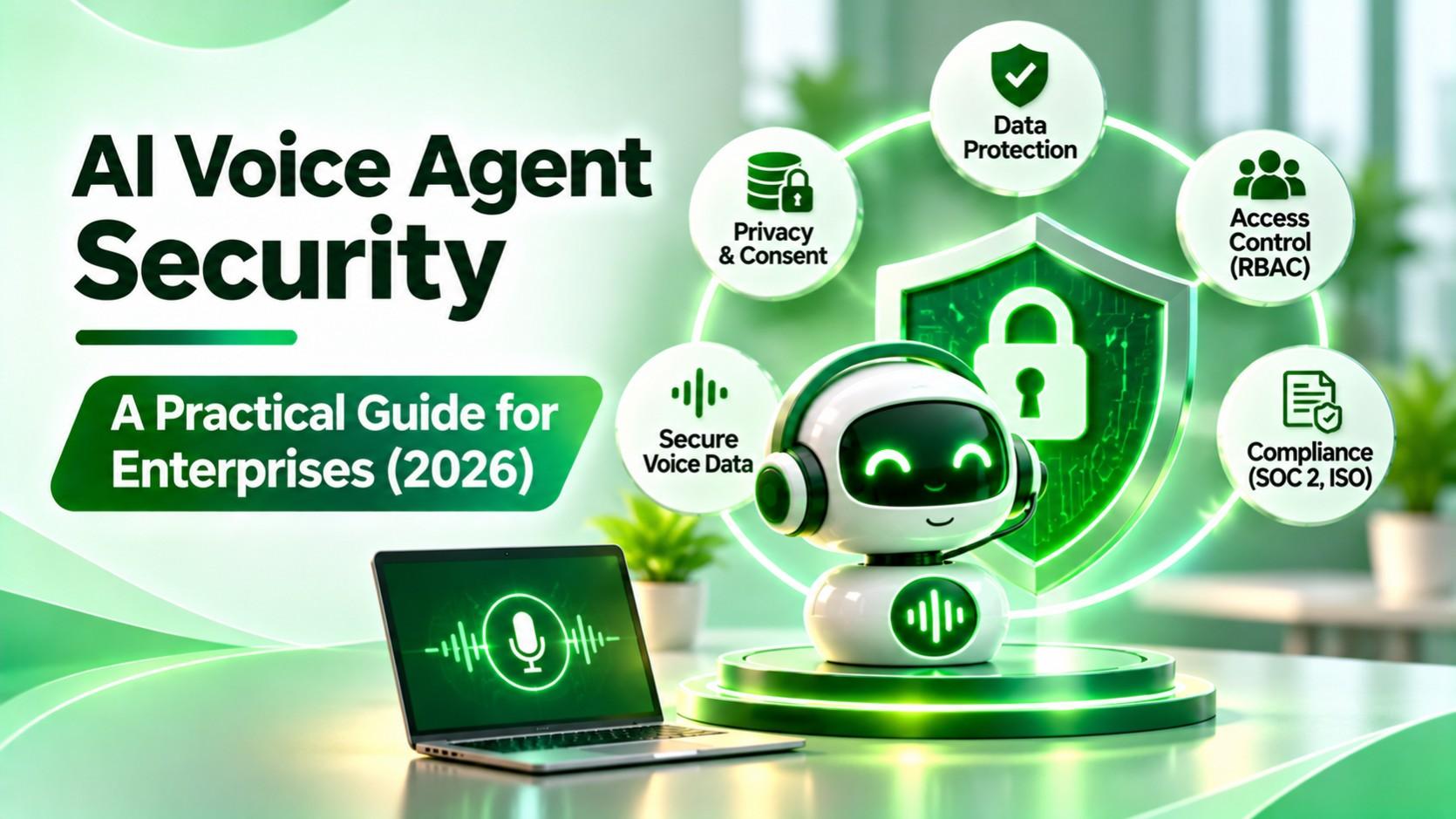
AI Voice Agent Security: What Buyers Should Check (2026)
A voice agent hears private details, looks up accounts and sometimes moves money or changes records. Its security depends less on the model than on what surrounds it: identity checks, tool limits, data handling and tests.
This guide gives you a neutral checklist for AI voice agent security. Use it with any vendor, including the one you already like, and ask for evidence in writing.
➤ Quick answer: check who the caller is, what the agent may do, where audio and transcripts go, how long they stay, what evidence the vendor shows and how you switch the agent off. No written answer, no sensitive actions.
What "AI voice agent security" should cover
Security for a voice agent has more layers than for a chatbot. Audio flows through telephony, speech recognition, a language model, tools and storage. Each layer can leak data or be misused.
A useful review covers five areas:
• People and identity: who is calling and who is allowed to act.
• Actions: which tools the agent can call and with what limits.
• Data: what is captured, where it lives and who can read it.
• Operations: logs, monitoring, incident response and a stop switch.
• Testing: attacks and failures tried before real callers arrive.
The NIST AI Risk Management Framework offers neutral vocabulary for governing, measuring and managing these risks. It is voluntary guidance, not a certification.
How we tested
How we tested: no vendor was tested for this draft. The checklist draws on public guidance from Twilio, Microsoft, OWASP and NIST, read on 27 Nov 2026.
Caller identity and credentials that live outside the model
A voice call carries no proof of identity. A caller ID can be spoofed, and a convincing voice proves nothing. So identity checks should not depend on the model’s judgment.
Twilio’s reference architecture states the principle: keep authority out of the model. It says prompt injection only works if the model holds the power it is asked to use, and advises scripted steps for identity checks, disclosures and money.
Ask the vendor:
• Where does the identity check run, and can the model skip it?
• Which account tools are gated behind a passed check?
• What happens after repeated failed checks?
• Are keys, tokens and passwords ever placed in prompts or spoken aloud?
Microsoft’s voice agent guidance says the same: make identity verification a guardrail, gate account tools behind it and never put secrets in instructions or transcripts.
Tool permissions, allowlists and human approval for risky actions
Most real harm comes from actions, not words. A voice agent that can refund, reschedule or edit a record needs the same limits you would give a new employee.
OWASP lists excessive agency as a top risk for LLM applications. Its advice: minimize tools and permissions, avoid open-ended functions, run actions in the user’s context, require approval for high-impact actions and check authorization downstream.
| Control | What to ask |
|---|---|
| Tool allowlist | Which exact functions can the agent call? Can it call anything else? |
| Scoped credentials | Does each tool use its own narrow credential? |
| Action limits | Are there caps on amount, count and rate? |
| Human approval | Which actions pause for a person, and how is that recorded? |
| Server-side checks | Does the downstream system re-check permission, or trust the agent? |
Our guides to least-privilege tool permissions and prompt injection and unsafe tool actions cover the engineering detail.
For one specific control, callbacks from your telephony provider, see voice agent webhook security.
What happens to audio, transcripts, prompts and logs
A single call can create audio, a transcript, model prompts, tool payloads and trace logs. Each copy may sit in a different system with different access rules.
Twilio’s architecture notes make the point that data spread across logs, analytics and model providers is hard to pull back, so decide early which system holds call transcripts.
Microsoft’s guidance adds practical defaults. Keep conversation storage off unless you need it, treat trace capture as a privacy decision, and restrict who can read captured content, because anyone with access to the logging resource can read it.
Ask the vendor to list every place call data lands:
• Audio: recorded or streamed only, and where it is stored.
• Transcripts: stored by whom, and in what form.
• Prompts and tool payloads: whether they contain personal details.
• Logs and traces: what fields are captured and who can query them.
• Model providers: whether data is kept or used for training.
• Sub-processors: which third parties touch call data.
Retention, deletion and where data is stored
Data you do not keep cannot leak. Ask how long each data type stays and how deletion actually works across copies.
Microsoft advises planning deletion early. In its service, deleting a conversation cascades to responses, items and audio. Whatever the vendor, ask what a delete request removes and what remains in backups or logs.
Questions to ask:
• Can we set retention per data type, and per customer?
• Does deletion reach transcripts, audio, logs and analytics?
• Can we export or bring our own storage, and who controls access?
• In which countries and cloud regions is data stored and processed?
• What happens to our data if we end the contract?
➤ Illustrative example: a retailer’s agent stores transcripts for 30 days and raw audio for 7. A customer asks for deletion. The vendor shows a single request that clears audio, transcript and trace records, and returns a confirmation. Figures are placeholders.
Audit evidence to request in a security review
Promises are cheap. Evidence is not. Ask for documents you can read and test, and keep them on file.
• Architecture diagram: shows data flows, vendors and trust boundaries.
• Independent assessment reports: what was assessed, by whom and when, and what was out of scope.
• Access control summary: roles, who holds admin rights and how access is reviewed.
• Sample audit log: a real record of an agent action, with identity and approval.
• Sub-processor list: names, purpose and data types.
• Incident process: how you are told, how fast and by whom.
• Penetration test summary: scope, date and how findings were fixed.
Be wary of badges without scope. A report only helps if it covers the product and region you will use.
Tests to run before production: injection, replay, kill switch
Test the agent like software. Twilio advises treating a prompt, model or voice change as a release, with a fixed test set run before every one.
Run at least these tests with the vendor, on your own scenarios:
• Prompt injection: a caller tries to override instructions or extract hidden prompts.
• Social engineering: a caller claims to be an executive, an auditor or an engineer.
• Replay and spoofing: repeated or forged events and caller IDs.
• Cross-account access: a verified caller asks for someone else’s data.
• Noise and interruption: telephone-quality audio, accents and cut-offs.
• Failure paths: tool timeouts, bad data and a dropped connection.
• Kill switch: pause the agent mid-day and confirm calls route to people.
Microsoft also advises testing across real telephone channels, not only a browser test panel. Keep the results as part of your audit file.
Limitations to plan for
• No test removes prompt injection risk entirely; layer controls.
• A checklist cannot replace review by your own security team.
• Vendor answers change with product releases; re-ask at renewal.
• Regulatory duties, such as recording notices, sit outside this checklist.
Our own product: LuMay voice platform
Disclosure: LuMay publishes this article and sells the product described in this box. It is shown separately and is not ranked against any other vendor.
LuMay offers a voice agent platform, Voxentis. Its platform security, voice engine, voice agent features and integrations pages describe the product.
This article makes no security claim about LuMay. Run the checklist above against those pages as you would for any vendor, and ask for evidence in writing. Costs are set per plan; see pricing.
➤ Want to run this checklist against a live voice agent? Book a demo and bring your security team.
Sources
• Twilio: How to build a production voice AI agent, a reference architecture
• Microsoft Learn: Best practices for voice-based agents
• OWASP: LLM06 Excessive Agency
Tags:
Frequently Asked Questions
Everything you need to know about Voice Agent
1. What is AI voice agent security?
It is the set of controls that protect callers, data and systems when an AI agent handles phone calls, including identity checks, tool limits, data handling, logging, testing and a way to stop the agent.
2. Why is a voice agent a security risk?
It hears sensitive details, can be tricked by what callers say, and may call tools that change records. Audio, transcripts and logs also create extra copies of personal data.
3. How should a voice agent verify who is calling?
Use checks that run outside the model, such as a one-time code or account details checked by your system, and gate account tools behind a passed check. Caller ID alone is weak.
4. Can prompt injection affect a voice agent?
Yes. A caller can speak instructions meant to override the agent. OWASP advises constraining behavior, filtering inputs and outputs, and limiting the agent’s privileges so a successful trick cannot do much damage.
5. What actions should require human approval?
Refunds, payments, account changes, record deletion, changes to contact details and anything hard to undo. Set thresholds and log who approved each one.
6. Should call recordings and transcripts be stored?
Only if you have a clear purpose. Store the minimum, restrict access, set retention by data type and decide early which system holds the master copy.
7. How do I check where my call data goes?
Ask for a data flow diagram and a sub-processor list covering telephony, speech recognition, the model provider, storage and analytics. Confirm regions and whether data trains models.
8. What should be in a voice AI security review?
Identity design, tool permissions, data handling, retention and deletion, access controls, audit logs, incident process, sub-processors and test results from your own scenarios.
9. How do I test a voice agent before launch?
Run injection, social-engineering, cross-account, replay, noise and failure tests on real phone lines. Repeat them after every prompt, model or tool change.
10. What is a kill switch for a voice agent?
A documented control that pauses the agent at once and routes calls to people or voicemail. Test it before launch and confirm who is allowed to use it.
11. Are security reports enough to trust a vendor?
They help, but check scope, date and region. Also ask for architecture, access controls, a sample audit log and test results for the features you will use.
12. How often should we review voice agent security?
Review at launch, after major changes and at each renewal. Re-run your test set whenever the vendor changes models, voices or tools.
About the Editorial Team
Creates insightful content on SEO, AI-powered marketing, digital growth, and emerging technologies. He simplifies complex topics into practical, research-backed guidance.