


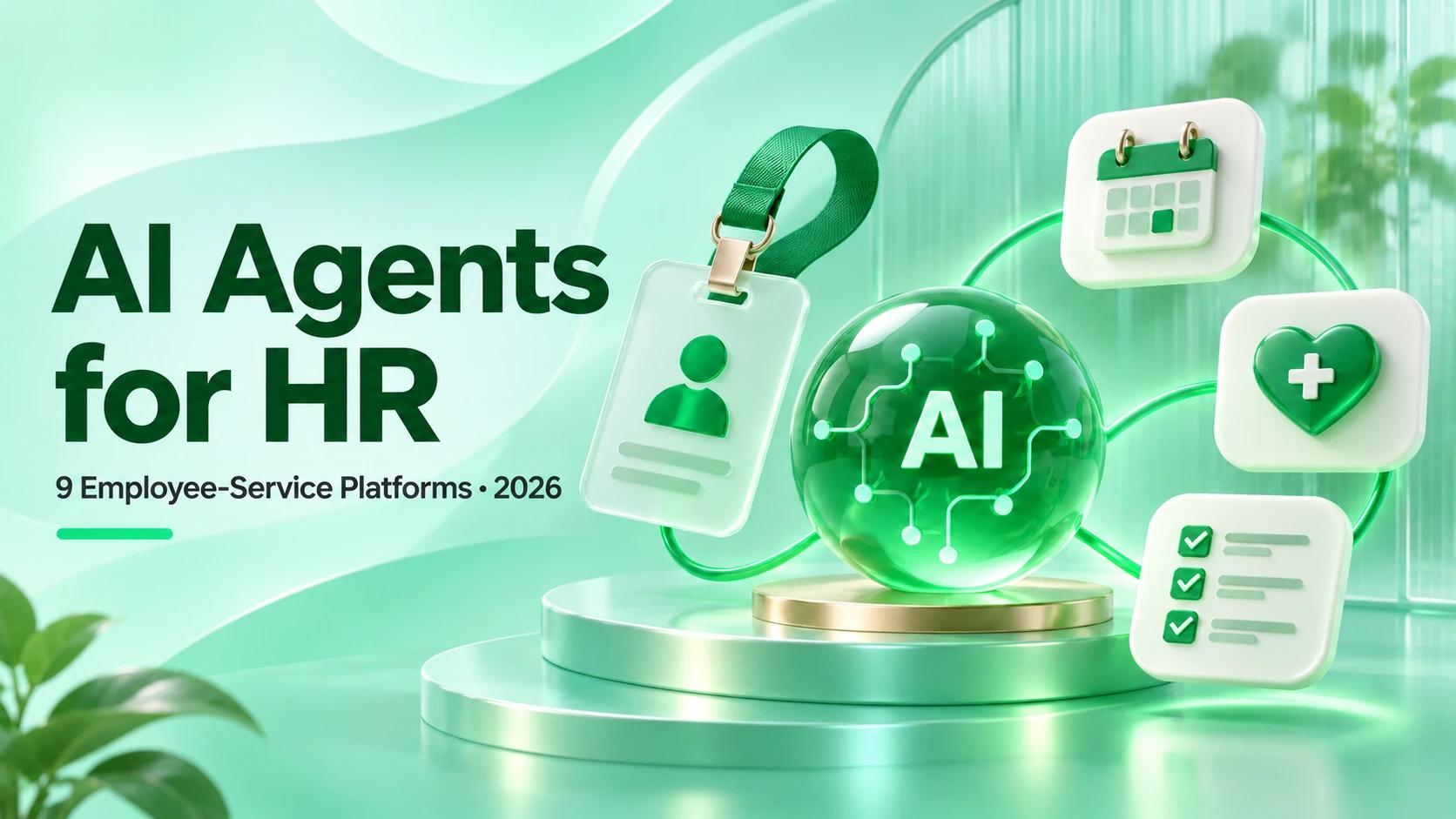
AI agents for HR, with green AI orb, employee badge, benefits and onboarding icons
“How many vacation days do I have left?” “Which health plan covers my partner?” “Can you update my address?” HR teams answer these every day, often in chat, often more than once.
This guide compares 9 AI agents for HR that handle employee service: policy answers, leave, benefits, onboarding and HR system updates. Recruiting tools are left out on purpose, because they solve a different problem.
➤ Quick answer: first decide whether you need an agent that only answers questions or one that also acts in your HR system. Then check its permission model, its audit log and how it hands sensitive cases to a person.
What AI agents for HR do: answer, route or act
HR agents fall into three levels. Most vendors cover the first two; fewer do the third well.
- Answer: replies to policy and benefits questions, ideally citing the source document.
- Route: opens a case and sends it to the right HR partner with context.
- Act: updates records, starts workflows and completes tasks in the HR system.
IBM describes HR agents that work with your existing systems for employees, managers and HR teams. That “works with” part is where products differ most.
How we chose these 9 platforms
We included products whose own pages describe agents for HR or employee service, used by US employers. We compared them on four points.
- HR jobs covered: policy questions, leave, benefits, onboarding, case routing.
- Ability to act: whether the page describes updating systems, not just answering.
- Channels: Slack, Microsoft Teams, portal or email.
- Controls: approvals, permissions and audit features named by the vendor.
Research method
This comparison is based on the vendor and provider sources cited below. No hands-on product testing, paid engagement or provider interview was conducted. Features, integrations, pricing and vendor-reported results require confirmation with each provider before purchase.
Comparison table: 9 AI agents for HR
Disclosure: LuMay publishes this guide and builds custom AI agents. It is not part of this list. The 9 platforms are listed alphabetically, not ranked.
Platform | HR jobs named | Acts in systems? | Channels or setting | Controls named on its page |
|---|---|---|---|---|
HR service delivery, onboarding | Yes, end-to-end workflows | Slack, Teams | Not detailed on page read | |
Employee, manager and HR tasks | Yes, with existing systems | Enterprise apps | Enterprise-ready agents | |
Onboarding, HR admin, analysis | Yes, across your HR systems | Slack, Teams | You decide what waits for approval | |
HR, IT and finance tasks | Yes, e.g. new-hire setup | Not detailed on page read | You approve the plan; asks for permissions | |
Employee requests, routine tasks | Yes, via connected systems | Microsoft 365 Copilot | Admin-deployed agent | |
Employee support across teams | Yes, with ServiceNow | Enterprise assistant | “Secure, governed” per vendor | |
Pay, benefits and policy answers | Yes, on live Rippling data | Rippling apps | Uses live permissions | |
Onboarding, HR admin (also recruiting) | Yes, multi-agent workflows | Enterprise apps | Low-code Agent Studio | |
HR, finance and IT agents | Yes, inside Workday | Workday | Grounded in company data and rules |
The 9 platforms, listed alphabetically
Atomicwork
Best for: companies that run HR and IT service from one desk.
- Atomicwork positions itself as agentic IT and enterprise service management, including end-to-end HR service delivery.
- It names instant employee support in Slack and Teams and onboarding from hire to productive.
- Watch for: its roots are IT service; check depth of HR content and HRIS links.
IBM watsonx Orchestrate
Best for: large enterprises building agents across many existing apps.
- IBM offers HR agents for employees, managers and HR professionals that work with existing systems.
- It frames them as a way to give HR teams time back for people work.
- Watch for: plan for configuration effort; this is a platform, not a ready app.
Kinfolk
Best for: HR teams that live in Slack or Teams.
- Kinfolk’s agent, Kin, plugs into the HR systems you already run and handles work that falls between them.
- You decide what Kin can do and what waits for approval, and you can build agents from your process docs.
- Watch for: confirm which HRIS actions are supported for your stack.
Leena AI
Best for: enterprises that want pre-built agents across HR, IT and finance.
- Leena AI describes pre-built “AI Colleagues” that run HR, IT and finance processes.
- Its example: when a new hire lands in Workday, set up accounts, order a laptop and send the day-one schedule, after you approve the plan.
- Watch for: map which permissions each Colleague needs before rollout.
Microsoft Employee Self-Service agent
Best for: organizations standardized on Microsoft 365 Copilot.
- Microsoft documents an Employee Self-Service agent that handles employee requests and automates routine tasks in enterprise settings.
- Documentation covers both a custom engine agent and newer declarative agents.
- Watch for: check which HR systems you can connect and the licensing it needs.
Moveworks
Best for: enterprises on ServiceNow that want one assistant for all employee requests.
- Moveworks, now part of ServiceNow, describes agentic AI for the entire workforce.
- It highlights joint work with ServiceNow for employee experience.
- Watch for: if you do not use ServiceNow, ask how the roadmap affects you.
Rippling
Best for: companies already running payroll and HR on Rippling.
- Rippling says its AI works on your live business data and permissions.
- Employees can see personalized pay, benefits and policy explanations without contacting HR.
- Watch for: value is tied to keeping your HR data in Rippling.
Workato
Best for: teams that want to build cross-system HR workflows.
- Workato offers a multi-agent system for HR admin work, including onboarding, plus pre-packaged agents it calls Genies.
- Agent Studio is low-code, so you can extend or build agents.
- Watch for: its HR page also covers recruiting; scope employee-service work separately.
Workday
Best for: enterprises with Workday HCM.
- Workday says its agents work across HR, finance and IT, grounded in company data and rules.
- Agents are orchestrated in the background by what Workday calls Sana.
- Watch for: confirm which HR agents are generally available on your release.
Policy and benefits questions with source citations
Policy answers are the easiest win and the easiest place to lose trust. An agent that gives a confident but wrong answer on leave or benefits creates real problems.
- Require answers that cite the policy document and section.
- Keep policies current; retire old versions from the agent’s sources.
- Route anything about pay disputes or medical leave to a person.
➤ Illustrative example: an employee in Texas asks about bereavement leave. The agent answers from the US handbook, cites the section, and offers to open a request. A manager approves it in the HR system. Details are placeholders.
Leave, onboarding and HR system updates
Acting agents save the most time and carry the most risk. Start with tasks where a mistake is easy to spot and undo.
- Low risk: address changes, onboarding checklists, equipment requests.
- Medium risk: leave requests with manager approval.
- High risk: pay, job changes and terminations; keep these human-led.
Permissions, privacy and audit trail to require
HR data is among the most sensitive data a company holds. Before any agent touches it, confirm these controls.
- Field-level access: the agent sees only what the asking employee may see.
- Approvals: set which actions wait for a person.
- Audit log: every question, answer and action, with time and user.
- Data retention: how long chats and records are kept.
- Escalation: clear routes to HR for sensitive topics.
Federal anti-discrimination laws enforced by the EEOC still apply when software helps make employment decisions. The NIST AI Risk Management Framework offers a neutral structure for reviewing these risks.
Checklist before you sign
- Does it answer only, or also act? Which actions exactly?
- Which HRIS, payroll and ticketing systems does it support today?
- How does it respect each employee’s access rights?
- Can we see a sample audit log?
- How are sensitive topics routed to HR?
- What does pricing depend on: employees, agents or usage?
When a custom HR agent makes sense
Products fit best when your HR stack is standard. A custom agent can make sense in other cases.
- Several HR systems across countries or acquired companies.
- Policies that vary by union, state or business unit.
- Workflows that cross HR, IT, facilities and finance.
Our guides to AI agent platforms and AI agent development companies cover both routes.
Limitations to plan for
- Answers are only as good as your policy documents.
- Agents may struggle with exceptions and emotional conversations.
- Employees need to know when they are talking to AI.
- Teaching HR staff to use AI is a separate project; see our list of AI training programs for HR teams.
For hiring calls rather than employee service, see our guide to AI voice agents for recruitment agencies.
Our own product: LuMay custom agents and workflow automation Disclosure: LuMay publishes this article and sells the services described in this box. It is shown separately and is not ranked against the 9 platforms above. LuMay’s AI agent development service builds custom agents that retrieve information, use approved tools and complete multi-step tasks. Its workflow automation agent automates multi-step business processes. Scope and costs are set per project; see pricing. |
|---|
➤ Want to explore a custom employee-service agent for your HR stack? Book a demo.
Sources
- Vendor pages linked in the comparison table, read 26 Nov 2026.
- IBM watsonx Orchestrate: AI agents for HR
- Microsoft Learn: Employee Self-Service agent
- U.S. Equal Employment Opportunity Commission
- NIST AI Risk Management Framework
Frequently Asked Questions
Everything you need to know about Engineering Services
1. What are AI agents for HR?
They are AI tools that answer employee questions, route HR cases and complete HR tasks, such as leave requests or onboarding steps, inside your HR systems.
2. What is the difference between an HR chatbot and an HR agent?
A chatbot mainly answers questions. An agent can also act: open cases, update records and run workflows, within permissions and approvals you set.
3. Which HR tasks should we automate first?
Start with policy and benefits questions and simple onboarding tasks. They are frequent, easy to check and low risk if something goes wrong.
4. Can AI agents update our HRIS?
Several platforms here, such as Leena AI, Kinfolk and Workday, describe acting in HR systems. Confirm the exact actions supported for your HRIS before buying.
5. Are AI agents for HR safe for employee data?
They can be, with field-level access, approvals, audit logs and clear retention rules. Ask each vendor to show how it respects each employee’s access rights.
6. Do HR agents work in Slack and Microsoft Teams?
Many do. Kinfolk and Atomicwork name both, and Microsoft’s Employee Self-Service agent runs in Microsoft 365 Copilot.
7. Should AI agents handle recruiting too?
Recruiting is a separate job with different tools and legal risks. Keep employee service and hiring decisions apart, and review hiring tools with your legal team.
8. How do we measure the value of an HR agent?
Track questions resolved without HR, time to resolve cases, onboarding completion time, employee satisfaction and how often the agent hands off.
9. Will AI agents replace HR business partners?
No. They take repetitive questions and admin, so HR partners spend more time on complex cases, managers and culture.
10. How long does an HR agent rollout take?
A question-answering pilot on a few policies can launch in weeks. Agents that update HR systems take longer, because permissions and testing need care.
11. How are HR agents priced?
Models vary by employee count, number of agents or usage. Few vendors publish prices, so ask for a written quote that matches your headcount.
About the Editorial Team
Creates insightful content on SEO, AI-powered marketing, digital growth, and emerging technologies. He simplifies complex topics into practical, research-backed guidance.