


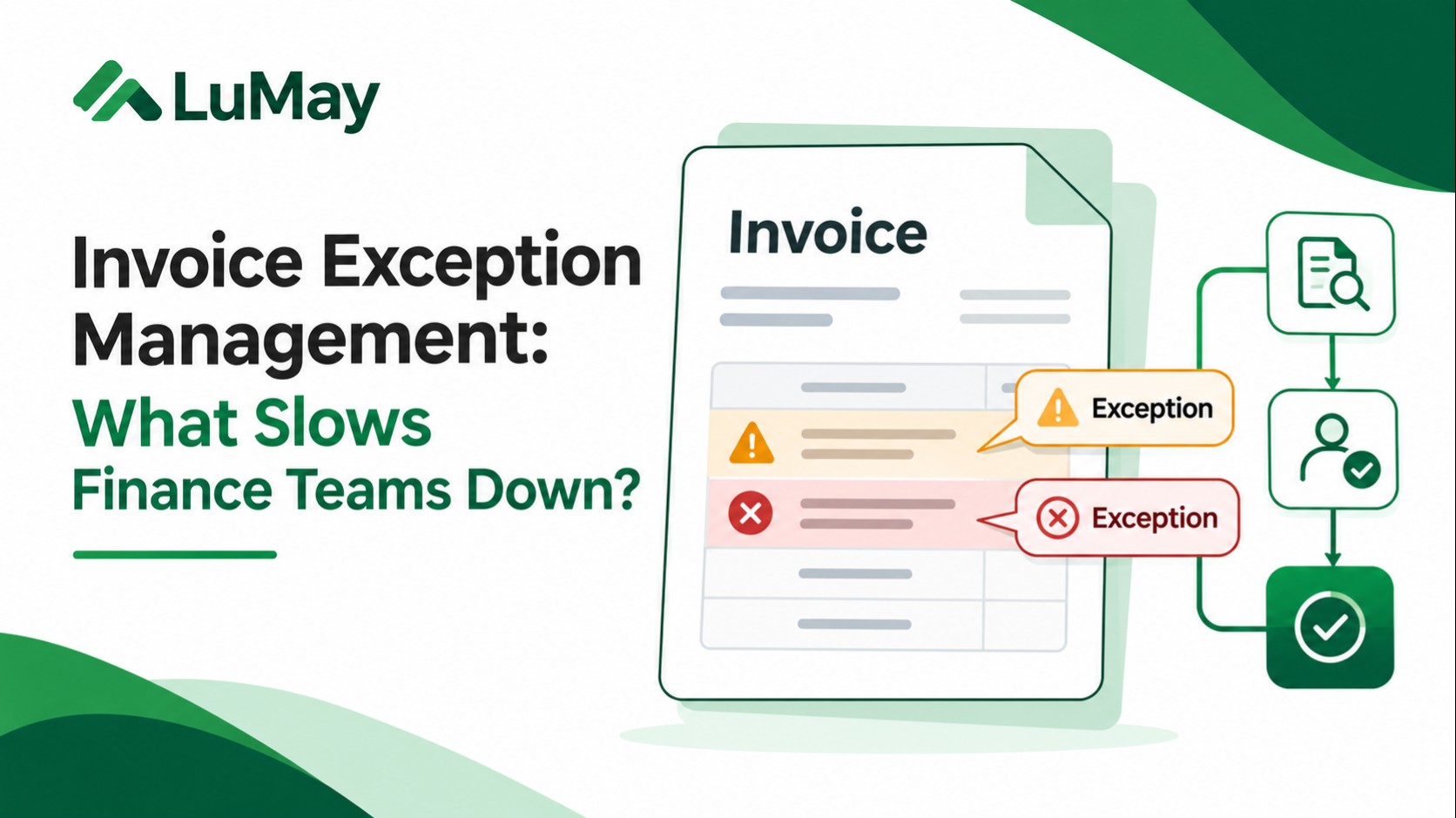
The finance team may process invoices quickly, yet payments still wait. The invoice has been captured; the ERP is connected. The delay begins when one field fails a rule, evidence is missing, or nobody owns the next action.
Invoice exception management is the controlled process of detecting, classifying, assigning, resolving, and auditing invoices that cannot proceed through the normal approval or payment flow. The main bottleneck is often not detecting a mismatch. It is getting the right evidence to the right decision-maker and verifying closure.
What is invoice exception management?
An invoice exception is a transaction that fails a defined business, matching, policy, or approval requirement. Exception management determines whether that invoice should be corrected, approved through a documented exception, rejected, or escalated.
This article focuses on exception resolution, not the whole supplier reconciliation process. For invoice-to-PO-to-receipt controls, see GEP's three-way matching guidance.
Seven reasons invoice exceptions slow finance teams down
1. Nobody owns the exception
AP detects a quantity discrepancy, but purchasing assumes receiving will fix it. Receiving assumes the buyer owns it. The invoice waits in a shared inbox. Define routing by root cause and assign one accountable owner.
2. Alerts omit decision evidence
A notification that says “mismatch” without the purchase order line, receipt, contractual rate, and prior approval requires more investigation. Present a linked evidence packet beside the exception.
3. Every discrepancy enters the same queue
Low-materiality rounding and a high-value unapproved supplier change do not warrant identical treatment. Use documented rules for severity, materiality, blocking behavior, and escalation.
4. Approvals live only in email
A response such as “looks fine” may not identify the exact invoice version, authorized approver, or variance being accepted. Capture structured decisions with source references.
5. Root causes recur
Repeatedly fixing missing PO numbers for the same supplier is not process improvement. Track supplier, purchaser, and exception category to identify prevention opportunities.
6. Workflow and ERP states diverge
An application may display “approved” while the accounting system still says “blocked.” Separate a proposed change, authorized change, accepted API response, committed transaction, and verified business state.
7. Teams optimize closure counts over quality
Closing more tickets is not success if reopened cases, inappropriate releases, or payment reversals increase. Track quality alongside speed.
Invoice exception taxonomy: causes, owners, evidence
| Exception | Key evidence | Likely owner | Potential action |
|---|---|---|---|
| Missing PO | Contract, request, policy | Purchasing/requester | Supply approved reference or reject |
| Price variance | PO rate, contract, invoice | Procurement | Correct or authorize variance |
| Quantity mismatch | Receiving report and invoice | Receiving | Confirm delivery or obtain credit |
| Potential duplicate | Invoice ID, vendor, payment history | AP | Hold and investigate |
| Missing approval | Approval matrix | Budget owner | Obtain valid sign-off |
| Tax or currency issue | Tax basis and contract | AP/tax | Correct under applicable policy |
| Vendor master change | Verified vendor records | Vendor management | Independently verify before release |
This is an illustrative operating taxonomy; adapt it to your controls and legal environment.
A six-stage invoice exception workflow
- Detect: preserve the original invoice, validation result, and rules triggered.
- Classify: record type, affected amount, severity, and payment blocking status.
- Route: assign one named owner with a clear action and deadline.
- Investigate: assemble PO lines, receipts, contract terms, and approval evidence.
- Approve and act: maintain segregation of duties; an AI suggestion is never itself posting authorization.
- Verify closure: confirm the authoritative ERP status and retain what changed, by whom, and why.
Worked example: a price mismatch that keeps circulating
Illustrative scenario, not a measured LuMay customer result. A supplier invoices 40 units at $125, totaling $5,000. The approved PO specifies $120, totaling $4,800. The $200 difference is straightforward to calculate but may involve a contract amendment, incorrect invoicing, or an unapproved rate increase.
A weak process sends “price mismatch” to an inbox. A stronger process attaches both line items, names procurement as the owner, displays the authorized tolerance, and requests one of three documented outcomes: corrected invoice, valid exception approval, or rejection. Resolution is not complete until the source system confirms the outcome.
What AI can and cannot safely automate
AI can support field extraction, supplier-message classification, evidence linking, discrepancy summaries, owner suggestions, and drafts requesting missing documentation. Deterministic controls should validate policy tolerances, segregation of duties, and permitted account changes. Human reviewers should decide ambiguous or financially consequential exceptions according to policy.
Keep distinct states for detected, awaiting evidence, awaiting approval, authorized, system action confirmed, and verified closed. The LuMay AI operating model checklist explains ownership and escalation design. The legacy integration requirements guide covers permissions, system access, testing, and rollback.
KPIs that reveal actual improvement
- Exception rate: invoices with actionable exceptions divided by in-scope invoices.
- Median time to verified resolution: elapsed time from valid detection to confirmed closure.
- Aging by cause and owner: exposes stuck approvals and handoffs.
- Reopen rate: detects premature or inadequate resolution.
- First-pass match rate: measures upstream prevention.
- Wrongful payment and correction incidents: protects against superficial throughput gains.
Review recurring causes. If missing receipts dominate, improving receiving practices may help more than simply accelerating the AP inbox.
Prevent exceptions instead of merely clearing them
Effective exception management combines clear supplier instructions, reliable master data, purchasing controls, prompt receiving records, governed approvals, and auditable routing. The goal is not a dashboard showing zero exceptions at any cost. It is fewer avoidable errors, faster safe resolution, and credible evidence of material decisions.
Further reading
See Amazon Business's AP process guide and GEP's matching explanation for supporting process context.