


AI Receptionist for Law Firms vs Answering Service: Costs, Coverage and Escalation
A prospective client calls at 9 p.m. after a car accident. If nobody answers, the next firm on their list probably will. Whoever picks up, a person or software, is now handling confidential information for your firm.
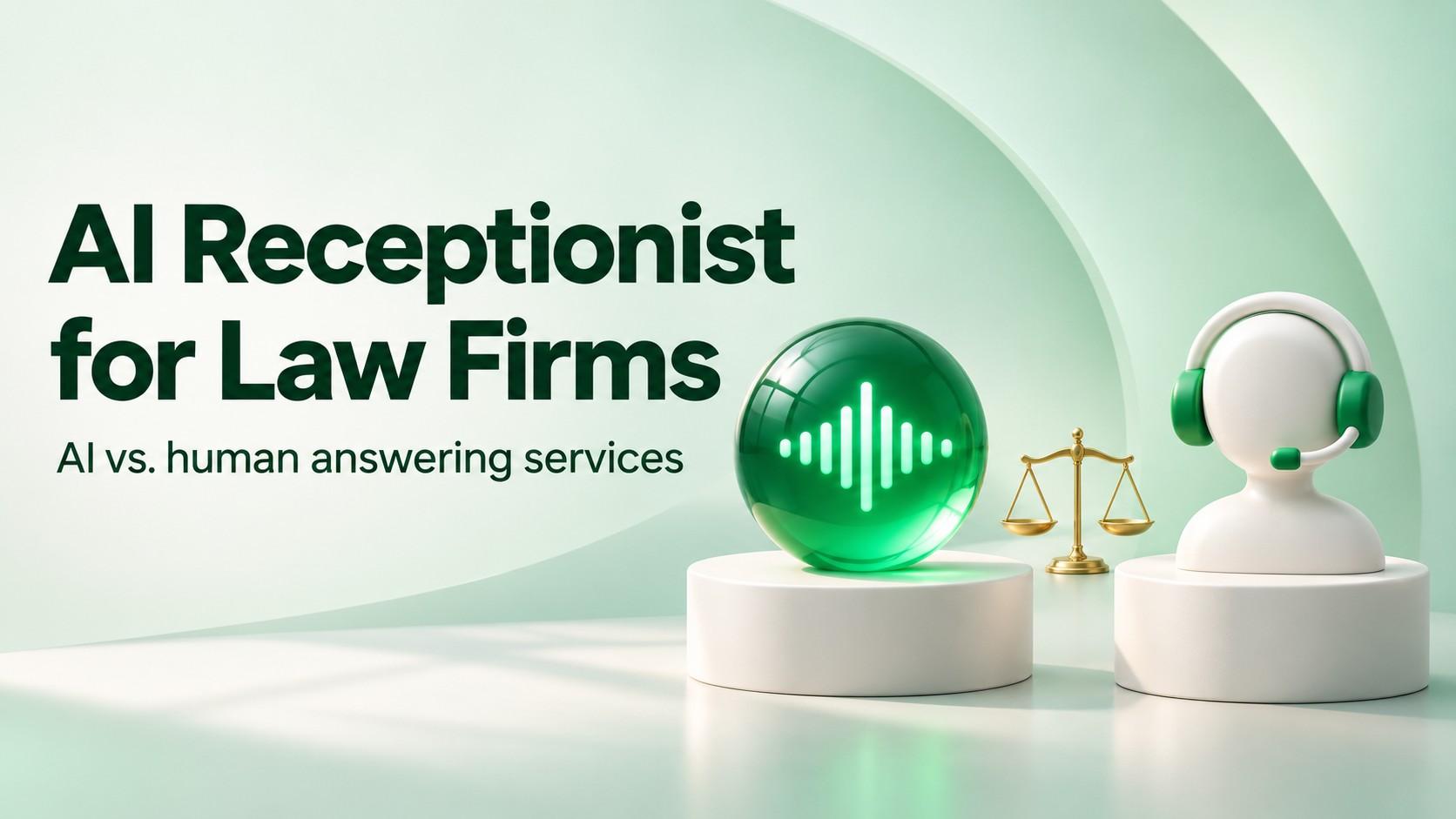
This guide compares an AI receptionist for law firms with a human legal answering service on cost, coverage, intake, escalation and confidentiality, using prices published by each vendor on 23 November 2026.
➤ Quick answer: AI receptionists usually cost less per call and answer every call instantly, 24/7. Human answering services cost more but bring judgment and empathy on unusual calls. Many firms use a hybrid: AI first, people for urgent or sensitive calls.
Disclosure: LuMay builds AI voice agents, including one priced below. Competitor prices come from each vendor’s public pricing page, checked 23 November 2026. Prices change, so confirm before you buy.
What each option actually is
An AI receptionist is a voice agent. It turns speech into text, decides what to say using a language model and your rules, and replies in a natural voice. It can ask intake questions, book consultations, transfer calls and write summaries.
A law firm answering service uses trained human receptionists who answer in your firm’s name. They follow your script, take messages, run intake questions and patch urgent calls through.
The line is blurring. Smith.ai sells AI-first, hybrid and human-first options, and Ruby offers optional features such as scheduling, bilingual answering and client intake on its live plans.
At a glance
Factor | AI receptionist | Human answering service |
|---|---|---|
Pricing model | Per call, or subscription plus minutes | Per minute or per call |
Unit cost | Usually lowest at volume | Usually highest |
Availability | 24/7, many calls at once | 24/7 at many services, staffed to forecast |
Intake consistency | Asks every required question every time | Varies by receptionist |
Judgment and empathy | Limited to designed rules | Strong on messy or emotional calls |
Setup effort | Flow design and integration testing | Script writing and training |
Best for | Volume, after-hours, multilingual intake | Complex, sensitive or high-value calls |
1. Cost: published prices compared
Provider | Type | Published plans (monthly) |
|---|---|---|
Human receptionists | 50 min $250; 100 min $395; 200 min $720; 500 min $1,725 | |
Human-first plans | 30 calls $300; 90 calls $810; 300 calls $2,100 | |
AI | 25 calls $0 ($3.00/call after); $150 tier (~$2.00/call); $500 tier (~$1.67/call) | |
AI | 30 calls $24.95; 90 calls $59.95; 300 calls $159.95; 600 calls $299 | |
AI | Pro $199; Growth $299; Scale $599 (flat plans) | |
AI platform | Basic $249 (500 min); Starter $499 (1,000 min); Growth $999 (2,000 min) |
Smith.ai lists per-call add-ons on its pricing page, such as appointment booking at $1.50 and a dedicated Spanish line at $1.00. LuMay bills connectors such as CRM or calendar at $0.10 per active minute, and its 14-day free trial needs no credit card.
Hidden costs in both models
- Phone numbers, porting, SMS carrier fees and telephony are often billed separately.
- Writing scripts, designing call flows and reviewing calls takes staff time.
- Add-ons such as booking, recordings or extra languages can double a quoted base price.
Two pricing scenarios
➤ Illustrative example: both scenarios assume an average call of four minutes. They use published list prices only and exclude taxes, telephony, add-ons and staff time. Your call logs will show your real figures.
Scenario A: small firm, 50 calls a month (about 200 minutes)
Provider | Plan that fits | Monthly cost before add-ons |
|---|---|---|
Ruby | 200-minute plan | $720 |
Smith.ai human-first | 30-call plan + 20 extra calls at $11.50 | $530 |
Smith.ai AI Receptionist | $150 tier | $150 |
Upfirst | 90-call plan | $59.95 |
NextPhone | Pro | $199 |
LuMay Voice Agent | Basic (no connectors or recordings) | $249 |
At this volume, LuMay is not the cheapest option. Basic has no connectors, and call recordings start on the Growth plan.
Scenario B: growing firm, 300 calls a month (about 1,200 minutes), CRM and calendar
Provider | Plan that fits | Monthly cost before add-ons |
|---|---|---|
Ruby | Above the largest published plan | Custom quote |
Smith.ai human-first | 300-call plan | $2,100 |
Smith.ai AI Receptionist | $500 tier | About $500 |
Upfirst | 300-call plan | $159.95 |
LuMay Voice Agent | Growth + 2 connectors active 2 min per call | $999 + $120 = $1,119 |
Per-call AI tools are cheapest. Human service costs most but buys judgment. Platforms like LuMay sit between, adding several agents, connectors and governance controls. Compare cost per qualified consultation booked, not list price.
2. Coverage: after hours, weekends and peaks
Both models can cover every hour. The real difference is peak capacity. Human services staff to forecast volume, so a surge can mean longer waits. LuMay states its inbound agent can handle 1,000+ concurrent calls.
Most firms choose one of three patterns:
- After hours only: the front desk answers by day, AI or a service answers at night.
- Overflow: calls roll over when the front desk is busy.
- Front door: every call is answered first by AI, with rules for transfer.
3. Intake, scheduling and languages
Human receptionists handle rambling or emotional callers well and notice what a script missed. AI asks every required question on every call and stores the answers as structured data for your case management system.
Both models can book consultations. Ruby and Smith.ai both offer bilingual or Spanish answering options. LuMay’s features page says its agent detects language preference and can switch mid-call. Test any multilingual flow with native speakers and real legal vocabulary.
For question design, see our guide to legal intake questions for an AI receptionist.
4. Escalation and human hand-off
Escalation is where firms lose clients or create risk. Decide in writing which calls must reach a person immediately.
- A caller or relative reporting an arrest or detention.
- Imminent deadlines, hearings or statutes of limitation mentioned by the caller.
- Safety concerns, threats or domestic violence.
- Existing clients asking about an active matter.
- Any caller who asks for a person.
Our guide on when a law firm AI receptionist should transfer to a human covers rules, fallbacks and failed-transfer recovery.
5. Confidentiality, recording and data security
Whoever answers handles prospective-client information your firm must protect and supervise. Ask every vendor where recordings and transcripts are stored, who can access them, how long they are kept and whether data is used to train models.
Call recording consent rules differ by state. The Reporters Committee recording guide explains state consent requirements. Use a clear recording notice at the start of calls.
Attorney review point: confirm the ethics framing (confidentiality, supervision of non-lawyer assistance, AI disclosure and advertising rules) for the jurisdictions the firm targets, and add preferred citations.
6. Limits of automation
An AI receptionist must not give legal advice, assess the merits of a case or promise representation. Script clear boundaries: the agent collects facts, books consultations and routes urgent calls; lawyers make every legal judgment.
Hybrid models that work
- AI first, human backup: AI answers every call; urgent or sensitive calls transfer to staff or a service.
- Human by day, AI by night: keeps the personal touch in office hours and full coverage after hours.
- AI for intake, people for follow-up: AI captures structured facts; a paralegal calls back qualified leads.
How LuMay fits
LuMay Voice Agents answer inbound calls, connect to systems such as Salesforce and HubSpot, and support escalation and call transfer rules you define. Read our AI receptionist cost guide for law firms for more pricing detail.
➤ Want to see how an AI receptionist would handle your intake script? Book a demo with LuMay and bring two or three real call scenarios.
How to implement an AI receptionist in a law firm
- Step 1 – map call types: new client inquiries, existing clients, opposing counsel, courts, vendors.
- Step 2 – write intake scripts by practice area: facts needed, conflict-check fields and booking rules.
- Step 3 – set transfer rules: who receives which calls, and what happens if nobody answers.
- Step 4 – connect systems: calendar, CRM or case management, and notification channels.
- Step 5 – test with real scenarios: calm, upset, Spanish-speaking and urgent callers.
- Step 6 – start narrow: after hours or overflow first, then widen coverage.
- Step 7 – review calls weekly: fix scripts, transfer rules and summaries.
Vendor diligence questions
- Where are recordings, transcripts and summaries stored, and for how long?
- Who at the vendor can access call data, and is access logged?
- Is call data used to train models?
- Can we set the recording notice and disclosure wording?
- What happens to calls if the platform has an outage?
- How do transfers fail over if a staff member does not answer?
Metrics to track after launch
Metric | Why it matters |
|---|---|
Answer rate | Share of calls answered live, by any channel |
Qualified consultations booked | The outcome that pays for the service |
Transfer success rate | Urgent calls that actually reached a person |
Intake completeness | Share of calls with all required fields captured |
Cost per qualified consultation | The fairest way to compare options |
Caller complaints or hang-ups | Early warning of script or voice problems |
➤ Illustrative example: a personal-injury firm moves after-hours calls to an AI receptionist and reviews 20 recordings a week. After two weeks it adds a rule to transfer any caller mentioning a hospital stay, and rewrites two confusing intake questions.
Failed-call recovery
Plan for calls that go wrong: dropped transfers, unclear answers or callers who hang up. A good setup sends an immediate text or email to the right staff member with the caller’s details and summary, so someone calls back quickly.
Sources
- Vendor pricing pages linked in the cost table (checked 23 Nov 2026)
Tags:
Frequently Asked Questions
Everything you need to know about Voice Agent
1. Is an AI receptionist cheaper than a law firm answering service?
Usually, per call. Published AI plans start under $60 a month for 90 calls, while human services we checked start around $250–$300 a month for small bundles. Add-ons and volume change the comparison.
2. Can an AI receptionist do legal intake?
Yes. It can ask a set list of intake questions on every call, store the answers and book consultations. Lawyers should review intake scripts and make every legal judgment.
3. Can an AI receptionist give legal advice?
It should not. Configure it to collect facts, book consultations and route urgent calls, and to say clearly that it cannot give legal advice.
4. Do AI receptionists answer 24/7?
Yes. AI receptionists answer at any hour and can take many calls at once. Many human services also offer 24/7 coverage, but capacity depends on staffing.
5. How do AI receptionists handle urgent calls?
Through transfer rules you define, such as arrests, safety concerns or court deadlines. Test every rule, and plan what happens if the transfer fails.
6. Are AI receptionist calls confidential?
That depends on the vendor’s security, storage and access controls. Ask where recordings and transcripts live, who can access them, retention periods and whether data trains models.
7. Do I need consent to record calls?
Consent rules vary by state; some require all parties to agree. Use a recording notice at the start of each call and check the rules for your jurisdictions with counsel.
8. Can an AI receptionist speak Spanish?
Many can. Vendors including Smith.ai, Ruby and LuMay list Spanish or multilingual options. Test with native speakers and real legal terms before launch.
9. What is a hybrid answering model?
A setup where AI answers first and people handle urgent, sensitive or complex calls, or where humans cover office hours and AI covers nights and weekends.
10. How do I compare quotes fairly?
Use your real call volume and average call length, include add-ons and telephony, and compare cost per qualified consultation booked, not just the monthly list price.
11. How long does it take to set up an AI receptionist for a law firm?
Simple setups can go live quickly, but a law firm should allow time to write intake scripts, set transfer rules, connect systems and test calls before launch.
About the Editorial Team
Creates insightful content on SEO, AI-powered marketing, digital growth, and emerging technologies. He simplifies complex topics into practical, research-backed guidance.