


AI Voice Agent for Patient Intake: How to Automate Calls, Verification, and Scheduling
A patient calls to book an appointment while a busy front desk is handling arrivals. An AI voice agent may be able to collect the request, check approved availability and perform a scheduling action, but only if the organization has established clear permissions and escalation rules.
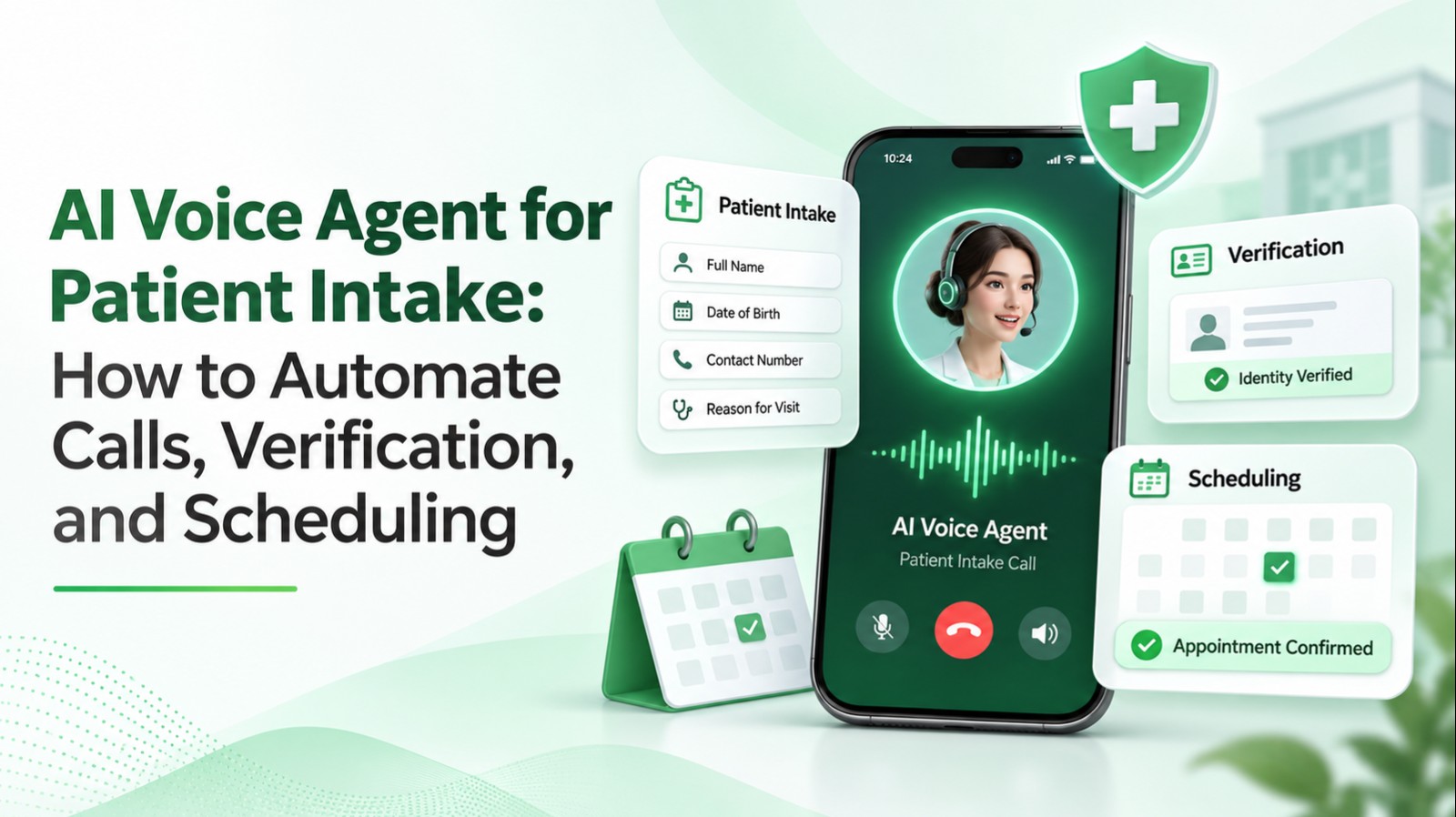
An AI voice agent for patient intake handles selected administrative phone workflows: initial registration information, appointment requests, authorized lookups, follow-up and safe routing. It is not a substitute for clinical judgment.
What patient-intake automation can handle
| Request | Suitable automated function | Boundary |
|---|---|---|
| Hours and location | Answer from approved content | Keep sources current |
| New appointment | Gather details and check availability | Confirm booking in source system |
| Rescheduling | Verify and change eligible bookings | Avoid duplicate or lost appointments |
| Coverage inquiry | Capture or retrieve permitted eligibility data | Never guarantee benefits |
| Medication or symptoms | Route to qualified staff | No unsupported clinical advice |
| Urgent situation | Follow the approved urgent-response procedure | Do not improvise triage |
Seven-step intake workflow
1. Understand why the patient is calling
Start with an appropriate greeting and disclosure. Route administrative requests differently from potential clinical issues.
2. Collect only needed information
Depending on the task, ask for a name, contact preference, visit type and appointment availability. Do not collect full clinical histories merely because the voice agent can.
3. Verify identity in proportion to risk
General office information may require no authentication; changes to patient-specific records require an approved verification method. Name and phone number alone may not be enough.
4. Read availability from the scheduling system
Check provider, location, visit type, slot duration and new/existing patient constraints. Never invent open times.
5. Confirm consequential details
Read back the important information before committing, including date, time, location and requested change.
6. Execute and verify
Use an authorized scheduling API and wait for a confirmed appointment identifier. If the system times out, reconcile the result before retrying to prevent duplicates.
7. Provide the next step
Only announce success when the source system confirms it. Offer appropriate notification, approved instructions or human assistance.
Integration with healthcare systems
Patient intake automation often depends on scheduling, EHR or practice-management access. Each integration should have narrowly scoped permissions, structured inputs and clear outcomes. Log the authorized action and its result while limiting exposure of patient information.
The Office of the National Coordinator for Health Information Technology provides context on health IT standards and interoperability. Integration availability varies by system and deployment.
Privacy, security and HIPAA
A vendor's use of encryption does not, by itself, make a deployment HIPAA-compliant. Organizations should map which vendors and subprocessors receive protected health information, determine whether business associate agreements are required, manage recording and transcript retention, and restrict access.
Review the official HHS HIPAA guidance for cloud computing. Appointment reminders may generally be permissible as part of treatment under HIPAA, but organizations must still respect other applicable communications and privacy obligations; see HHS appointment-reminder guidance.
Failures that must be tested before launch
Test wrong patient matches, conflicting booking attempts, scheduling timeouts, invalid dates, unclear names, sensitive requests, caller frustration and staff unavailability. Establish an approved route for urgent concerns and never let a model independently provide unsupported diagnosis or treatment advice.
How to evaluate patient intake quality
Track verified bookings, scheduling errors, information capture accuracy, successful staff transfers, unresolved calls and privacy incidents. A call answered by AI is not automatically a saved staff hour. Estimate ROI using actual workload changes, rework, operational expenses and outcomes.
Pilot and procurement checklist
Begin with a narrow administrative use case, audit current call patterns, prepare approved scripts and knowledge, integrate a trusted scheduling source, test representative calls, run a human-supervised pilot and expand only after measured success.
Ask vendors to demonstrate real booking confirmation, permission controls, failed-API handling, human transfer, audit evidence, deployment data flows and any BAA arrangements—not merely natural-sounding demo conversations.
LuMay AI Voice Agents can be assessed for administrative call handling, workflows and integration suitability. Confirm the specific EHR connection, service scope and healthcare compliance obligations in a proposed implementation.
Frequently Asked Questions
Q1: What is an AI voice agent for patient intake?
A: A voice-based system that handles approved administrative patient-access tasks.
Q2: Can it book appointments?
A: Yes, with a suitable scheduling integration and confirmed transaction outcome.
Q3: Can it replace receptionists?
A: It may reduce routine work, while human staff remain essential for complex and sensitive cases.
Q4: Can it update an EHR?
A: Only through an authorized integration with appropriate permissions.
Q5: Is every healthcare voice agent HIPAA-compliant?
A: No. Compliance depends on the complete deployment and organizational practices.
Q6: When is a BAA needed?
A: Generally when a vendor acts as a business associate handling protected health information on behalf of a covered entity or another business associate.
Q7: How is patient identity verified?
A: Through an organization-approved process proportionate to the information or action requested.
Q8: Can the agent give medical advice?
A: Administrative intake agents should not independently diagnose or prescribe.
Q9: How can double bookings be prevented?
A: Use confirmed transactions, concurrency safeguards and reconciliation before retries.
Q10: Can it handle cancellations?
A: Yes, if authorized rules and scheduling capabilities support the change.
Q11: Can it work after hours?
A: Yes, subject to deployment availability and appropriate escalation routes.
Q12: How should urgent concerns be handled?
A: Follow a formally approved clinical or emergency routing protocol.
Q13: How is intake different from scheduling?
A: Intake may include registration, verification and routing; scheduling addresses appointment slots and reservations.
Q14: How is ROI measured?
A: Compare actual administrative effort, confirmed tasks, rework, outcomes and total operating costs.
Q15: Which workflow should a clinic automate first?
A: A repetitive administrative process with clear rules, trusted data and safe fallback.
Conclusion
Healthcare voice automation succeeds when accurate administrative outcomes, patient privacy and safe escalation are treated as first-class requirements—not afterthoughts.