


An invoice can look correct and still be wrong. A supplier invoice might match the purchase order total but not the actual goods received. A duplicate might slip through because its number was formatted differently. A credit note might exist in email while the ERP still shows the full balance.
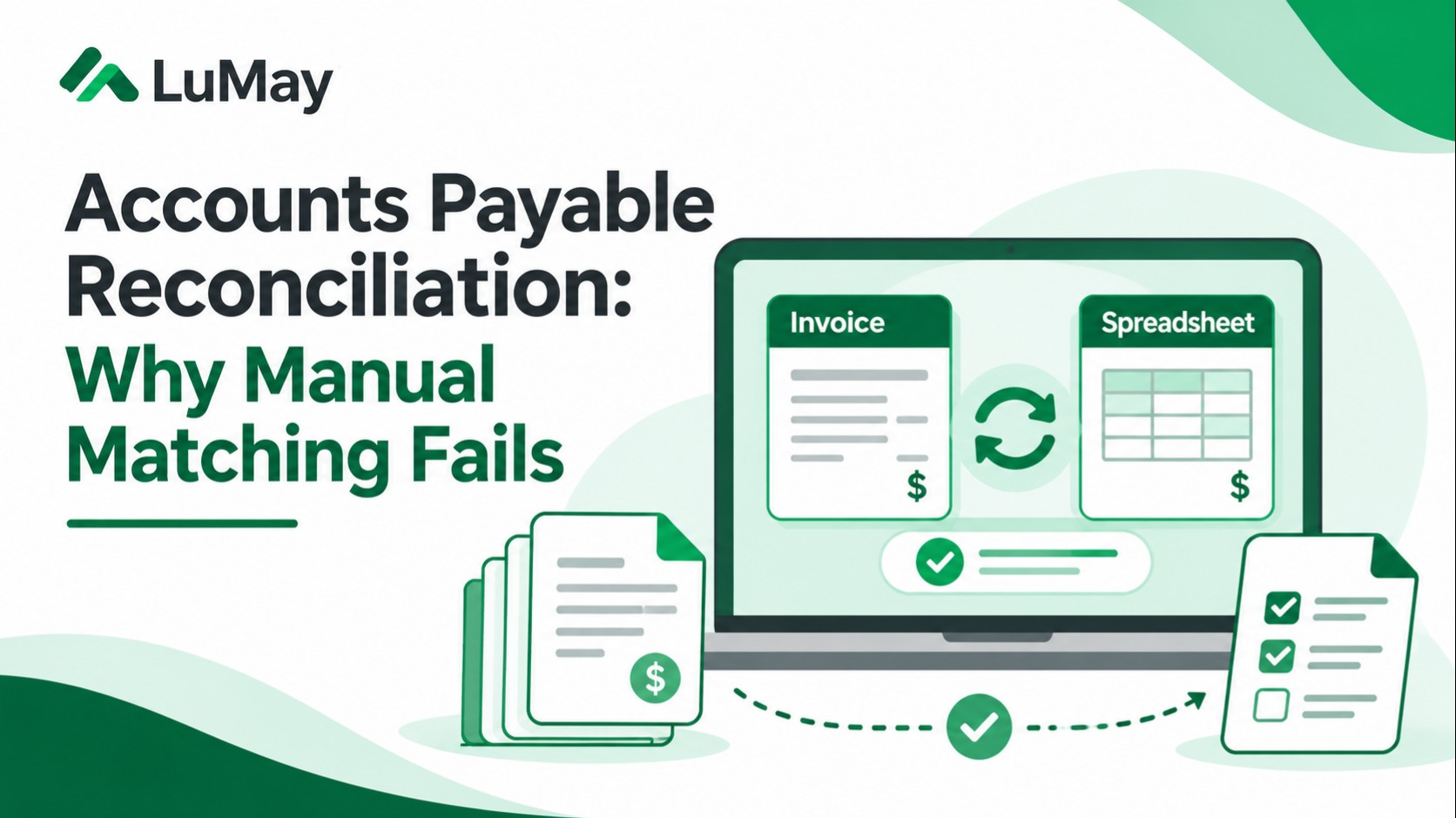
Accounts payable reconciliation is how finance teams verify that supplier balances, invoices, purchasing records, receipts, credits, and payments agree before an error becomes a financial consequence. Manual matching fails most often when people must reconcile incomplete evidence across disconnected systems—not simply because they type too slowly.
What is accounts payable reconciliation?
Accounts payable reconciliation checks whether a company's recorded obligations and payments agree with supplier statements and the underlying transactions. It may include reconciling supplier subledgers to the general ledger and validating invoices against purchase orders, goods receipts, credits, and payment records.
The scope matters: invoice matching is one control within AP reconciliation, not a synonym for the entire period-end reconciliation process.
A typical flow is: collect authoritative records → match identities and amounts → investigate differences → approve corrections → post or clear authorized transactions → retain evidence.
Why manual invoice matching fails
1. Supplier identities are inconsistent
The same supplier can appear under different legal names, payment sites, or identifiers. Matching on a display name alone can create false matches or miss duplicate invoices. Use approved vendor master identifiers and carefully controlled aliases.
2. Records arrive at different times
An invoice may arrive before a receiving report or after a partial delivery. A person comparing today's documents may flag a difference that is legitimate but unresolved. Preserve transaction dates, receipt status, and period-cutoff rules.
3. Two-way matching is mistaken for three-way matching
A two-way match compares an invoice with a purchase order. A three-way match adds the receiving evidence. The latter helps verify not just what was ordered and billed, but what was actually received. See the GEP three-way matching guide.
4. Credit notes and adjustments live outside the workflow
A supplier issues a credit, but the AP processor cannot see it when reconciling the statement. The result may be an inflated outstanding balance, duplicate effort, or an avoidable dispute.
5. Spreadsheet tolerances are undocumented
One team member accepts a small rounding difference; another holds the invoice. The problem is not mathematics but inconsistent policy. Define currency-specific, tax-specific, and contract-specific tolerances—and who may override them.
6. Missing evidence is treated as a harmless mismatch
A missing PO number is not proof that the purchase is invalid, but it removes evidence needed to authorize payment. An actual public-sector AP audit describes how missing document identifiers complicate reconciliation and increase processing and payment risks.
The four records to reconcile
| Record | What it establishes | Typical exception |
|---|---|---|
| Purchase order | Authorized scope, quantity, rate, terms | Wrong unit price or unmatched PO |
| Receiving record | Goods or services accepted | Partial delivery or missing confirmation |
| Supplier invoice | Amount and timing claimed by supplier | Duplicate, tax, quantity, or price variance |
| AP ledger and payments | Recorded liability, credits, payments | Unapplied credit, double payment, timing variance |
Supplier statements offer another independent view of outstanding transactions. A good reconciliation process preserves the source of every amount rather than trusting a single extracted total.
A practical seven-step AP reconciliation checklist
Step 1: Define the population. Identify entity, accounting period, supplier, currency, and in-scope transactions. Avoid comparing different cutoffs.
Step 2: Reconcile vendor identity. Resolve master-data aliases and bank-change requests through approved controls. Never treat an AI-suggested identity as payment authorization.
Step 3: Compare the right documents. Use the purchasing policy to determine two-, three-, or four-way match requirements for the transaction type.
Step 4: Classify differences. Separate missing evidence, timing differences, quantity changes, price variances, tax, credits, duplicates, and payment-posting discrepancies.
Step 5: Assign owners. Procurement, receiving, vendor management, and AP may each own a different part of the correction.
Step 6: Approve adjustments. Maintain maker-checker separation and evidence for corrections, write-offs, or payment release.
Step 7: Prove closure. Retain what changed, who approved it, when it posted, and whether the supplier balance agrees.
Worked example: a partial receipt
Illustrative example; not a LuMay customer result.
A purchase order authorizes 100 units at $50 each, or $5,000. The supplier invoices $5,000, but the receiving system shows only 80 units accepted.
An invoice–PO two-way match appears to pass. A three-way check surfaces a 20-unit difference, equivalent to $1,000 at the agreed unit price. That does not automatically establish fraud or authorize a $1,000 adjustment: 20 units might still be in transit, a receipt might be missing, or the invoice might legitimately cover a contractual milestone.
The reconciliation outcome is to hold the affected transaction according to policy, gather receiving evidence, contact the responsible owner, and document the approved resolution.
Where AI helps—and where it should stop
AI can assist with document extraction, candidate matching, discrepancy explanations, duplicate detection, evidence summaries, and routing. Deterministic business rules should remain authoritative for tolerances, rate checks, approved suppliers, and posting permissions.
A safe workflow follows this boundary: AI proposes or classifies; approved rules validate; authorized humans approve sensitive changes; source systems record the final transaction.
Integration feasibility depends on real system permissions and APIs. Use LuMay's legacy AI integration requirements before assuming a model can safely update your ERP.
Which KPIs show improvement?
Measure first-pass match rate, exception rate by cause, median resolution time, manual minutes per invoice, duplicate-payment incidents, aged unmatched transactions, and post-close corrections. Compare like-for-like suppliers, business units, and volumes, and measure the cost of human review.
A rising auto-match rate is not success if inappropriate payments or downstream corrections also rise.
For team readiness, LuMay's finance AI training workshop covers source-based reconciliation exercises and reviewer checks.
Further reading
Review Amazon Business's accounts payable process guide, the GEP matching guide, and the public-sector audit findings for supporting process and control examples.