



Workflow-Embedded AI Training: Turn Learning Into Daily Work
Most AI training fails for a simple reason: employees learn about AI in one place, then return to work in another.
Workflow-embedded AI training closes that gap. Instead of teaching generic prompting or running a one-time awareness session, it teaches employees how to use approved AI tools inside the recurring tasks they already perform — with clear inputs, review rules, escalation paths and measurable outcomes.
That makes the goal different from “complete the course.” The goal becomes: can the employee perform a real workflow better, safely and repeatedly?
What Is Workflow-Embedded AI Training?
Workflow-embedded AI training is an enablement model in which learning is tied to a specific role, task and production workflow.
A typical training unit includes:
- the real business task;
- the approved AI tool;
- the data the employee may use;
- a repeatable prompt or workflow;
- a quality-review method;
- a human approval or escalation point;
- a measurable work outcome.
For example, a procurement team does not need a generic lesson on large language models before every practical exercise. It may need to learn how to turn an approved RFP into a structured comparison, verify vendor claims against source documents, flag missing evidence and route uncertain findings to a reviewer.
The training is therefore part skill development and part workflow design.
Why One-Off AI Training Often Does Not Change Work
A workshop can create awareness without creating adoption.
The United Kingdom government's 2026 AI-upskilling case studies describe KPMG's approach as treating AI capability as an organizational capability rather than a course. The case study emphasizes linking learning to real tasks, business change, governance and "learning in the flow of work." Review the UK government case study.
Enterprise enablement guidance makes a similar point: role-based training works better when people practice the tasks they will actually perform and when adoption is measured through business outcomes rather than logins or attendance. EC-Council's AI enablement guide recommends role-based training, internal champions, safe practice and outcome measurement.
The implication is practical: the unit of training should be a workflow, not a feature.
The 6 Parts of a Workflow-Embedded AI Training Module
1. Start with one recurring job task
Pick a task people already perform regularly.
Good training candidates are frequent enough to practice, bounded enough to review and important enough that an improvement matters.
Examples include:
- summarizing customer calls into CRM-ready notes;
- comparing vendor responses against an approved requirement list;
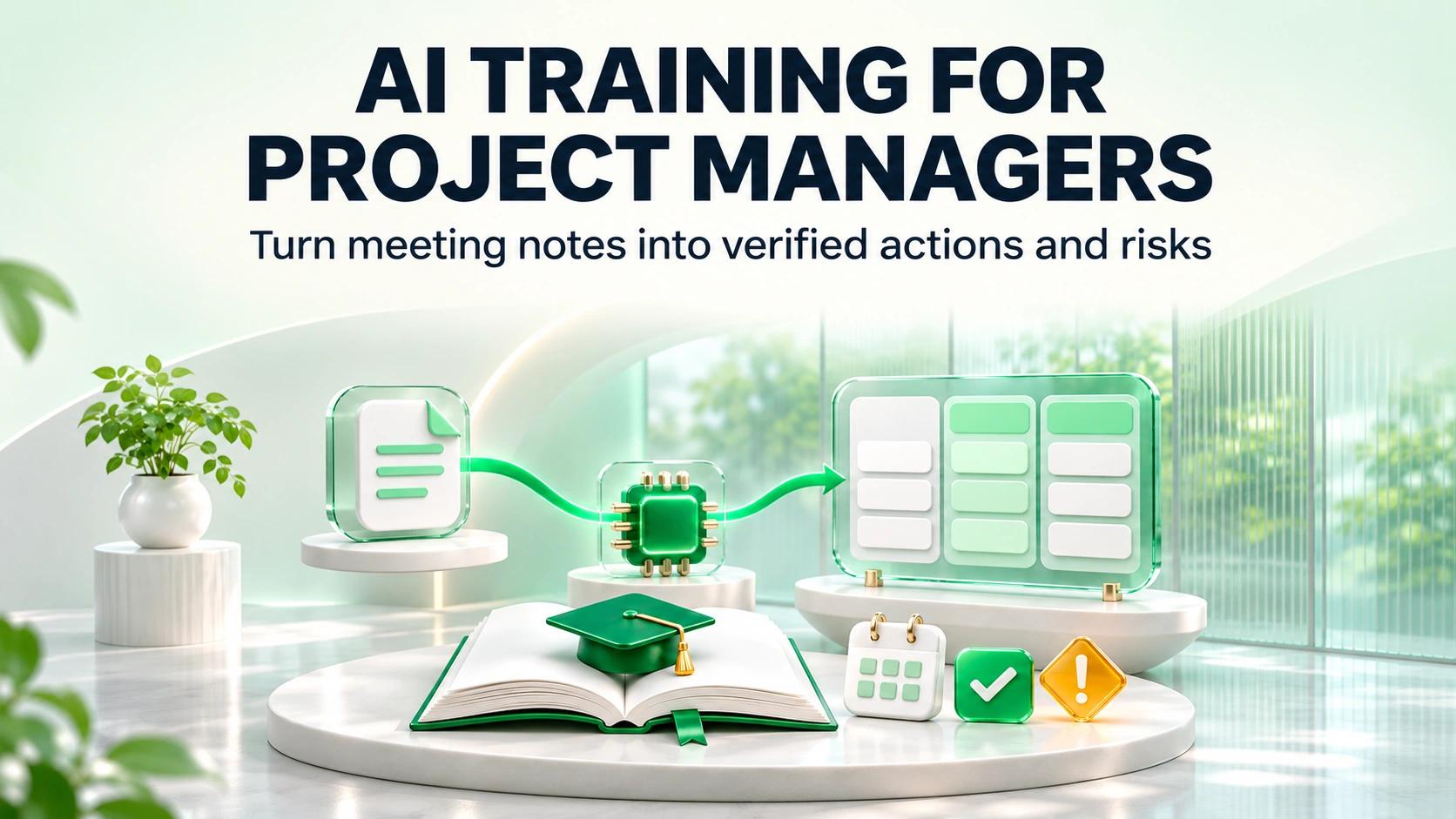
- turning meeting notes into actions, owners and risks;
- drafting a first-pass report from approved source material;
- classifying incoming requests for routing;
- reviewing a document against a known checklist.
Avoid beginning with a vague objective such as “learn ChatGPT.”
2. Define the permitted inputs
Employees need to know what information they may and may not use.
For each exercise, state:
- approved source systems;
- allowed document types;
- confidentiality restrictions;
- prohibited data;
- whether personal or client data may be used;
- what to do when the required data is unavailable.
This turns governance into part of the work rather than a policy employees are expected to remember later.
3. Teach a repeatable interaction pattern
A useful workflow should be reproducible by another person.
A simple pattern is:
Context → Task → Constraints → Output format → Verification
For example:
- Context: approved project brief;
- Task: identify requirements and unresolved decisions;
- Constraints: do not infer missing facts;
- Output: structured table;
- Verification: cite the source section for every requirement.
The employee learns a reusable operating method, not a single clever prompt.
4. Define what “good” looks like
Training becomes operational when quality is testable.
Create a small review rubric:
| Check | Pass condition |
|---|---|
| Completeness | Required fields are present |
| Accuracy | Claims match approved source material |
| Traceability | Important claims can be verified |
| Policy | Restricted data or actions are avoided |
| Judgment | Uncertain cases are escalated |
| Format | Output is usable in the next workflow step |
If reviewers cannot agree on a pass condition, the workflow is not ready for automation.
5. Build human review into the exercise
Employees should practice not only generating AI output, but also reviewing it.
Teach them to ask:
- What is unsupported?
- What is missing?
- What could create business or compliance risk?
- Which part requires expert judgment?
- Can I trace the conclusion to the source?
- Should this be accepted, corrected or escalated?
This is especially important when AI output influences customers, legal work, finance, safety or regulated decisions.
6. Measure work after training
Do not stop at completion rates.
Measure the workflow.
Useful indicators include:
- cycle time;
- manual touches;
- rework;
- error rate;
- reviewer corrections;
- percentage of cases requiring escalation;
- adoption of the approved workflow;
- time from training to first successful production use.
A training program should show whether employees changed the way work is performed.
How to Build a Workflow-Embedded Training Program
Step 1: Map the work before creating the curriculum
List the recurring tasks for each role.
Score them by:
- frequency;
- time spent;
- business impact;
- data readiness;
- reviewability;
- risk.
This prevents the curriculum from being driven by whatever AI feature is newest.
If you have not completed this diagnostic, start with LuMay's existing AI Training Needs Assessment.
Step 2: Separate role training from common AI literacy
Everyone may need a common foundation covering approved tools, data handling, hallucination risk and review expectations.
After that, training should branch by role.
A finance analyst, sales manager, software engineer and legal operations specialist should not receive the same practice tasks.
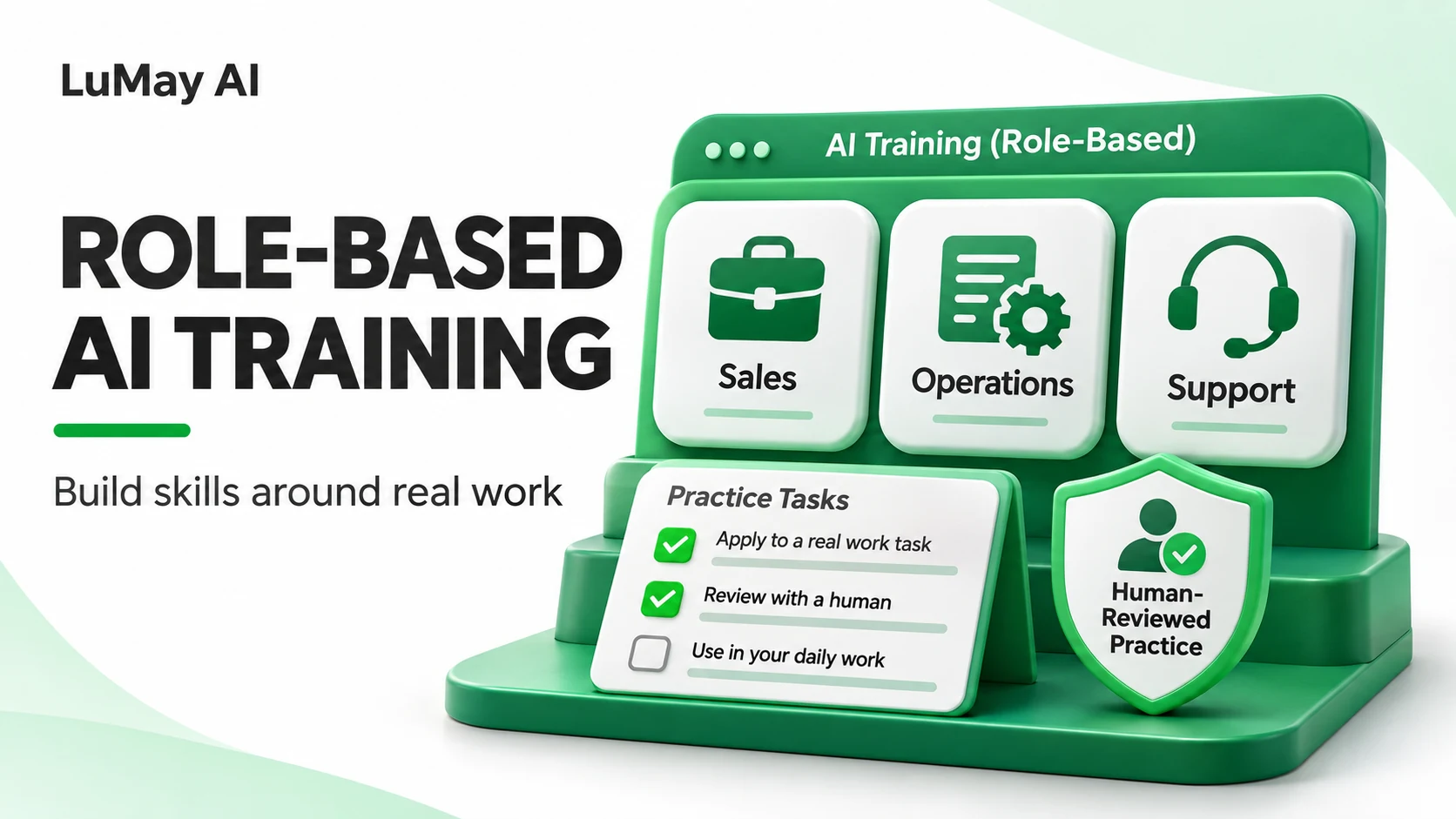
LuMay's Role-Based AI Training guide explains how to choose task-level exercises without turning every role into a separate generic course.
Step 3: Build one workflow artifact per module
Every module should leave something reusable behind.
Examples:
- an approved prompt template;
- a review checklist;
- a source-verification method;
- a decision tree;
- an escalation guide;
- a reusable workflow card;
- a worked example that has been reviewed.
The artifact is what turns training into repeatable practice.
Step 4: Reinforce the workflow after the session
Training should continue after the classroom or virtual session.
Useful reinforcement includes:
- office hours;
- peer review;
- team champions;
- manager check-ins;
- shared prompt or workflow libraries;
- updated examples;
- periodic quality audits.
This matters because tools, policies and workflows change.
Step 5: Review adoption and retire weak workflows
Not every AI-enabled workflow deserves to scale.
After a defined pilot period, ask:
- Are employees using it?
- Does it improve the target metric?
- Are reviewers correcting too much?
- Does it create new risks?
- Is the workflow easier than the old process?
- Is the value large enough to maintain it?
If the answer is no, redesign or retire it.
A Practical 30-Day Pilot
A small team can test workflow-embedded training without redesigning an entire learning program.
Week 1: Select one role and one repeatable workflow. Capture the current baseline.
Week 2: Build the approved AI workflow, review rubric and training exercise.
Week 3: Train a small cohort using realistic, non-sensitive examples. Require each participant to complete the workflow independently.
Week 4: Use the workflow in controlled real work, record review corrections and compare performance with the baseline.
At the end of the month, the organization should have evidence about one workflow — not just opinions about AI training.
What to Look for in Workflow-Embedded AI Training Solutions
When evaluating an external training partner, ask whether they can show:
- role-specific workflow discovery;
- exercises built around approved tools;
- data-handling rules inside each exercise;
- quality and verification methods;
- human-review patterns;
- reusable work artifacts;
- manager and champion reinforcement;
- adoption measurement tied to work outcomes.
Be cautious when a program measures success only through attendance, satisfaction scores or prompt volume.
The Goal Is Not More AI Knowledge
The strongest enterprise AI training programs do not try to make every employee an AI expert.
They make people better at specific work.
That requires training around real tasks, permitted data, repeatable methods, verification, governance and measurable outcomes.
When AI learning becomes part of the workflow, adoption becomes easier to observe — and easier to improve.
For teams building a broader AI training program, use LuMay's practical corporate workshop agenda for session design, then use workflow-embedded modules to carry the learning into daily work.