


The best event inquiry may arrive while your team is building a stage, coordinating suppliers, or running a live conference. The phone rings, nobody is available, and the caller moves on before anyone learns the date, guest count, or type of event.
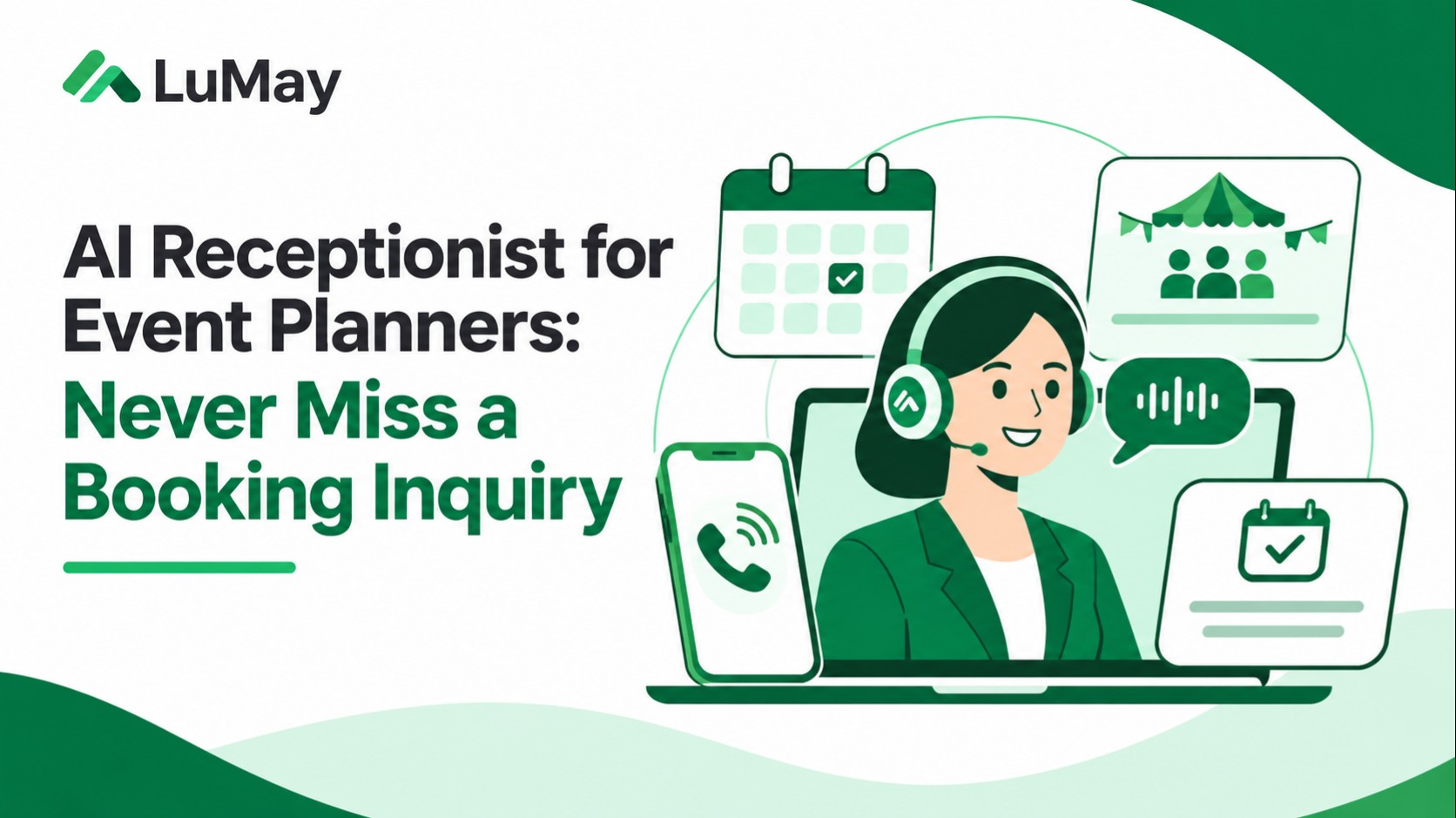
An AI receptionist for event planners can help capture those requests, answer approved routine questions, arrange next steps, and hand the lead to the right person. Its job is not to promise every caller a confirmed event booking. Its job is to protect the inquiry and move it through an accurate, controlled intake process.
What does an AI receptionist do for an event planning business?
It is a conversational call-handling assistant that receives or routes inquiries, collects key facts, uses approved business information, and requests a consultation or callback. Depending on the integration, it may check scheduling availability and write a lead record in a CRM. Confirmed bookings require verified availability, pricing, and authorized business rules.
The important distinction is inquiry captured versus consultation scheduled versus event contract signed. Those are different outcomes and should never be reported as though they were interchangeable.
Seven event-planning inquiries an AI receptionist can handle
1. Wedding planning requests
Capture preferred date or flexibility, city, estimated guest count, scope of planning, tentative budget, and contact details. Route unusual requirements and custom pricing to a human planner.
2. Corporate conferences and offsites
Ask whether the request is for a conference, leadership offsite, product launch, or retreat. Capture event dates, attendees, locations, production needs, and the decision timeline.
3. Venue and supplier questions
Answer only from approved venue facts, supplier policies, and service coverage. Do not invent venue capacity, discounts, or vendor availability.
4. Consultation scheduling
Offer available consultation slots from an authorized calendar. Distinguish a tentative slot request from a confirmed booking and send the correct confirmation.
5. Existing client updates
Verify the caller appropriately before revealing itinerary, contact, payment, or contract information. Route changes to the assigned planner and preserve the audit trail.
6. Urgent event-day changes
Trigger a defined escalation for active-event issues such as vendor delays or venue access. A generic chatbot answer is inappropriate when a designated on-call coordinator is needed.
7. Budget and service-fit questions
Use approved minimum scope, service areas, and intake rules. Collect a budget range without claiming a binding quote until a planner reviews the requirements.
A practical event inquiry intake checklist
| Field | Why it matters | What the AI should do |
|---|---|---|
| Event type | Different planning workflows | Select the correct questions |
| Date or date range | Availability and seasonality | Capture flexibility; check permitted calendar |
| City and venue | Service area and logistics | Validate coverage or route |
| Guest count | Space, staffing, production | Record estimate with confidence |
| Budget range | Service fit | Collect without promising price |
| Services requested | Full planning versus coordination | Tag relevant team |
| Contact and preference | Follow-up | Confirm details and communication preference |
The booking-status ladder: never confuse a lead with a booking
- New inquiry: essential facts captured.
- Qualified inquiry: fits stated service area and scope, subject to review.
- Consultation requested: time preference collected.
- Consultation confirmed: calendar write succeeded and confirmation was delivered.
- Proposal under review: human creates scope and price.
- Contracted event: authorized contract and deposit or other prerequisites are satisfied.
Use these states in the CRM so the receptionist does not inflate conversion reporting. A voice assistant must not move an event to “confirmed” based only on its spoken promise.
Worked example: an after-hours corporate event inquiry
Illustrative scenario, not a measured LuMay client case. A caller at 8:40 p.m. needs a 120-person leadership offsite in early February. The assistant gathers a three-day date range, city, attendee estimate, venue preference, AV requirements, budget range, and email address.
It confirms only that the request has been captured. If authorized calendar access exists, it offers a consultation time; if not, it creates a review task with the required fields and sends the planner a summary. The next morning, the planner can review an actionable brief rather than return a vague voicemail.
Integrations that matter more than a polished voice
Evaluate the actual phone system, CRM, booking calendar, form tool, messaging channel, and on-call routing. Ask whether integrations support read-only availability, tentative holds, confirmed bookings, and cancellation or rescheduling rules. Concurrent reservations and booking failures must be handled explicitly.
LuMay's AI receptionist setup and testing guide covers call flow and integrations. The booking and vendor checks guide offers cross-industry checks for calendar writes, cancellations, and human transfer.
How to evaluate an AI receptionist for event planners
- Test actual caller scenarios: different dates, noisy venues, last-minute changes, and multiple simultaneous inquiries.
- Verify no fabricated availability: missing calendar data must lead to a request, not a promise.
- Check human escalation: urgent event-day matters and high-value negotiations need named owners.
- Inspect data handling: use approved retention, consent, privacy, and access policies for contact details and recorded calls.
- Measure end-to-end results: follow-up time, complete leads, confirmed consultations, correction rate, and actual contracted events.
What should the receptionist never do?
It should not guarantee a venue, quote an unauthorized price, sign a contract, collect sensitive payment credentials through an unapproved flow, reveal private client details without verification, or conceal a failed calendar update. Good automation reduces friction while preserving decision authority.
From missed calls to reliable event inquiries
For event planners, the useful goal is not “automate every conversation.” It is capture the request, qualify it honestly, schedule appropriately, and ensure the next human sees the right context. If your team needs structured testing, use the LuMay implementation checklist before turning on live call routing.
Further reading
For a broader evaluation of inbound call workflows, review the AI receptionist service comparison and the AI receptionist implementation guide.